Tesla Model S wrap ideas & instant preview
The Model S is the executive flagship — long, low, and sculpted. It rewards finishes with depth: satin metallics, deep chromes, and stealth two-tones read expensive across its length. Preview any look on a precise Model S template before committing.
- Free credit on sign-up
- No charge if it fails
- Credits never expire
- owners
- 1,200+ owners
- community wraps
- 940+ community wraps
- downloads
- 2,000+ downloads
What a Model S wrap costs
A professional full wrap on a Model S generally runs about $3,000–$5,500. Its long panels and complex curves take more film and more labor than a Model 3, and the S attracts premium films — chrome, color-shift, satin metallics — which push toward the top of that range.
Because an S wrap is one of the pricier jobs on this site, previewing first matters proportionally more: a $2.99 render session against a five-figure look-and-regret scenario is the easiest insurance you'll ever buy.
Finishes that suit the Model S
The S carries formal, deep finishes best — think stealth satin black, graphite chrome, and champagne metallics. Its length also gives gradients real room to travel:
Finishes to try
Tap any finish to open it in the studio — pre-loaded on your vehicle and ready to generate and download.
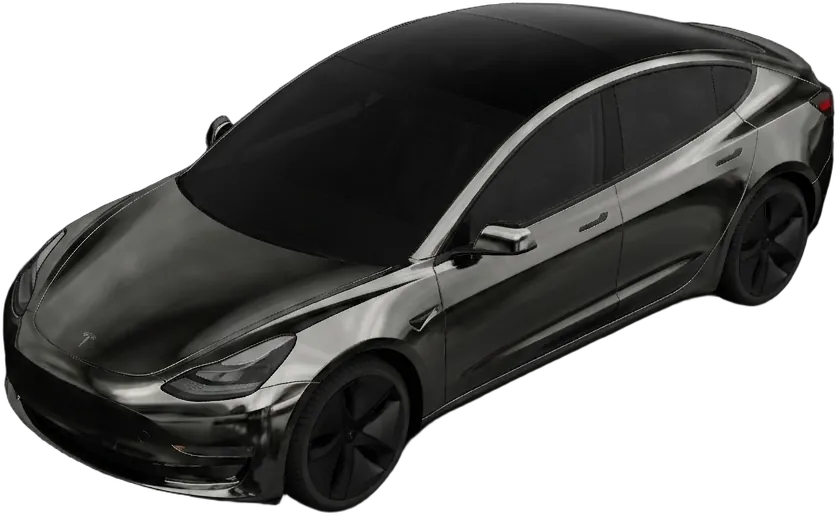
Midnight Chrome
Liquid graphite mirror finish
“liquid chrome in graphite black, mirror-smooth, subtle blue reflections”
Design this wrap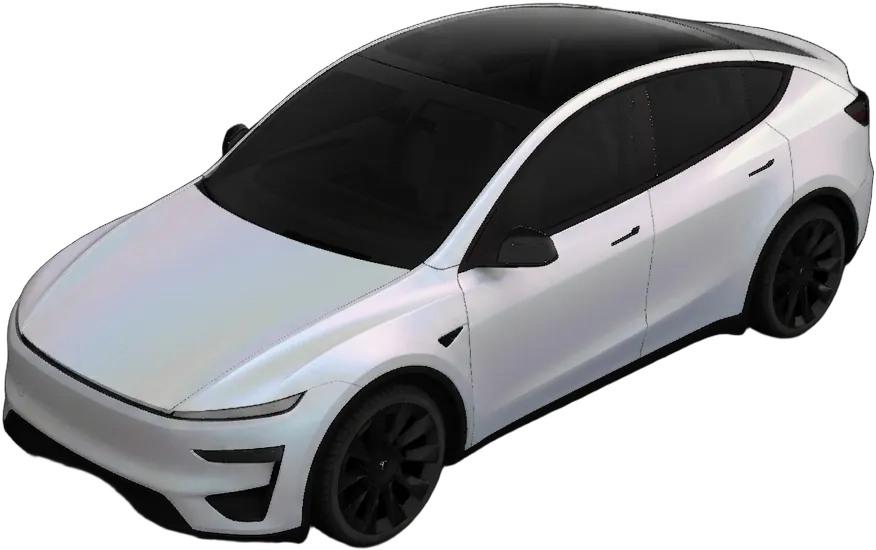
Arctic Satin
Pearl-white matte with a cool sheen
“satin pearl white with a faint icy blue shift in the light”
Design this wrap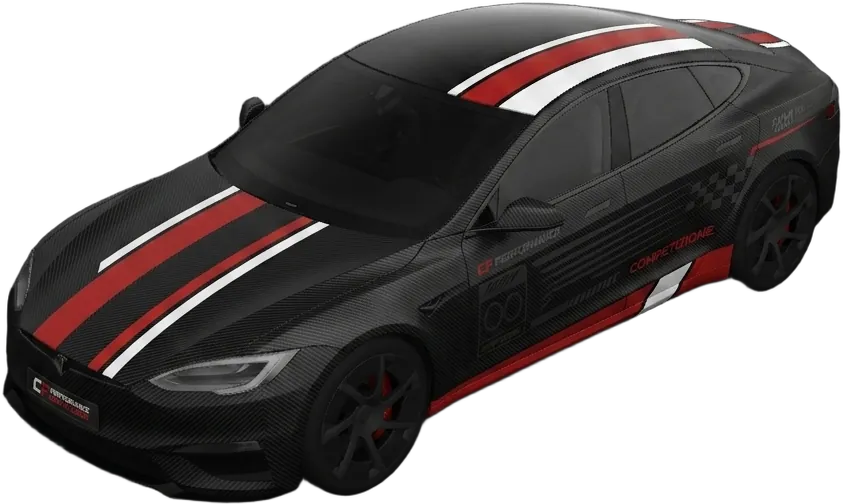
Carbon Racing
Textured carbon with a racing livery
“forged carbon-fiber base with a red-and-white racing livery down the sides”
Design this wrap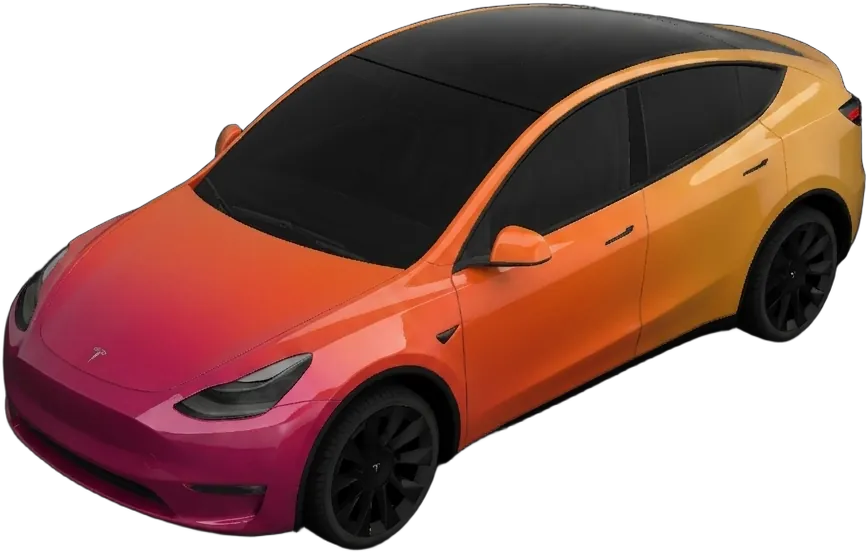
Sunset Fade
Gloss gradient from magenta to amber
“glossy sunset gradient fading magenta to amber, front to back”
Design this wrap/ From the community
Real wraps you can download
Designs made and shared by other owners. Tap one to view it full-size and download it for your vehicle.
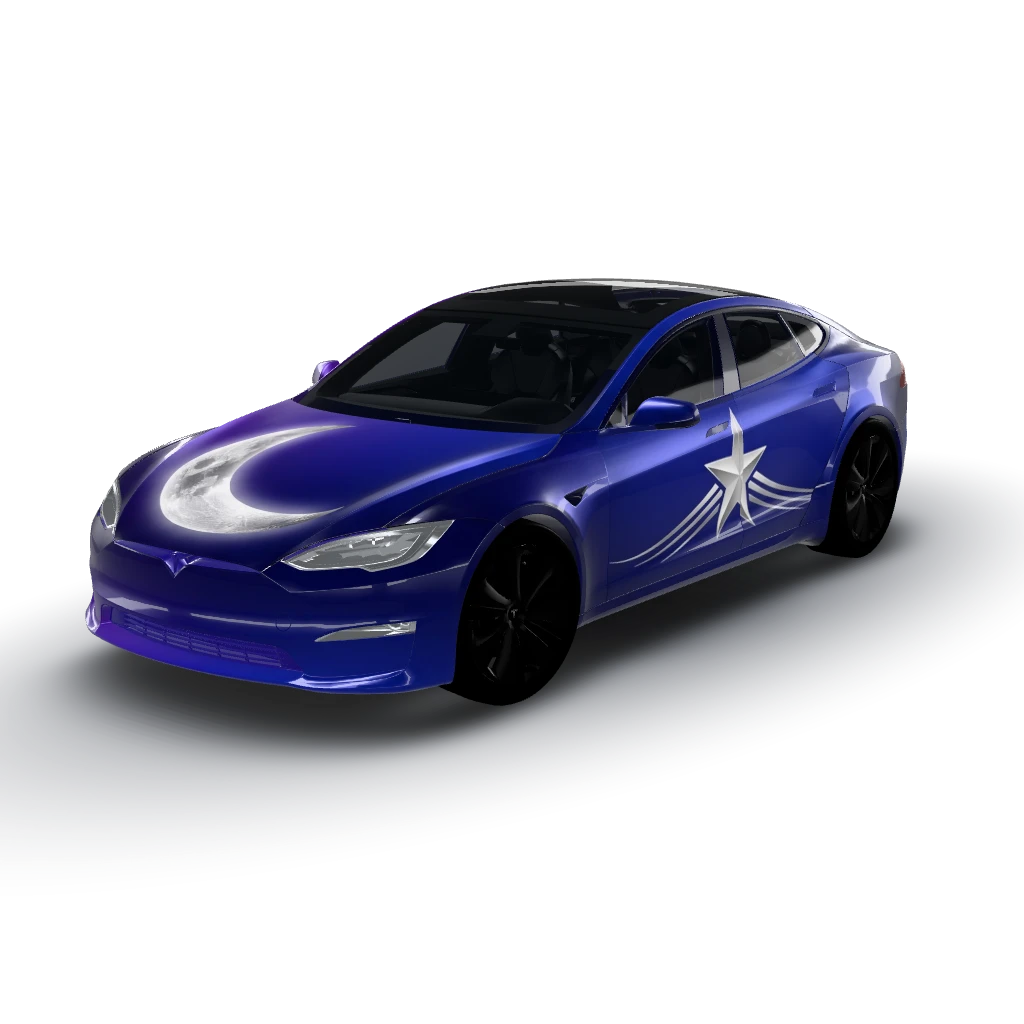
Midnight blue to purple gradient flows
by user_6befea52
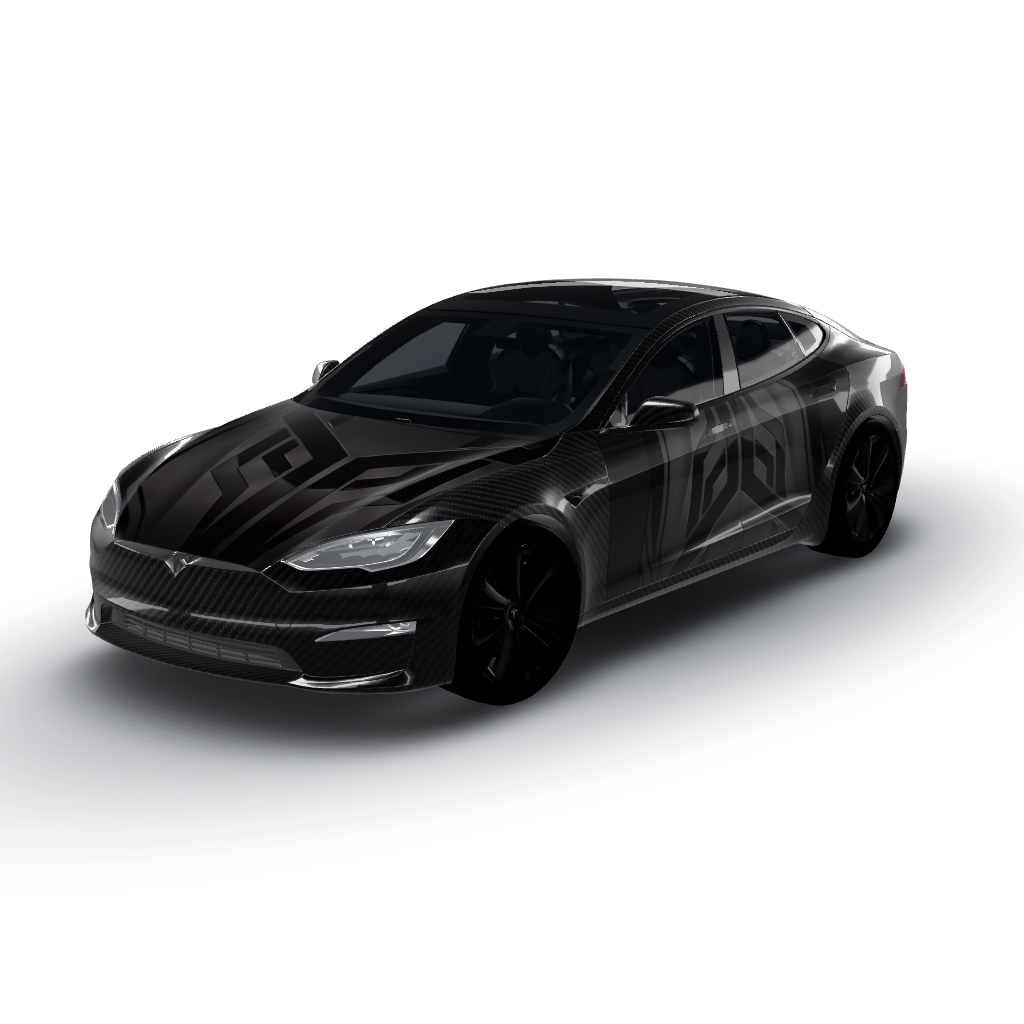
Matte black serves as the base color
by user_14149eb3
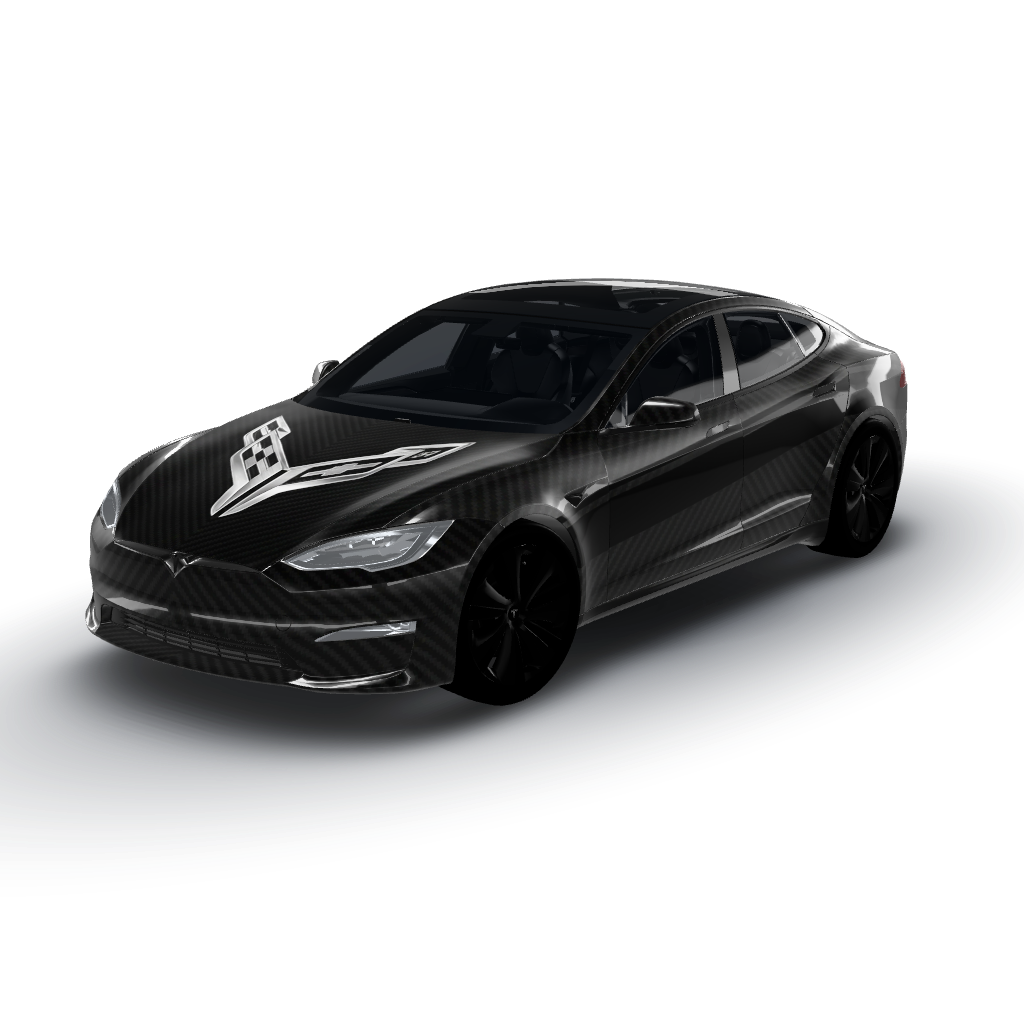
Matte black serves as the sleek
by user_14149eb3
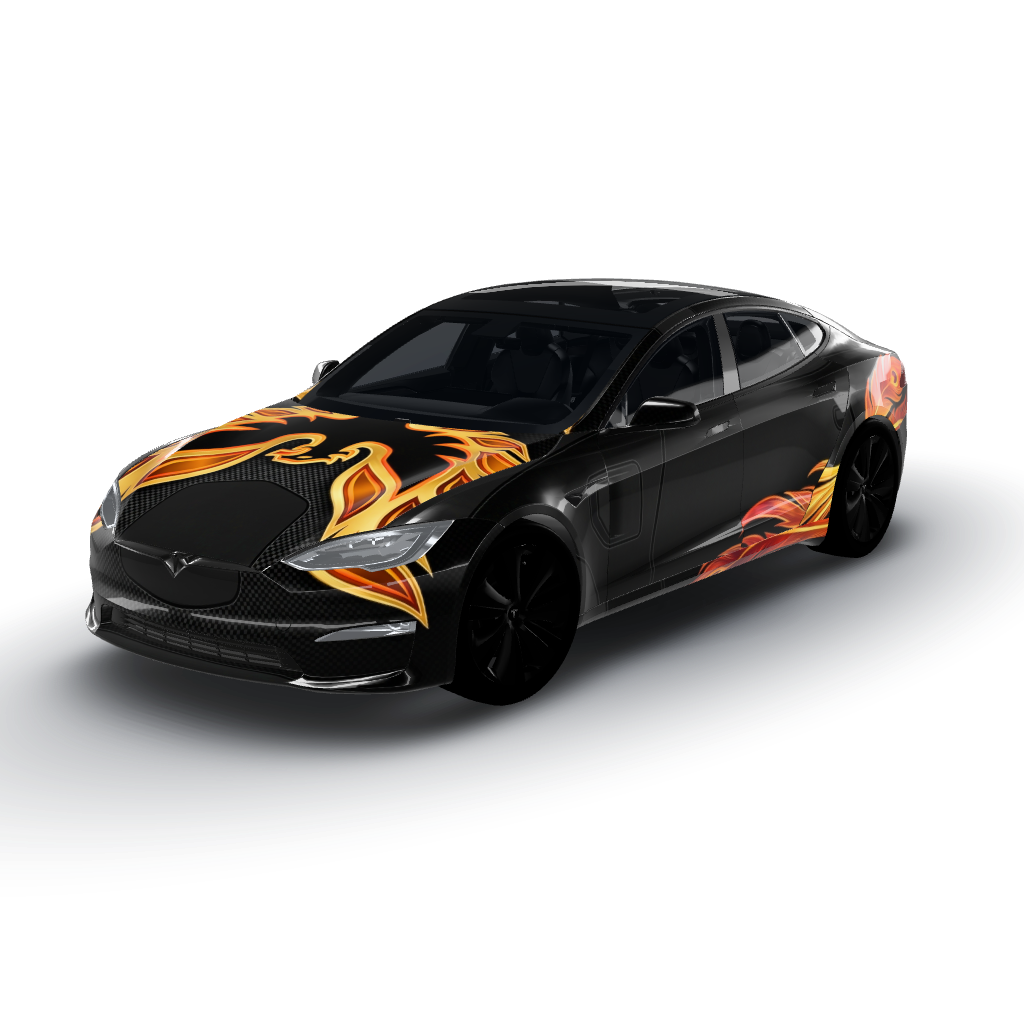
Matte black serves as the base color
by user_14149eb3
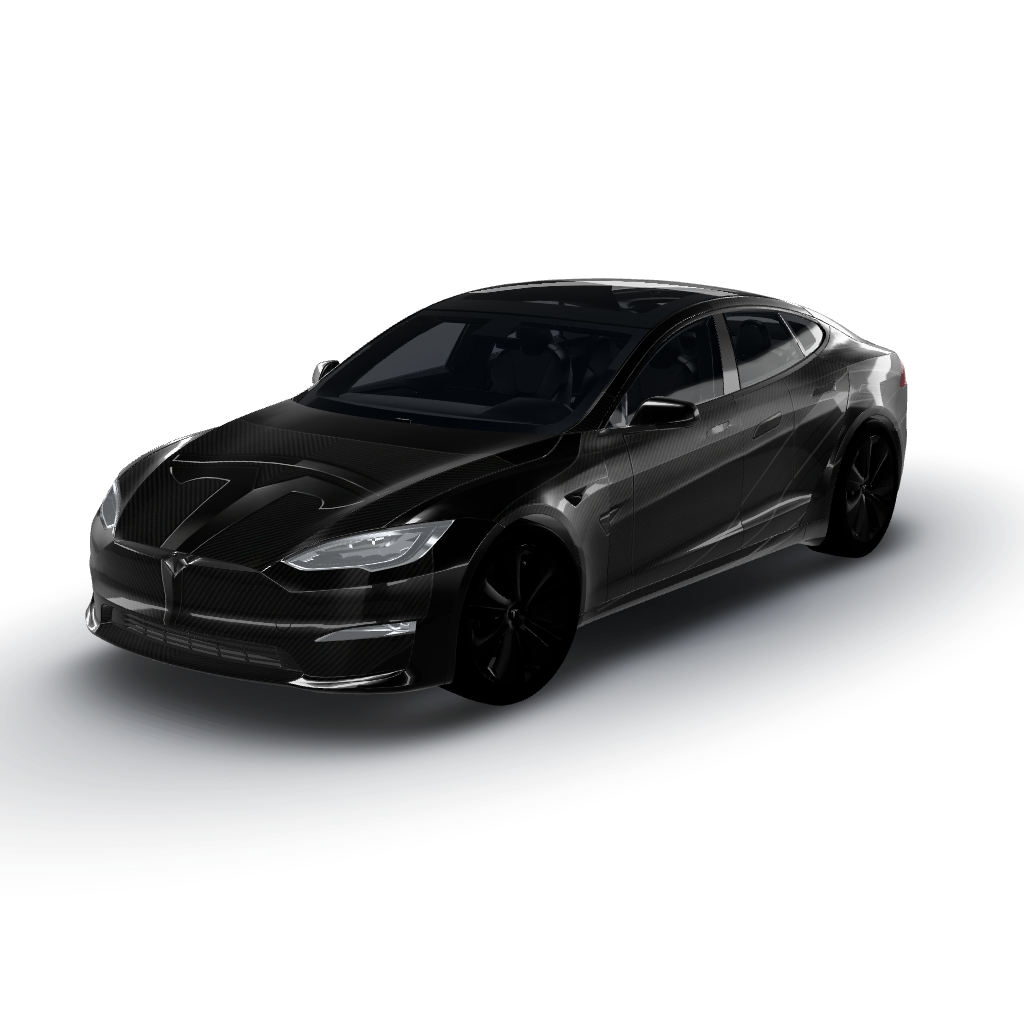
Matte black serves as the deep
by user_14149eb3
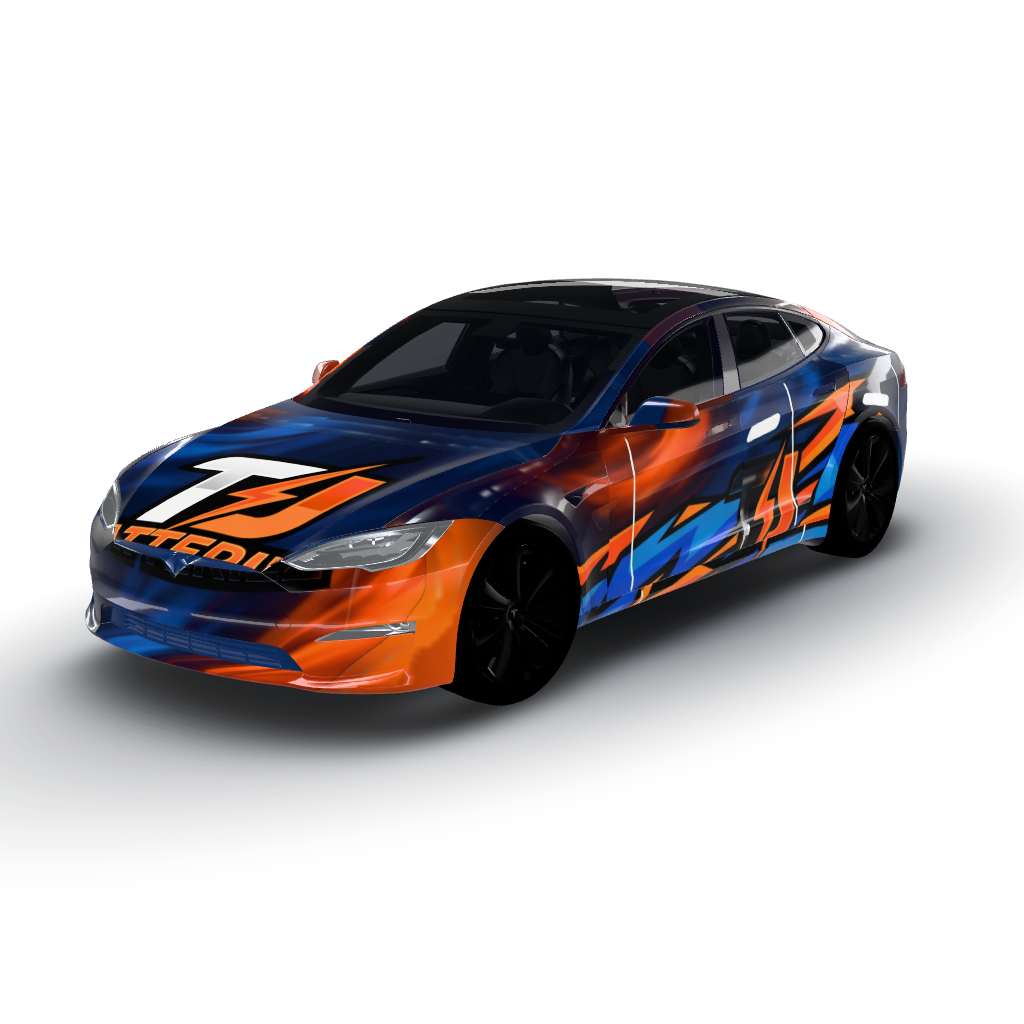
Dynamic design with a bold color palette
by rubengtz
/ No surprises
Why owners trust WrapStudio
Straightforward pricing, no subscription needed, and you never pay for a wrap that didn't come out.
- owners
- 1,200+ owners
- community wraps
- 940+ community wraps
- downloads
- 2,000+ downloads
No credit used if it fails
A credit is only spent once your wrap comes back. If the AI can't make it, the credit stays in your account.
A free AI edit on every wrap
Not quite right? Change a colour or a panel once without spending another credit.
Credits never expire
Use them tonight or next year. Your balance is yours until you spend it.
One-time payment
Pay once per pack. Nothing renews and there's nothing to cancel.
Secure checkout by Stripe
Payment happens on Stripe's encrypted checkout. Your card details never touch our servers.
Community wraps are free
Every design in the community gallery downloads free, sized for your vehicle.
Frequently asked
- How much does it cost to wrap a Tesla Model S?
- A full professional Model S wrap typically costs about $3,000–$5,500 depending on film and finish — its long panels use more material and labor than smaller models. Partial wraps and accents cost less. Previewing the design first with AI costs a few dollars.
- What are popular Model S wrap styles?
- Stealth satin black, graphite and liquid chrome, satin metallics, and subtle two-tone (gloss roof over satin body) are the most-requested Model S looks. All of them can be previewed on your exact model in the app first.
- Can I preview a wrap on my car before I pay an installer?
- Yes — that's exactly what WrapStudio AI is for. Describe any finish, generate it on a template of your exact model, and see a realistic preview in about 30 seconds. It's the cheapest way to test a look before committing to a $3,000–$5,000 wrap.
- How do I use the design after I make it?
- Export the generated design as a high-resolution image and take it to any professional wrap installer, who prints it on vinyl and applies it. The exported PNG is also compatible with the in-car customization display.
- Is WrapStudio AI free?
- Designing and previewing starts with a credit pack from $2.99, no subscription needed. One credit generates one wrap, and credits never expire.
/ Before you book
Worth reading first
The things owners wish they had known before handing over a deposit — finishes, film, care and what installers need.
How-to
Chrome delete, explained by someone who has done a few
The cheapest change that makes an older car look current. Here is exactly which pieces are involved.
6 min readFinish guide
Matte vs gloss vs satin: how each finish actually lives
The three finishes look different on a swatch and live completely differently on a car. Here is what each one asks of you.
7 min readBuying guide
How long does a car wrap actually last?
The honest answer is a range, and where you land in it is mostly decided by four things you control.
7 min readSee it on your car in 30 seconds
Stop imagining — generate your exact finish and decide with confidence before you pay an installer.
- Free credit on sign-up
- No subscription needed
- Secure Stripe checkout