Change how your Tesla looks — on its own screen
You don't need $4,000 of vinyl to drive something that looks like yours. Load a custom design onto your Tesla's touchscreen and the car renders itself wearing it — on the display and in the app. Community designs are free, and a design of your own costs about the same as a coffee.
- Free credit on sign-up
- No charge if it fails
- Credits never expire
- owners
- 1,200+ owners
- community wraps
- 940+ community wraps
- downloads
- 2,000+ downloads
What a screen wrap actually is
Newer Tesla software lets you replace the image of your car on the touchscreen with a custom design. Load a PNG mapped to your model's template and the vehicle renders itself in that finish — matte green, liquid chrome, a meme, whatever you loaded. It shows on the car's display and carries into how the vehicle appears in the app.
Nothing physical changes, which is exactly why people like it: it's free, it's reversible in seconds, and you can change it as often as you want. Vinyl is the permanent, expensive version of the same idea.
Free vs. vinyl — what each one costs
A screen wrap costs nothing and takes about 30 seconds. A physical vinyl wrap runs roughly $2,500–$6,500 installed, takes days, and lasts a few years. Most owners start with the screen, live with a look for a while, and only commit to vinyl once they're sure.
That's the honest sequence we'd recommend: try it free on the display first. If you still love it in a month, take the same exported file to an installer.
Getting a design onto your screen
On vehicle software 2026.26 or newer with Tesla app 4.59.0 or newer, you don't need a USB drive any more: save the design to your phone's photos, open Creations → Wrap in the Tesla app (a tab called Wraps on older cars), pick the image, and it arrives on the car over the air in seconds. The full walkthrough, with a 35-second video, is in our guide to uploading a custom wrap from the app.
On older software the USB route still works: copy the PNG into a folder named Wraps at the root of a USB drive, plug it in, and pick it from Toybox → Paint Shop on the touchscreen. The file itself is identical either way — a PNG between 512×512 and 1024×1024, under 1 MB.
Finishes to try
Tap any finish to open it in the studio — pre-loaded on your vehicle and ready to generate and download.
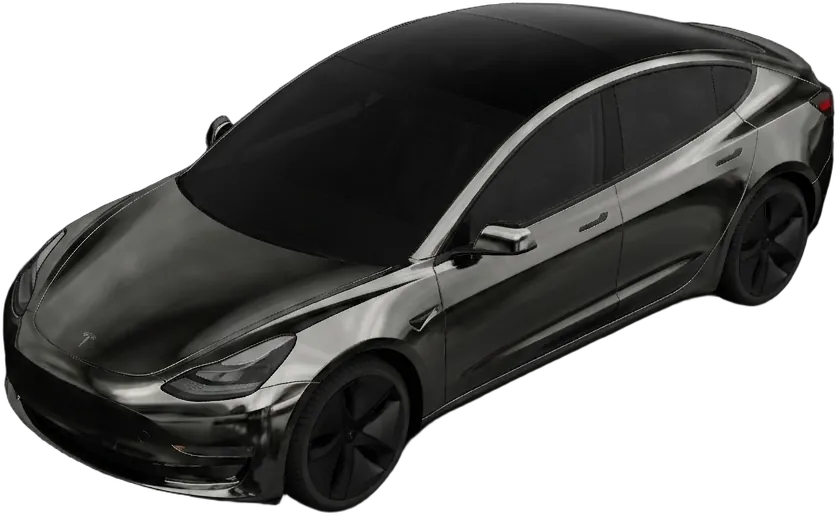
Midnight Chrome
Liquid graphite mirror finish
“liquid chrome in graphite black, mirror-smooth, subtle blue reflections”
Design this wrap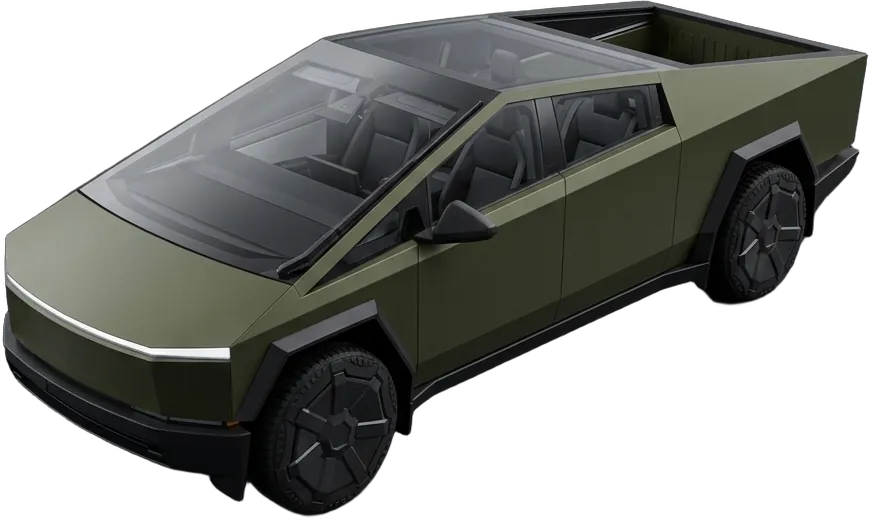
Tactical Matte
Military-green satin with carbon accents
“matte military green with carbon-fiber accents on the mirrors and lower panels”
Design this wrap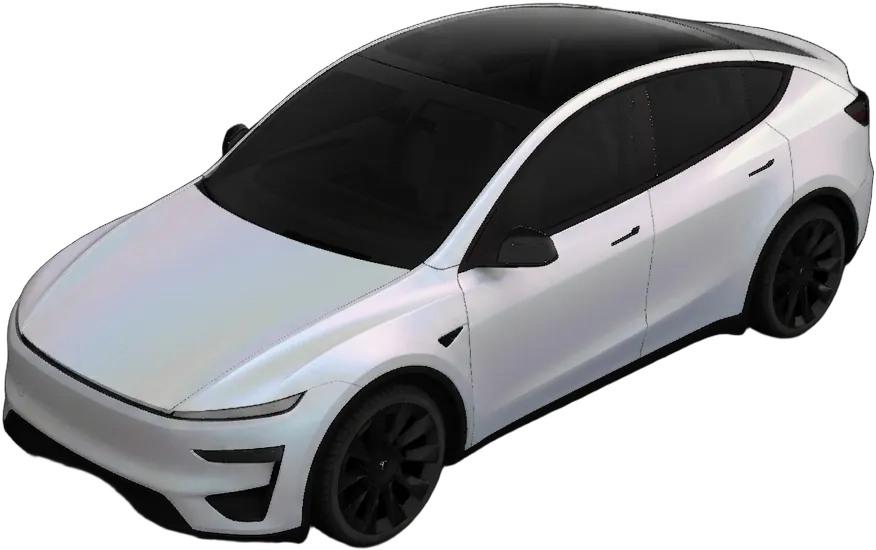
Arctic Satin
Pearl-white matte with a cool sheen
“satin pearl white with a faint icy blue shift in the light”
Design this wrap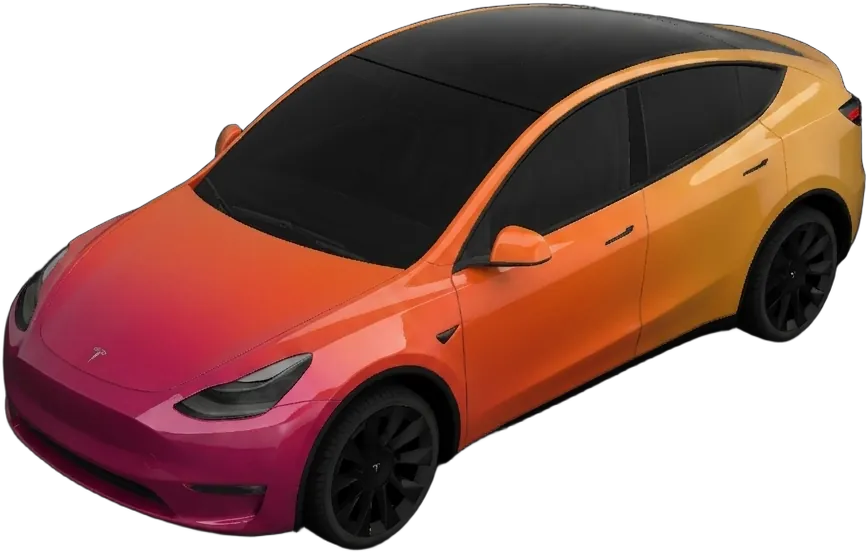
Sunset Fade
Gloss gradient from magenta to amber
“glossy sunset gradient fading magenta to amber, front to back”
Design this wrap/ From the community
Real wraps you can download
Designs made and shared by other owners. Tap one to view it full-size and download it for your vehicle.
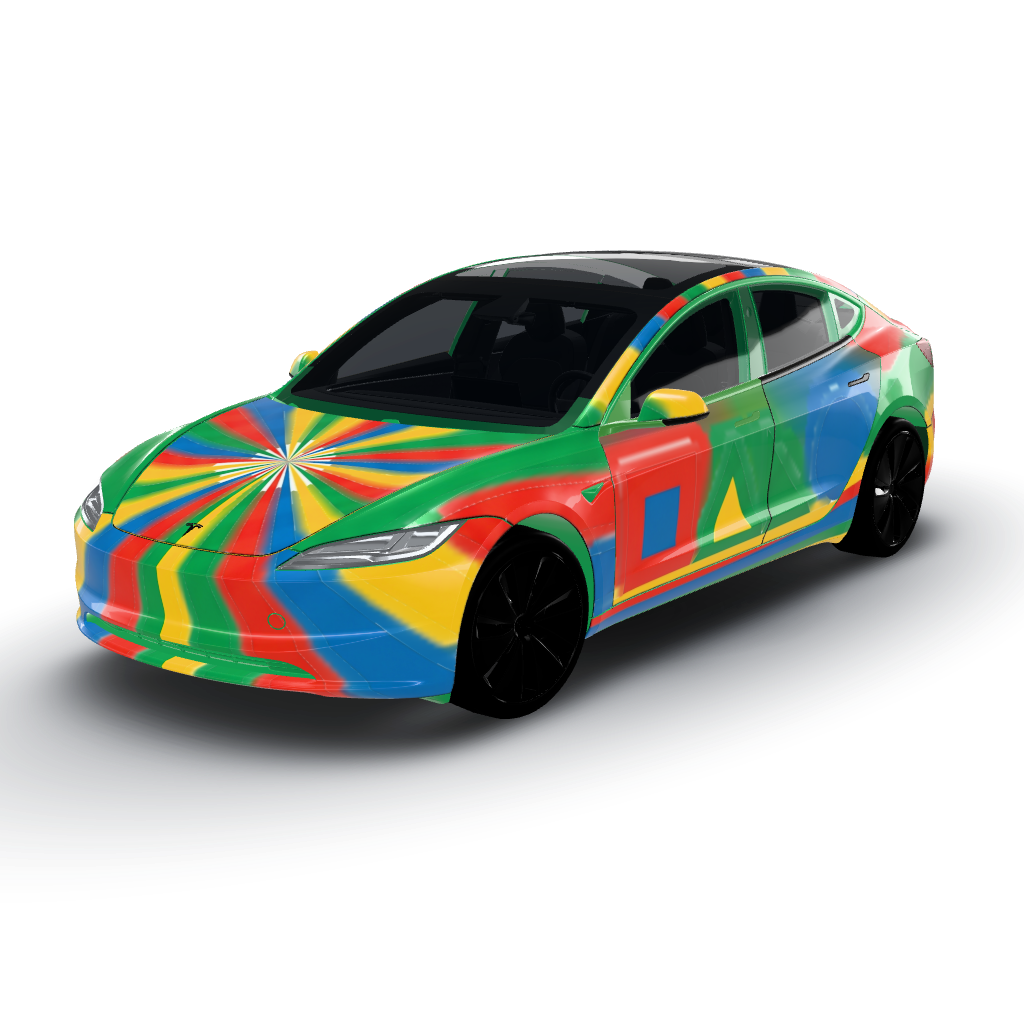
Retro stripes in vibrant red, blue, green
by user_1ebc9d81
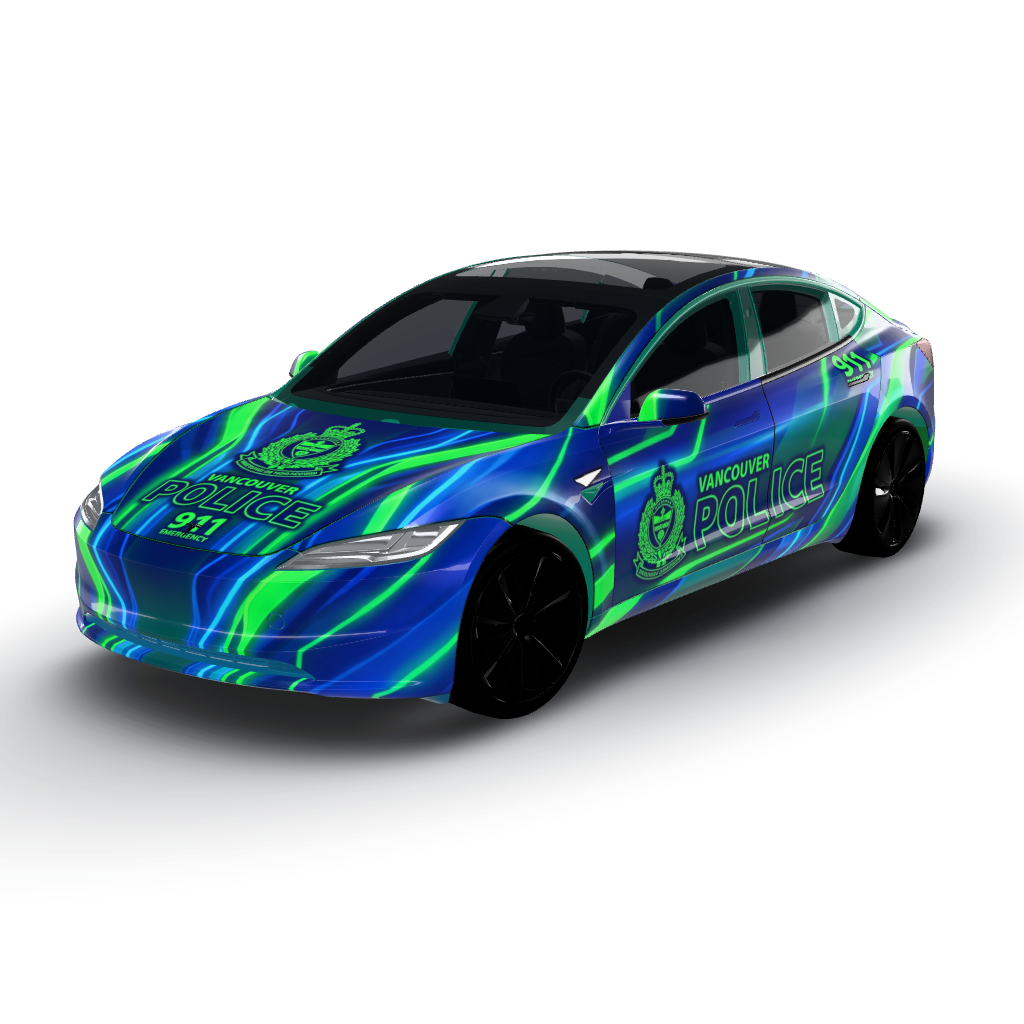
Vibrant shades of electric blue and neon
by user_5e539a73
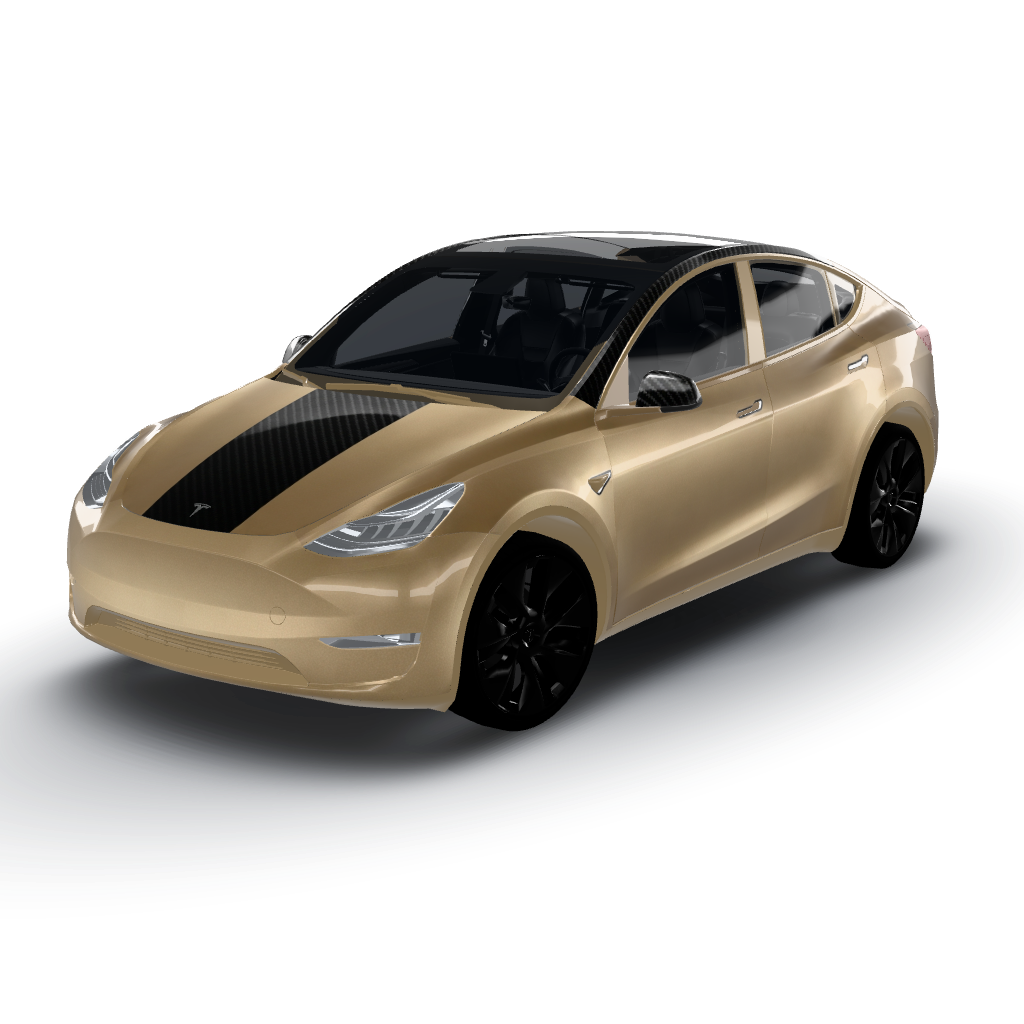
Satin desert sand with gloss black carbon
by goon
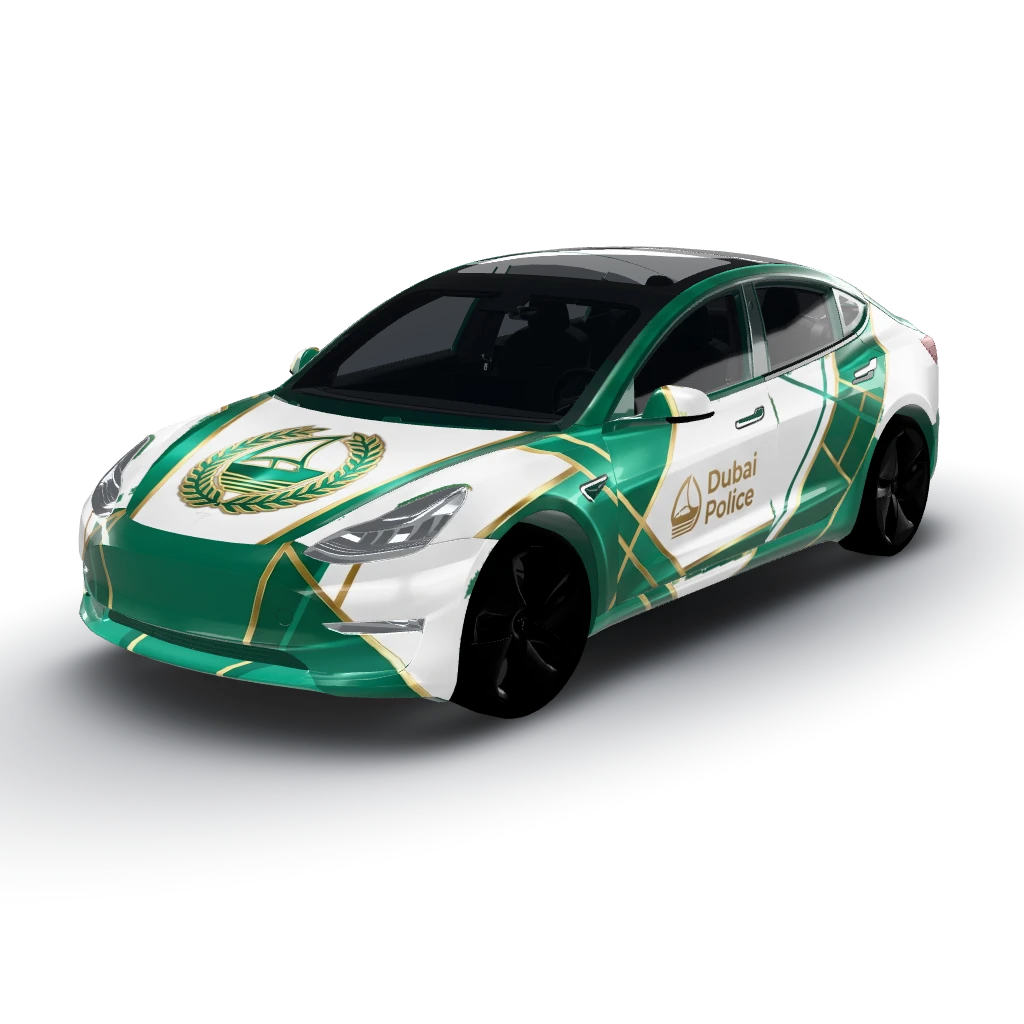
Sleek and modern design inspired
by user_107b321a
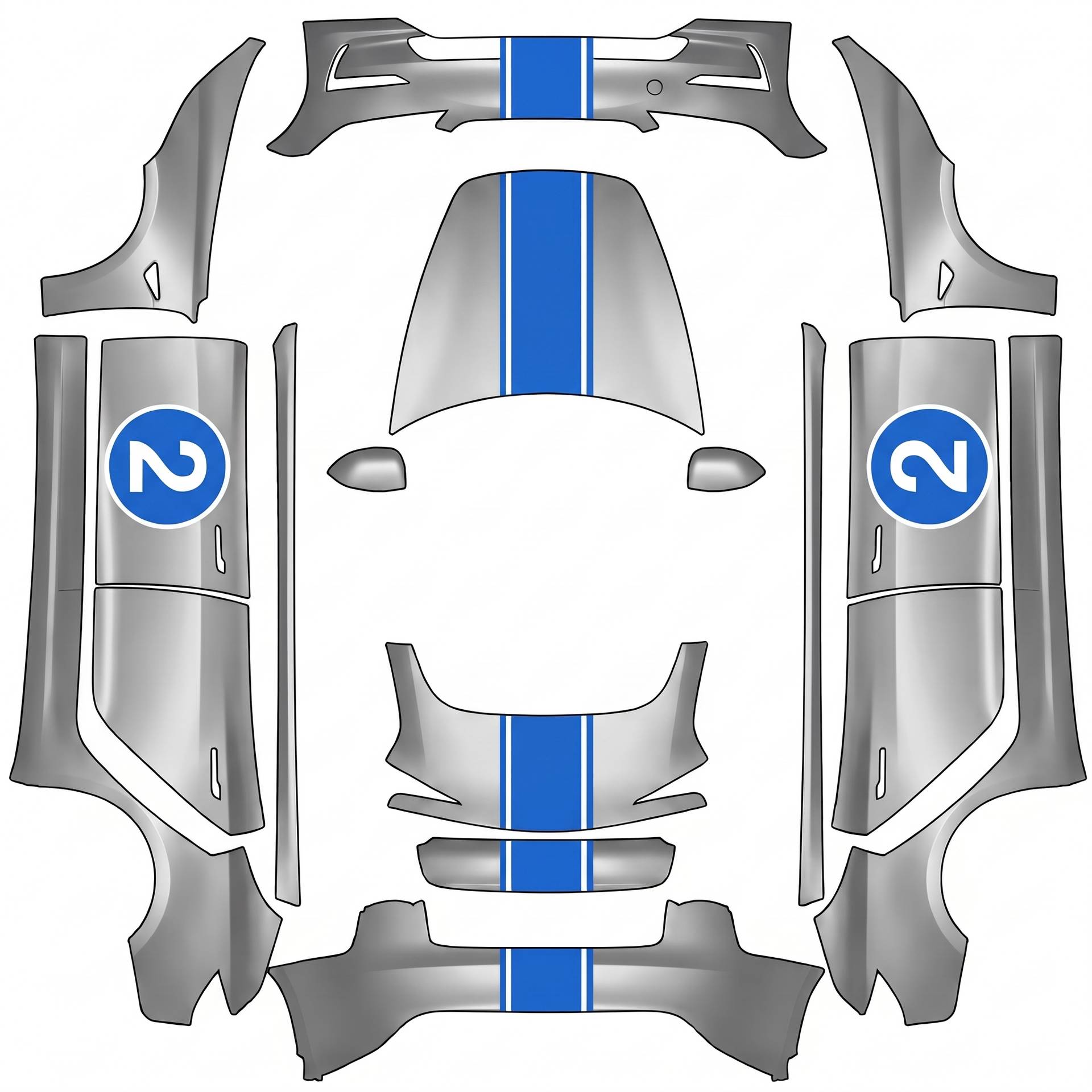
Silver with light blue e racing stripe down
by user_0f0428d0
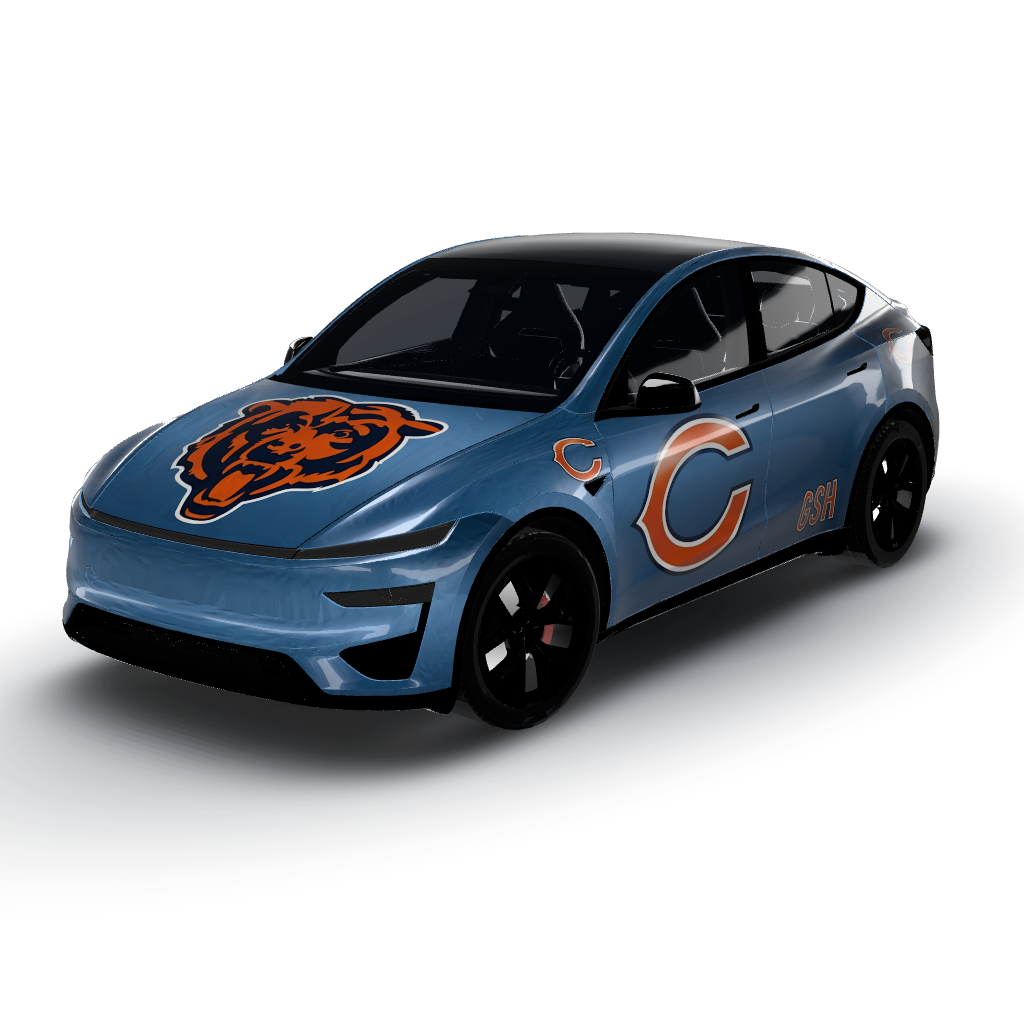
Big Chicago bear, centered and upright
by pt-matts
/ No surprises
Why owners trust WrapStudio
Straightforward pricing, no subscription needed, and you never pay for a wrap that didn't come out.
- owners
- 1,200+ owners
- community wraps
- 940+ community wraps
- downloads
- 2,000+ downloads
No credit used if it fails
A credit is only spent once your wrap comes back. If the AI can't make it, the credit stays in your account.
A free AI edit on every wrap
Not quite right? Change a colour or a panel once without spending another credit.
Credits never expire
Use them tonight or next year. Your balance is yours until you spend it.
One-time payment
Pay once per pack. Nothing renews and there's nothing to cancel.
Secure checkout by Stripe
Payment happens on Stripe's encrypted checkout. Your card details never touch our servers.
Community wraps are free
Every design in the community gallery downloads free, sized for your vehicle.
Frequently asked
- Does a screen wrap cost anything?
- No. Downloading community designs and loading them onto your car's screen is completely free. You only pay ($2.99 for a credit pack) if you want the AI to generate an original design from your own description.
- Does it change my actual car?
- No — it changes how the car draws itself on the touchscreen and in the app. The paint is untouched. If you want the design physically applied, export the same file and take it to a vinyl installer.
- Which Teslas support custom screen wraps?
- Model 3, Model Y, Model S, Model X and Cybertruck, on both AMD Ryzen and Intel Atom infotainment. Sending a wrap from the phone needs vehicle software 2026.26 and Tesla app 4.59.0 or newer; older builds can still load one from a USB drive under Toybox → Paint Shop.
- What file do I need?
- A PNG with transparency, laid out on your model's wrap template, kept under about 1 MB. Every design downloaded here is already exported in that format for the model it was made for.
- How do I use the design after I make it?
- Export the generated design as a high-resolution image and take it to any professional wrap installer, who prints it on vinyl and applies it. The exported PNG is also compatible with the in-car customization display.
- Is WrapStudio AI free?
- Designing and previewing starts with a credit pack from $2.99, no subscription needed. One credit generates one wrap, and credits never expire.
/ Before you book
Worth reading first
The things owners wish they had known before handing over a deposit — finishes, film, care and what installers need.
Troubleshooting
Custom wrap not showing on your Tesla? Find your symptom, fix it
Nearly every wrap that won't show up is the file, not the car. Find your symptom and go straight to the fix.
6 min readExplainer
How a wrap visualizer actually works
Every good preview starts with a flattened map of the car. Understand it and your designs stop landing in the wrong place.
7 min readHow-to
Writing a wrap prompt that gives you what you pictured
Vague prompts give vague wraps. Four specifics turn a generic render into the design you actually wanted.
7 min readSee it on your car in 30 seconds
Stop imagining — generate your exact finish and decide with confidence before you pay an installer.
- Free credit on sign-up
- No subscription needed
- Secure Stripe checkout