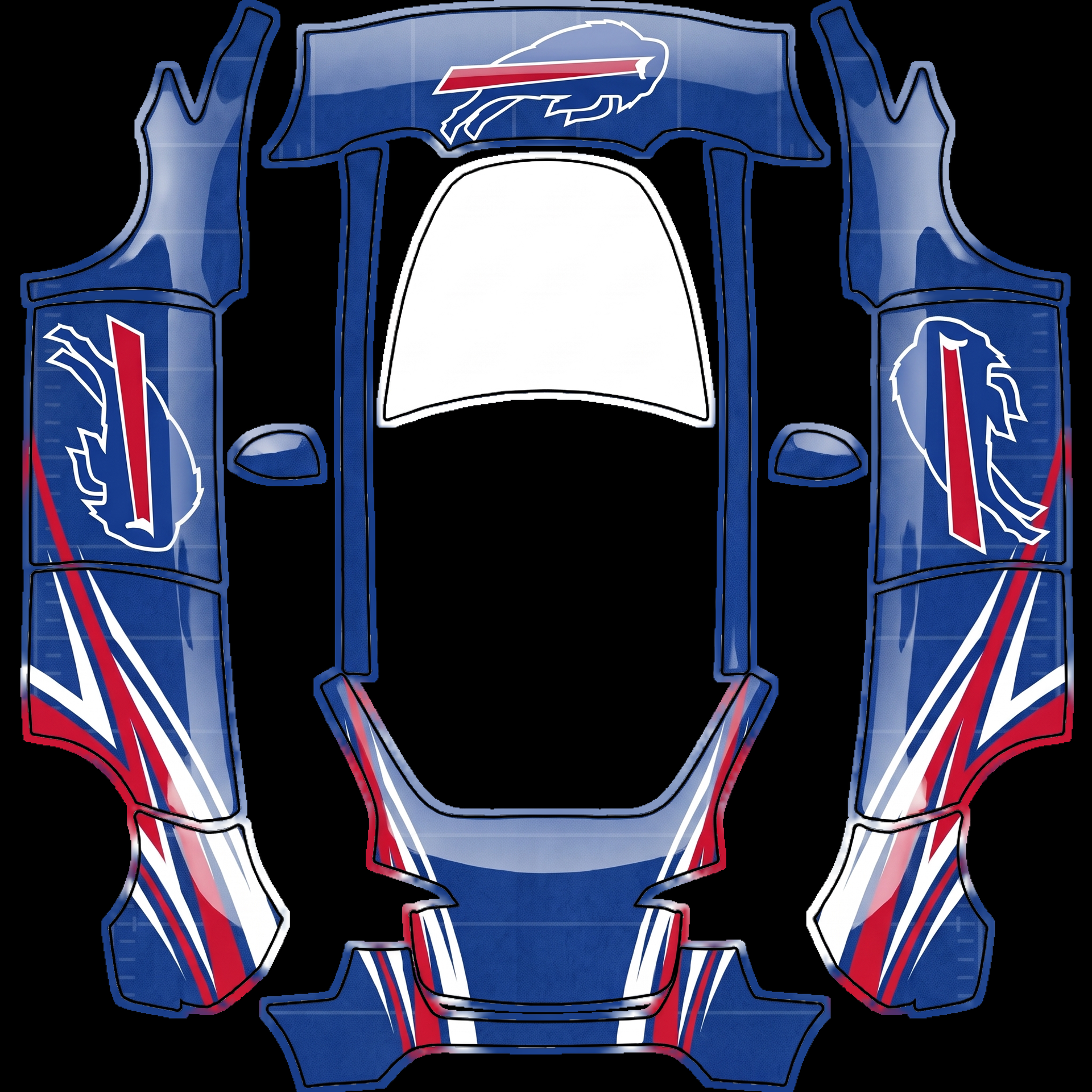
Vibrant color palette of royal blue, red
About this design
“Vibrant color palette of royal blue, red” is an AI-generated wrap laid out on the Model Y template, so every panel, curve and cutout lines up with the real vehicle. It was generated from the prompt below — you can reuse that prompt as-is, or edit a word and get a completely different result.
The prompt behind it
“The design features a vibrant color palette of royal blue, red, and white that embodies the spirit of the Buffalo Bills. Hood: A large, bold depiction of the Buffalo Bills' charging buffalo logo is centered on the hood, showcasing its fierce expression and dynamic motion in a striking white outline against the blue background. Sides: Each side displays the iconic buffalo silhouette, upright and properly oriented, with an intricate pattern of white and red stripes that runs along the bottom, creating a sense of speed and energy. The entire wrap is finished with a subtle texture reminiscent of a football field, adding depth and character to the overall design.”
- Likes
- 0
- Downloads
- 0
- Saves
- 0
Making your own? The first one is free: new accounts get a free credit.
Free · on your screen in ~30s
Put it on your car's screen
- 01Download the designFree, no account needed. You get a PNG mapped to your exact model's template.
- 02Send it from your phoneOn vehicle software 2026.26 and app 4.59.0 or newer, open Creations → Wrap in the vehicle app (Wraps on older cars), tap Upload and pick the image. It arrives over the air.
- 03Or use a USB driveOn older software, put the file in a folder named Wraps on a drive formatted exFAT or FAT32, plug it in and pick it from Toybox on the touchscreen. Your car now wears it on screen — and in the app.
Comments
Loading comments…
More like this
Other Model Y wraps
- Model Y (2025+) Premium
 View
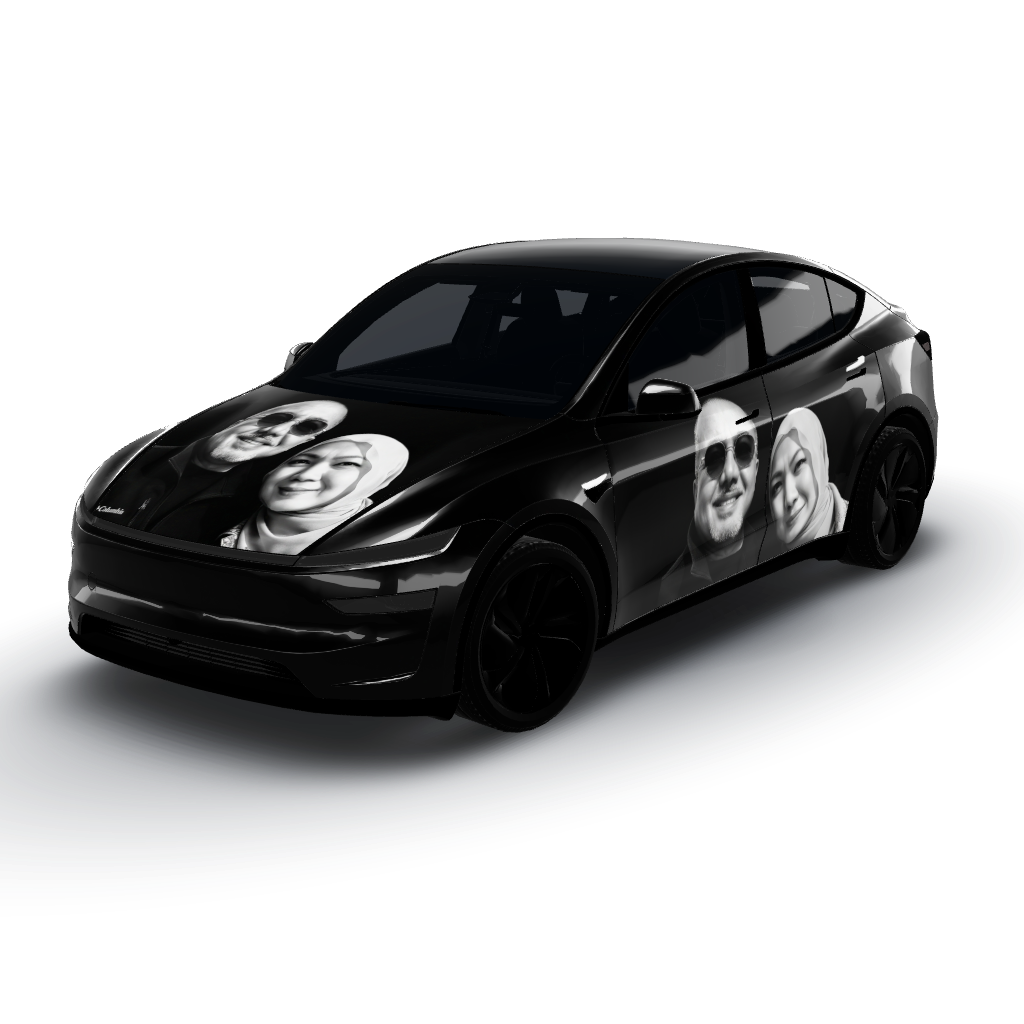
ViewTo put my photo at the door
by user_d39e18e7
- Model Y
 View
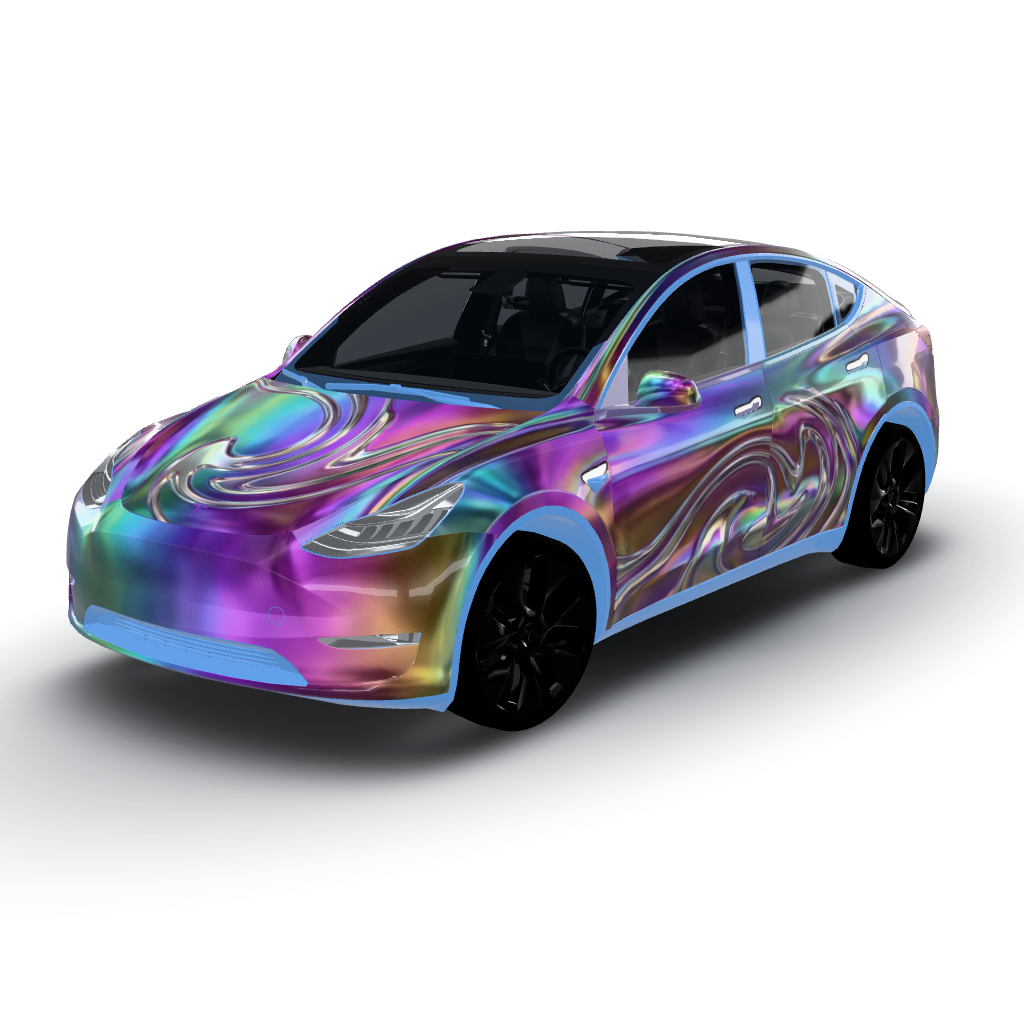
ViewIridescent oil-slick chrome covers
by user_498f4de1
- Model Y (2025+) Standard
 View
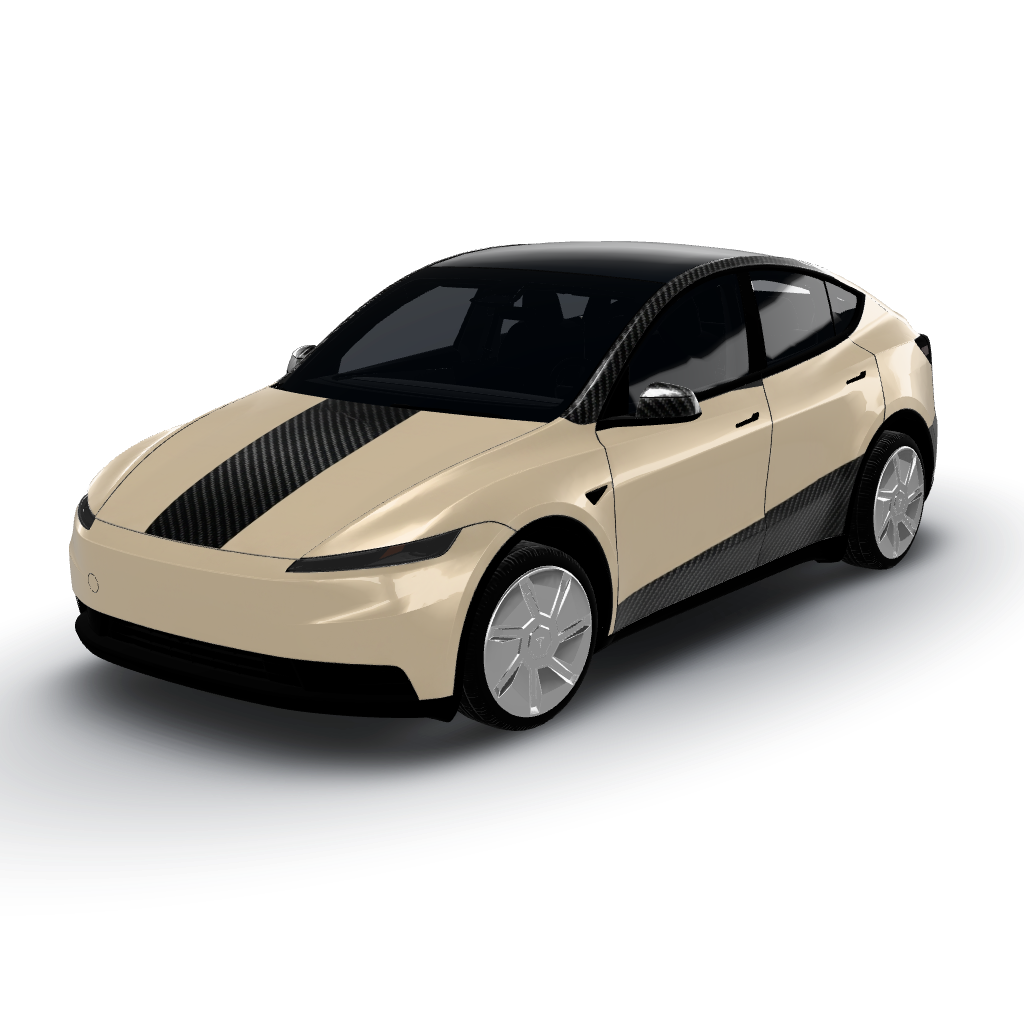
ViewSatin desert sand with gloss black carbon
by user_b92d3c00
- Model Y (2025+) Premium
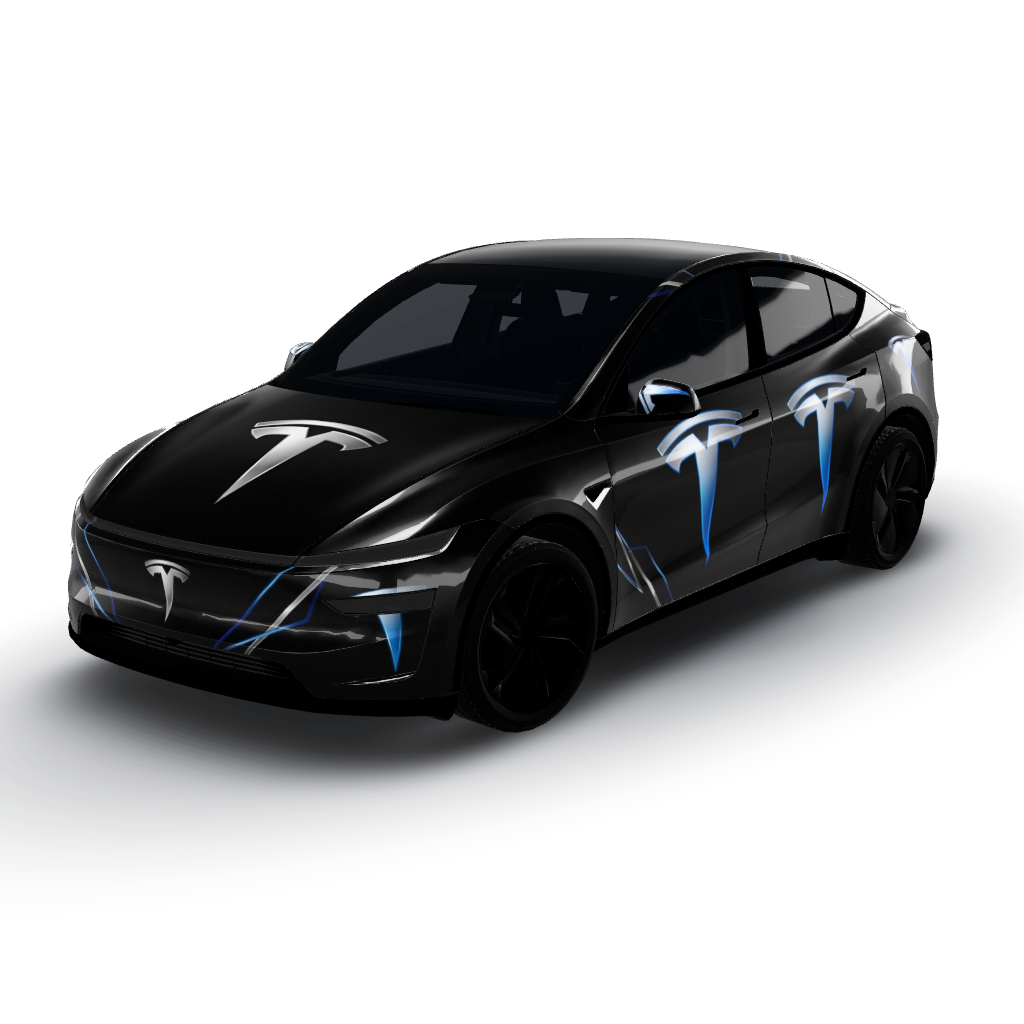 View
ViewSleek and modern interpretation
by xshlomi
- Model Y (2025+) Premium
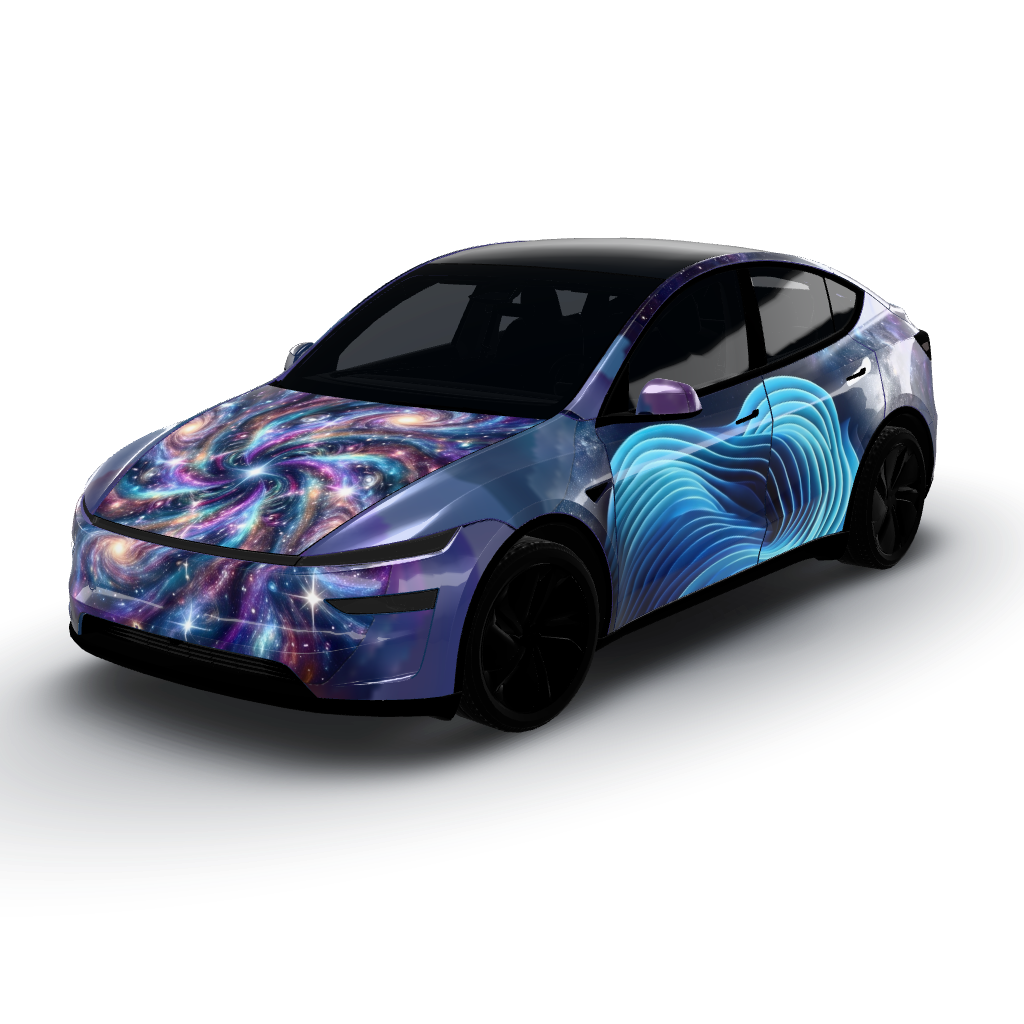 View
ViewPhoto 1 dominates the hood with a vibrant
by xshlomi
- Model Y (2025+) Standard
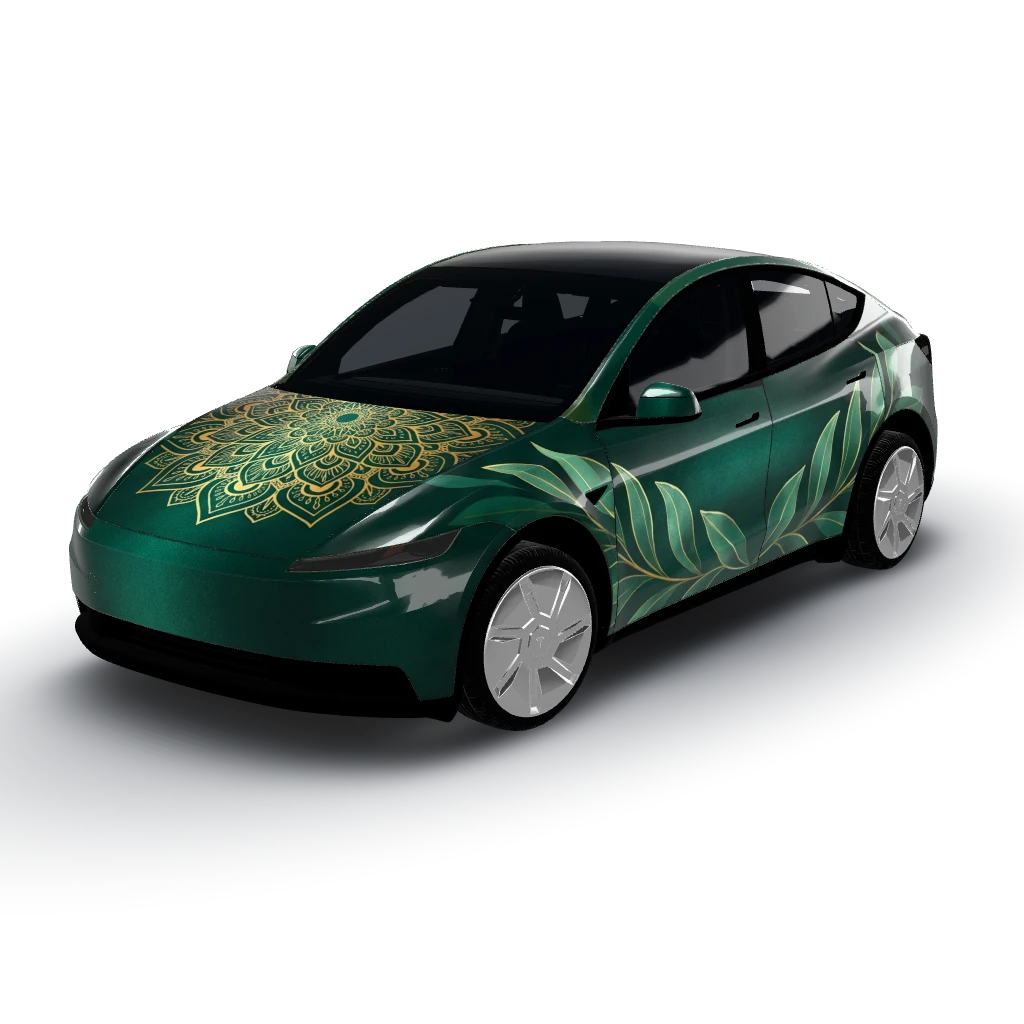 View
ViewMidnight emerald envelops the entire
by user_cd354184