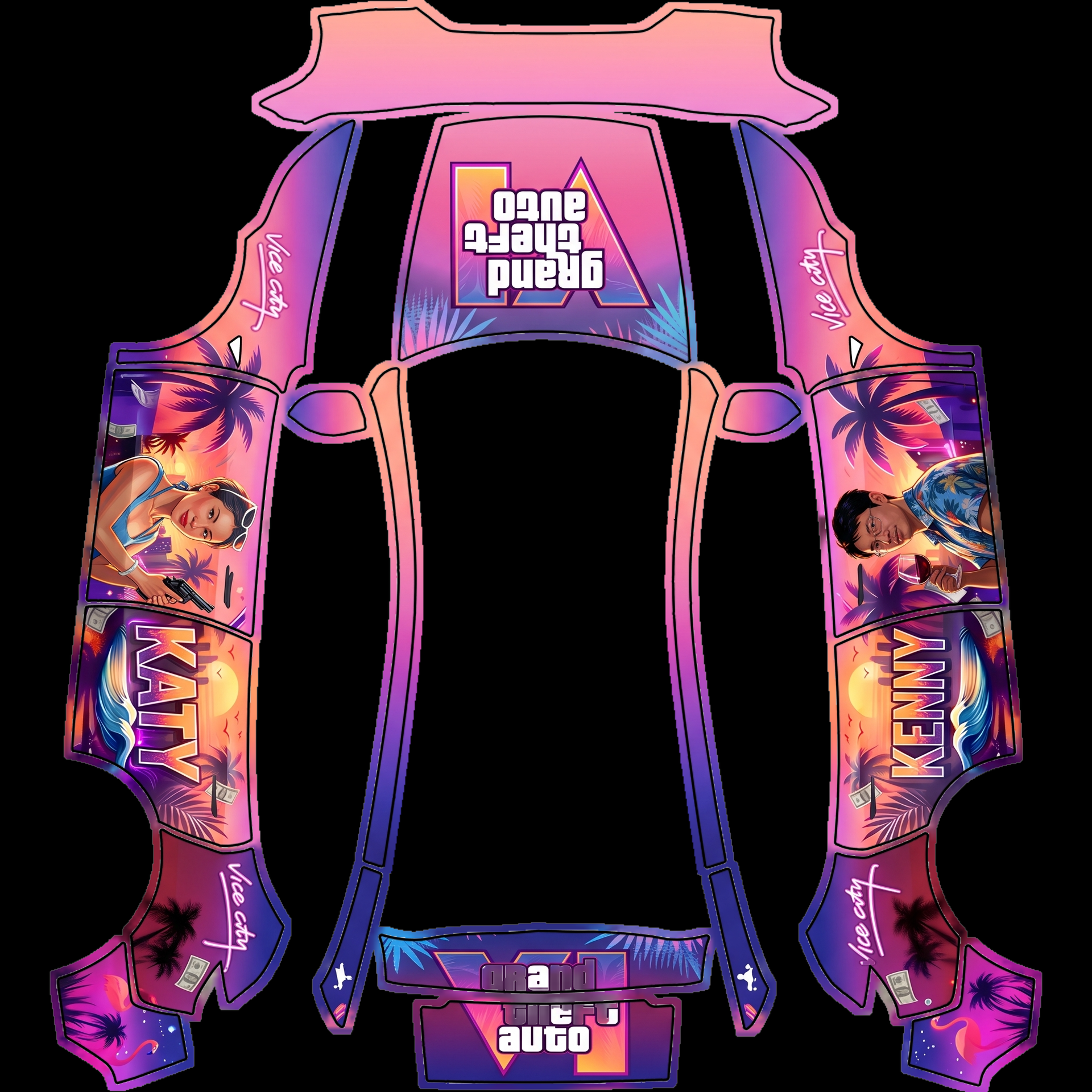
每侧大面积使用Photo 2,确保图案在每个面板上是直立且正确朝向,营造出强烈的视觉冲击
About this design
“每侧大面积使用Photo 2,确保图案在每个面板上是直立且正确朝向,营造出强烈的视觉冲击” is an AI-generated wrap laid out on the Model Y (2025+) Premium template, so every panel, curve and cutout lines up with the real vehicle. It was generated from the prompt below — you can reuse that prompt as-is, or edit a word and get a completely different result.
The prompt behind it
“生成的皮肤采用渐变色彩,从前到后由浅到深的色调流畅过渡,营造出一种和谐的视觉效果。Hood: 中心位置是Photo 1,展现出其独特的元素,与整体风格完美融合。Sides: 每侧大面积使用Photo 2,确保图案在每个面板上是直立且正确朝向,营造出强烈的视觉冲击力。后备厢或车顶上则使用Photo 3,巧妙点缀以钞票、棕榈树和落日元素,使前后保险杠的设计统一且富有层次感。整个作品通过精致的细节和色彩渐变,展现出活力与动感。”
- Likes
- 0
- Downloads
- 0
- Saves
- 0
Making your own? The first one is free: new accounts get a free credit.
Free · on your screen in ~30s
Put it on your car's screen
- 01Download the designFree, no account needed. You get a PNG mapped to your exact model's template.
- 02Send it from your phoneOn vehicle software 2026.26 and app 4.59.0 or newer, open Creations → Wrap in the vehicle app (Wraps on older cars), tap Upload and pick the image. It arrives over the air.
- 03Or use a USB driveOn older software, put the file in a folder named Wraps on a drive formatted exFAT or FAT32, plug it in and pick it from Toybox on the touchscreen. Your car now wears it on screen — and in the app.
Comments
Loading comments…
More like this
Other Model Y Premium wraps
- Model Y (2025+) Premium
 View
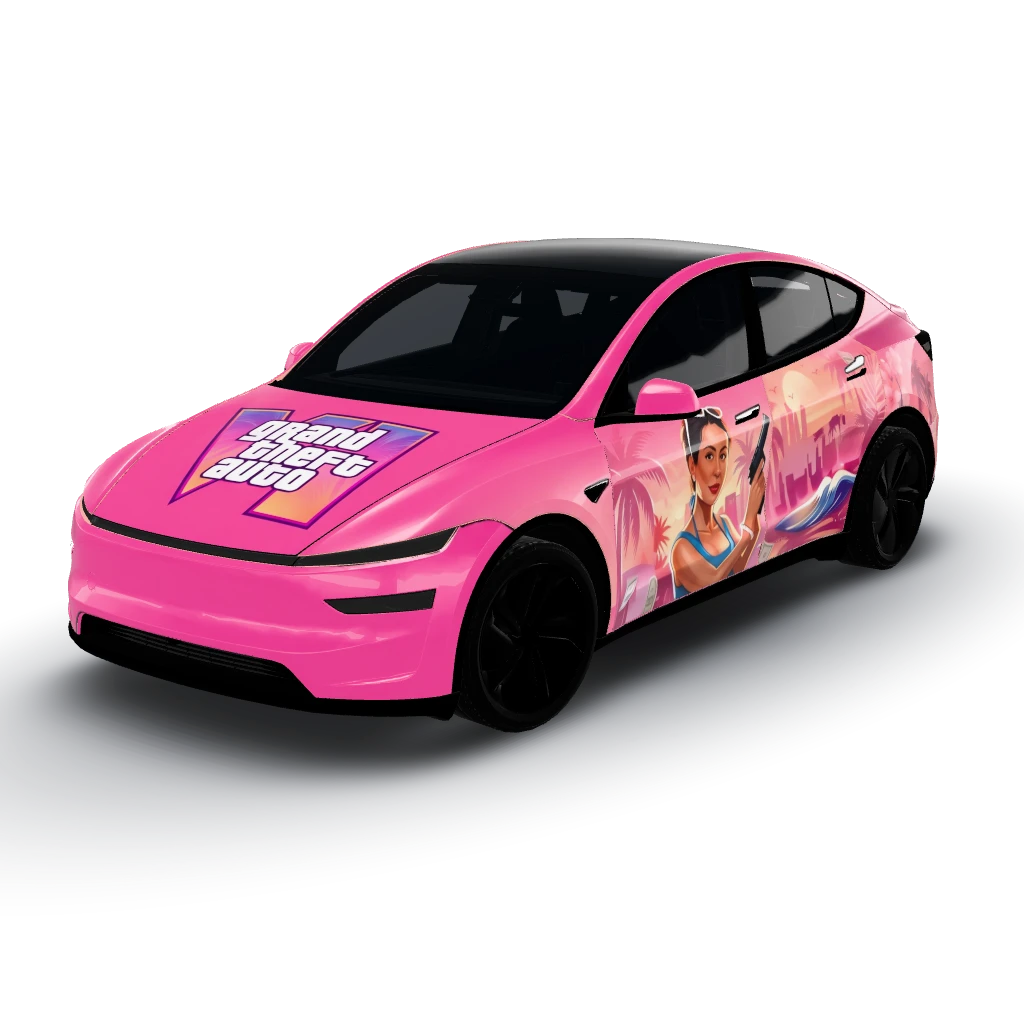
Barbie bright pink transitioning to dark
by user_79a2ed34
- Model Y (2025+) Premium
 View
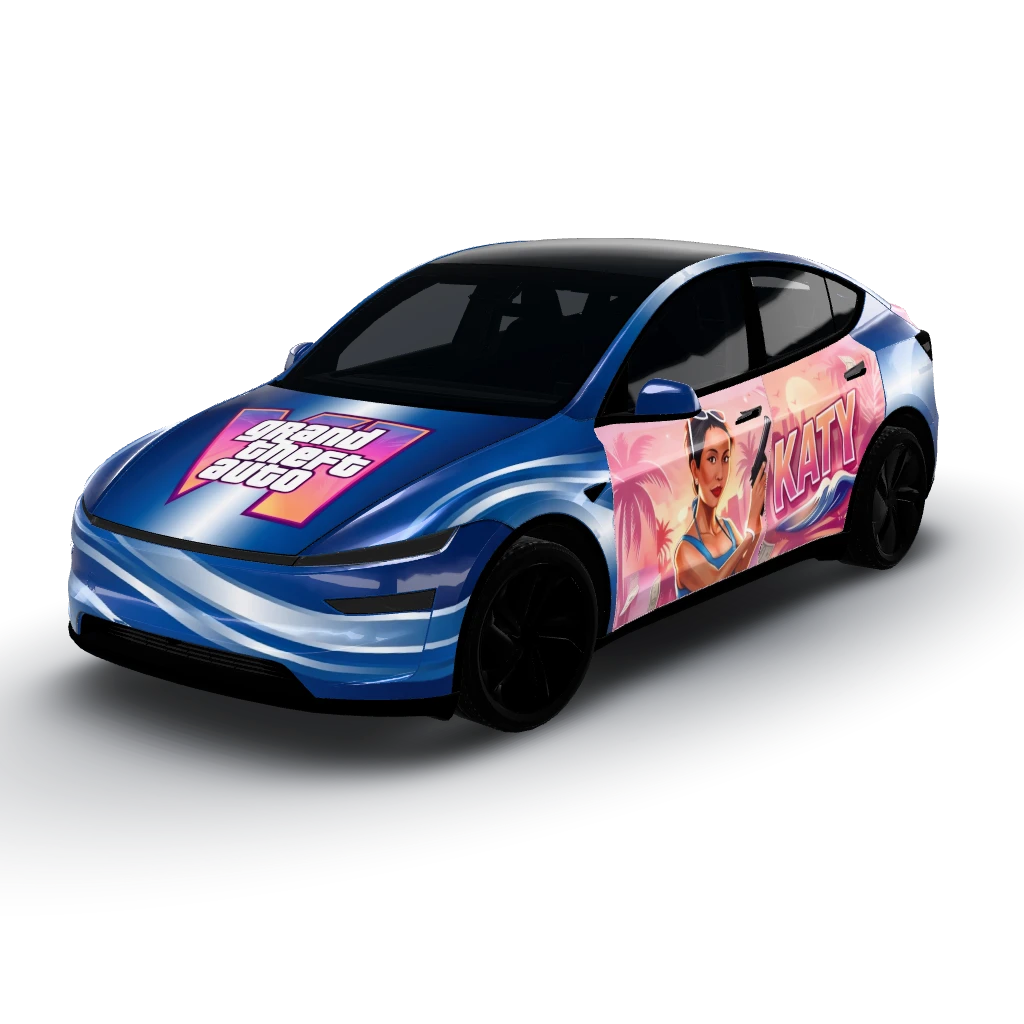
顶部或后备厢将采用Photo 3的设计,增添一层深度和额外的细节,使整个包装更加完整。
by user_1654cf57
- Model Y (2025+) Premium
 View
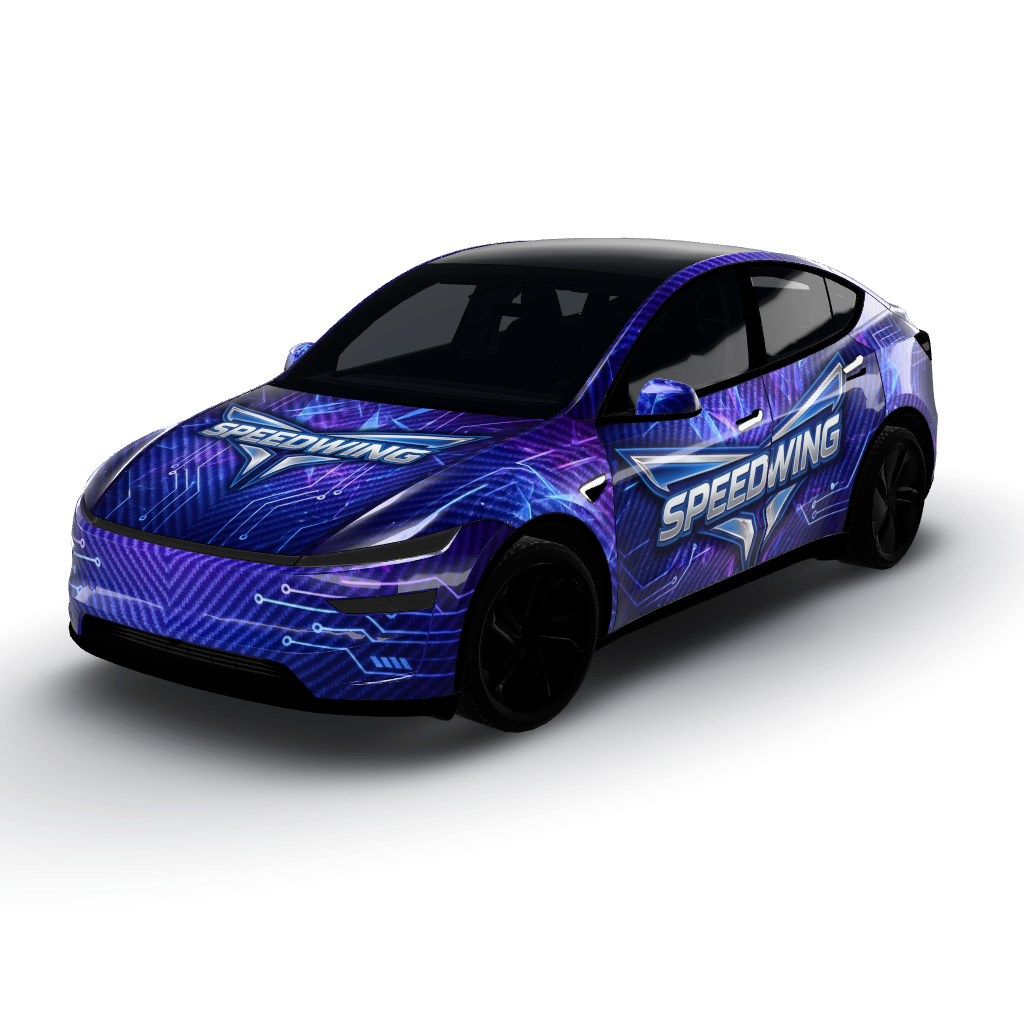
Picture I have attached onto the wrap
by user_ed67ad17
- Model Y (2025+) Premium
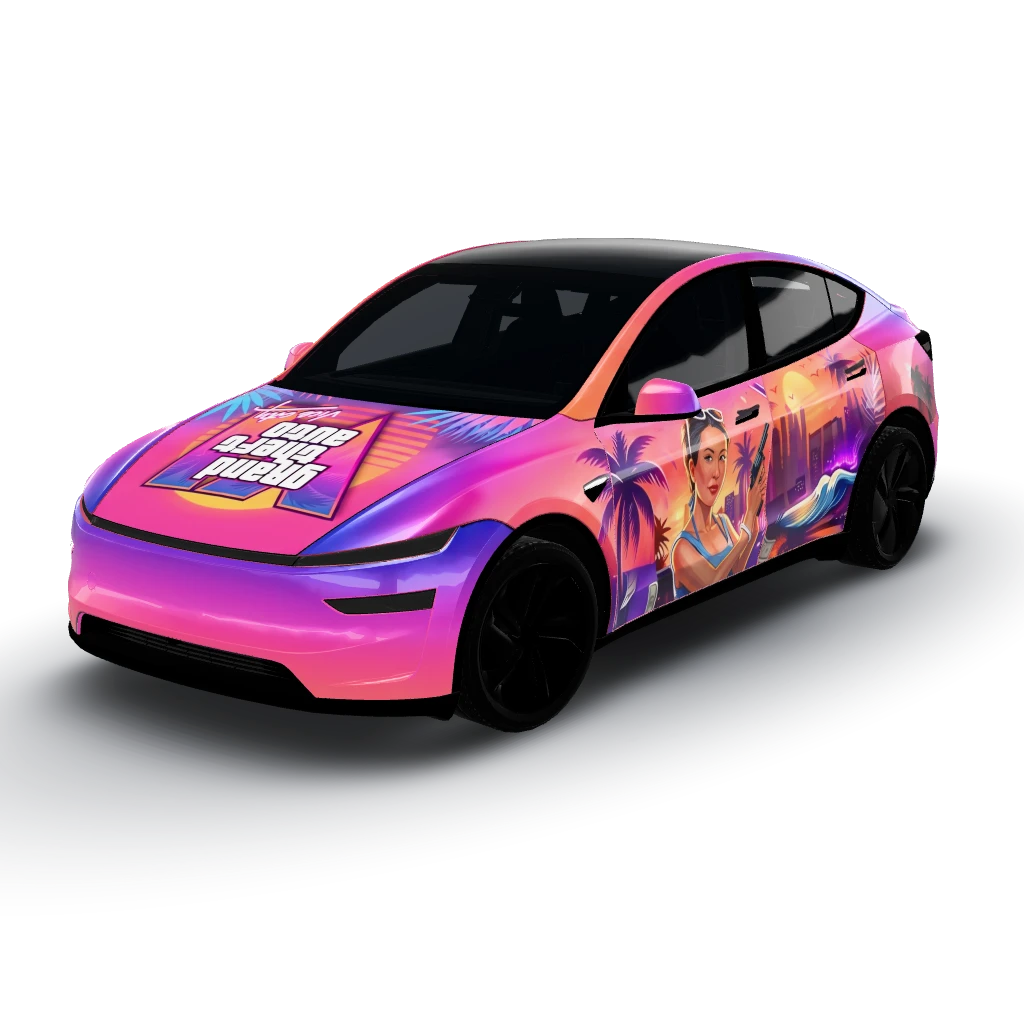 View
Gradient transitioning from light to dark
by user_5548f276
- Model Y (2025+) Premium
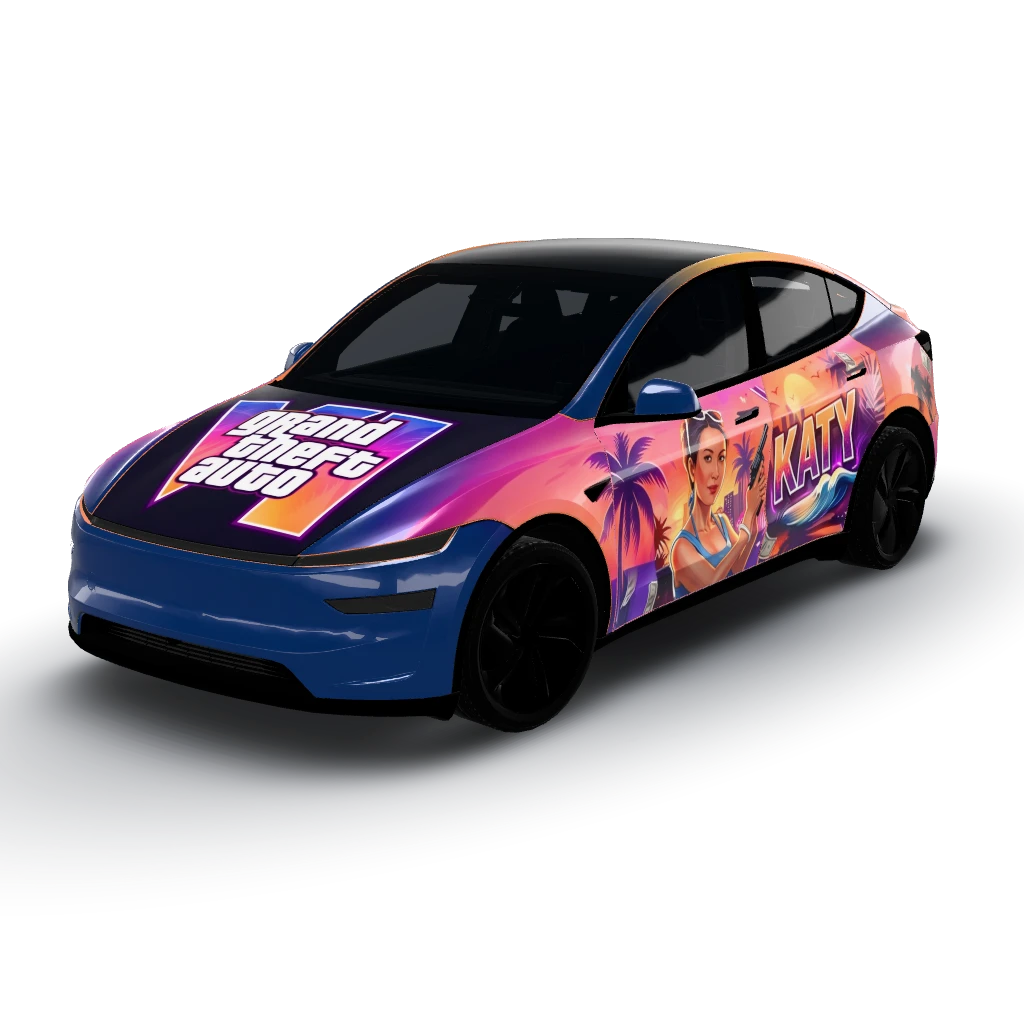 View
在后备厢或车顶上,补充一幅与日落和棕榈树相结合的图案,营造出一种轻松自在的度假气息。
by user_69613816
- Model Y (2025+) Premium
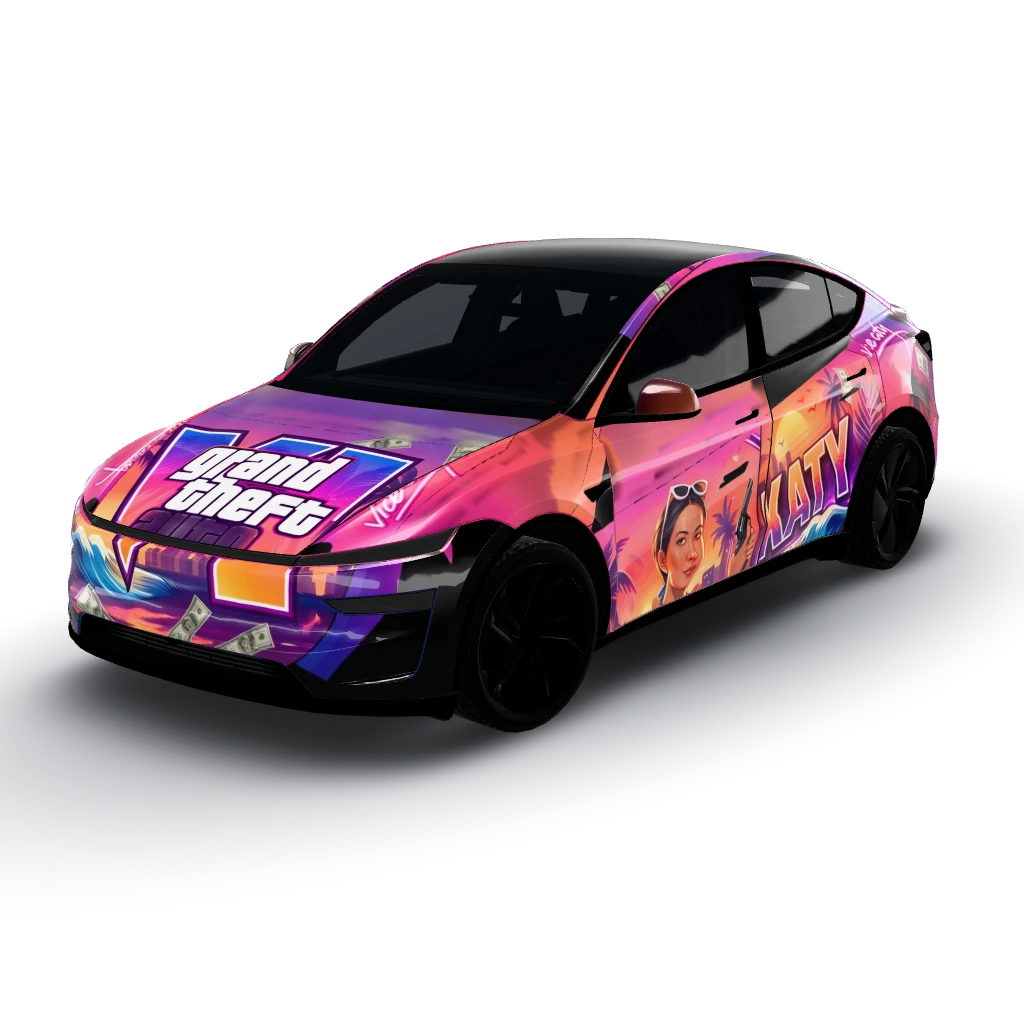 View
你用这3三张图生成一个车衣,保持风格一致,第三张图案放在引擎盖上,然后保险杠那里放一些g
by user_fa8d5e66