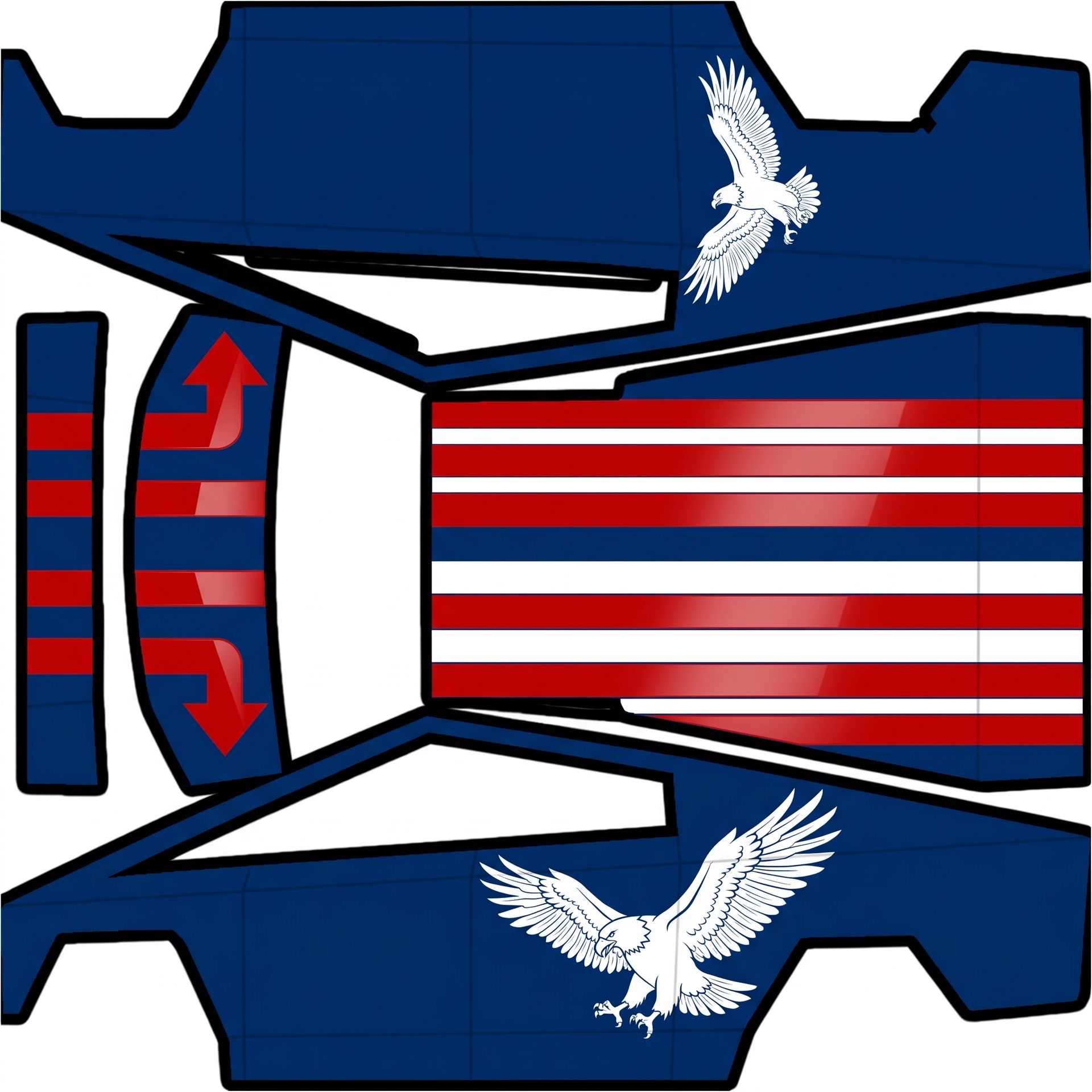
Got it!
by Mav
About this design
“Got it!” is an AI-generated wrap laid out on the Cybertruck template, so every panel, curve and cutout lines up with the real vehicle. It was generated from the prompt below — you can reuse that prompt as-is, or edit a word and get a completely different result.
The prompt behind it
“Got it! For the hood, there will be four red lines with the two outer lines hooking back at halfway. Over the top, you'll have a total of eight stripes, combining both red and white. The eagle graphic will be placed on the rear quarters. To summarize: deep insignia blue base, glossy vivid insignia red and white stripes on the hood and roof, and a white eagle graphic on the rear quarters, upright and properly oriented on each panel.”
- Likes
- 1
- Downloads
- 3
- Saves
- 0
Free · on your screen in ~60s
Put it on your car's screen
- 01Download the designFree, no account needed. You get a PNG mapped to your exact model's template.
- 02Copy it to a USB driveAny small drive works, formatted FAT32 or exFAT. Drop the file at the top level.
- 03Load it in the carPlug in, then open Toybox → Paint Shop on the touchscreen and pick your file. Your car now wears it on screen — and in the app.
Comments
Loading comments…
More like this
Other Cybertruck wraps
- Cybertruck
 View
ViewDark matte wrap
by Josh
- Cybertruck
 View
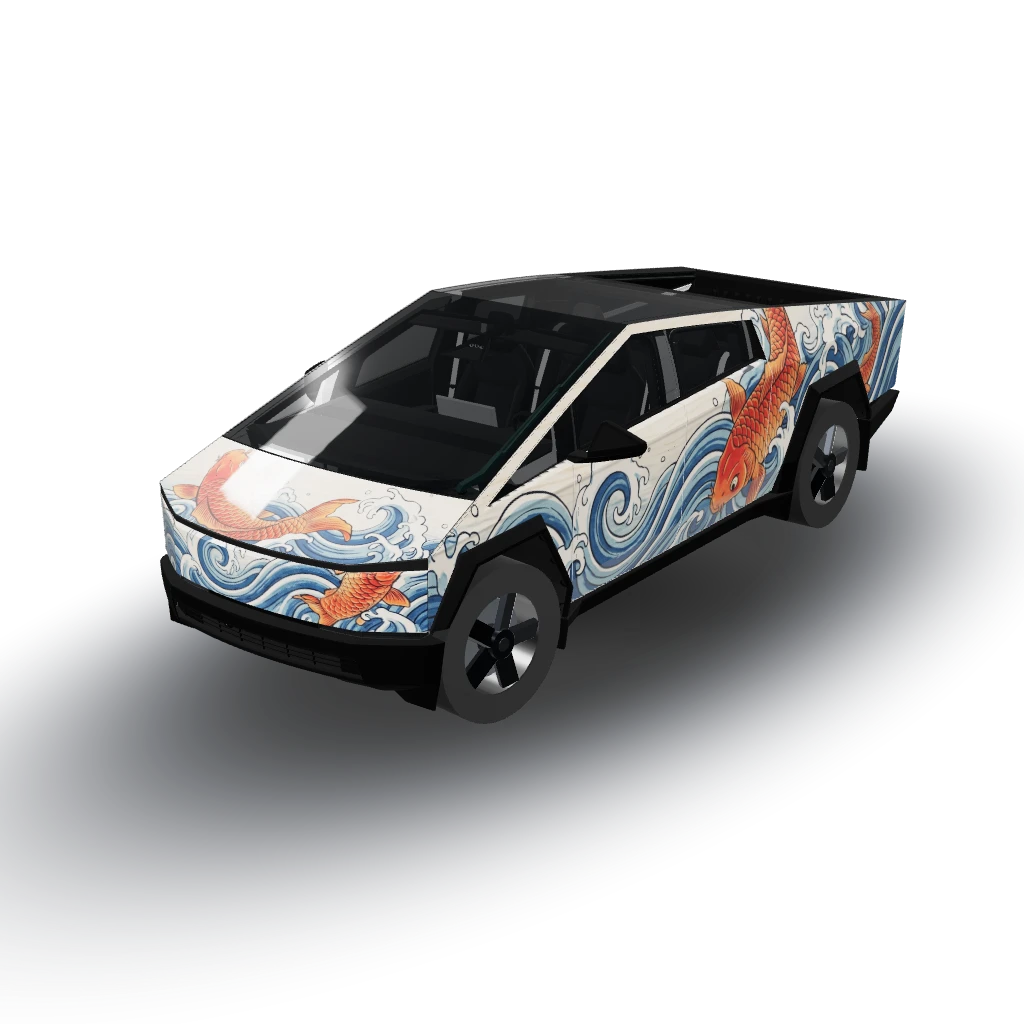
ViewKoi fish and waves, ukiyo-e woodblock style
by Josh
- Cybertruck
 View
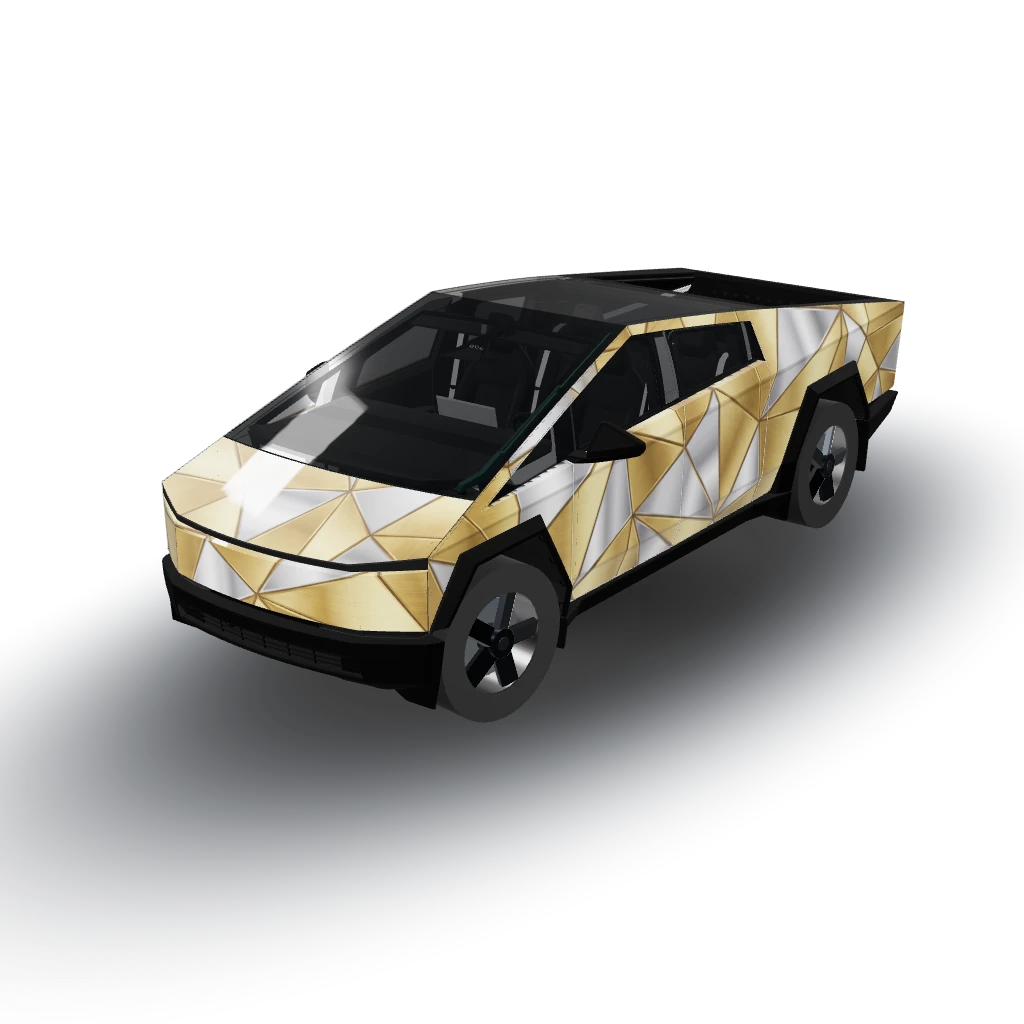
ViewGold and silver
by user_4832d192
- Cybertruck
 View
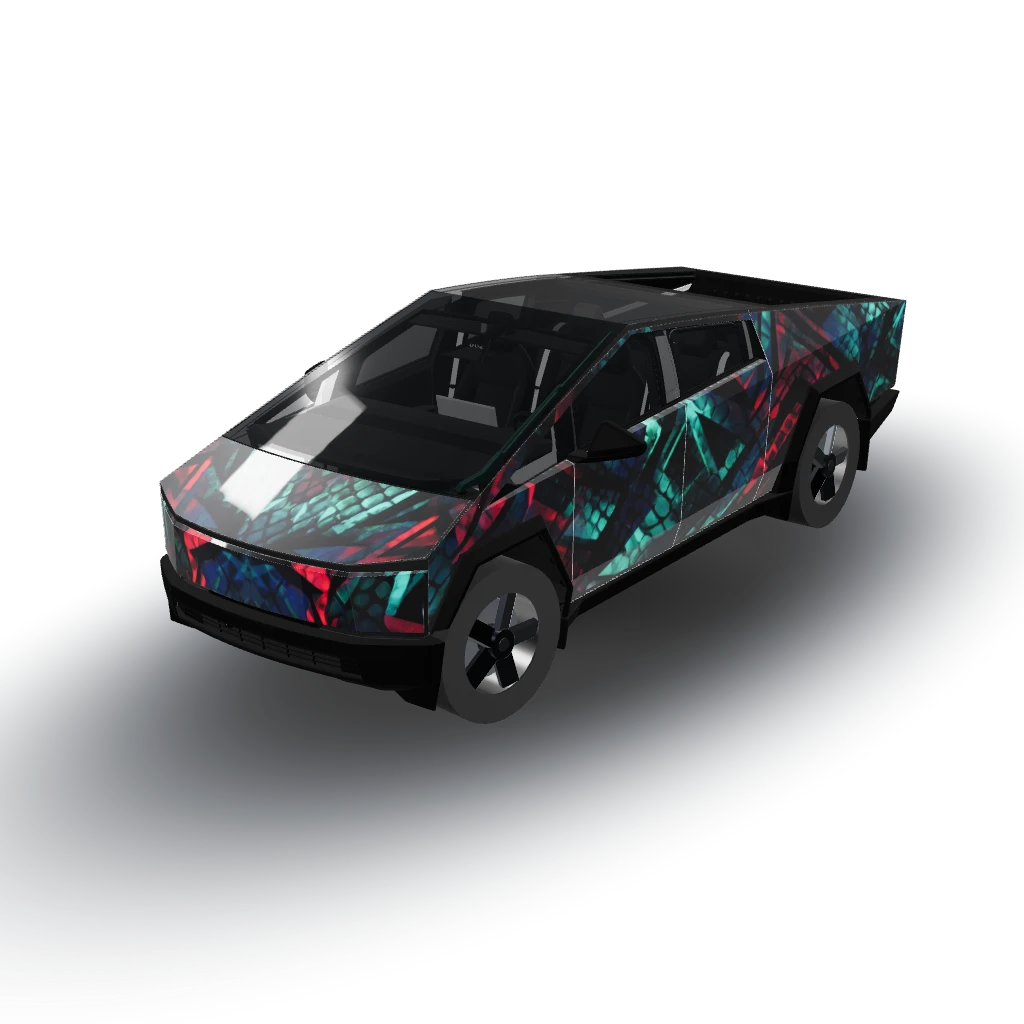
ViewWhite eyes black dragon theme
by Josh
- Cybertruck
 View
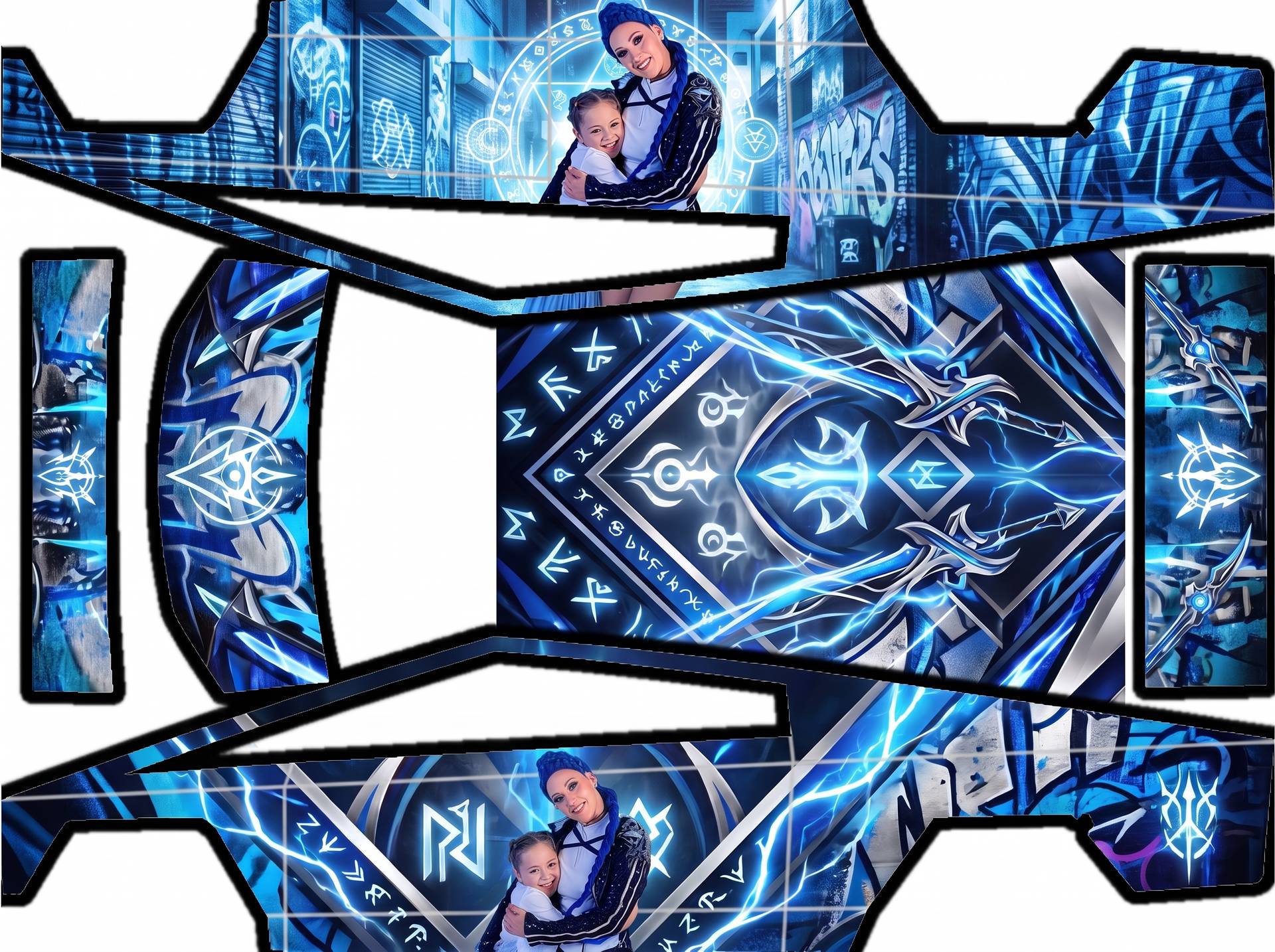
ViewHood, we'll feature the two figures from
by gameshowevent
- Cybertruck
 View
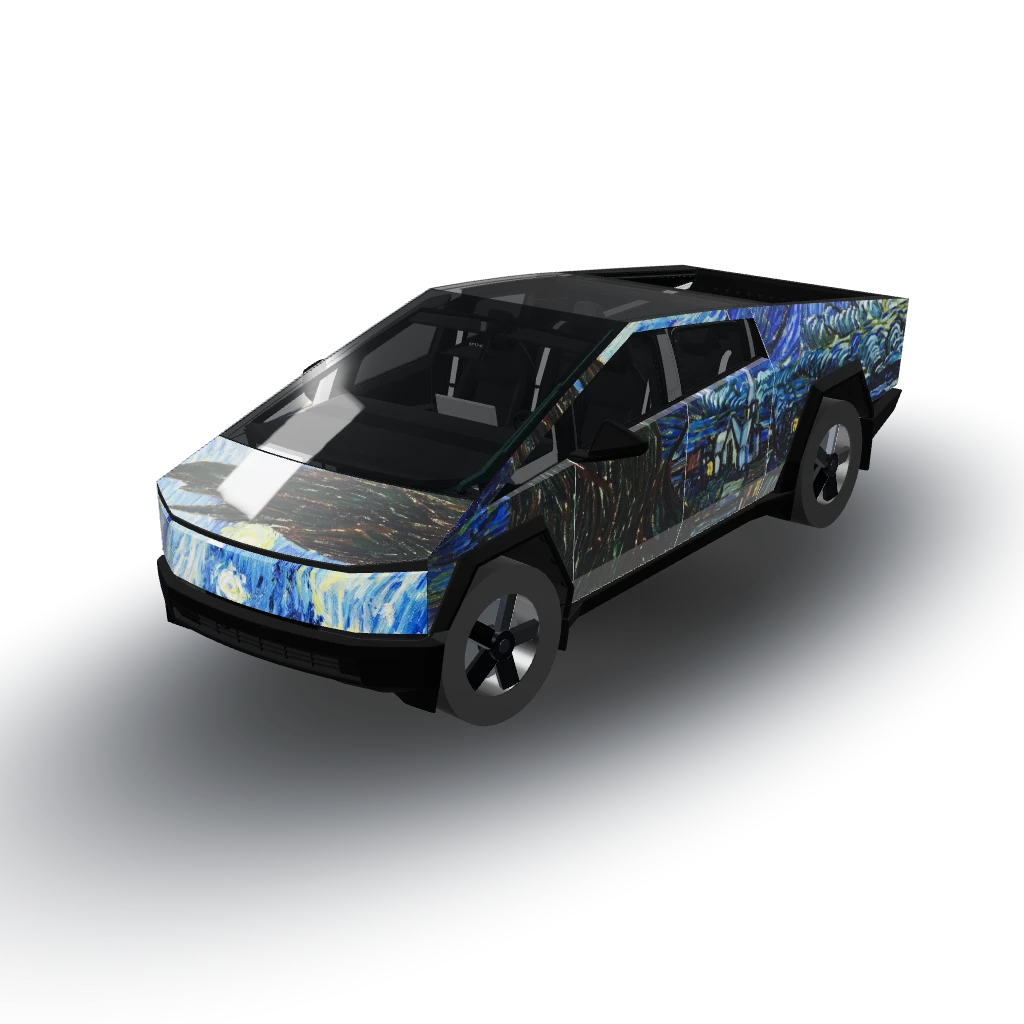
ViewStarry night painting
by Josh