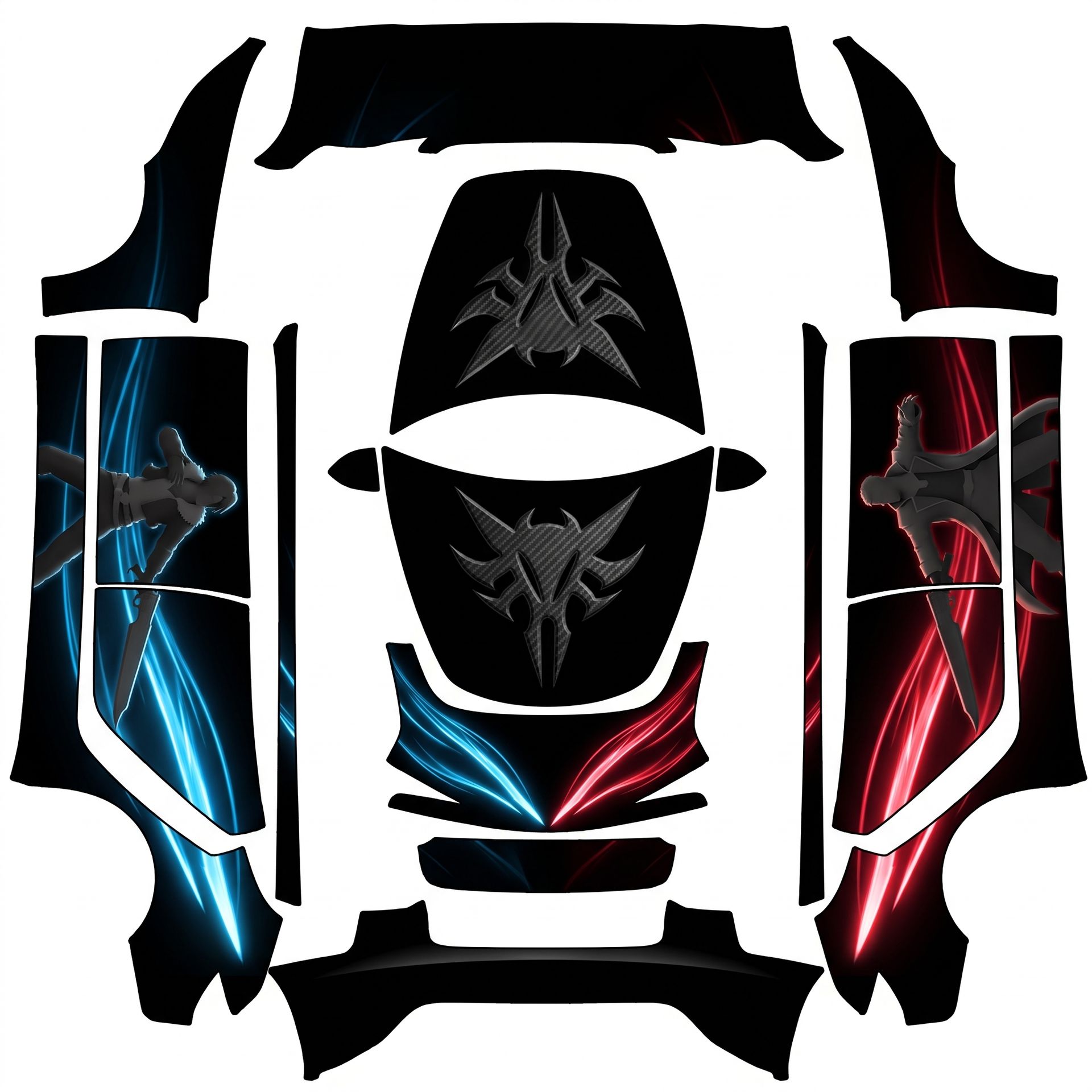
Here's the complete design for your Model 3
About this design
“Here's the complete design for your Model 3” is an AI-generated wrap laid out on the Model 3 (2024+) Standard & Premium template, so every panel, curve and cutout lines up with the real vehicle. It was generated from the prompt below — you can reuse that prompt as-is, or edit a word and get a completely different result.
The prompt behind it
“Here's the complete design for your Model 3 (2024+ Base): - The main body will feature a high gloss black background. - On the driver-side front bumper, sleek neon-blue glowing sword slash trails will fade out past the wheel arch. - On the passenger-side front bumper, identical crimson-red glowing sword slash trails will also fade out past the wheel arch, meeting aggressively at the center splitter. - The center hood will showcase a large 3D embossed carbon fiber Griever symbol, perfectly centered and flipped upside down on the flat layout to project right-side-up on the car. - The side and rear panels will remain pure high gloss black to enhance the contrast of the 3D matte action silhouettes of Squall and Seifer, along with the fading energy lines. All characters will be upright and properly oriented on each panel, with the action silhouettes on the side panels facing forward, upright as seen from the side of the car.”
- Likes
- 0
- Downloads
- 0
- Saves
- 0
Making your own? The first one is free: new accounts get a free credit.
Free · on your screen in ~30s
Put it on your car's screen
- 01Download the designFree, no account needed. You get a PNG mapped to your exact model's template.
- 02Send it from your phoneOn vehicle software 2026.26 and app 4.59.0 or newer, open Creations → Wrap in the vehicle app (Wraps on older cars), tap Upload and pick the image. It arrives over the air.
- 03Or use a USB driveOn older software, put the file in a folder named Wraps on a drive formatted exFAT or FAT32, plug it in and pick it from Toybox on the touchscreen. Your car now wears it on screen — and in the app.
Comments
Loading comments…
More like this
Other Model 3 Standard & Premium wraps
- Model 3 (2024+) Standard & Premium
 View
ViewDeep obsidian pitch-black gloss background
by user_5fdad6f1
- Model 3 (2024+) Standard & Premium
 View
ViewHere's the finalized design for your Model
by user_f291001b
- Model 3 (2024+) Standard & Premium
 View
ViewHere's the finalized design for your Model
by user_f291001b
- Model 3 (2024+) Standard & Premium
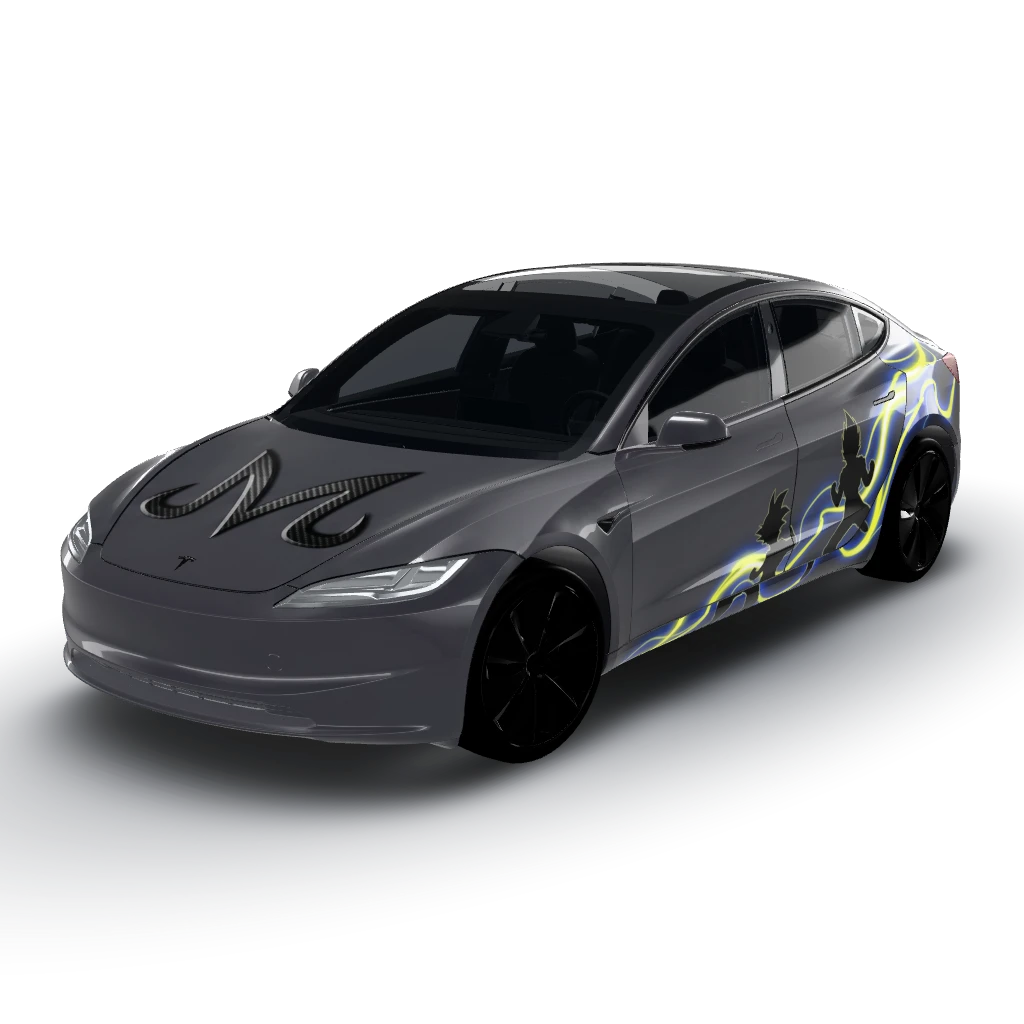 View
ViewHigh gloss Tesla Stealth Grey background
by user_564697af
- Model 3 (2024+) Standard & Premium
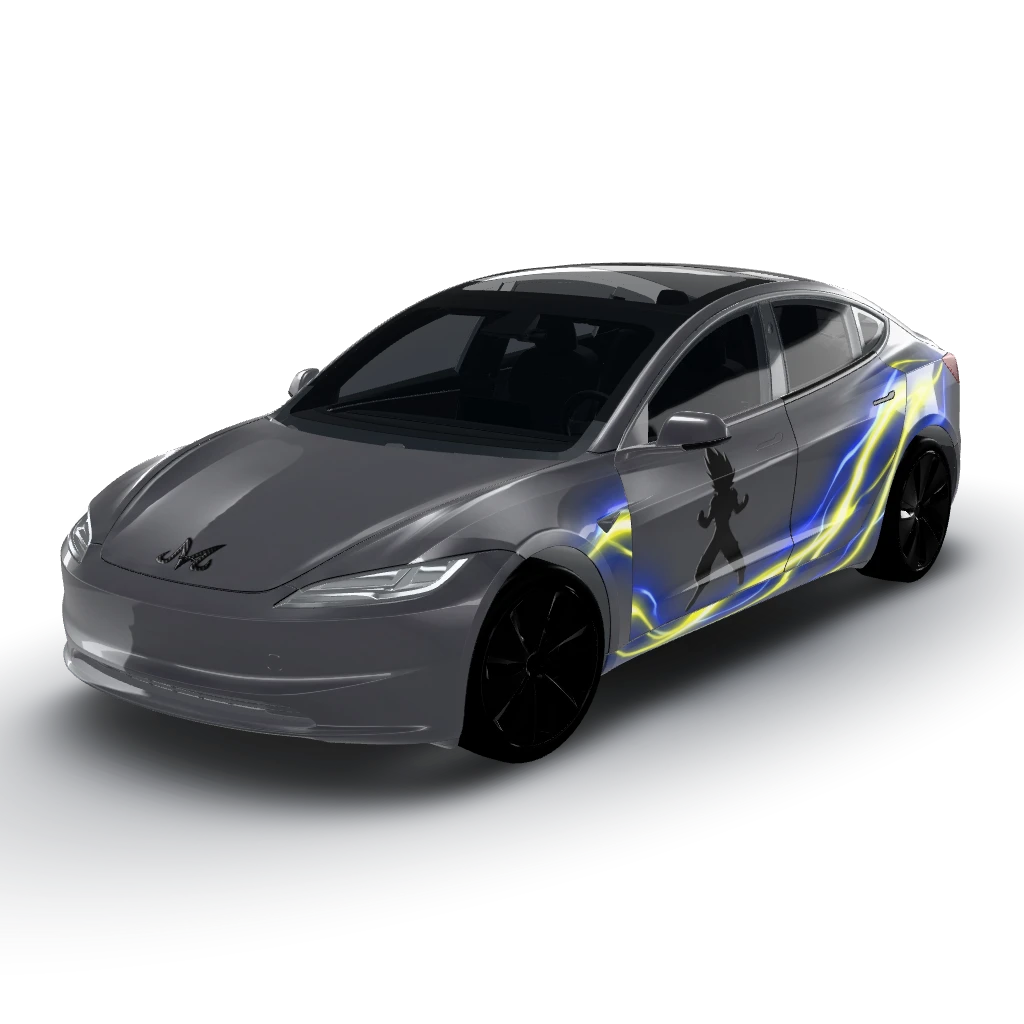 View
ViewHigh gloss Tesla Stealth Grey background
by user_564697af
- Model 3 (2024+) Standard & Premium
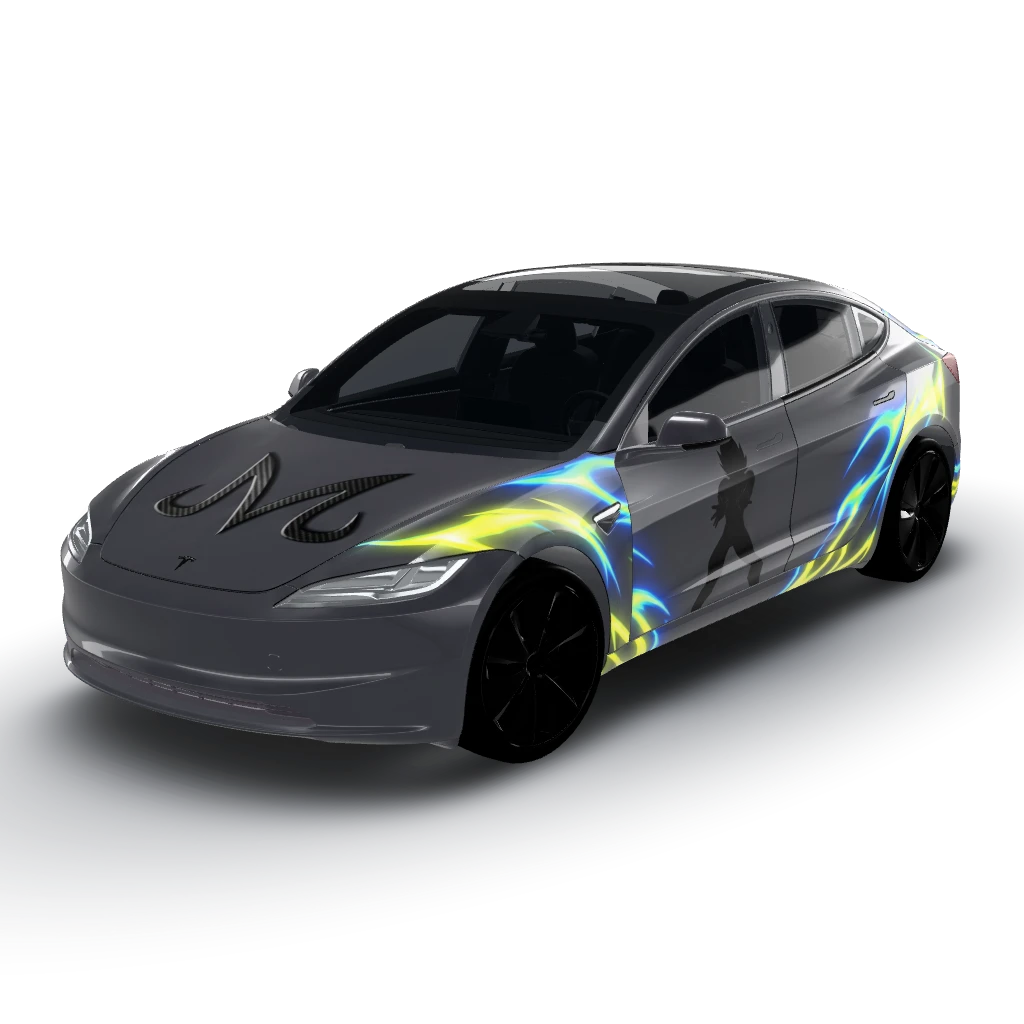 View
ViewHigh gloss Tesla Stealth Grey background
by user_564697af