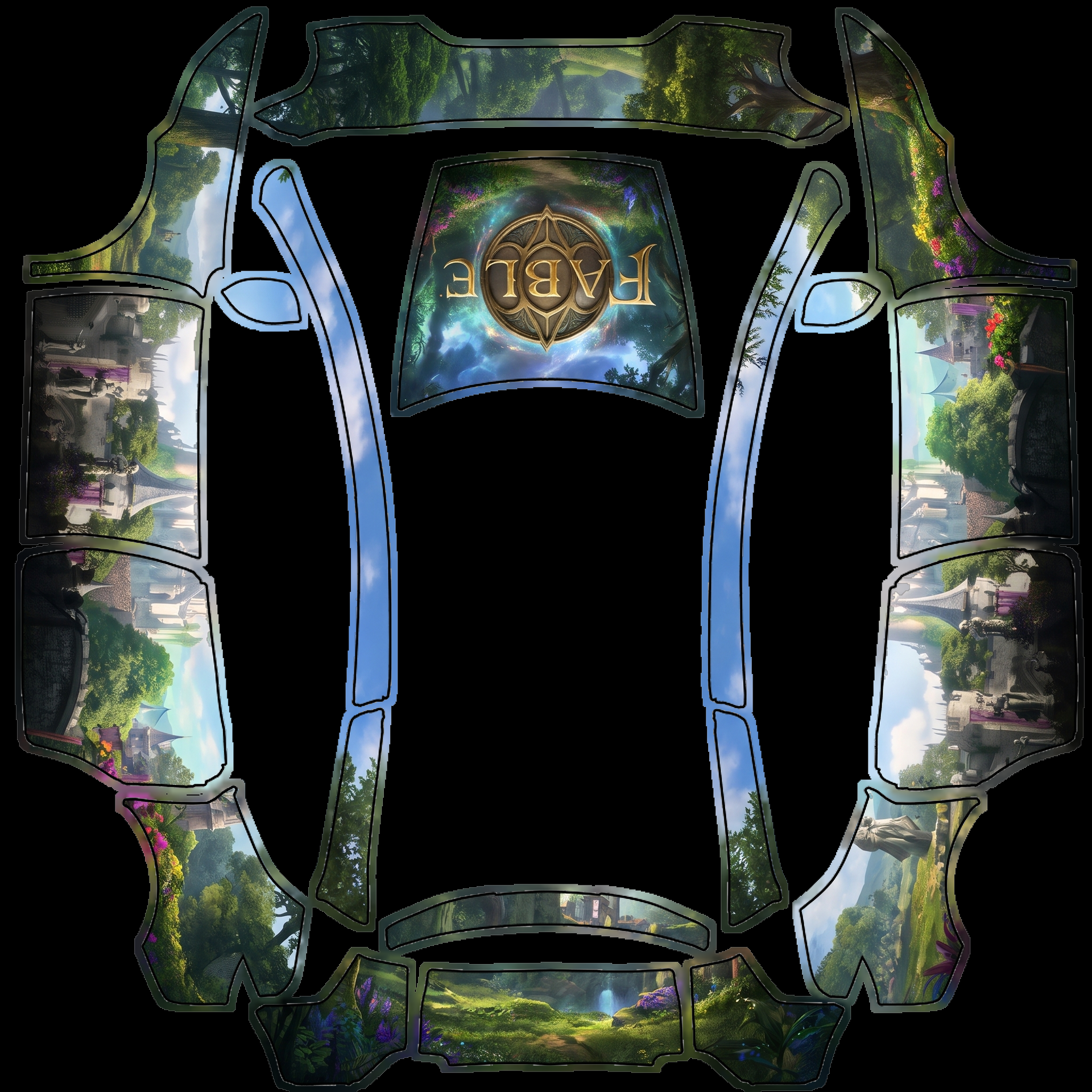
Photo 1 showcases a vibrant scene featuring
by jesla86
About this design
“Photo 1 showcases a vibrant scene featuring” is an AI-generated wrap laid out on the Model Y L template, so every panel, curve and cutout lines up with the real vehicle. It was generated from the prompt below — you can reuse that prompt as-is, or edit a word and get a completely different result.
The prompt behind it
“Photo 1 showcases a vibrant scene featuring a castle, lush greenery, and colorful details. Here's the complete design: The hood features the Guild seal, centered and upright as viewed from the front. The sides will display a vibrant town overlook, including the castle, the spire, and the village, all using the color palette from Photo 1, with bright greens, blues, and pops of color to enhance the magical atmosphere. Hood: Guild seal centered and upright as viewed from the front; sides featuring a vibrant town overlook with the castle, the spire, and the village, in the color palette from Photo 1.”
- Likes
- 1
- Downloads
- 0
- Saves
- 0
Making your own? The first one is free: new accounts get a free credit.
Free · on your screen in ~30s
Put it on your car's screen
- 01Download the designFree, no account needed. You get a PNG mapped to your exact model's template.
- 02Send it from your phoneOn vehicle software 2026.26 and app 4.59.0 or newer, open Creations → Wrap in the vehicle app (Wraps on older cars), tap Upload and pick the image. It arrives over the air.
- 03Or use a USB driveOn older software, put the file in a folder named Wraps on a drive formatted exFAT or FAT32, plug it in and pick it from Toybox on the touchscreen. Your car now wears it on screen — and in the app.
Comments
Loading comments…
More like this
Other Model Y L wraps
- Model Y (2025+) Standard
 View
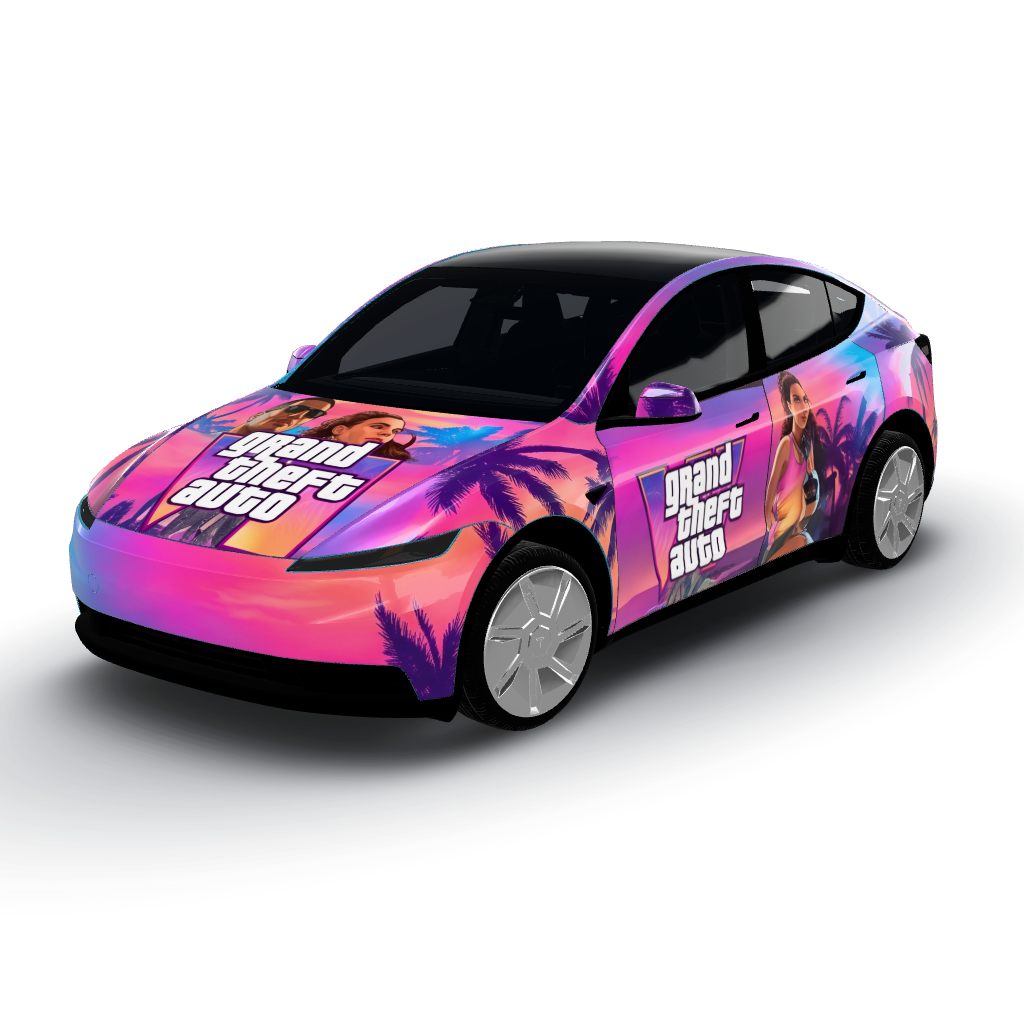
GTA 6
by mariuspct
- Model Y L
 View
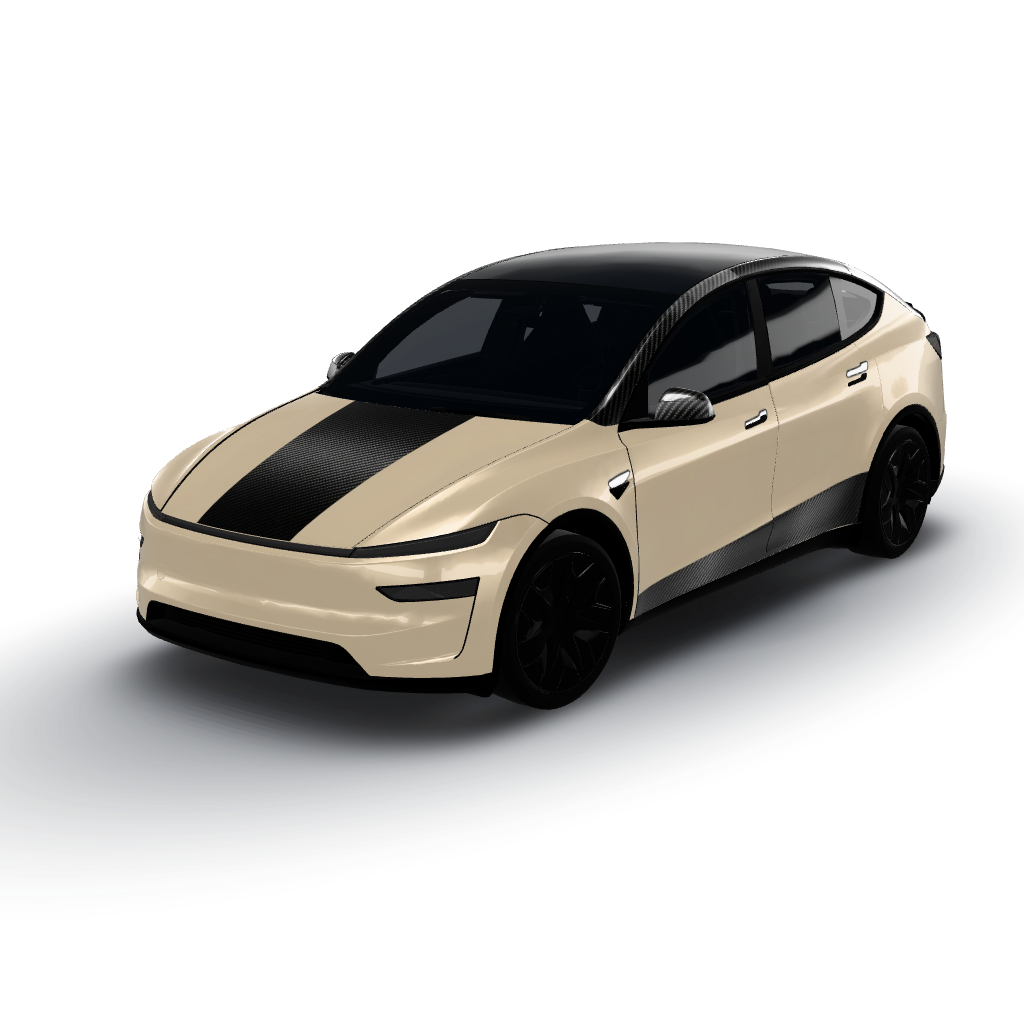
Satin desert sand with gloss black carbon
by jesla86
- Model Y
 View
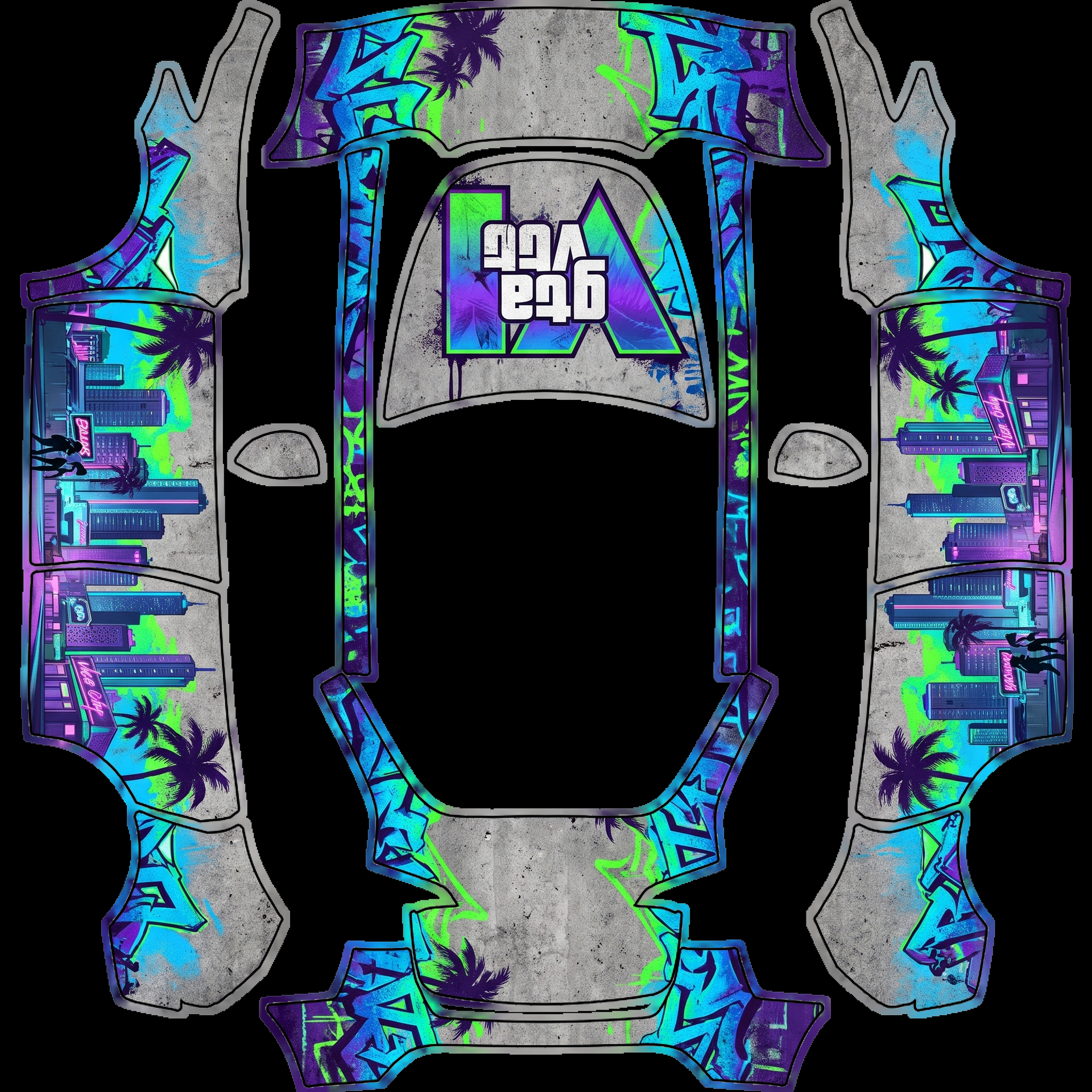
Grand Theft Auto 6 inspires a vibrant
by corndog8x8
- Model Y
 View
Vibrant colour palette of electric blue
by corndog8x8
- Model Y
 View
Vibrant color palette
by user_4a8cd08b
- Model Y
 View
Gt6 is depicted in a vibrant color palette
by user_a1a5dadb