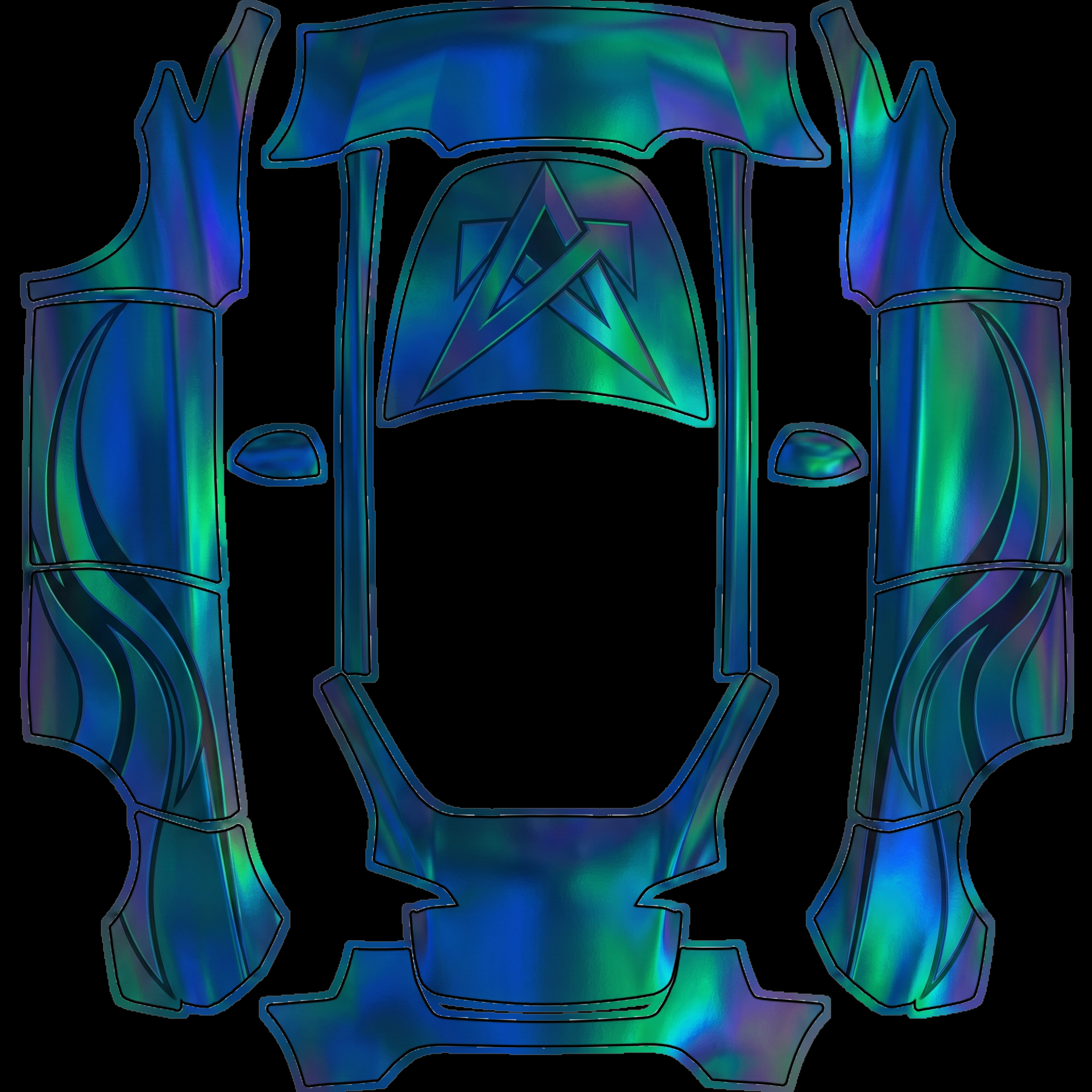
Iridescent oil-slick chrome covers
About this design
“Iridescent oil-slick chrome covers” is an AI-generated wrap laid out on the Model Y template, so every panel, curve and cutout lines up with the real vehicle. It was generated from the prompt below — you can reuse that prompt as-is, or edit a word and get a completely different result.
The prompt behind it
“Iridescent oil-slick chrome covers the entire wrap, creating a mesmerizing effect that shifts colors with movement, displaying hues of deep blues, vibrant greens, and hints of purples. Hood: A large, striking geometric design emerges in the center, featuring sharp angles and overlapping shapes that accentuate the dynamic quality of the chrome finish. Sides: Each side showcases a bold, flowing wave pattern that mimics the fluidity of oil on water, enhancing the wrap's overall iridescent theme while maintaining a sleek and modern aesthetic. The interplay of light and color across the surface captivates and entices, ensuring a truly unique visual experience.”
- Likes
- 0
- Downloads
- 0
- Saves
- 0
Making your own? The first one is free: new accounts get a free credit.
Free · on your screen in ~30s
Put it on your car's screen
- 01Download the designFree, no account needed. You get a PNG mapped to your exact model's template.
- 02Send it from your phoneOn vehicle software 2026.26 and app 4.59.0 or newer, open Creations → Wrap in the vehicle app (Wraps on older cars), tap Upload and pick the image. It arrives over the air.
- 03Or use a USB driveOn older software, put the file in a folder named Wraps on a drive formatted exFAT or FAT32, plug it in and pick it from Toybox on the touchscreen. Your car now wears it on screen — and in the app.
Comments
Loading comments…
More like this
Other Model Y wraps
- Model Y
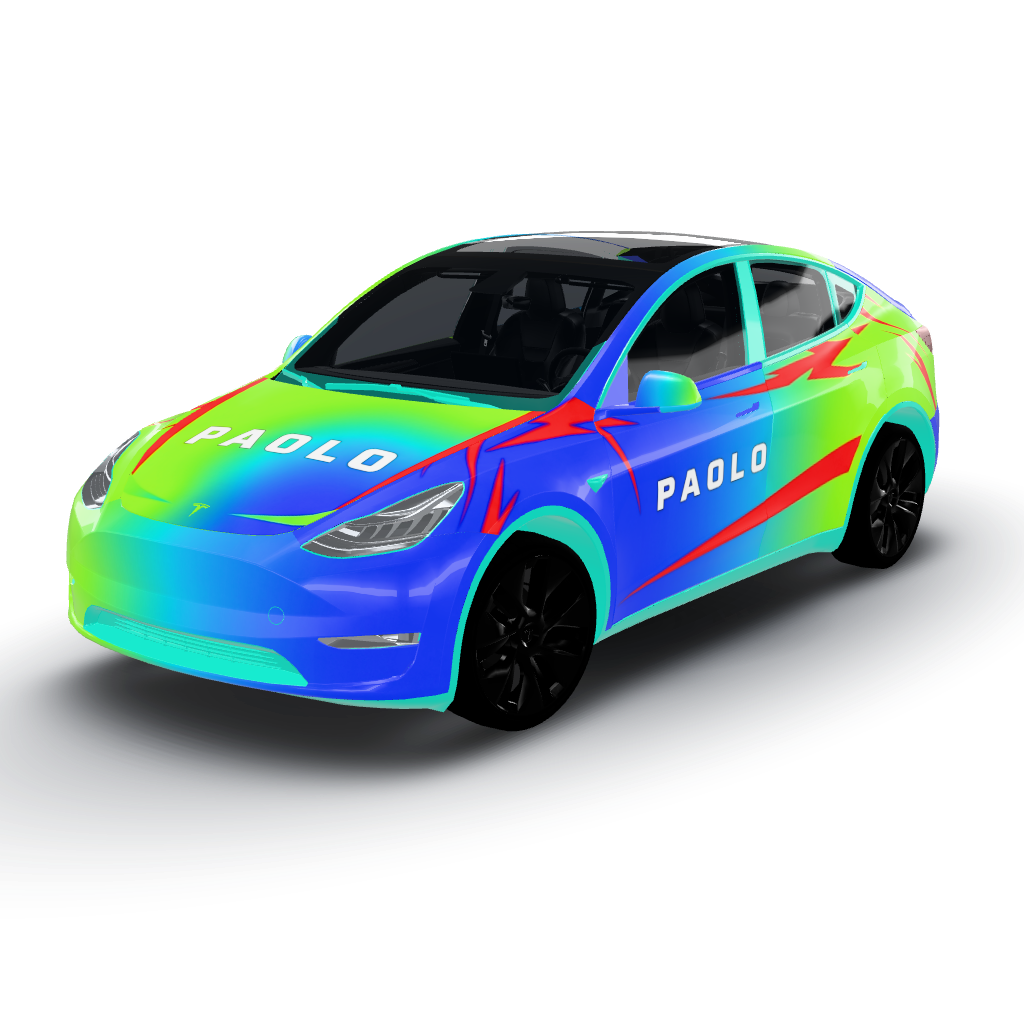 View
ViewGenera questo aspetto in un vibrante mix di
by lilly
- Model Y
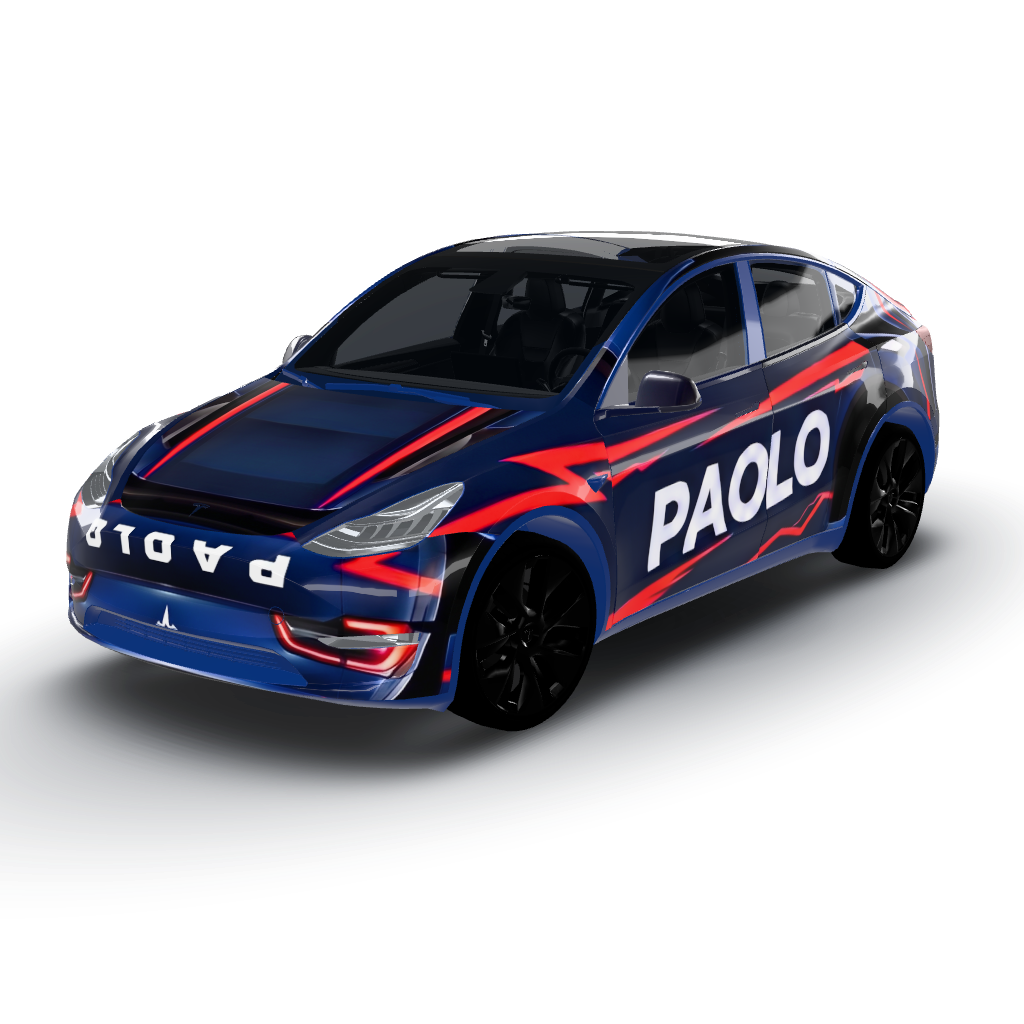 View
ViewHood, it will feature a large
by lilly
- Model Y
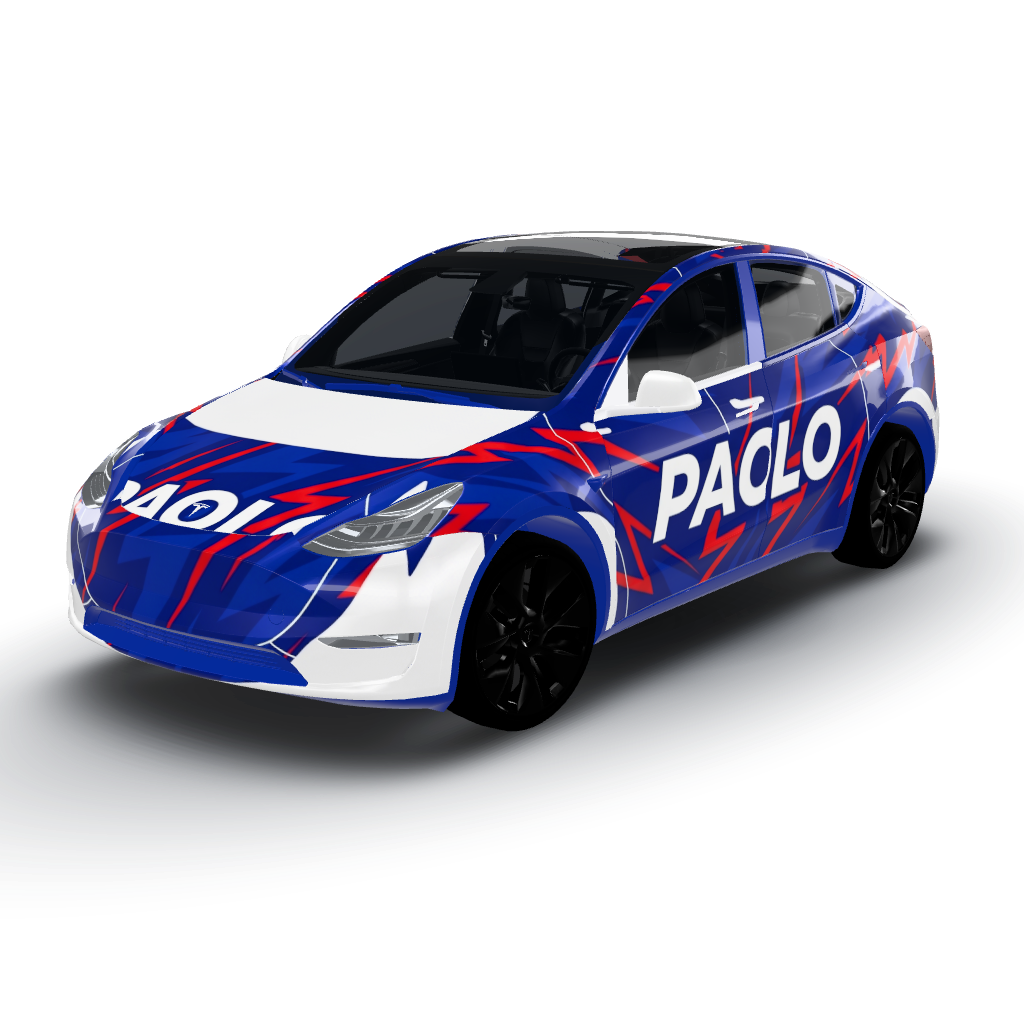 View
ViewGenera a livrea blu scuro con
by lilly
- Model Y
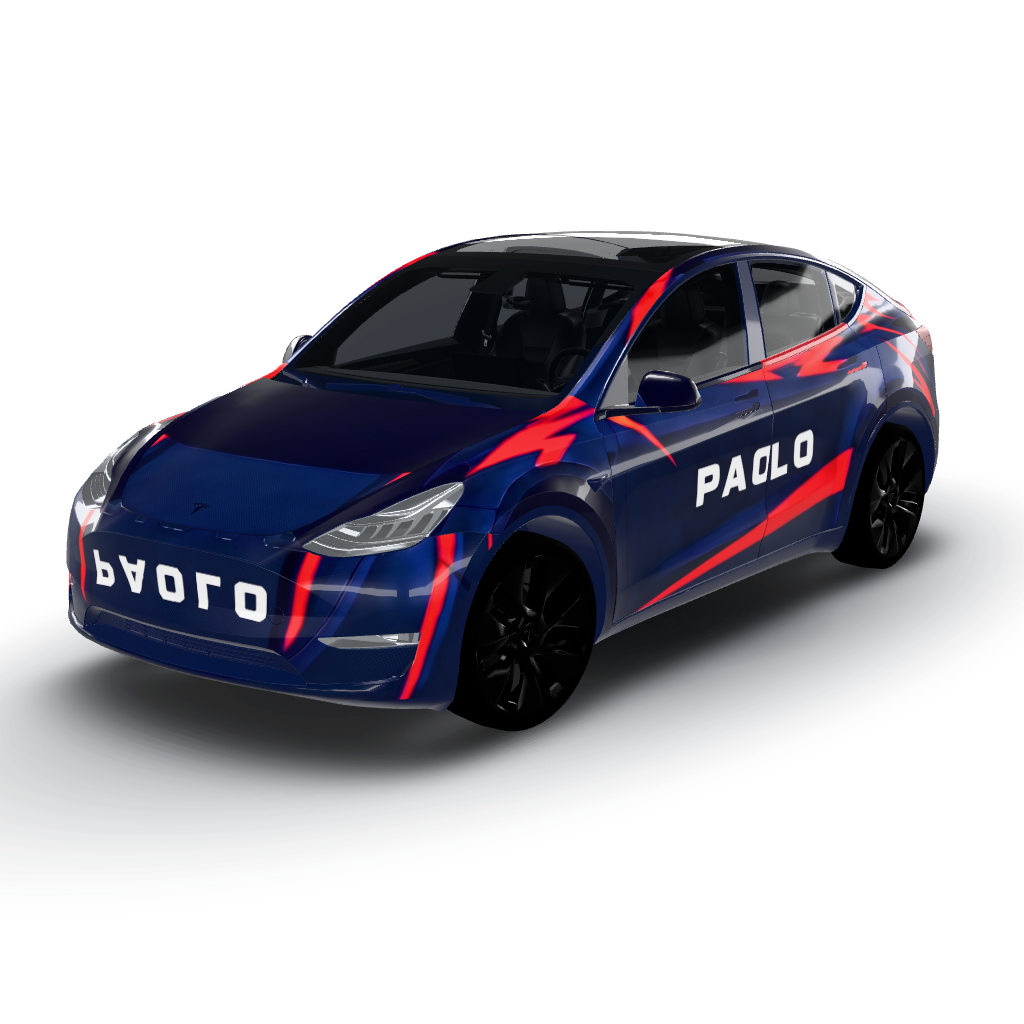 View
ViewFor your Model Y wrap, we’ll use a dark
by lilly
- Model Y
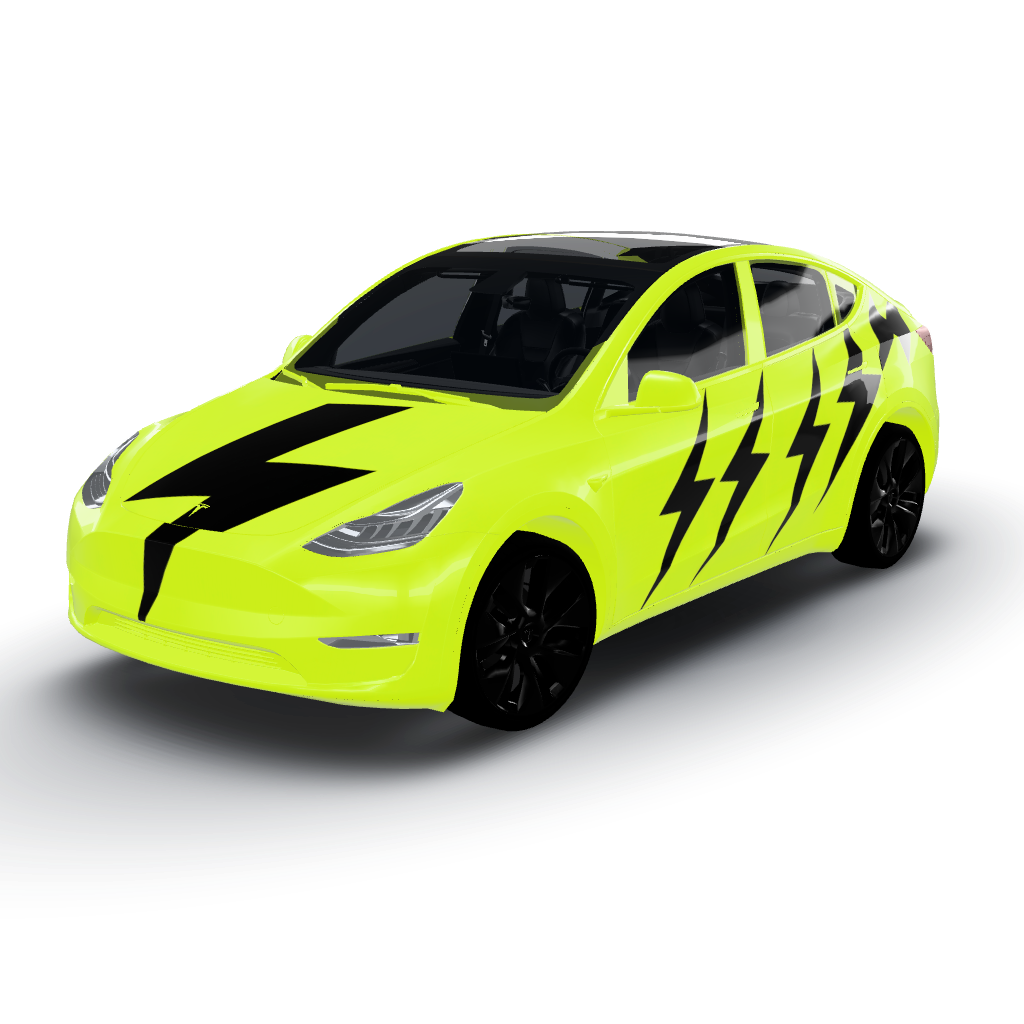 View
ViewElectric yellow serves as the vibrant base
by lilly
- Model Y
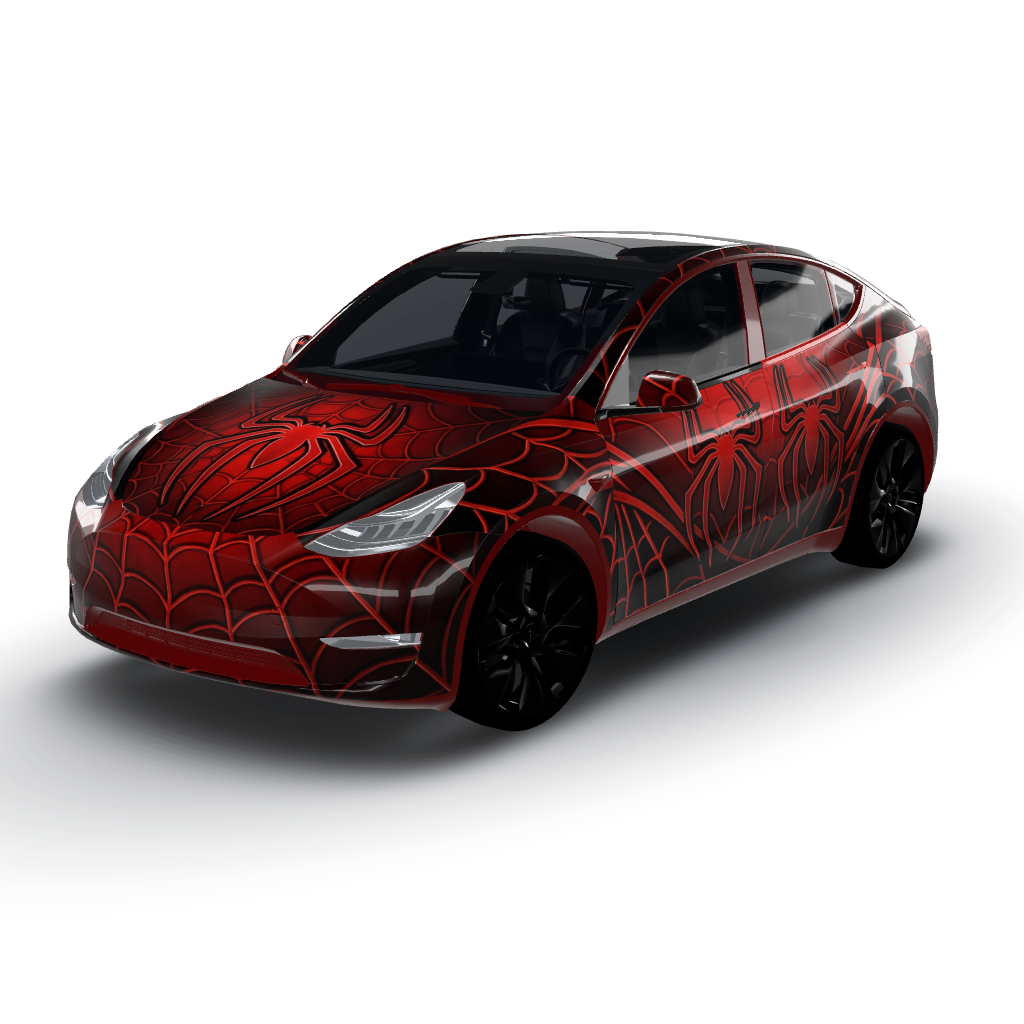 View
ViewStriking red and black color palette
by lilly