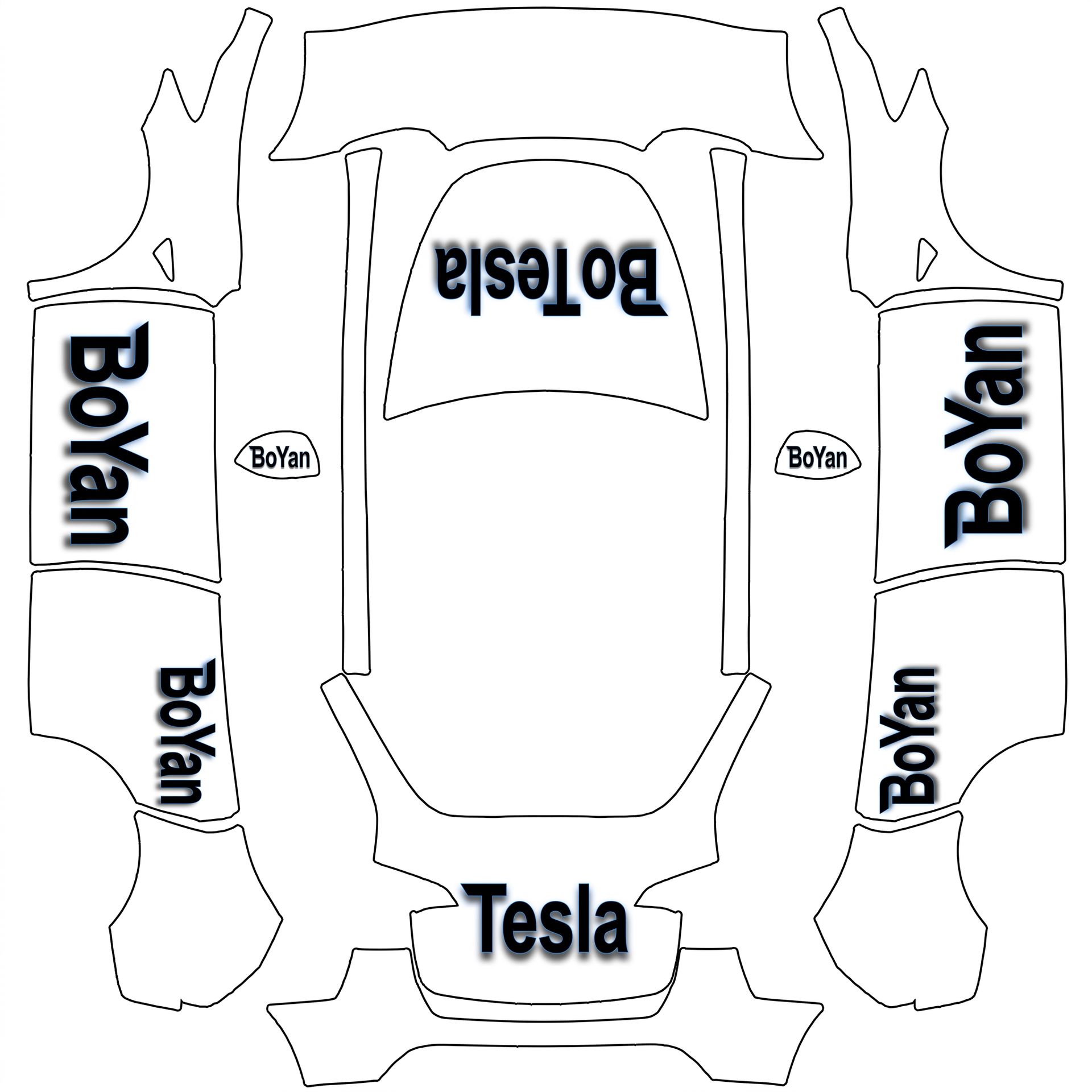
Font style for the text with black color
About this design
“Font style for the text with black color” is an AI-generated wrap laid out on the Model Y template, so every panel, curve and cutout lines up with the real vehicle. It was generated from the prompt below — you can reuse that prompt as-is, or edit a word and get a completely different result.
The prompt behind it
“Perfect! We’ll use the Cybertruck font style for the text with black color, accompanied by shadows and a glow effect to make it pop. To summarize: The wrap will feature "BoYan" on both sides, "Bo Tesla" on the front, and "Tesla" on the back, all in black with shadows and glow effects, using a transparent background. The text will be oriented properly: "BoYan" should face forward, upright as seen from the side for the doors, "Bo Tesla" will be centered and upright as viewed from the front on the hood, and "Tesla" will be upright and properly oriented on the back.”
- Likes
- 0
- Downloads
- 0
- Saves
- 0
Making your own? The first one is free: new accounts get a free credit.
Free · on your screen in ~30s
Put it on your car's screen
- 01Download the designFree, no account needed. You get a PNG mapped to your exact model's template.
- 02Send it from your phoneOn vehicle software 2026.26 and app 4.59.0 or newer, open Creations → Wrap in the vehicle app (Wraps on older cars), tap Upload and pick the image. It arrives over the air.
- 03Or use a USB driveOn older software, put the file in a folder named Wraps on a drive formatted exFAT or FAT32, plug it in and pick it from Toybox on the touchscreen. Your car now wears it on screen — and in the app.
Comments
Loading comments…
More like this
Other Model Y wraps
- Model Y
 View
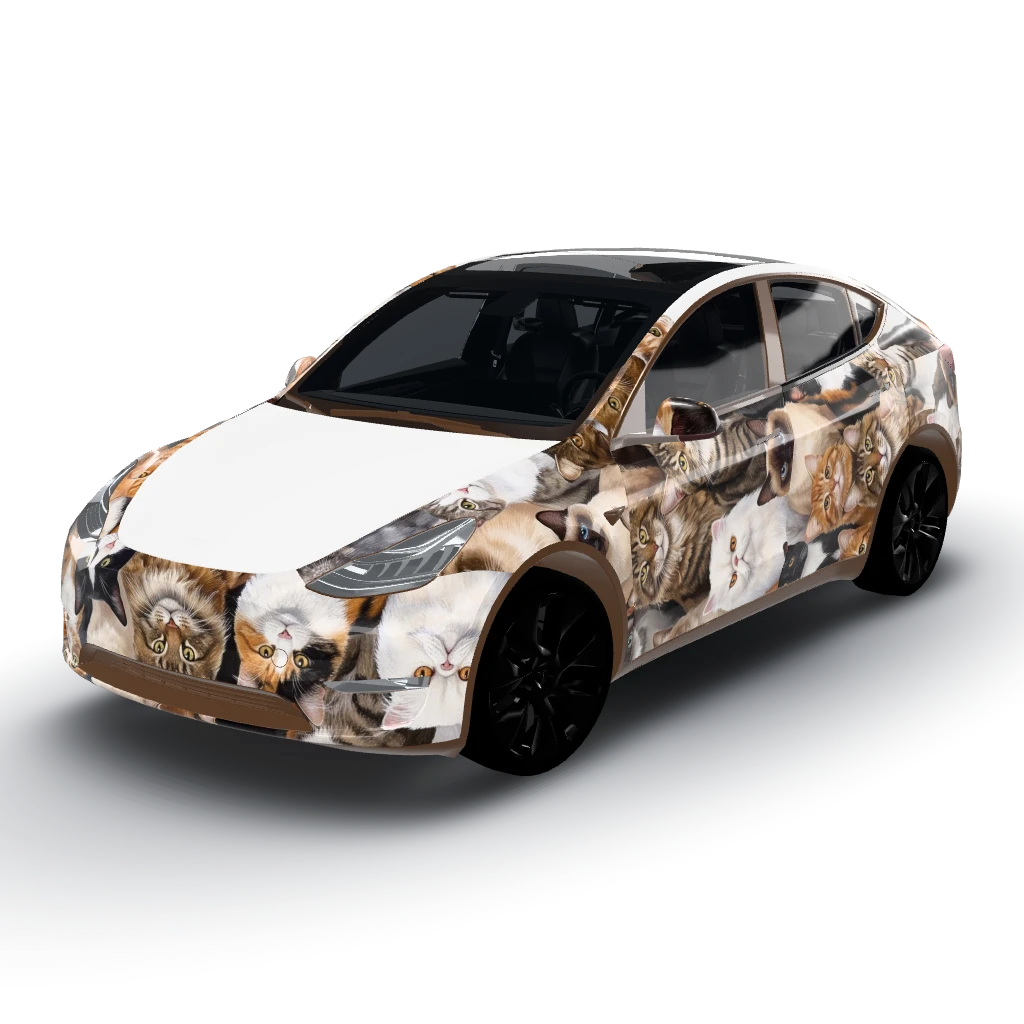
ViewFull of different Kinds of cats
by user_7dda0850
- Model Y
 View
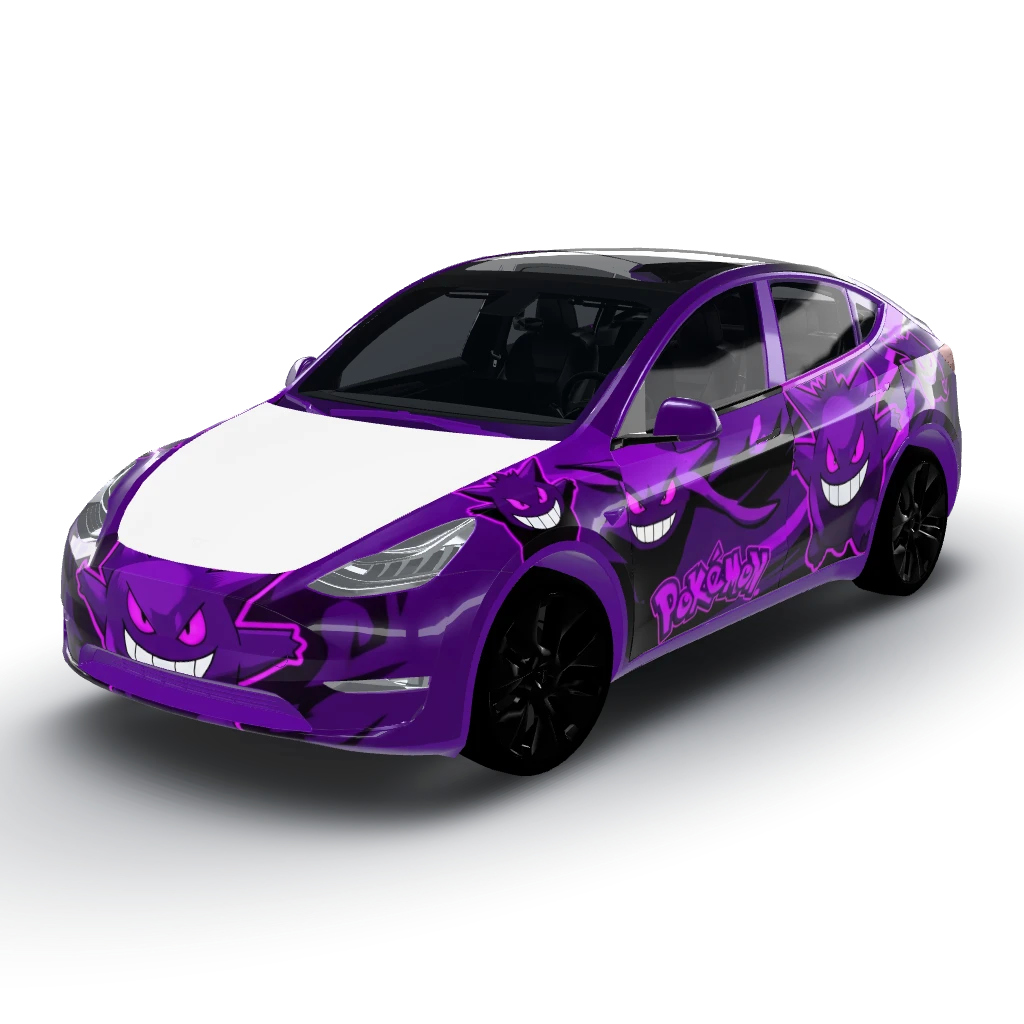
ViewGenger from Pokemon purple and black
by user_7dda0850
- Model Y
 View
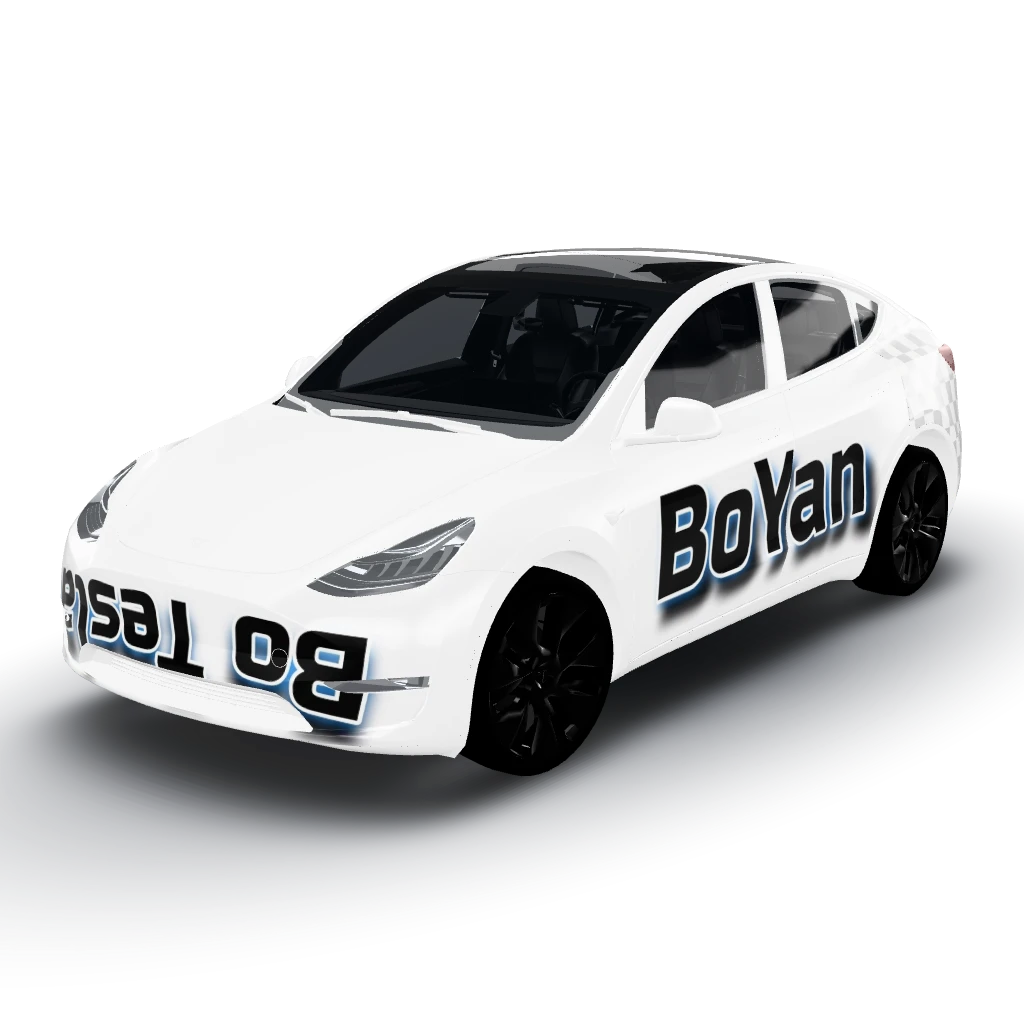
ViewFont style for the text with black color
by user_518dd1c9
- Model Y
 View
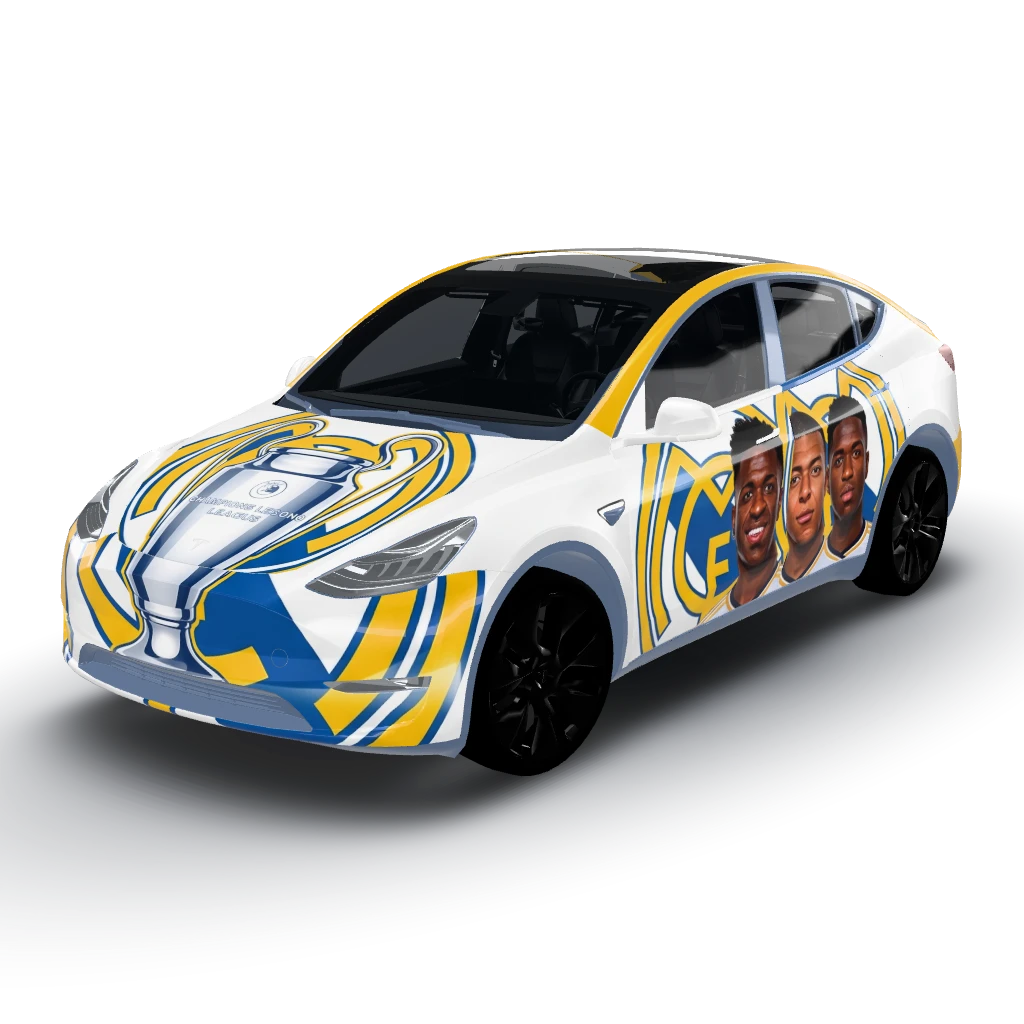
ViewGo with the big Real Madrid logo
by user_518dd1c9
- Model Y (2025+) Premium
 View
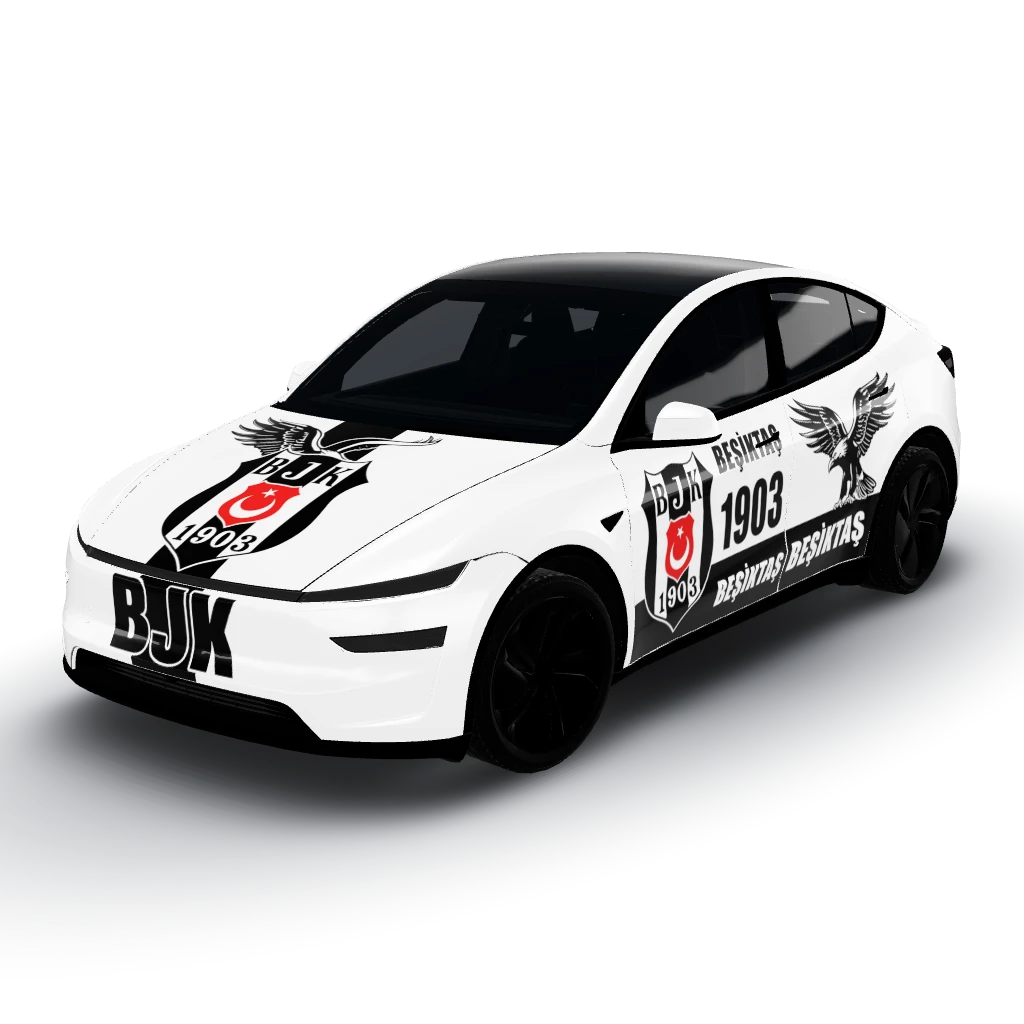
ViewBeşiktaş
by user_410f40f8
- Model Y (2025+) Standard
 View
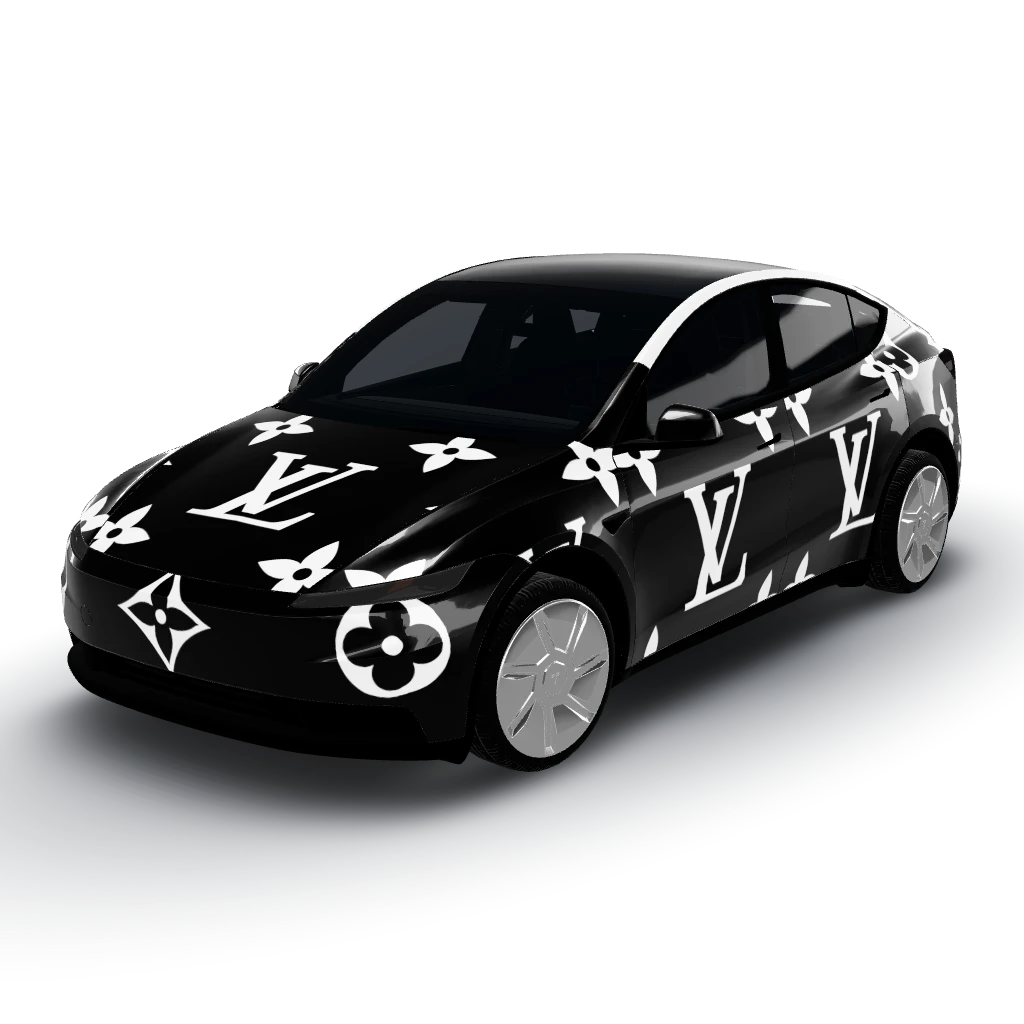
ViewLouis vuitton wrap the base of the car
by user_a1519e1d