
Midnight blue to purple gradient flows
About this design
“Midnight blue to purple gradient flows” is an AI-generated wrap laid out on the Model Y template, so every panel, curve and cutout lines up with the real vehicle. It was generated from the prompt below — you can reuse that prompt as-is, or edit a word and get a completely different result.
The prompt behind it
“Midnight blue to purple gradient flows smoothly across the entire surface, creating a striking visual effect with a glossy finish that adds depth and vibrancy. Hood: A large, stylized moon sits centrally, its surface textured with intricate craters and a soft glow that contrasts beautifully against the gradient backdrop. Sides: Each side features elegantly swirling clouds that mimic the night sky, rendered in varying shades of blue and purple, enhancing the overall celestial theme while remaining upright and properly oriented. The seamless transition of colors and elements creates a harmonious and captivating design that draws the eye from every angle.”
- Likes
- 1
- Downloads
- 0
- Saves
- 0
Making your own? The first one is free: new accounts get a free credit.
Free · on your screen in ~30s
Put it on your car's screen
- 01Download the designFree, no account needed. You get a PNG mapped to your exact model's template.
- 02Send it from your phoneOn vehicle software 2026.26 and app 4.59.0 or newer, open Creations → Wrap in the vehicle app (Wraps on older cars), tap Upload and pick the image. It arrives over the air.
- 03Or use a USB driveOn older software, put the file in a folder named Wraps on a drive formatted exFAT or FAT32, plug it in and pick it from Toybox on the touchscreen. Your car now wears it on screen — and in the app.
Comments
Loading comments…
More like this
Other Model Y wraps
- Model Y
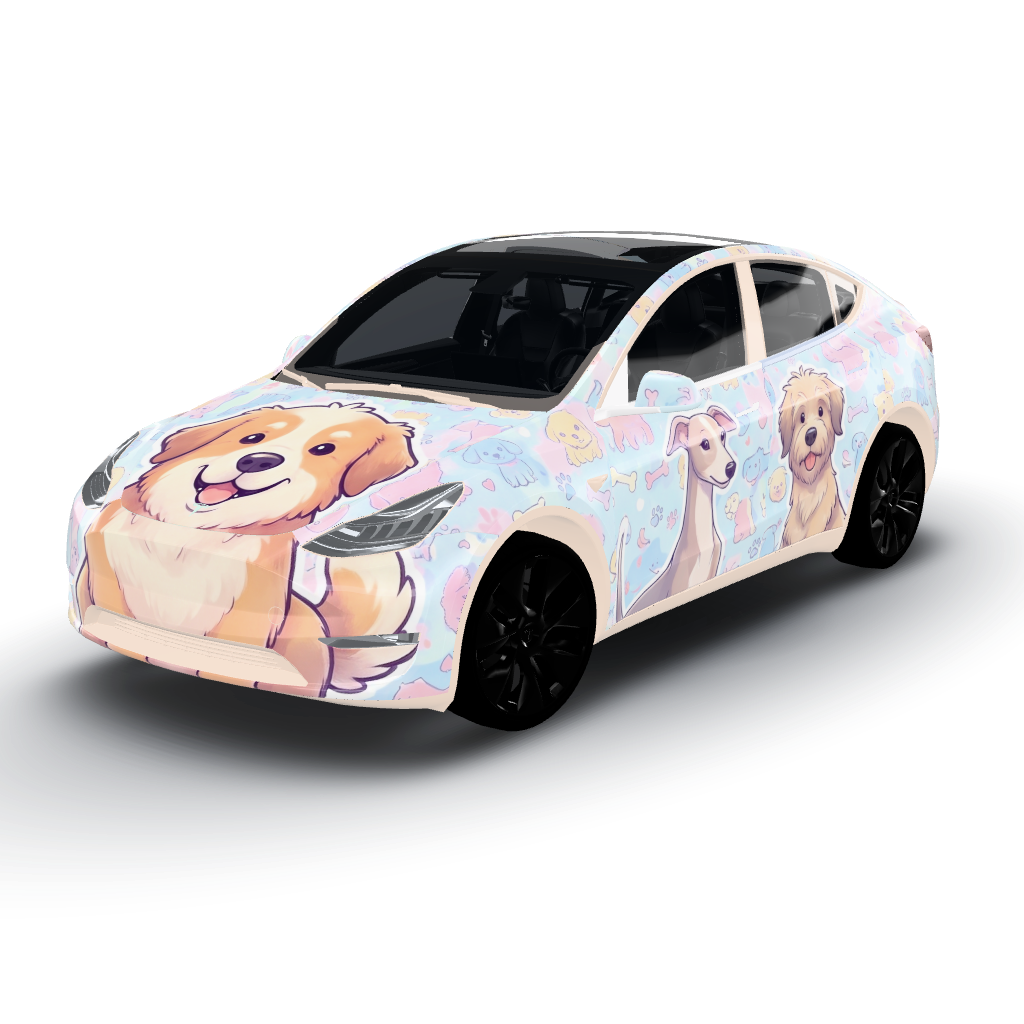 View
Cute is a vibrant and playful design
by user_402884ce
- Model Y (2025+) Premium
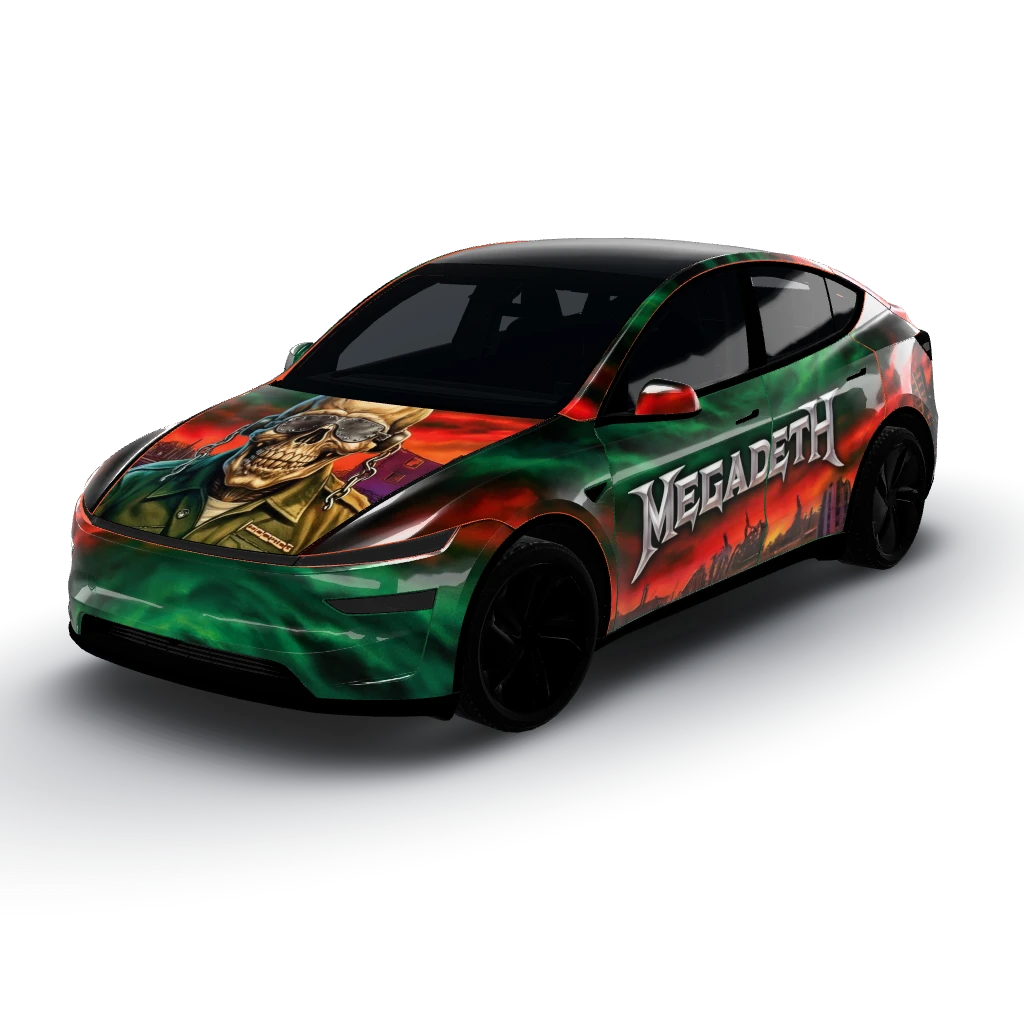 View
Megadeth's "Peace Sells" album cover art
by user_872941e5
- Model Y
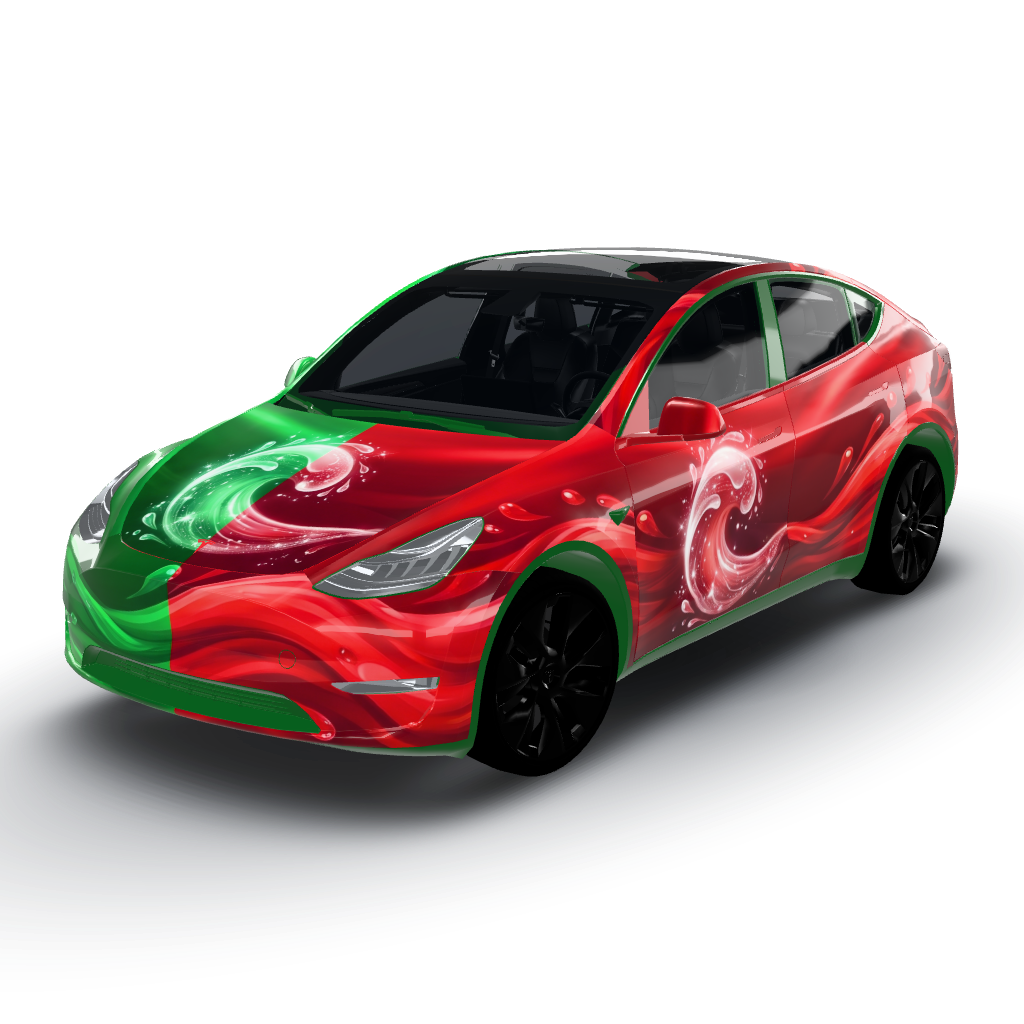 View
Il wrap presenta una palette di colori blu
by user_80e22c42
- Model Y
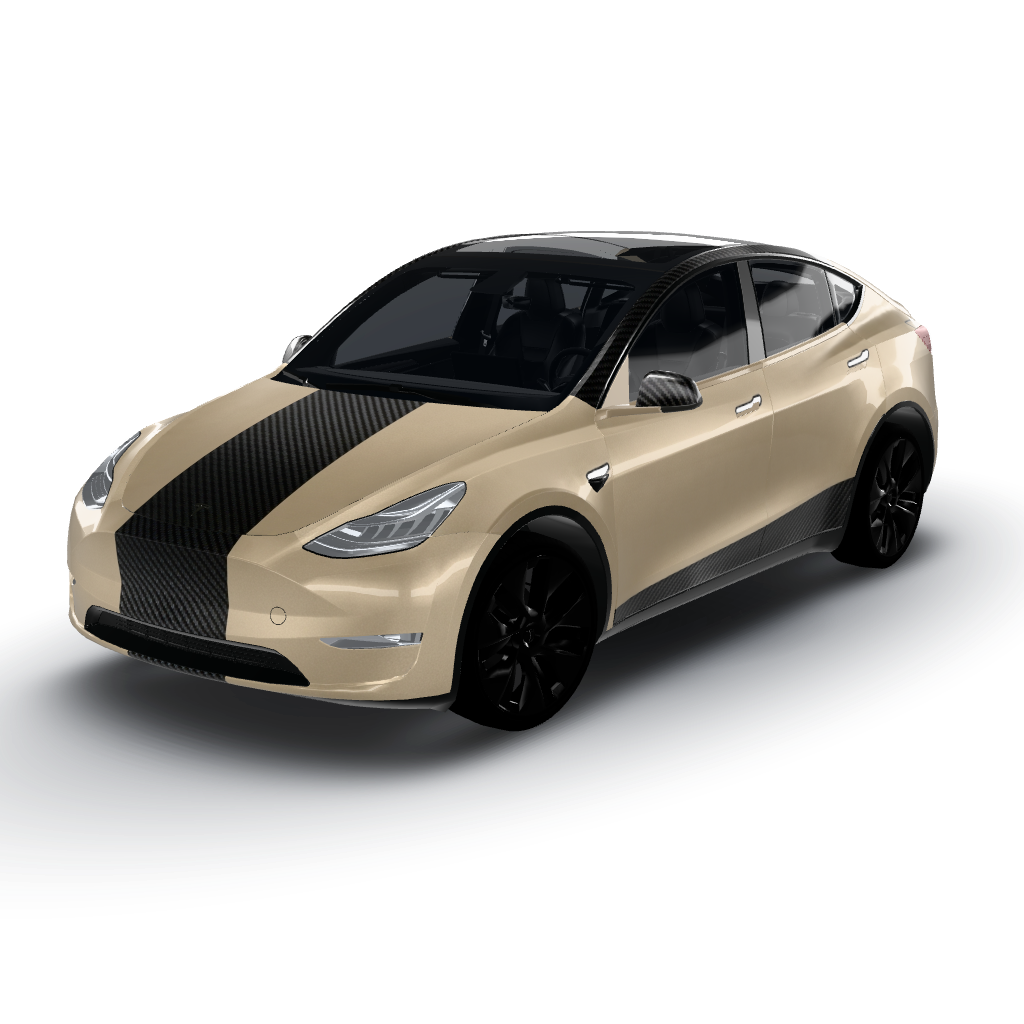 View
Satin desert sand with gloss black carbon
by devoh1
- Model Y (2025+) Premium
 View
Coptic is depicted through a vivid color
by user_e0b30a32
- Model Y (2025+) Performance
 View
Sarin black serves as the deep
by user_3410fdd0