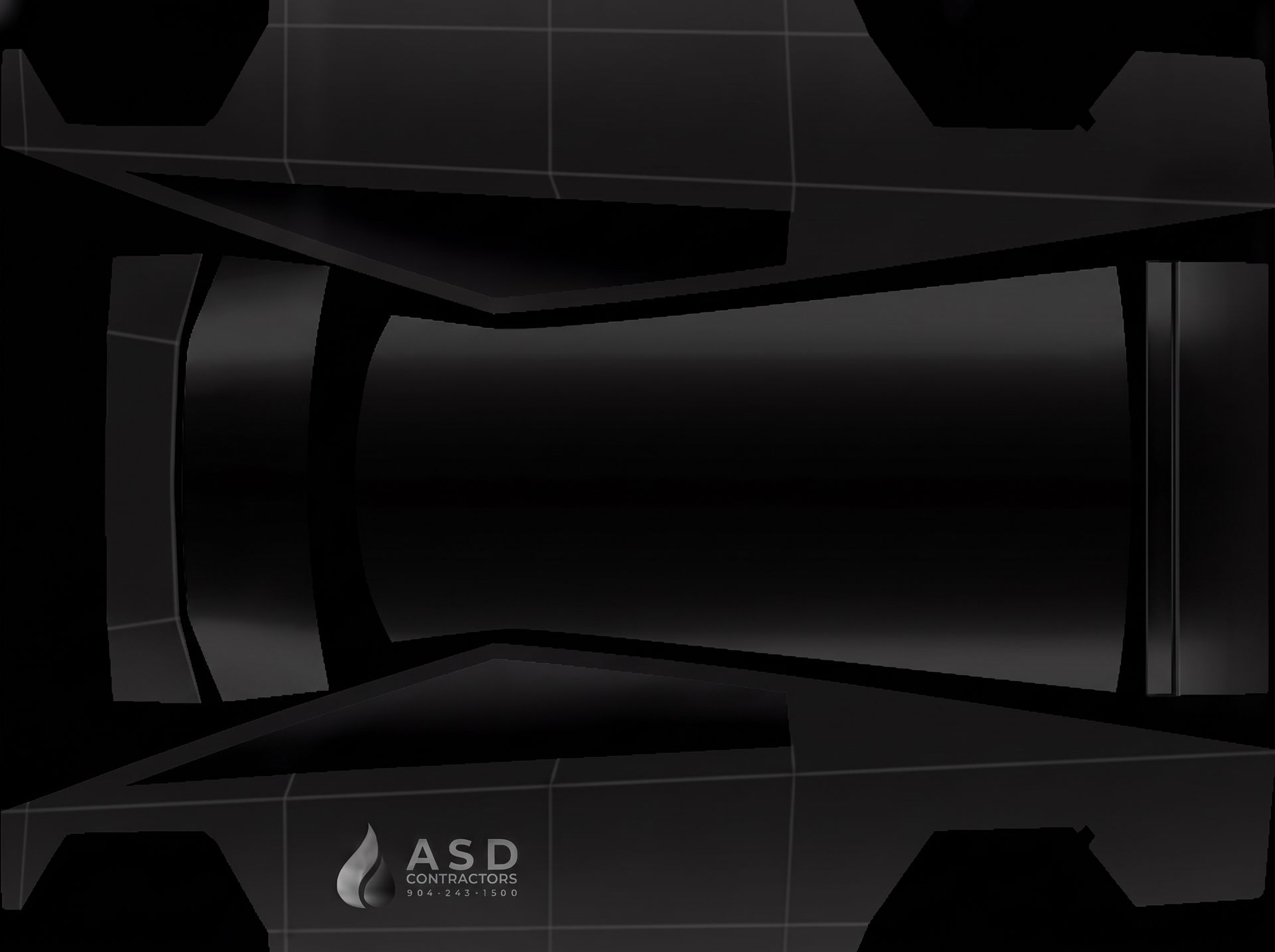
Gloss black wrap all around the Cybertruck
by 12345
About this design
“Gloss black wrap all around the Cybertruck” is an AI-generated wrap laid out on the Cybertruck template, so every panel, curve and cutout lines up with the real vehicle. It was generated from the prompt below — you can reuse that prompt as-is, or edit a word and get a completely different result.
The prompt behind it
“Thanks for sharing the logo! We'll have a gloss black wrap all around the Cybertruck, with the silver logo placed at the bottom front of both the driver and passenger doors. For the hood, since you want to keep everything gloss black, we'll leave it as is with the same gloss black finish. Here's the summary of your wrap design: Hood: gloss black, edge to edge. Body: gloss black wrap with a silver logo at the bottom front of both driver and passenger doors.”
- Likes
- 1
- Downloads
- 0
- Saves
- 0
Making your own? The first one is free: new accounts get a free credit.
Free · on your screen in ~30s
Put it on your car's screen
- 01Download the designFree, no account needed. You get a PNG mapped to your exact model's template.
- 02Send it from your phoneOn vehicle software 2026.26 and app 4.59.0 or newer, open Creations → Wrap in the vehicle app (Wraps on older cars), tap Upload and pick the image. It arrives over the air.
- 03Or use a USB driveOn older software, put the file in a folder named Wraps on a drive formatted exFAT or FAT32, plug it in and pick it from Toybox on the touchscreen. Your car now wears it on screen — and in the app.
Comments
Loading comments…
More like this
Other Cybertruck wraps
- Cybertruck
 View
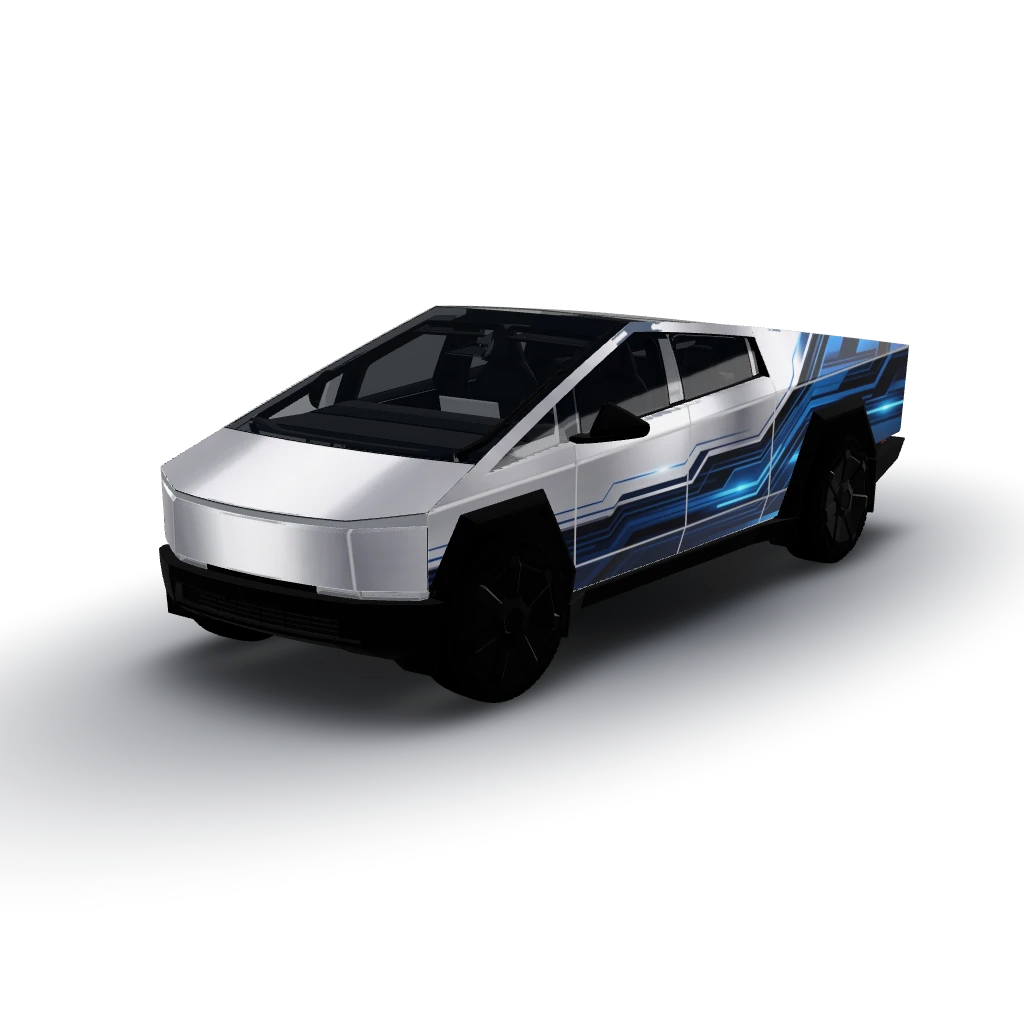
每侧则覆盖着对称的、流动的线条和几何形状,形成一种流畅的视觉效果,增强整体的动感和现代感
by user_464216c5
- Cybertruck
 View
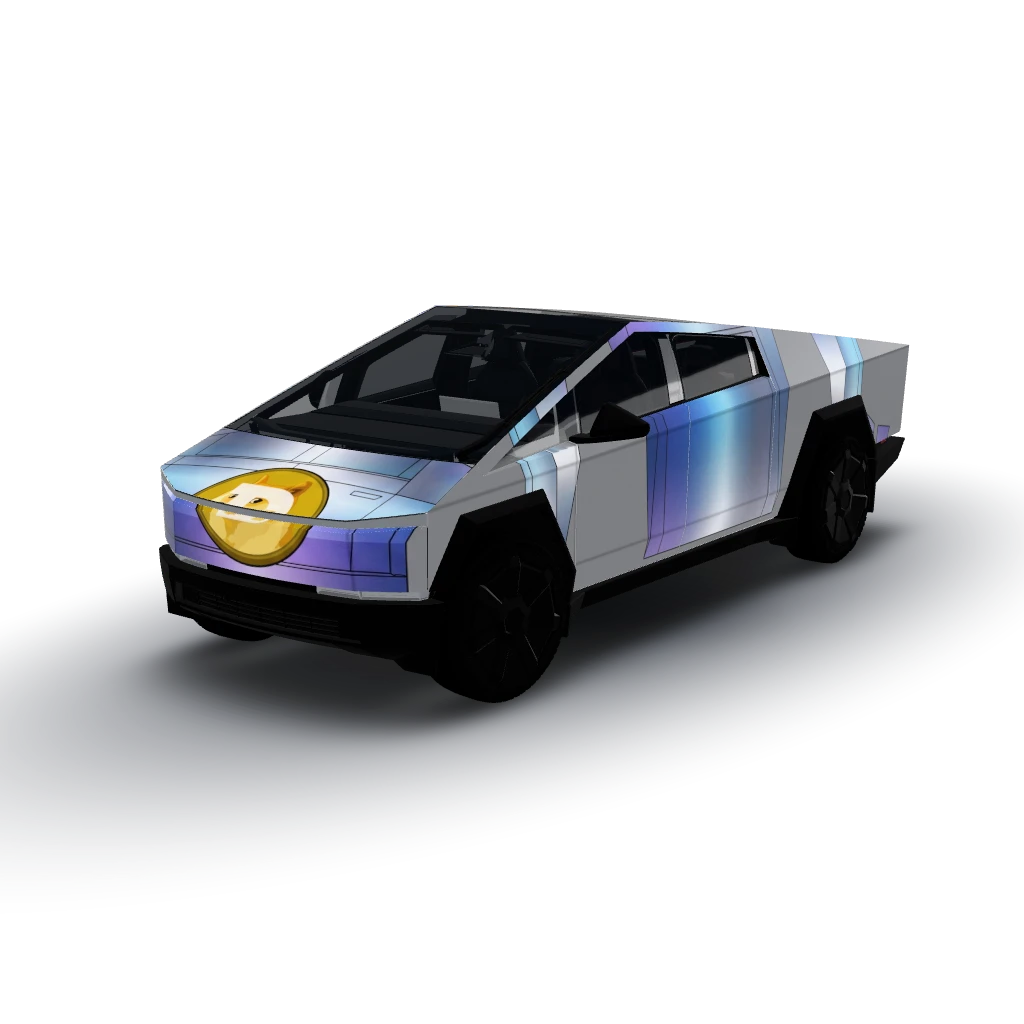
每侧则是一个大幅的“狗狗币”图标,清晰而充满立体感,保持正立且方向一致,强调其在数字货币
by user_464216c5
- Cybertruck
 View
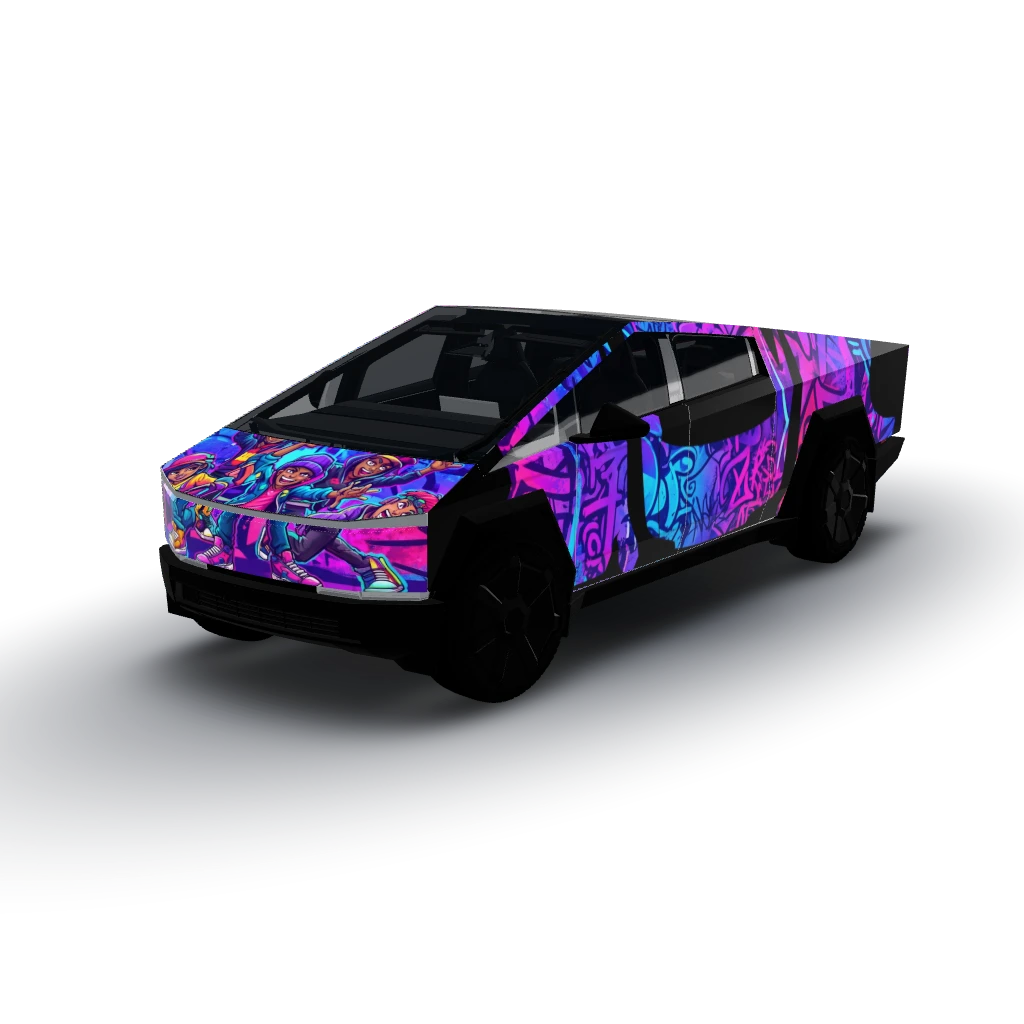
每侧展示着一组动态的街头艺术人物,姿态夸张且生动,充满活力,确保在每个面板上都保持直立和
by user_464216c5
- Cybertruck
 View
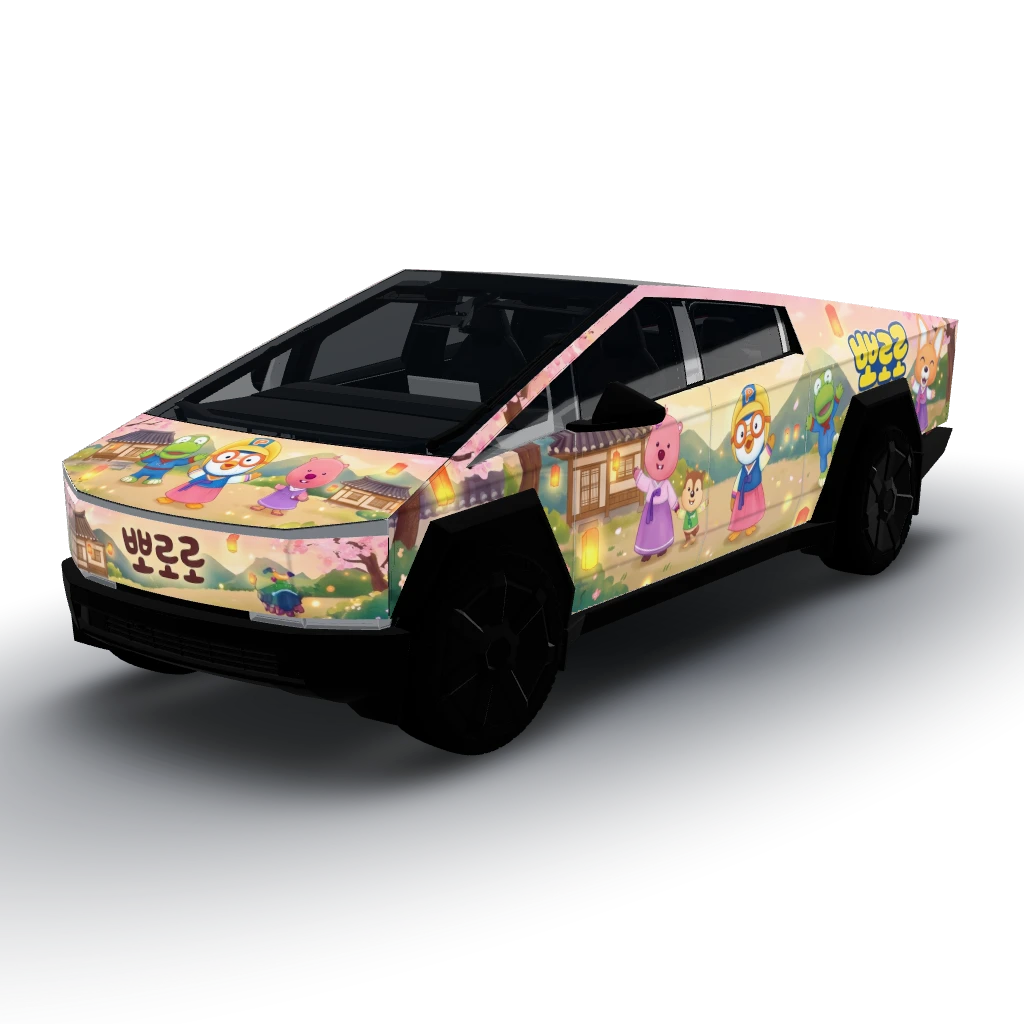
Cyberpunk neon grid on a dark base
by user_2b476cd5
- Cybertruck
 View
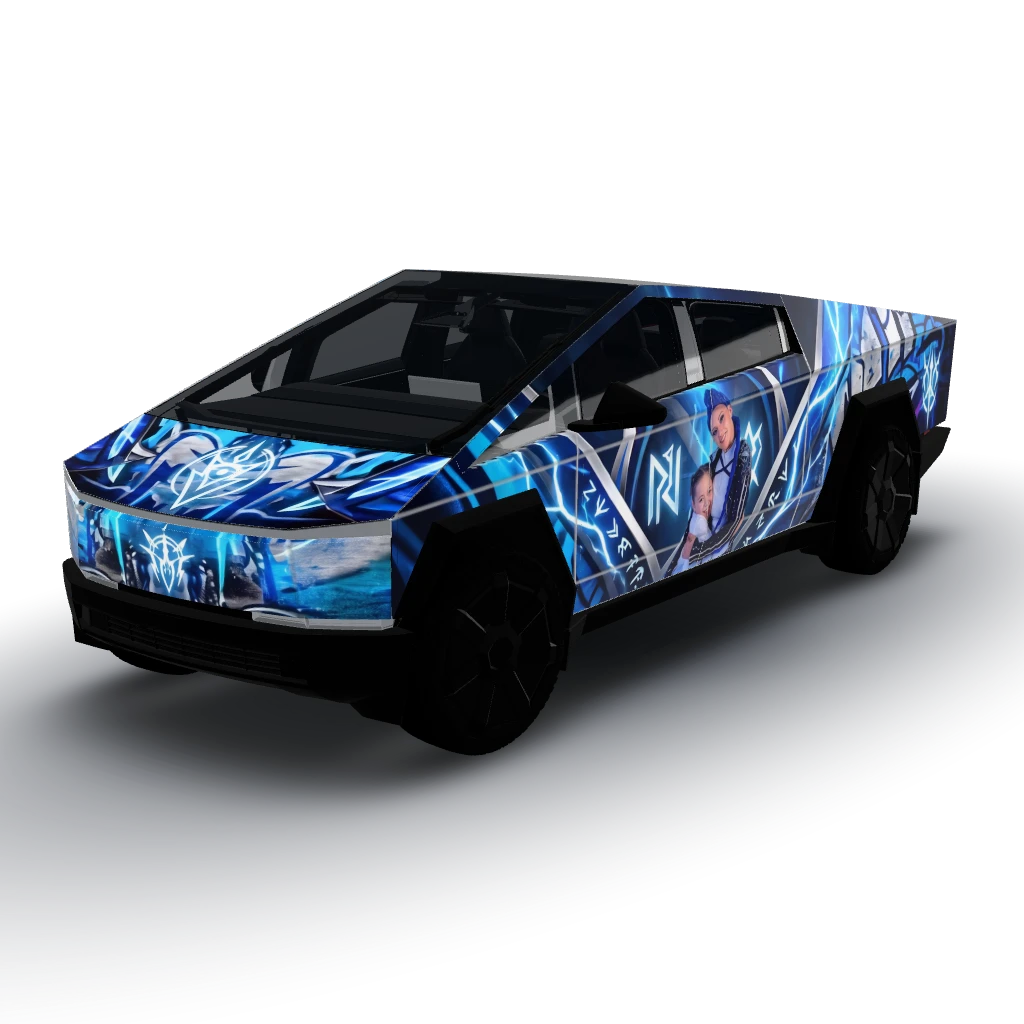
Hood, we'll feature the two figures
by gameshowevent
- Cybertruck
 View
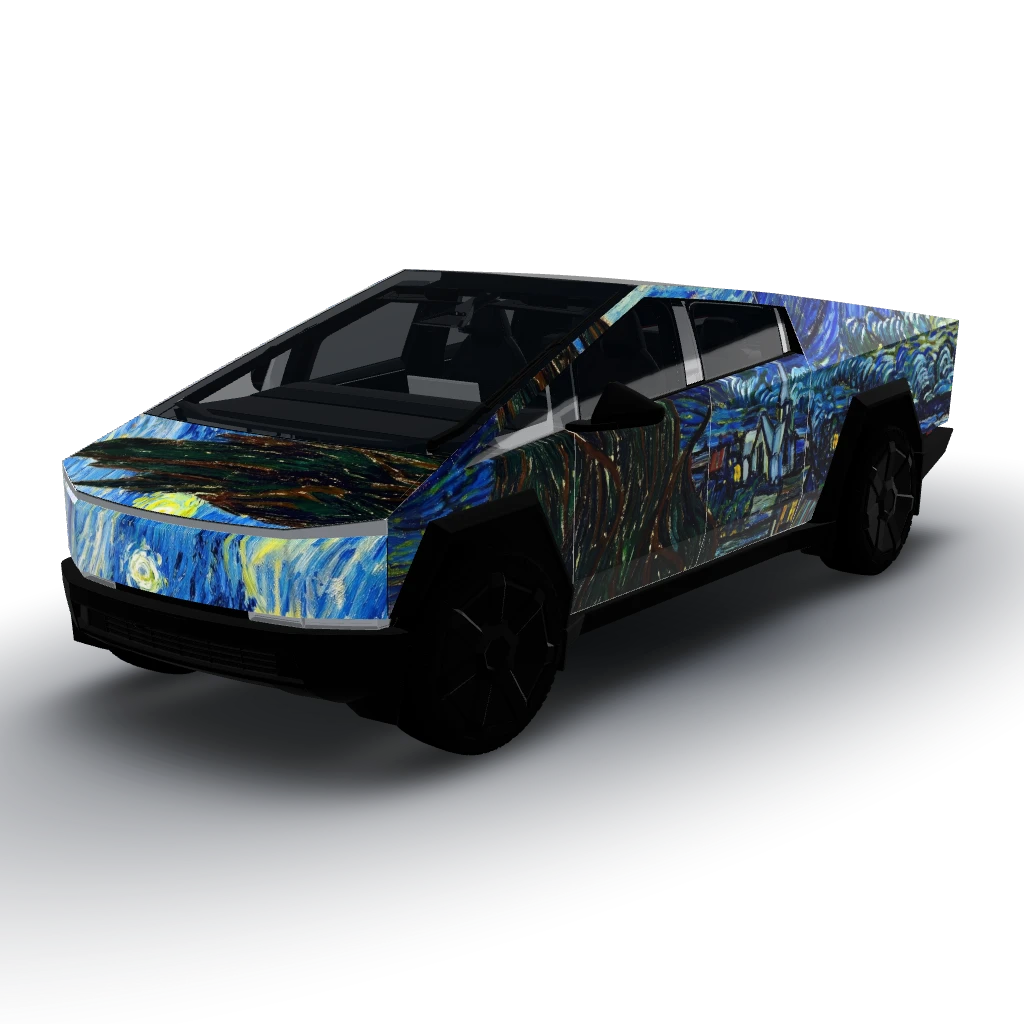
Starry night painting
by Josh