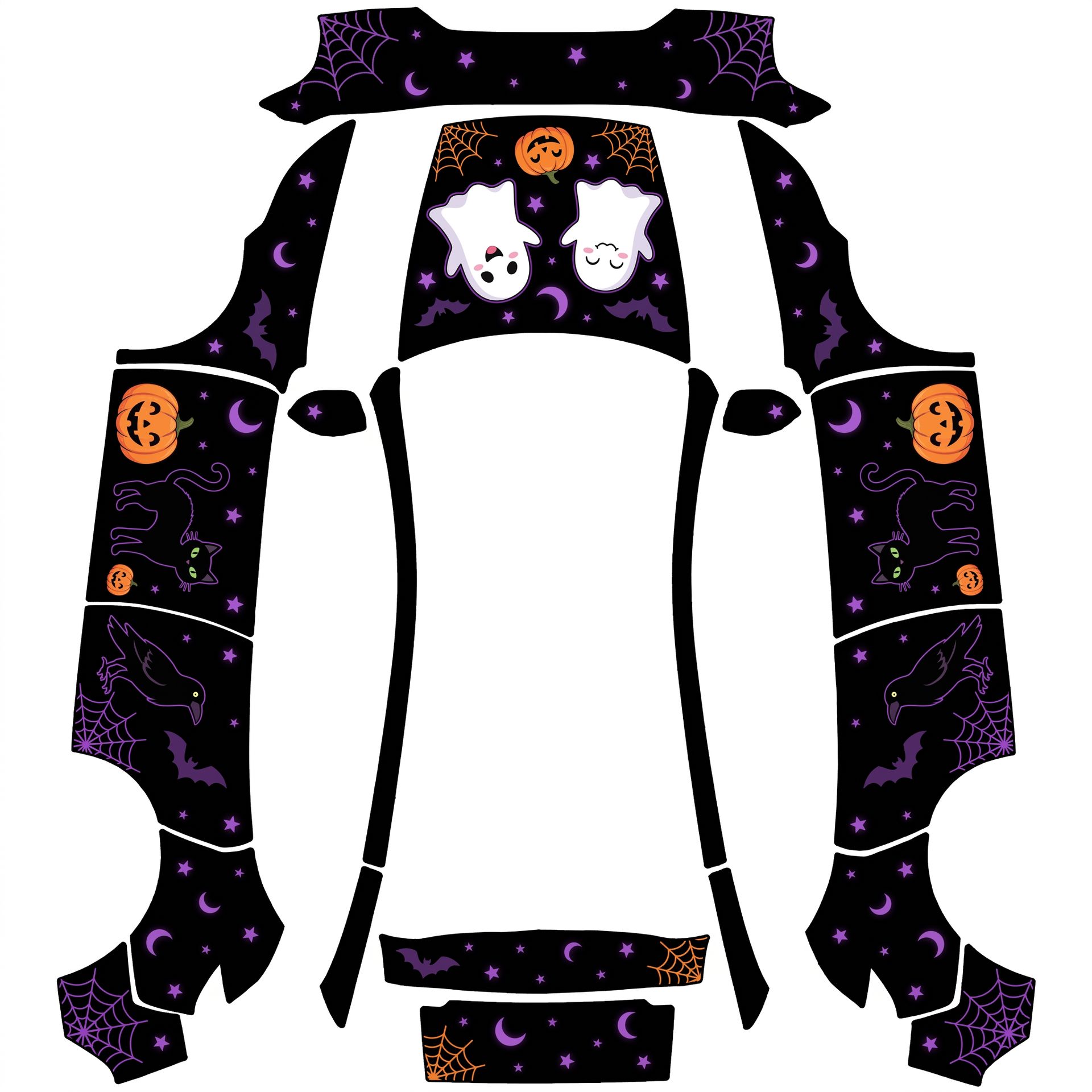
Matte finish with a natural scene layout
About this design
“Matte finish with a natural scene layout” is an AI-generated wrap laid out on the Model Y (2025+) Premium template, so every panel, curve and cutout lines up with the real vehicle. It was generated from the prompt below — you can reuse that prompt as-is, or edit a word and get a completely different result.
The prompt behind it
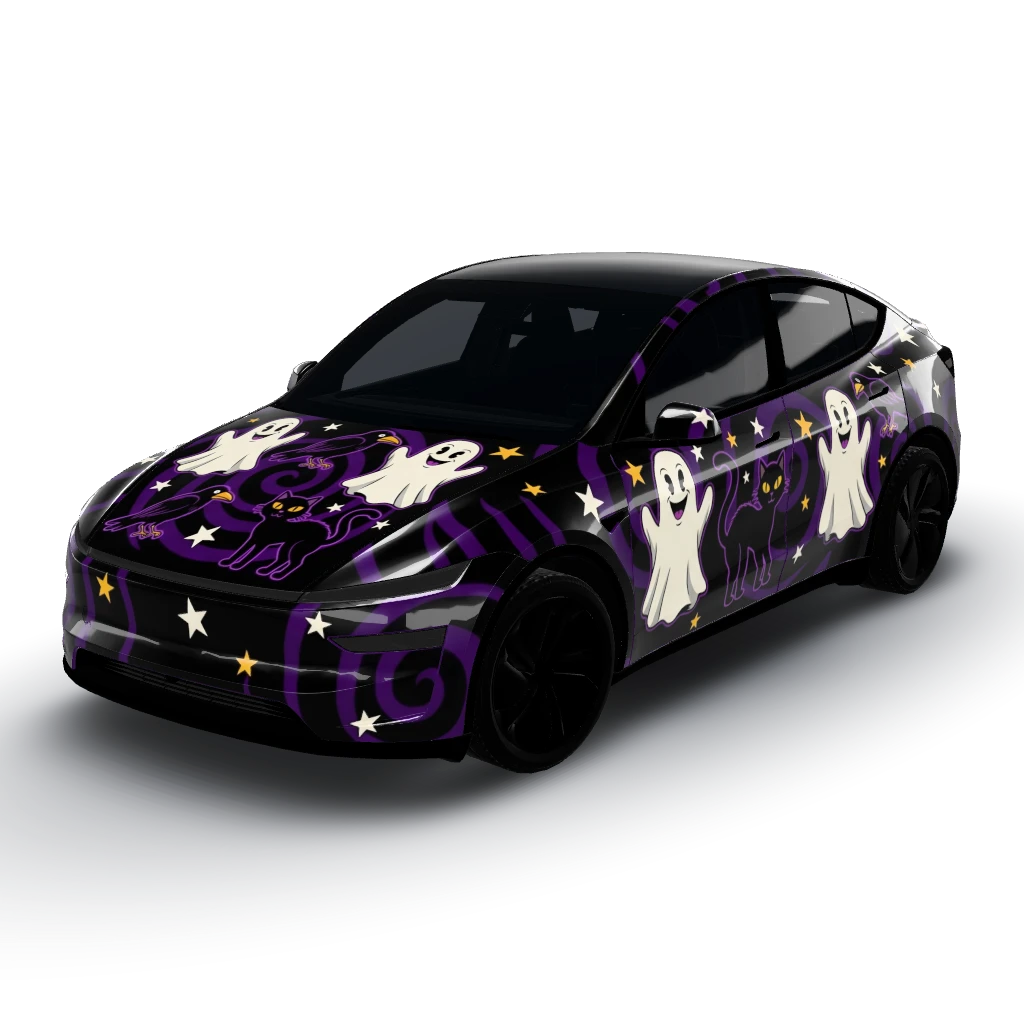
“Got it! A matte finish with a natural scene layout sounds perfect. To summarize, we’ll have a black matte background with purple accents resembling nighttime stars. Cute ghosts with silly faces, along with classic 2000's Halloween elements like crows and black cats, will be positioned to create a cohesive scene across the vehicle. For character placement, the ghosts will be centered and upright on the hood, while the crows and black cats will appear on the doors facing forward, upright as seen from the side of the car. Is there anything else you'd like to add or adjust?”
- Likes
- 1
- Downloads
- 12
- Saves
- 1
Making your own? The first one is free: new accounts get a free credit.
Free · on your screen in ~30s
Put it on your car's screen
- 01Download the designFree, no account needed. You get a PNG mapped to your exact model's template.
- 02Send it from your phoneOn vehicle software 2026.26 and app 4.59.0 or newer, open Creations → Wrap in the vehicle app (Wraps on older cars), tap Upload and pick the image. It arrives over the air.
- 03Or use a USB driveOn older software, put the file in a folder named Wraps on a drive formatted exFAT or FAT32, plug it in and pick it from Toybox on the touchscreen. Your car now wears it on screen — and in the app.
Comments
Loading comments…
More like this
Other Model Y Premium wraps
- Model Y (2025+) Performance
 View
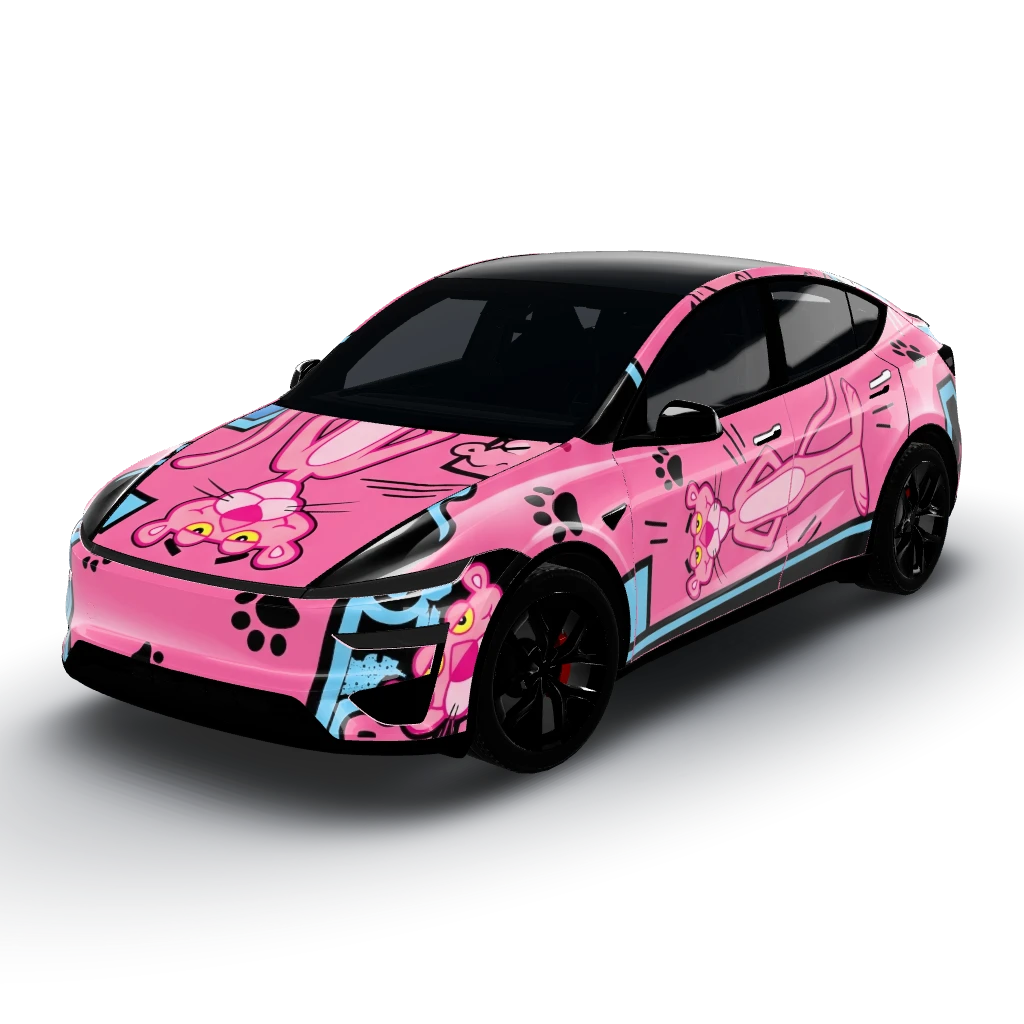
Vibrant pink base with accents of black
by user_6d1868d3
- Model Y L
 View
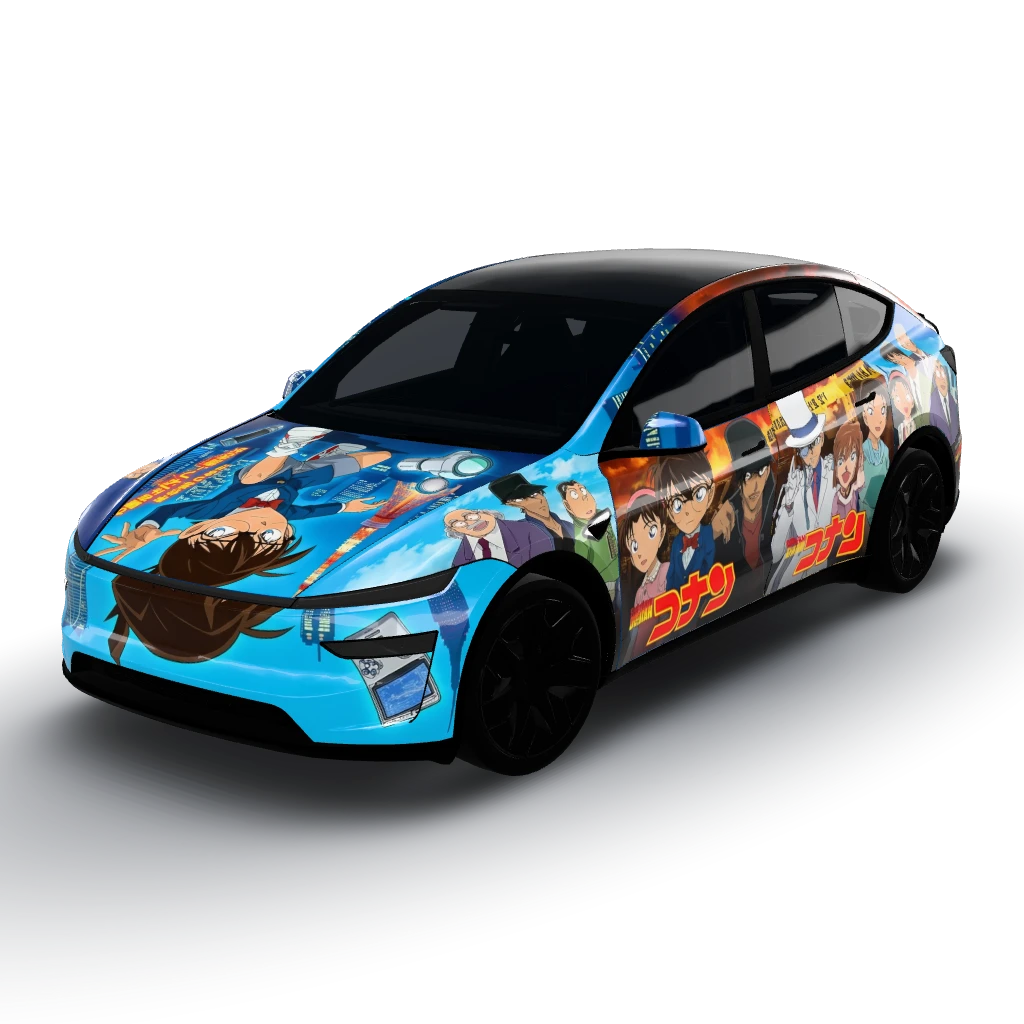
Conan
by user_939208c9
- Model Y (2025+) Premium
 View
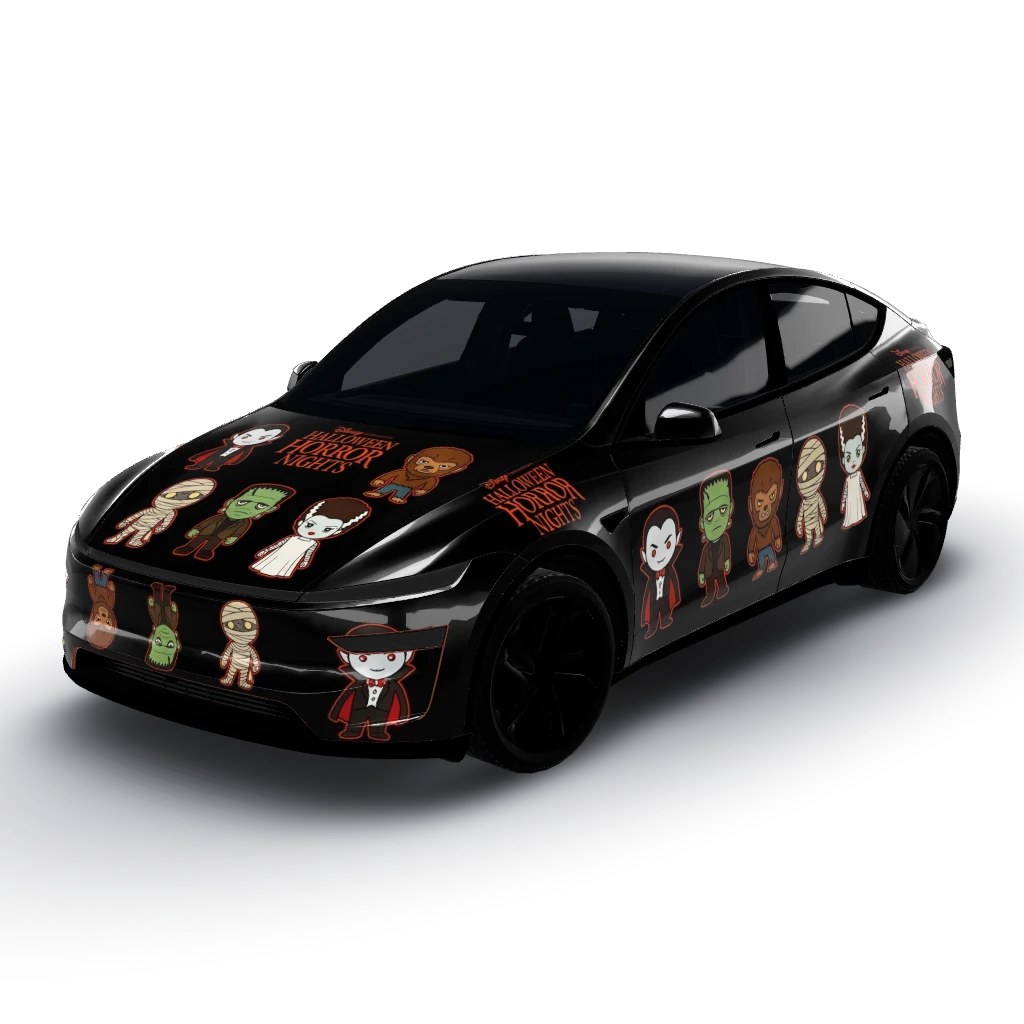
Subtle collage of small, cute
by user_b1d6706c
- Model Y (2025+) Premium
 View
Ghosts, black cats, and crows in natural
by user_b1d6706c
- Model Y (2025+) Premium
 View
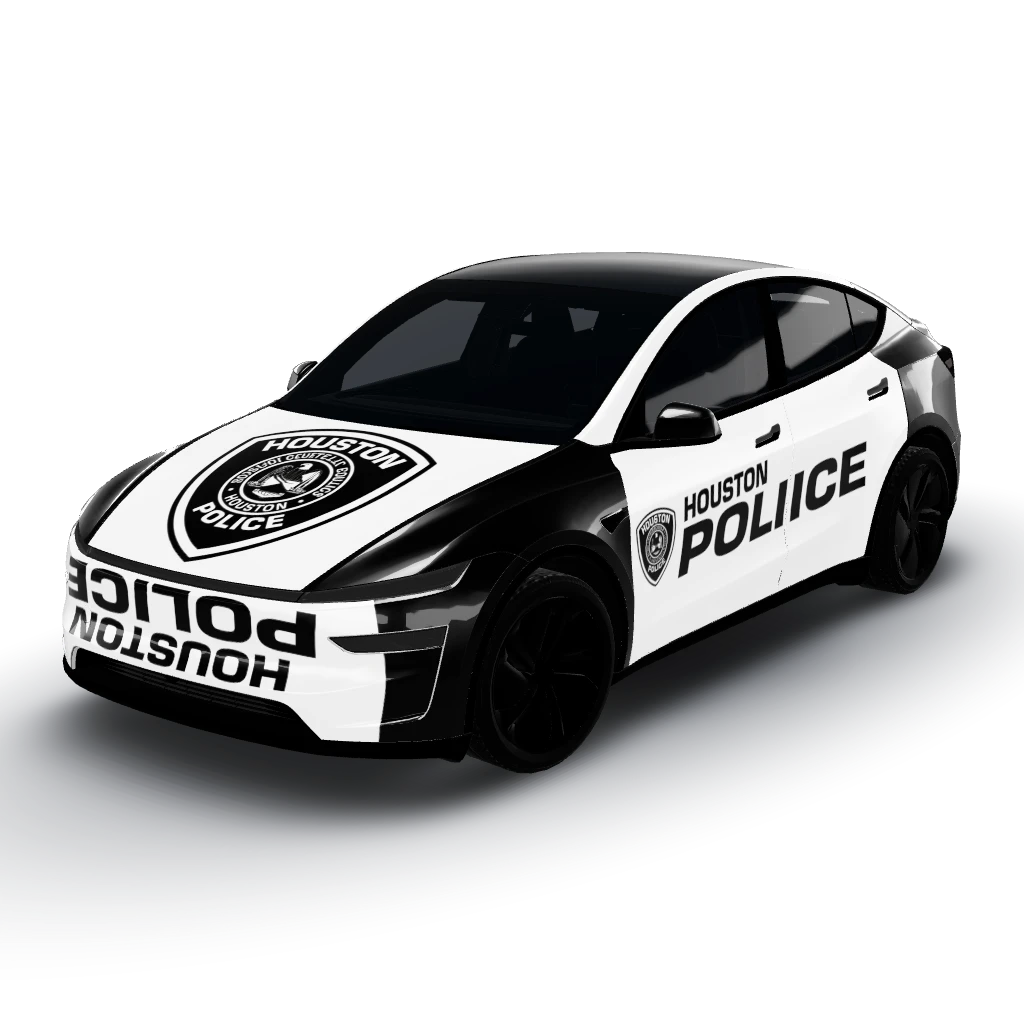
Houston Police
by user_c0e4469b
- Model Y (2025+) Premium
 View
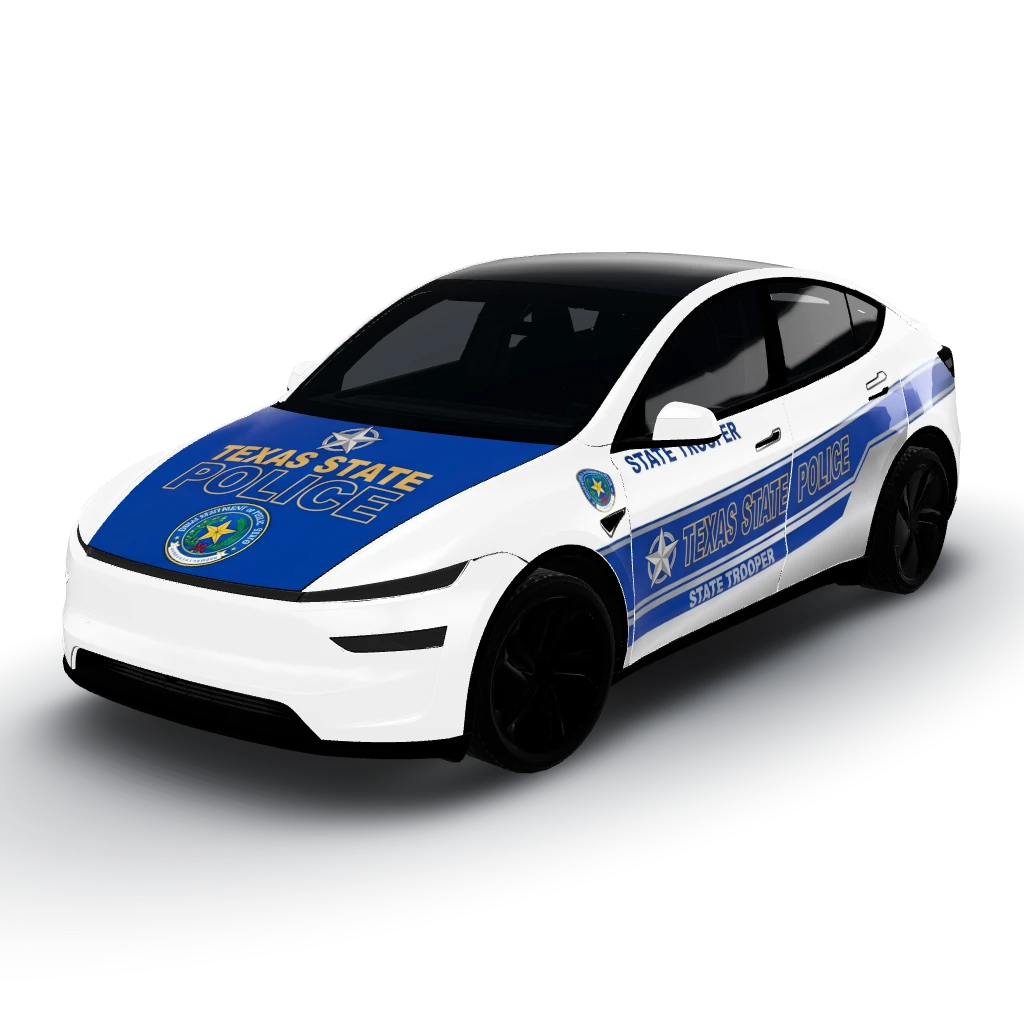
Texas State Police Car Livery
by user_c0e4469b