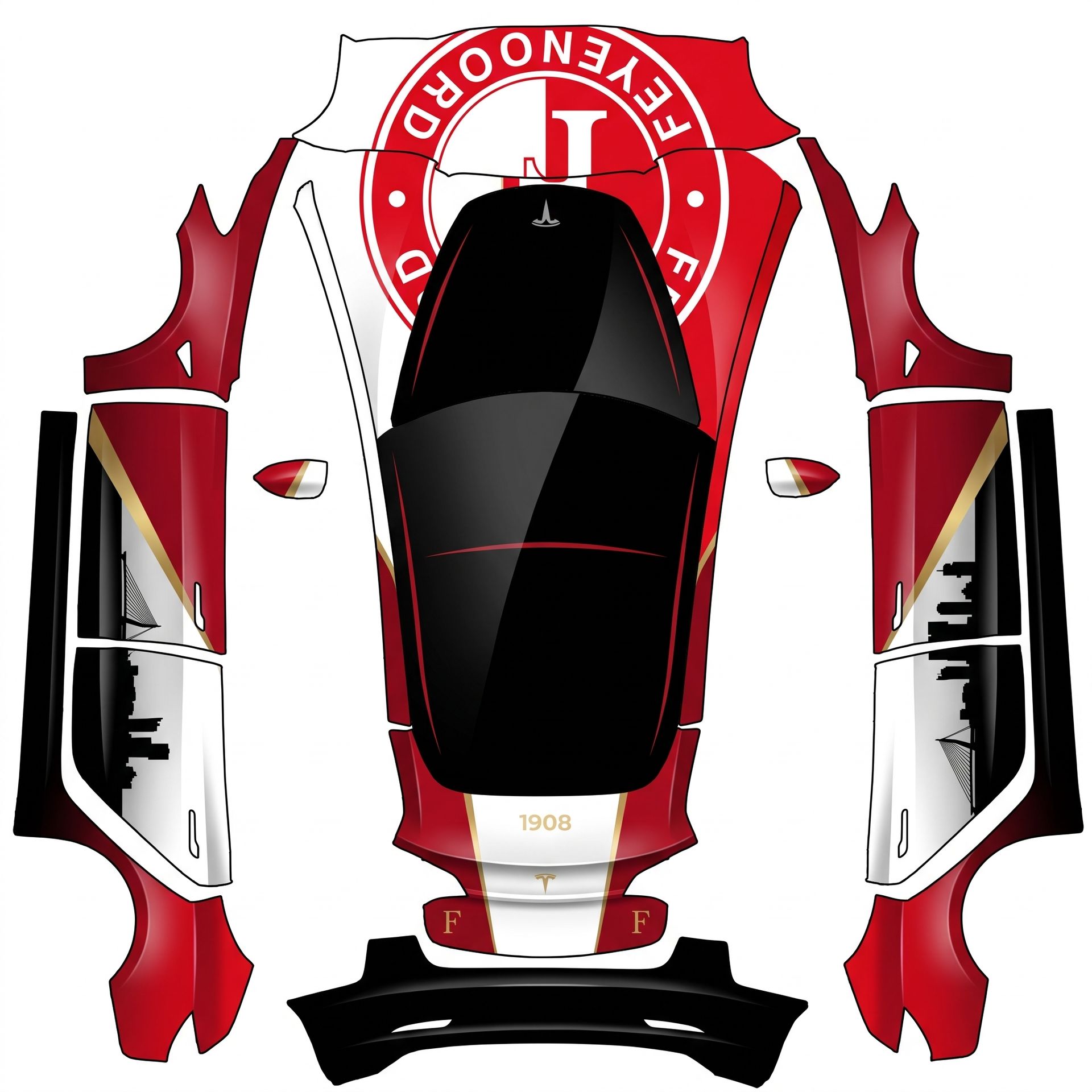
Here's the final summary of your custom
About this design
“Here's the final summary of your custom” is an AI-generated wrap laid out on the Model 3 template, so every panel, curve and cutout lines up with the real vehicle. It was generated from the prompt below — you can reuse that prompt as-is, or edit a word and get a completely different result.
The prompt behind it
“Here's the final summary of your custom wrap design for the Model 3, incorporating all your elements: - **Hood**: A strong red and white composition with a large, elegant Feyenoord-inspired circular crest centered and integrated smoothly, keeping the Tesla logo visible. - **Roof**: Glossy black with subtle red detailing, visually integrating the panoramic glass roof. - **Side Profile**: A large diagonal composition starting with deep glossy Feyenoord red, transitioning to satin/matte white and deep black, accented by a sharp metallic gold line. The rear door features a subtle Rotterdam skyline silhouette. - **Rear**: Continuing the red/white/black theme with red around the outer sections, a white central section, and a black lower section. Features subtle gold “1908” detailing and small Feyenoord-inspired “F” symbols, maintaining a clean and premium look. - **Wheels**: Glossy or satin black with subtle red brake calipers, avoiding excessive racing decals. The overall feeling is a blend of Feyenoord, Rotterdam, premium motorsport, and modern Tesla design, ensuring a cohesive and striking appearance. All characters and symbols will appear upright and properly oriented on each panel.”
- Likes
- 1
- Downloads
- 0
- Saves
- 1
Making your own? The first one is free: new accounts get a free credit.
Free · on your screen in ~30s
Put it on your car's screen
- 01Download the designFree, no account needed. You get a PNG mapped to your exact model's template.
- 02Send it from your phoneOn vehicle software 2026.26 and app 4.59.0 or newer, open Creations → Wrap in the vehicle app (Wraps on older cars), tap Upload and pick the image. It arrives over the air.
- 03Or use a USB driveOn older software, put the file in a folder named Wraps on a drive formatted exFAT or FAT32, plug it in and pick it from Toybox on the touchscreen. Your car now wears it on screen — and in the app.
Comments
Loading comments…
More like this
Other Model 3 wraps
- Model 3 (2024+) Standard & Premium
 View
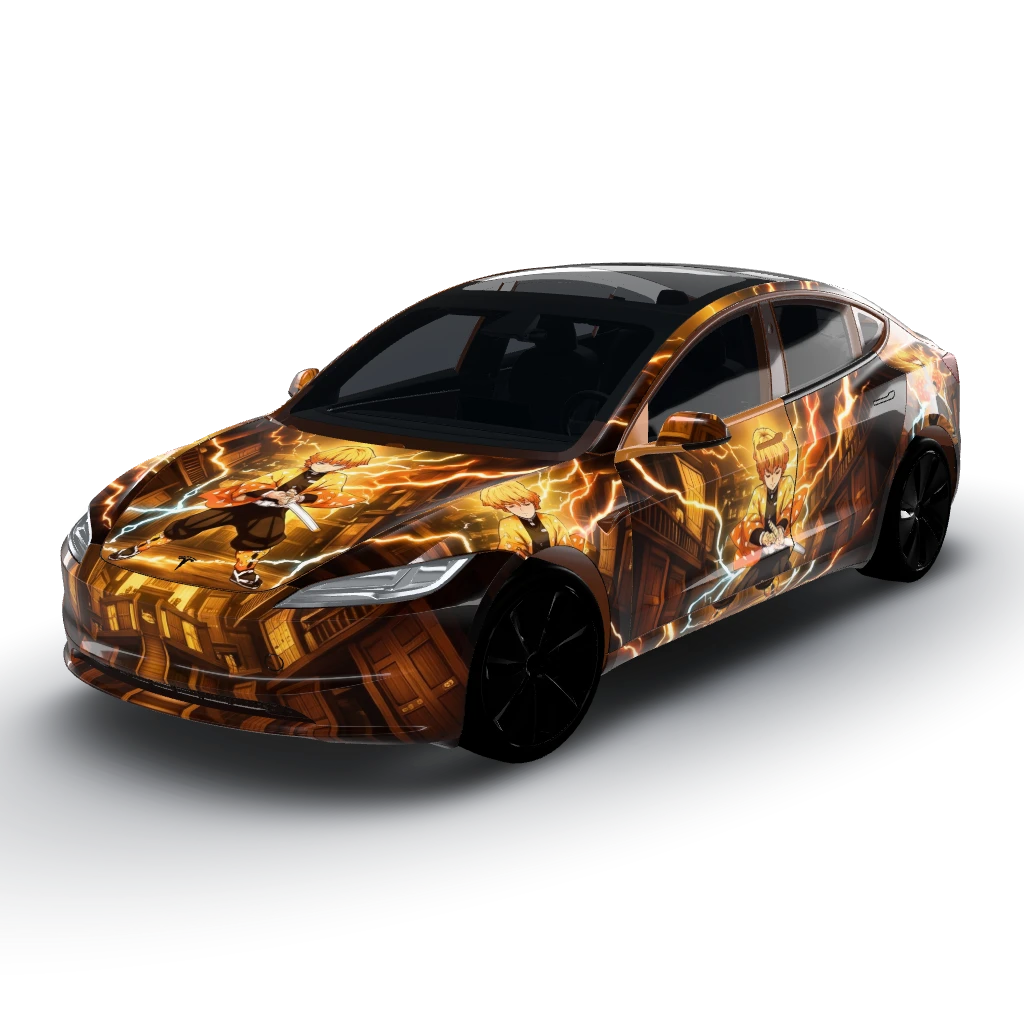
Glossy wrap featuring Zenitsu against
by user_429950e8
- Model 3 (2024+) Standard & Premium
 View
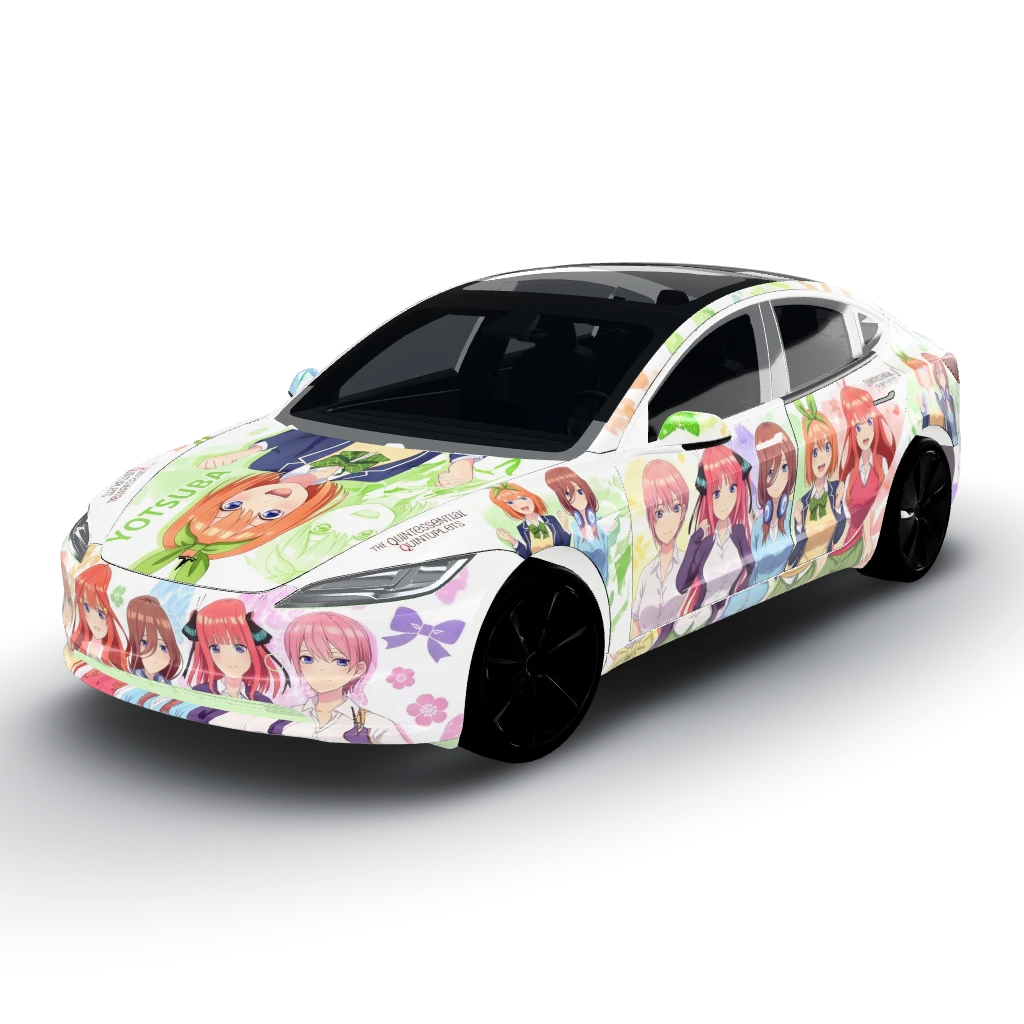
Glossy wrap with a white background
by user_429950e8
- Model 3
 View
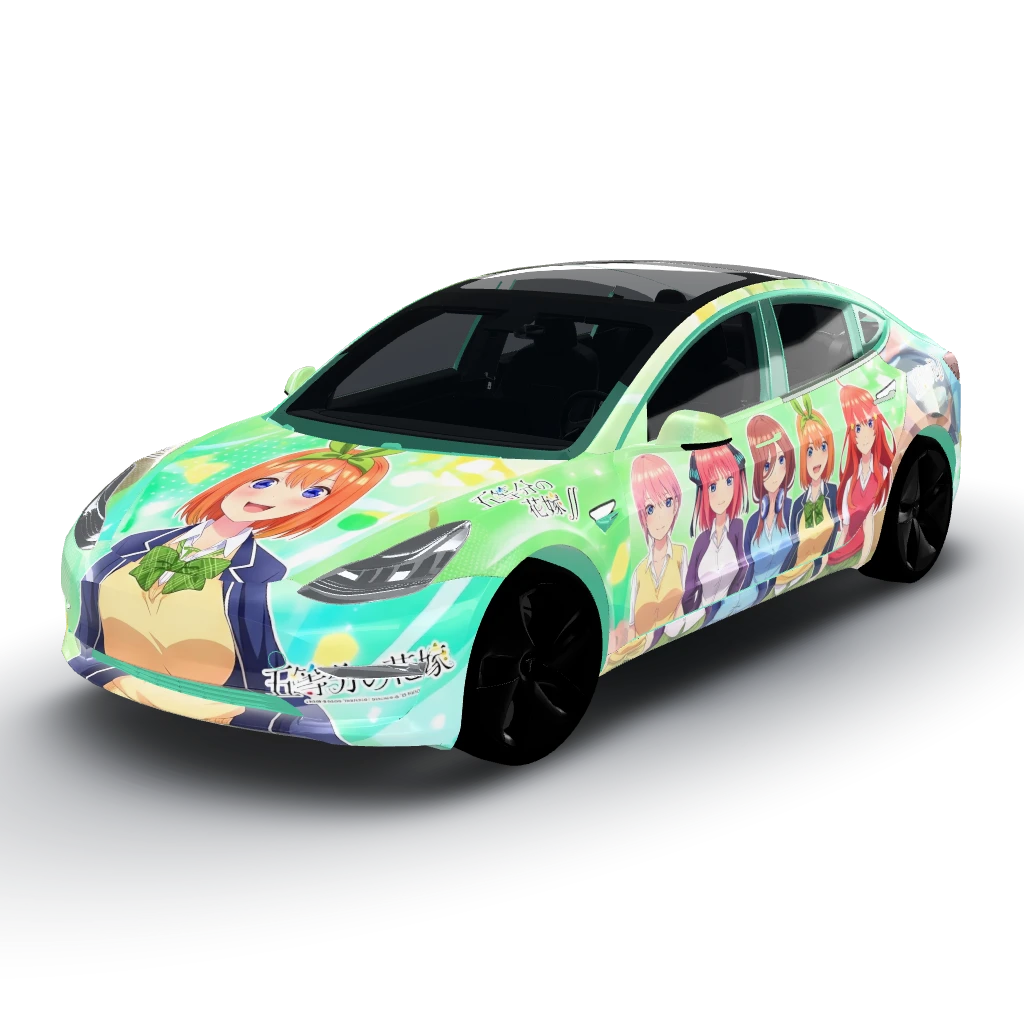
Glossy wrap featuring characters
by user_429950e8
- Model 3 (2024+) Standard & Premium
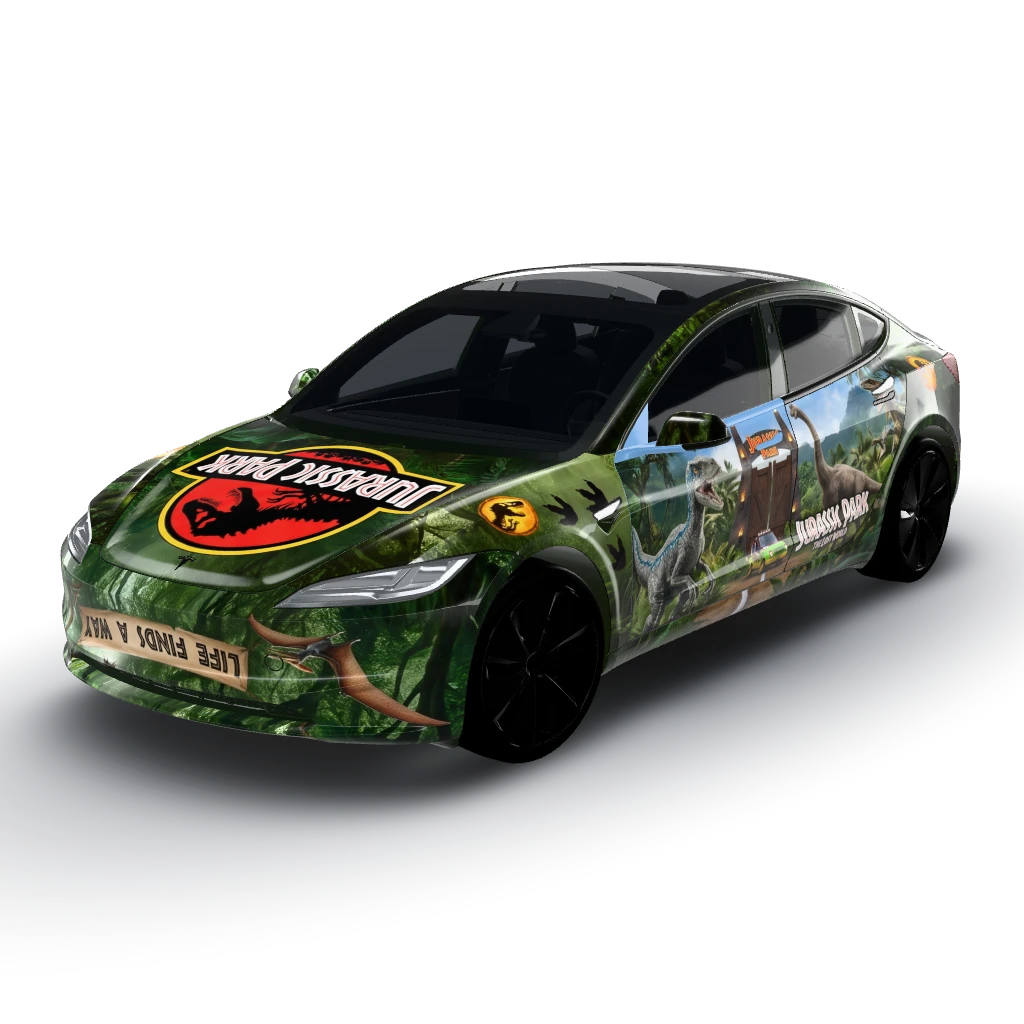 View
Jurassic park, subtitle, glossy
by user_347b77a0
- Model 3 (2024+) Standard & Premium
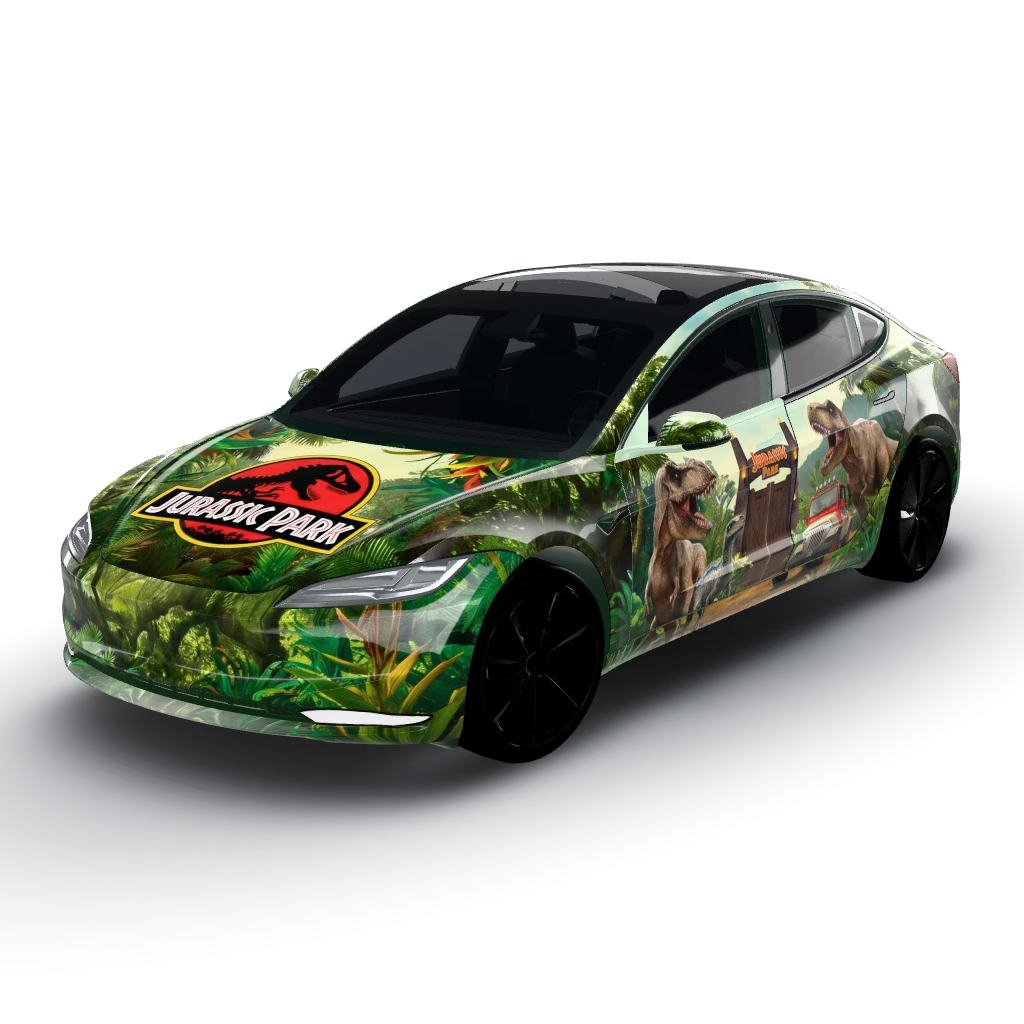 View
Jurassic park, subtitle, glossy
by user_347b77a0
- Model 3
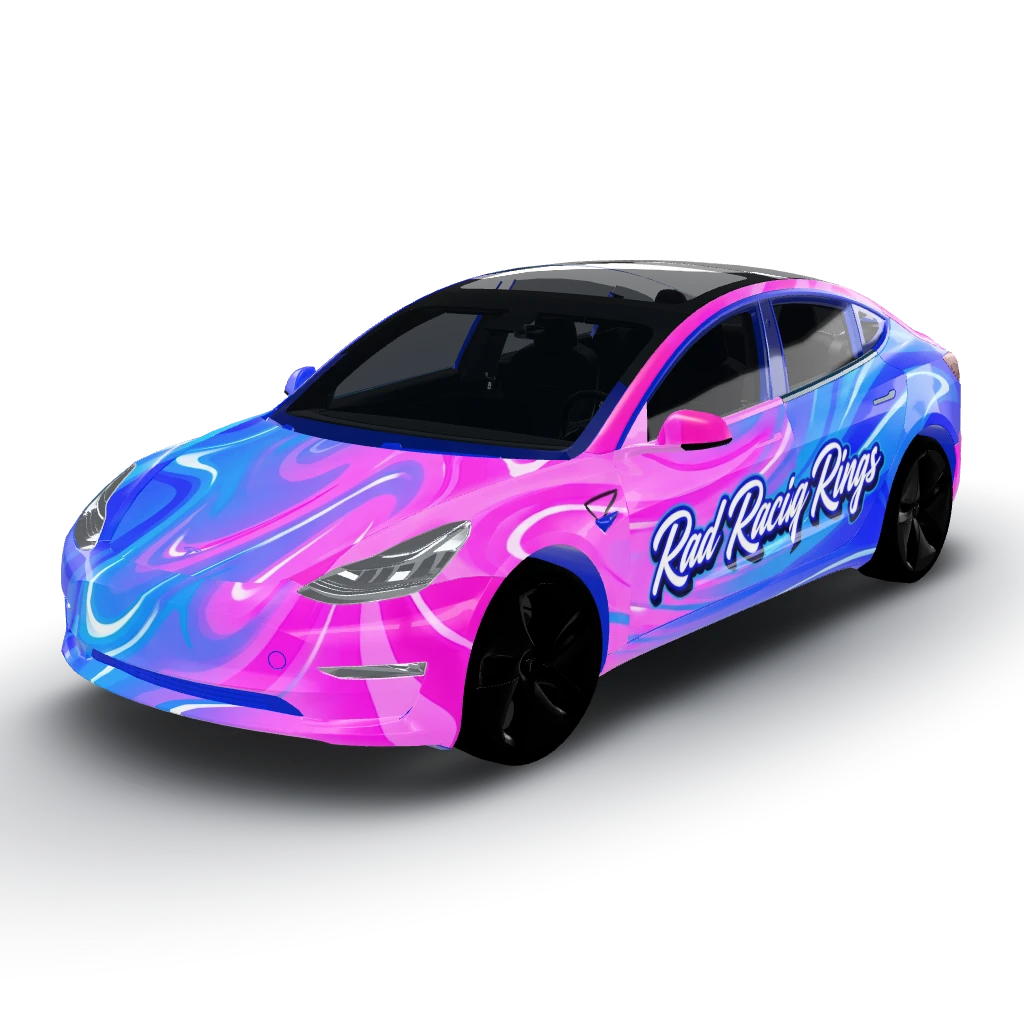 View
Electric pinks, blues, and white - Design
by user_5d7a7fd1