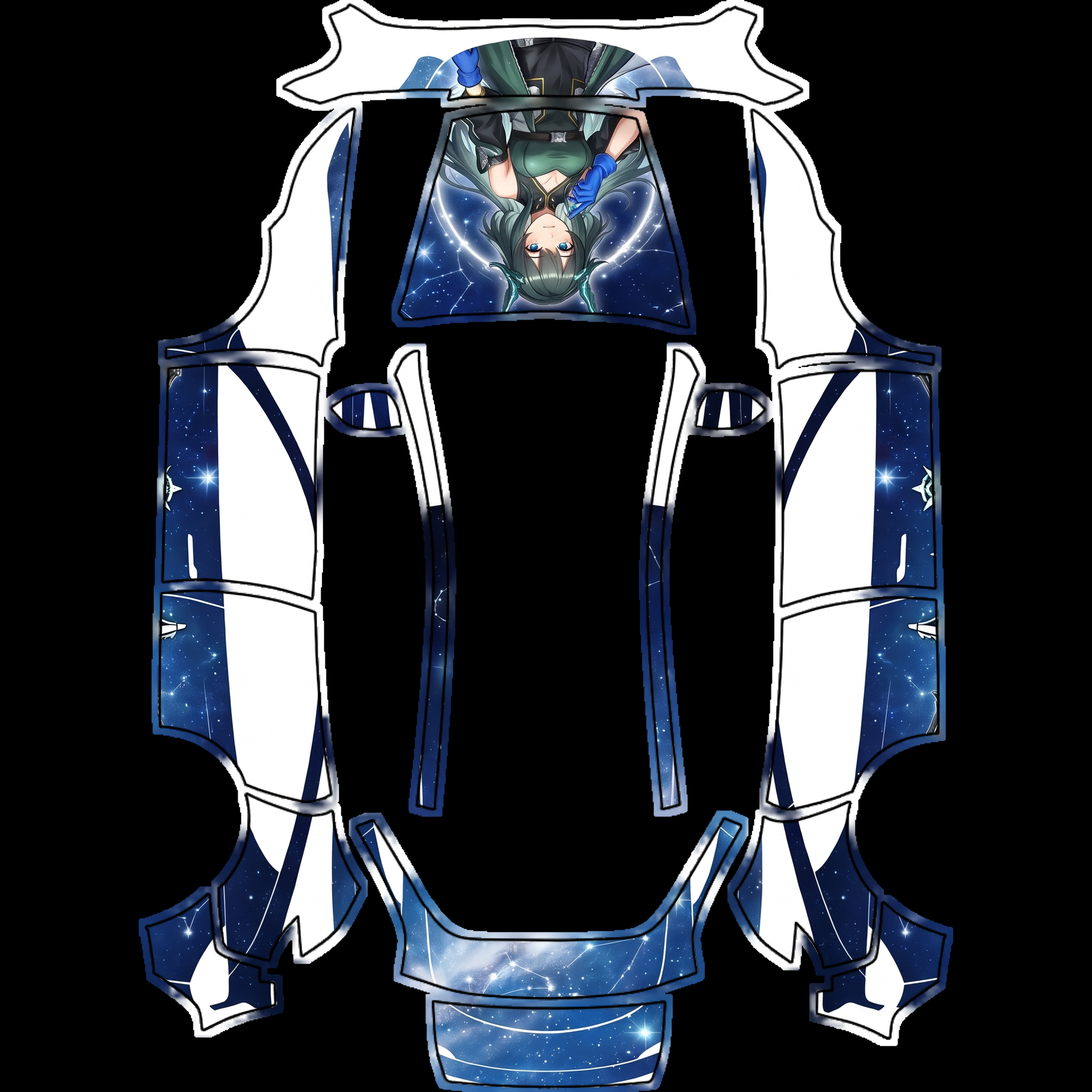
两侧则展示“祀”的标志性武器和元素符号,设计保持垂直且正确朝向,增强整体的动态感和视觉冲
About this design
“两侧则展示“祀”的标志性武器和元素符号,设计保持垂直且正确朝向,增强整体的动态感和视觉冲” is an AI-generated wrap laid out on the Model Y (2025+) Standard template, so every panel, curve and cutout lines up with the real vehicle. It was generated from the prompt below — you can reuse that prompt as-is, or edit a word and get a completely different result.
The prompt behind it
“参照明日方舟,整个贴纸以深蓝和白色为主色调,营造出夜空的神秘感,背景上覆盖着细致的星空纹理,点缀着闪烁的小星星。Hood: 中心位置是《明日方舟》角色“祀”的形象,展现她的经典服装和独特发型,面容清晰且表情坚定,周围环绕着光晕效果。Sides: 两侧则展示“祀”的标志性武器和元素符号,设计保持垂直且正确朝向,增强整体的动态感和视觉冲击力。”
- Likes
- 0
- Downloads
- 0
- Saves
- 0
Making your own? The first one is free: new accounts get a free credit.
Free · on your screen in ~30s
Put it on your car's screen
- 01Download the designFree, no account needed. You get a PNG mapped to your exact model's template.
- 02Send it from your phoneOn vehicle software 2026.26 and app 4.59.0 or newer, open Creations → Wrap in the vehicle app (Wraps on older cars), tap Upload and pick the image. It arrives over the air.
- 03Or use a USB driveOn older software, put the file in a folder named Wraps on a drive formatted exFAT or FAT32, plug it in and pick it from Toybox on the touchscreen. Your car now wears it on screen — and in the app.
Comments
Loading comments…
More like this
Other Model Y Standard wraps
- Model Y (2025+) Premium
 View
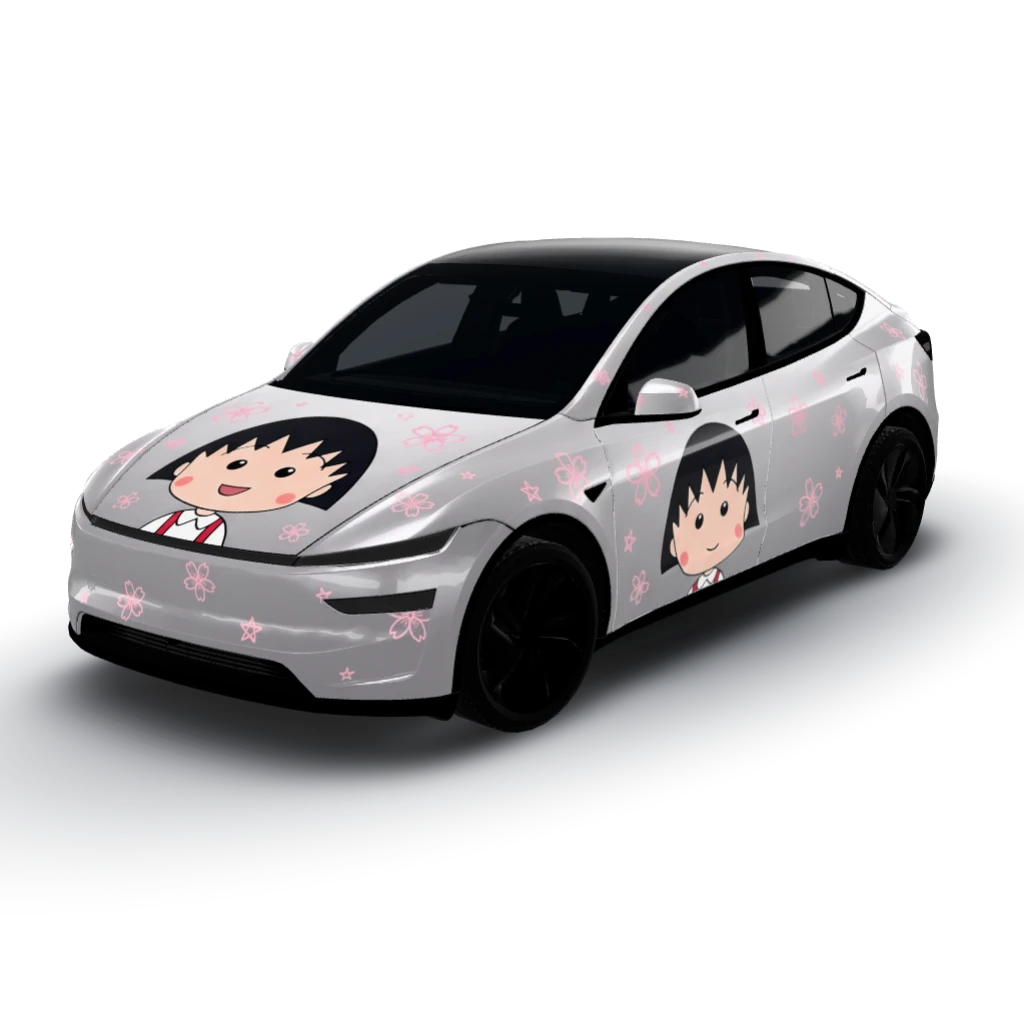
Tesla's original gray-based Chibi
by user_bcecbf85
- Model Y L
 View
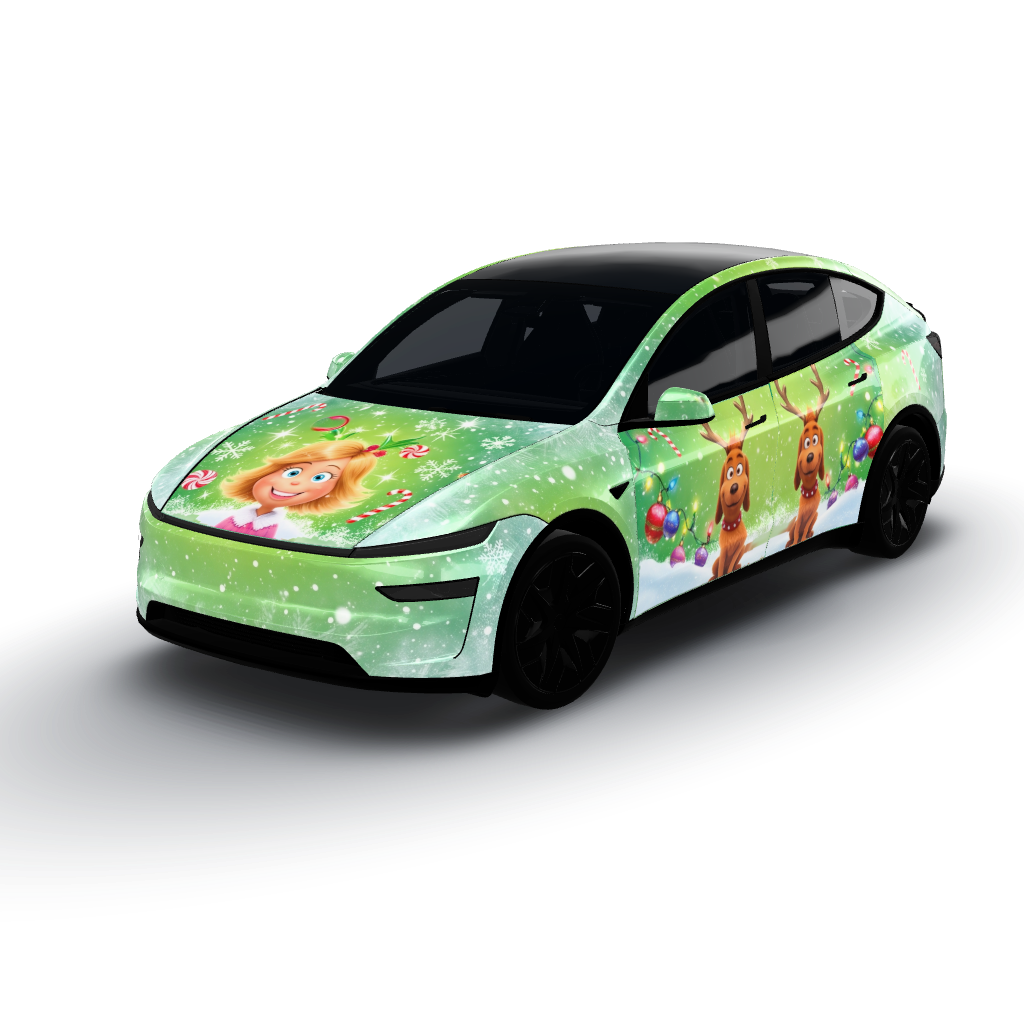
Whoville is brought to life with a vibrant
by user_af7ef38c
- Model Y
 View
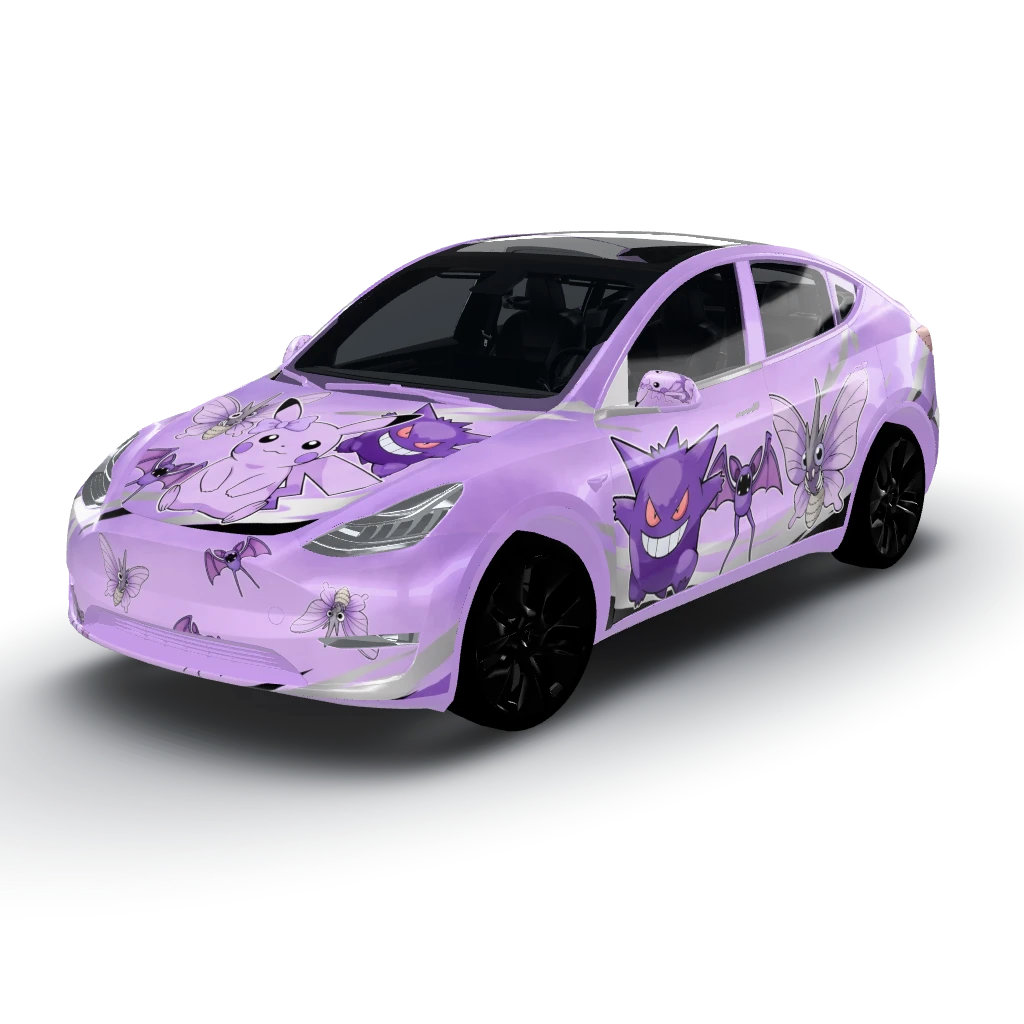
Lavender Pikachu takes center stage
by user_6d1e117b
- Model Y (2025+) Premium
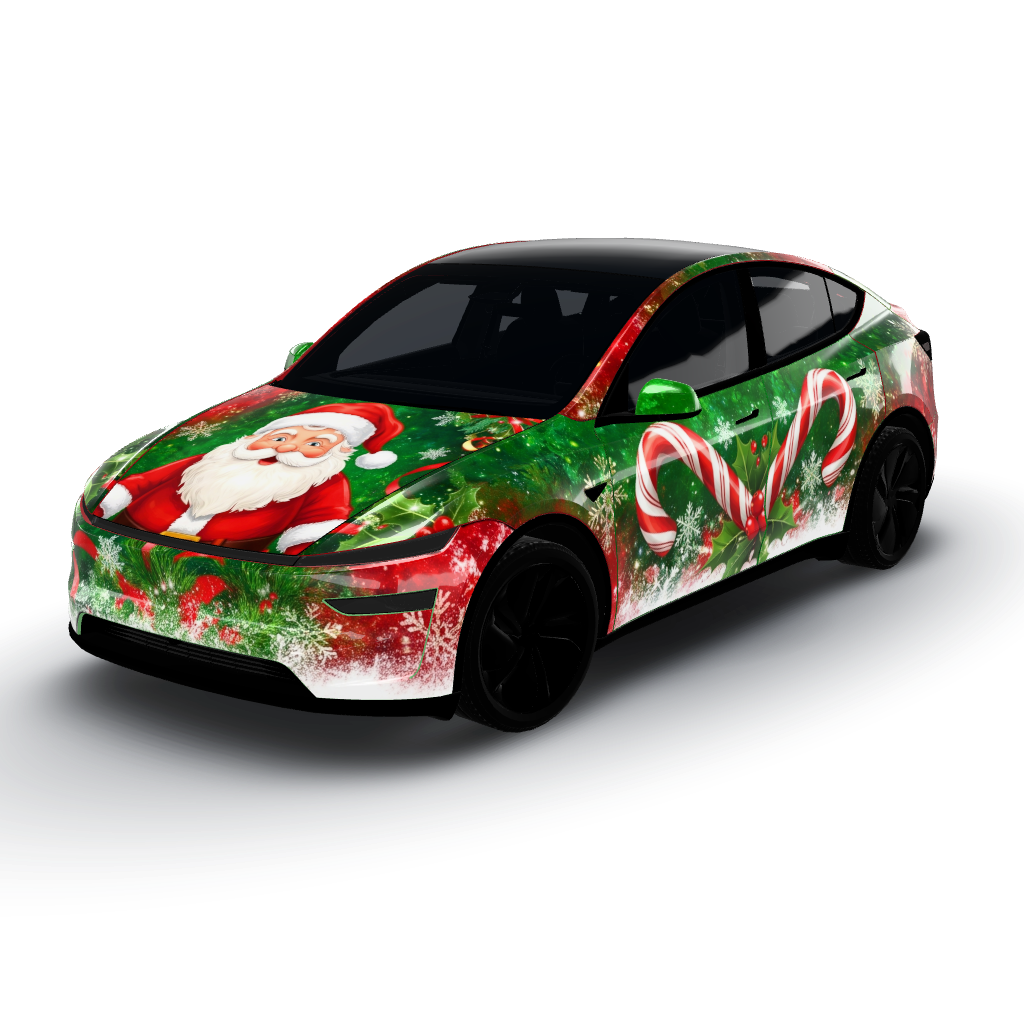 View
Festive color palette of deep greens
by user_44b6d112
- Model Y (2025+) Performance
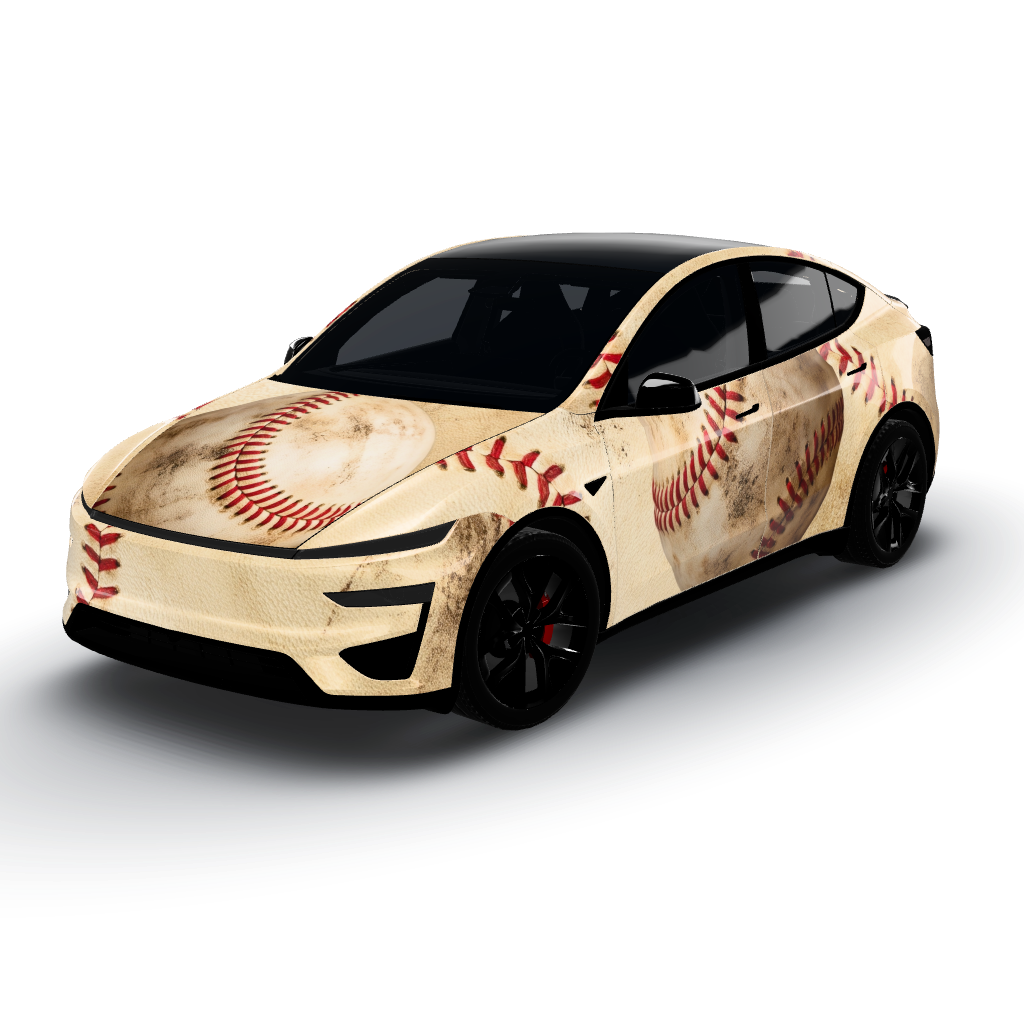 View
Vibrant baseball texture that covers
by user_0f2d4ec1
- Model Y L
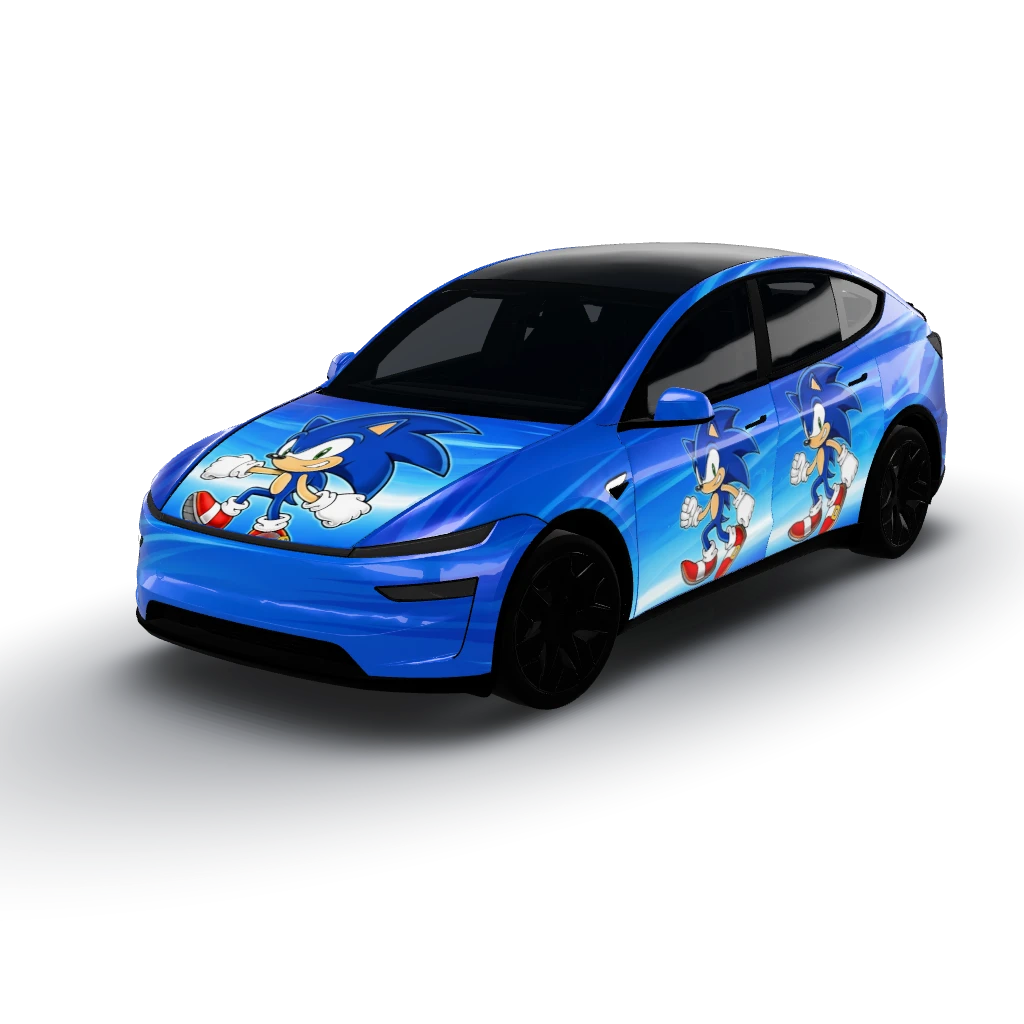 View
Blue serves as the vibrant base color
by user_b270da7e