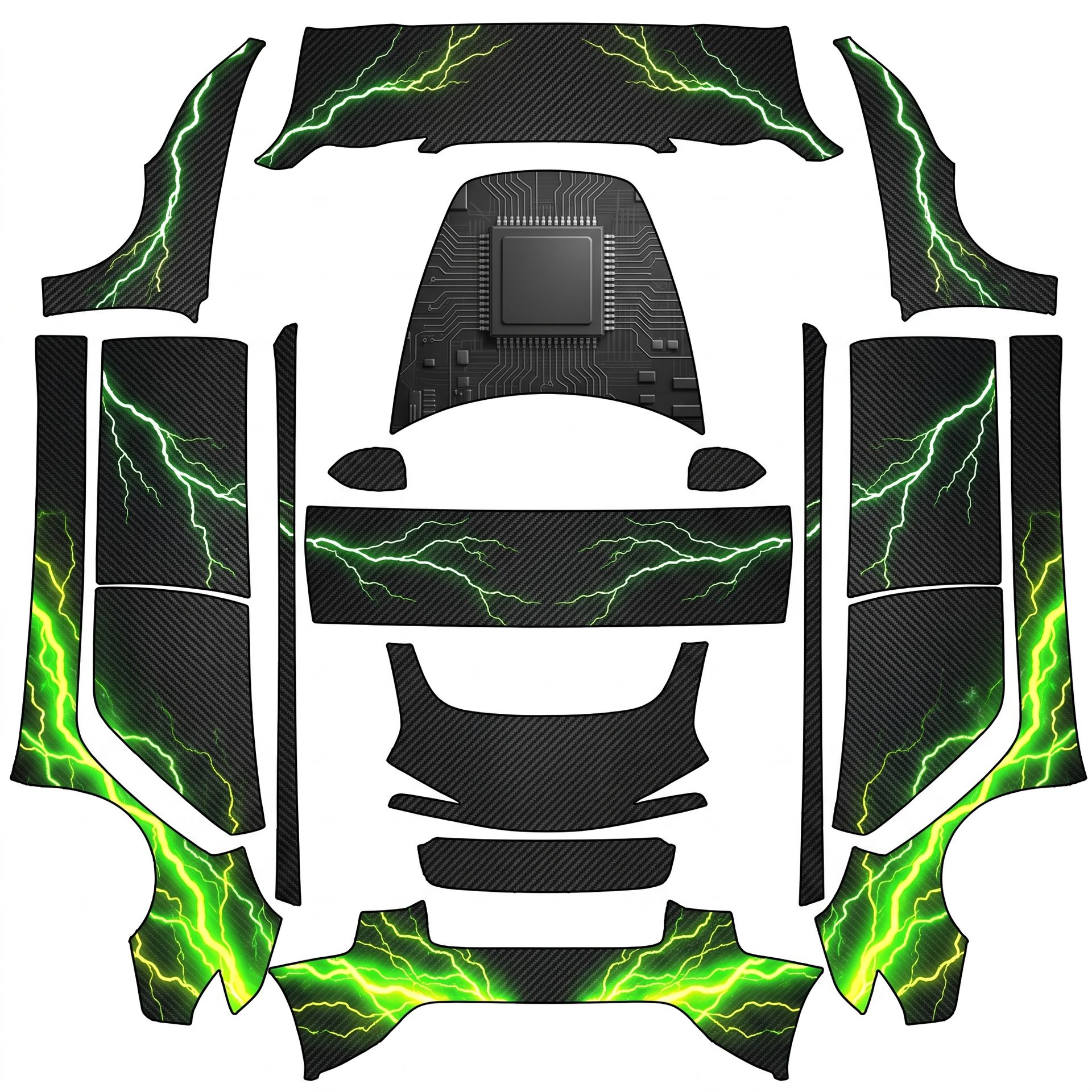
Your Model 3 (2024+ Base) will showcase
About this design
“Your Model 3 (2024+ Base) will showcase” is an AI-generated wrap laid out on the Model 3 (2024+) Standard & Premium template, so every panel, curve and cutout lines up with the real vehicle. It was generated from the prompt below — you can reuse that prompt as-is, or edit a word and get a completely different result.
The prompt behind it
“Great direction! Here’s the complete design summary: Your Model 3 (2024+ Base) will showcase an ultra-detailed, highly realistic tight-mesh dark charcoal carbon fiber weave texture across all panels. The design features intense neon-green and radioactive-yellow lightning bolt energy trails heavily concentrated on the front bumper splitters and rear quarter panels, with thin, crisp branching lightning bolts elegantly arcing across the center door panels and along the roof arches, wrapping symmetrically around the car. The layout will be a symmetrical mirror, ensuring both sides are identical. The main body will remain in dark carbon fiber, with the flipped 3D embossed digital processor chip on the center hood and the side circuit patterns visible underneath, ensuring a clean look. All elements will be oriented correctly: the processor chip will be centered and upright as viewed from the front, while the lightning trails will be positioned as described.”
- Likes
- 0
- Downloads
- 4
- Saves
- 1
Making your own? The first one is free: new accounts get a free credit.
Free · on your screen in ~30s
Put it on your car's screen
- 01Download the designFree, no account needed. You get a PNG mapped to your exact model's template.
- 02Send it from your phoneOn vehicle software 2026.26 and app 4.59.0 or newer, open Creations → Wrap in the vehicle app (Wraps on older cars), tap Upload and pick the image. It arrives over the air.
- 03Or use a USB driveOn older software, put the file in a folder named Wraps on a drive formatted exFAT or FAT32, plug it in and pick it from Toybox on the touchscreen. Your car now wears it on screen — and in the app.
Comments
Loading comments…
More like this
Other Model 3 Standard & Premium wraps
- Model 3 (2024+) Standard & Premium
 View
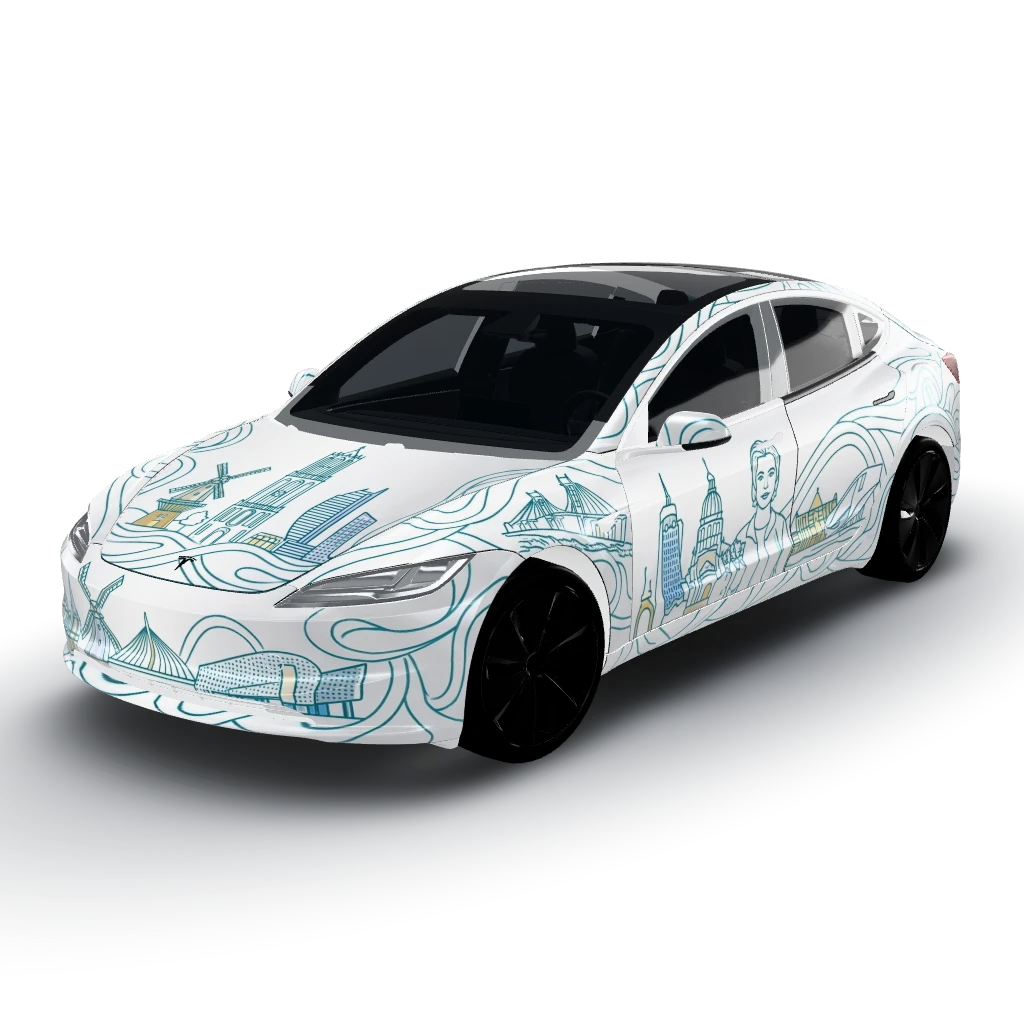
White base color with a vector continuous
by user_cf766b52
- Model 3 (2024+) Standard & Premium
 View
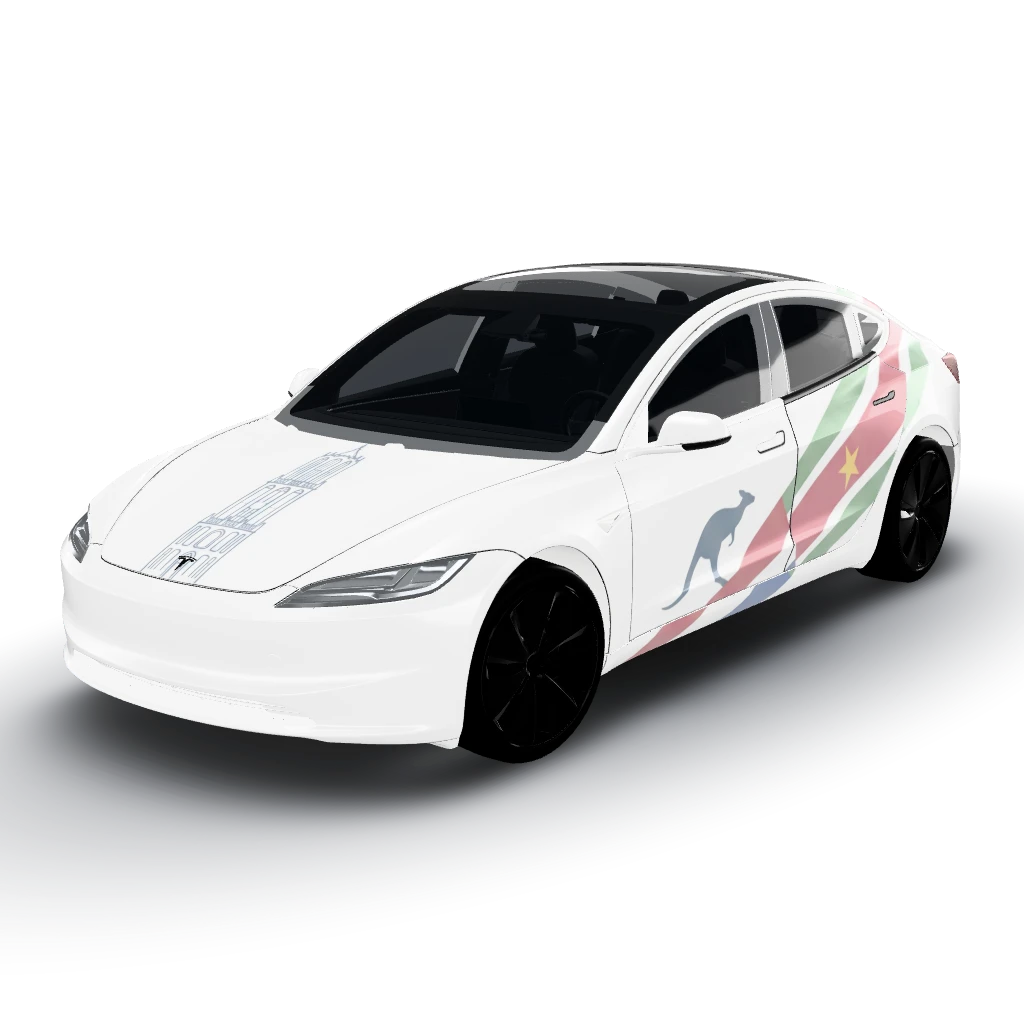
Subtle matte-white Tesla Model 3 wrap
by user_cf766b52
- Model 3 (2024+) Standard & Premium
 View
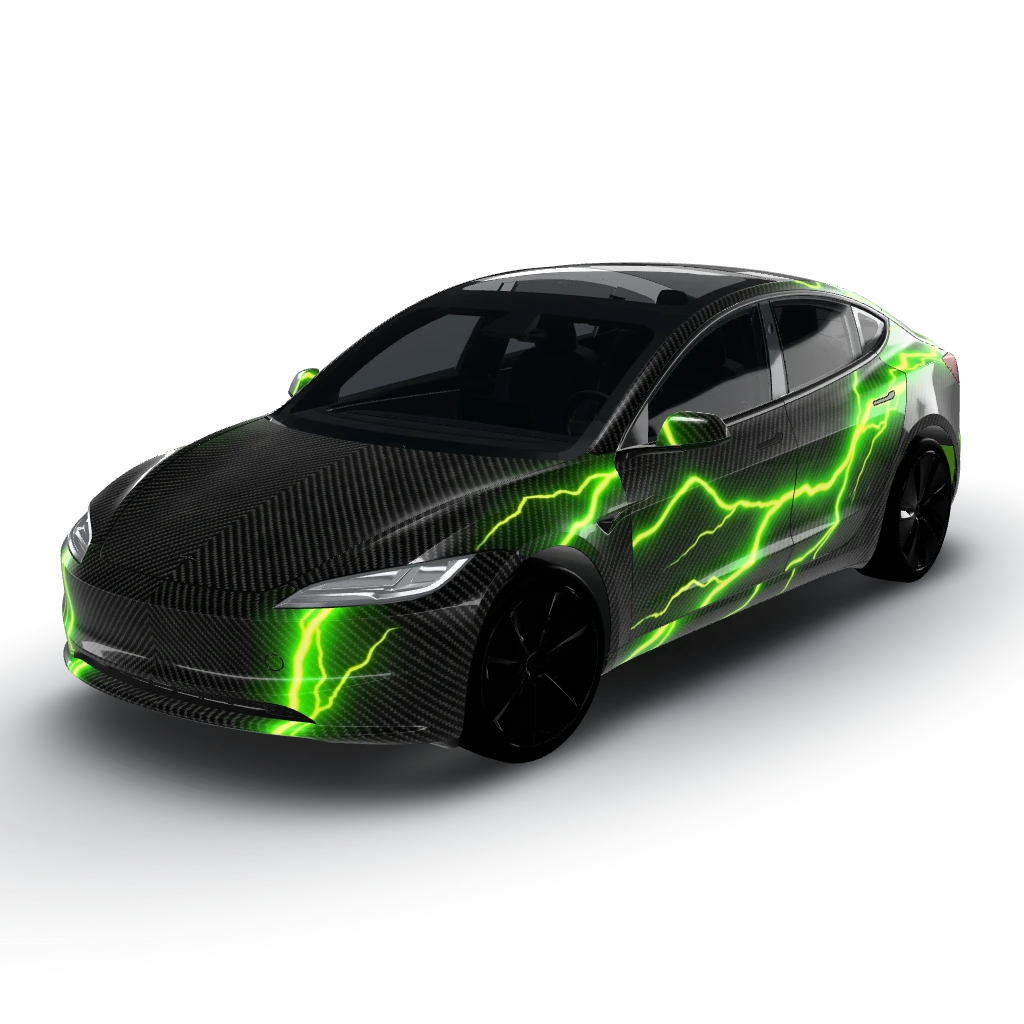
Ultra-detailed, highly realistic tight-mesh
by user_c3f6e7f0
- Model 3 (2024+) Standard & Premium
 View
Highly reflective Satin Industrial Gold
by user_c3f6e7f0
- Model 3 (2024+) Performance
 View
Here's a summary of your design
by user_5aad3bbb
- Model 3 (2024+) Standard & Premium
 View
Deep obsidian pitch-black gloss background
by user_5fdad6f1