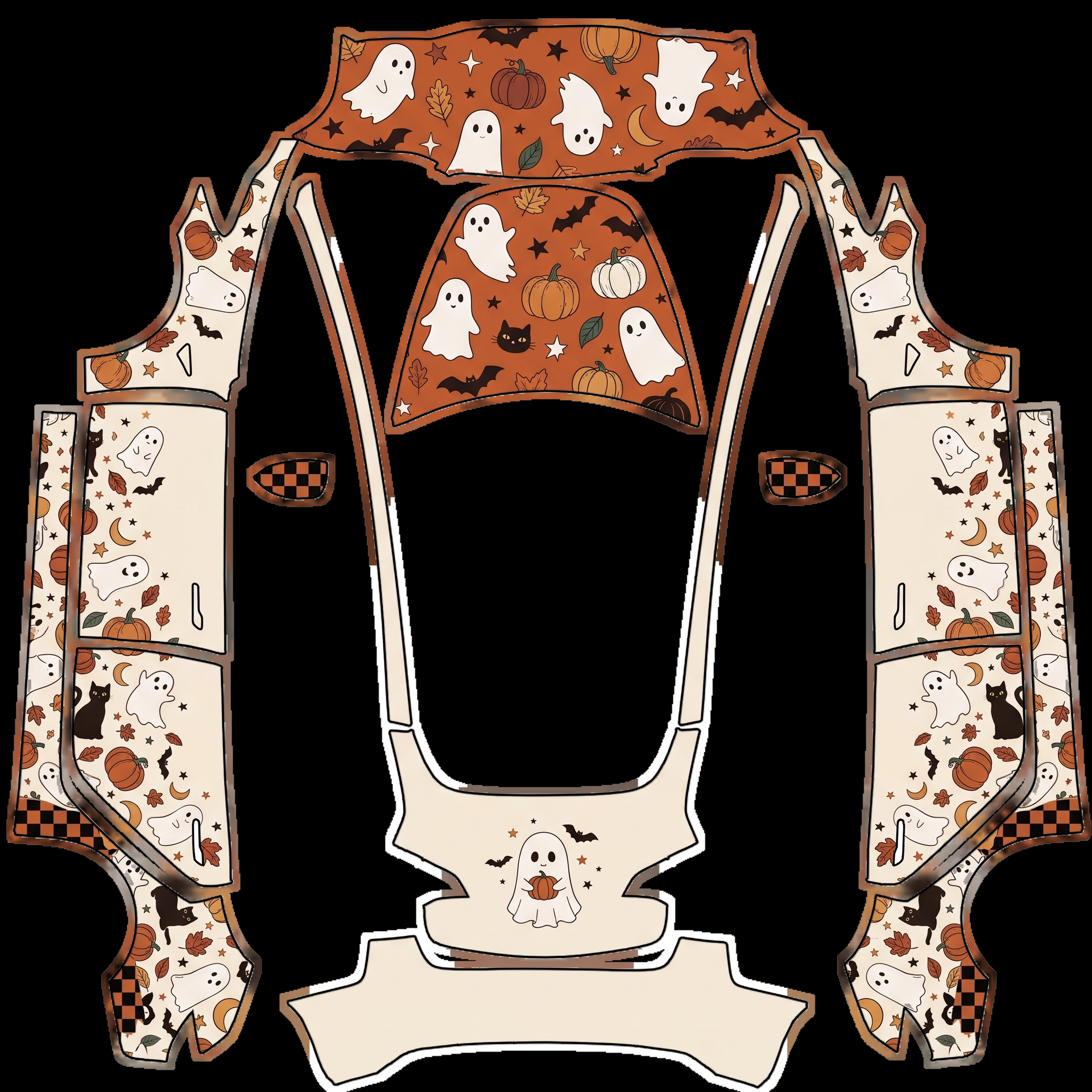
However, I can't generate images
by evanf
About this design
“However, I can't generate images” is an AI-generated wrap laid out on the Model 3 template, so every panel, curve and cutout lines up with the real vehicle. It was generated from the prompt below — you can reuse that prompt as-is, or edit a word and get a completely different result.
The prompt behind it
“I appreciate your enthusiasm! However, I can't generate images or wraps directly. But we've locked in a fantastic design for your Tesla Model 3. Here's the final summary for you: Hood: Scattered medium and small cute ghosts, pumpkins, bats, stars, and autumn leaves in cream, burnt orange, dark brown, black, and subtle forest green, creating a stylish and cozy fall theme. Sides and Back: Cream base with small ghosts, pumpkins, bats, black cats, leaves, moons, and stars flowing across the doors and rear quarter panels, denser toward the bottom and around the rear wheels, complemented by very subtle black-and-burnt-orange checkerboard accents in a few small areas. Trunk: One slightly larger cute white ghost with a small burnt-orange pumpkin and a few tiny bats and stars, surrounded by cream empty space for a balanced and clean look. This design reflects a cozy fall, cute Halloween, slightly masculine, modern streetwear aesthetic, ensuring it fits perfectly on your Tesla.”
- Likes
- 2
- Downloads
- 11
- Saves
- 0
Making your own? The first one is free: new accounts get a free credit.
Free · on your screen in ~30s
Put it on your car's screen
- 01Download the designFree, no account needed. You get a PNG mapped to your exact model's template.
- 02Send it from your phoneOn vehicle software 2026.26 and app 4.59.0 or newer, open Creations → Wrap in the vehicle app (Wraps on older cars), tap Upload and pick the image. It arrives over the air.
- 03Or use a USB driveOn older software, put the file in a folder named Wraps on a drive formatted exFAT or FAT32, plug it in and pick it from Toybox on the touchscreen. Your car now wears it on screen — and in the app.
Comments
Loading comments…
More like this
Other Model 3 wraps
- Model 3 (2024+) Standard & Premium
 View
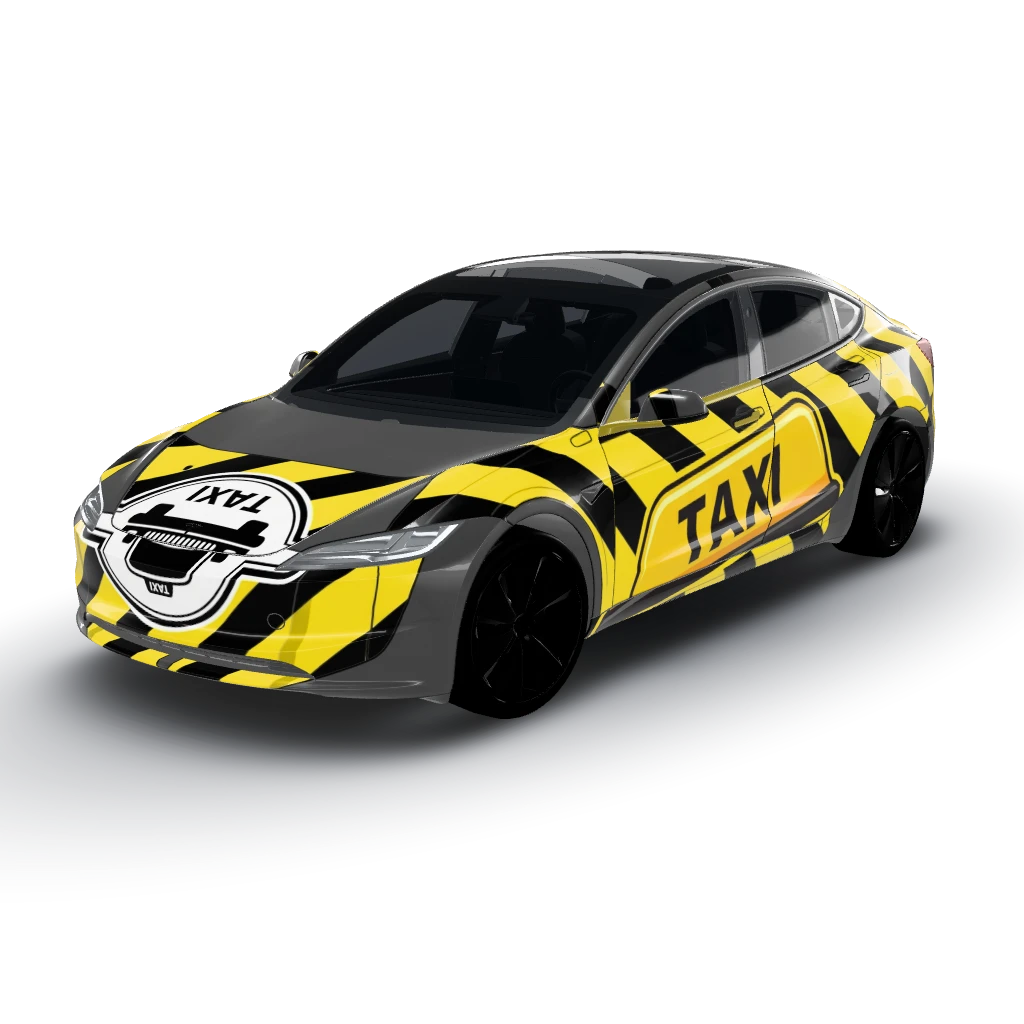
Haz el tesla como si fuera un taxi clásico
by user_8b4eab36
- Model 3
 View
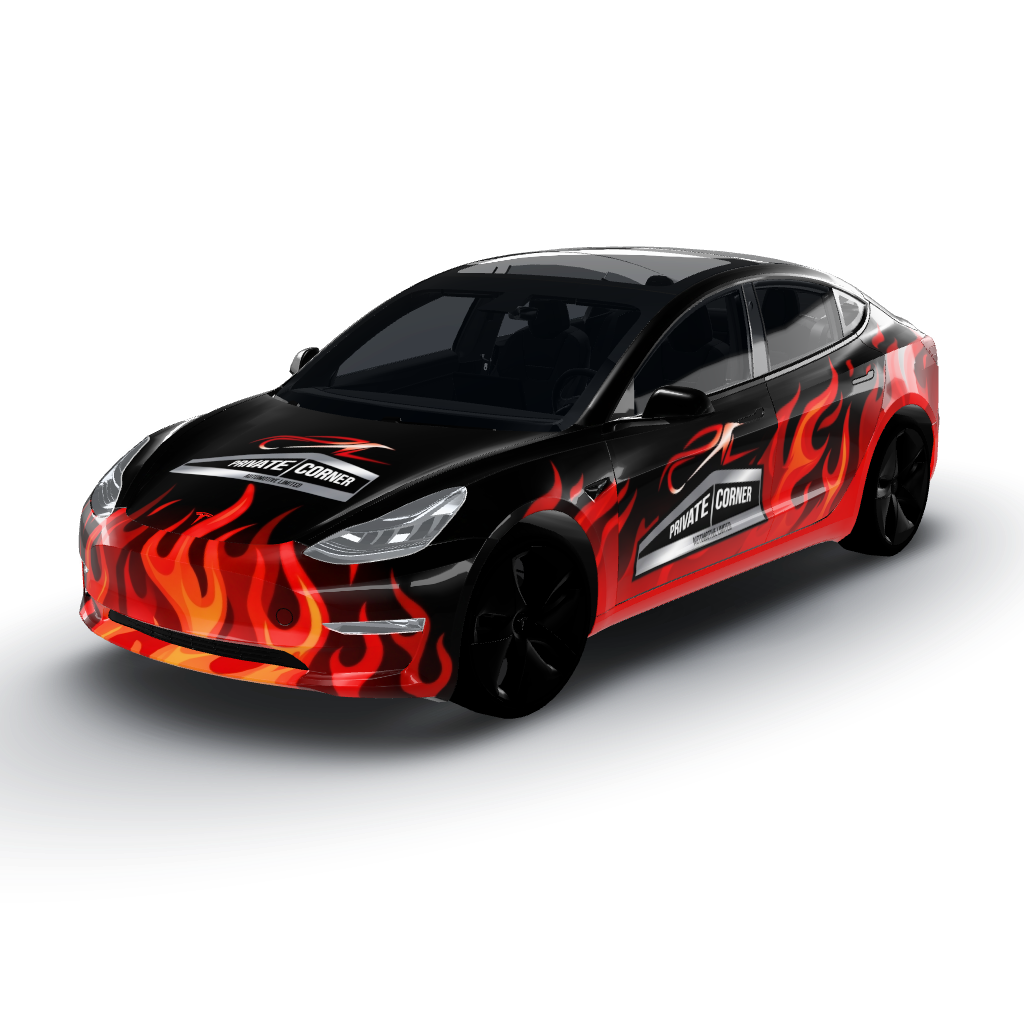
Dynamic red flame livery that sweeps across
by user_5cb5911e
- Model 3
 View
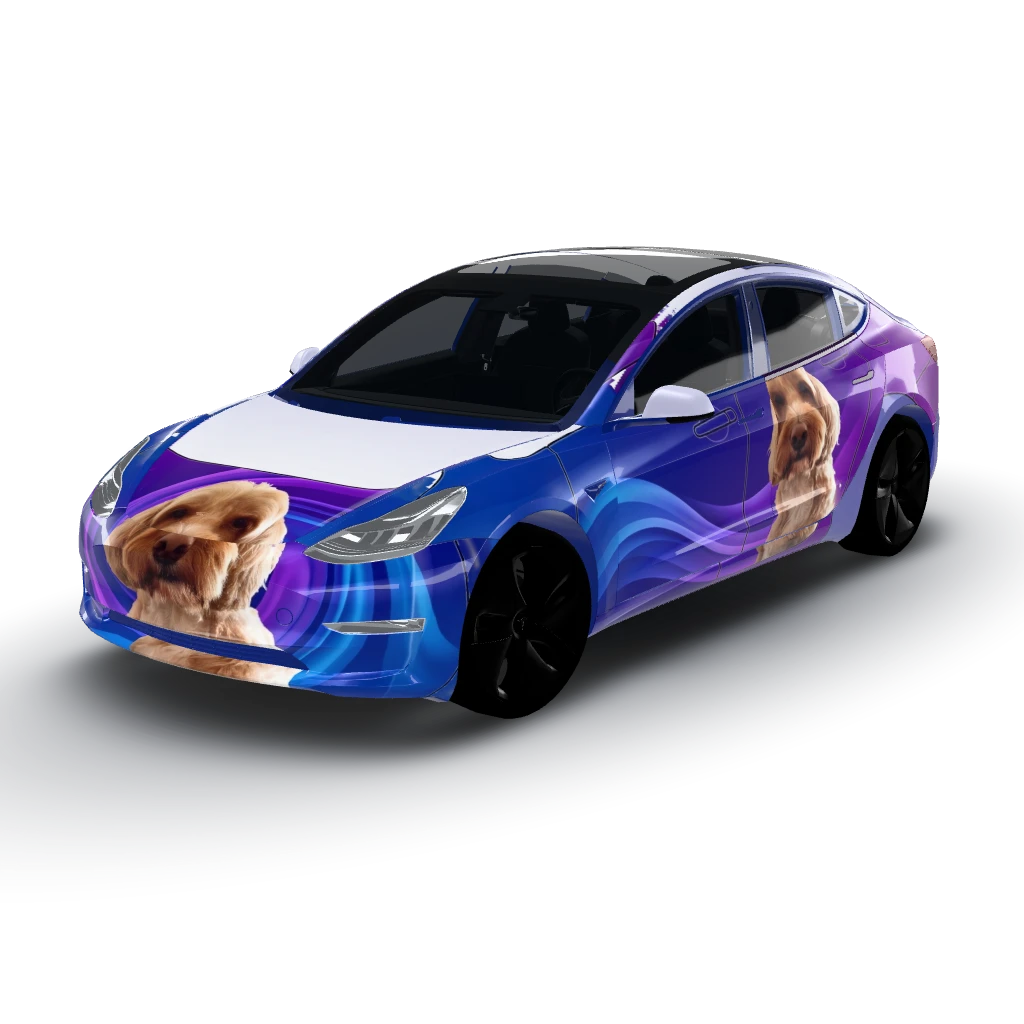
Midnight blue to purple gradient
by user_351c929a
- Model 3
 View
Incorporating the vibrant aesthetics
by user_6c8230d1
- Model 3
 View
Romantic Parisian scene, enveloped
by user_6c8230d1
- Model 3
 View
Glossy finish with vibrant pink leopard
by user_6c8230d1