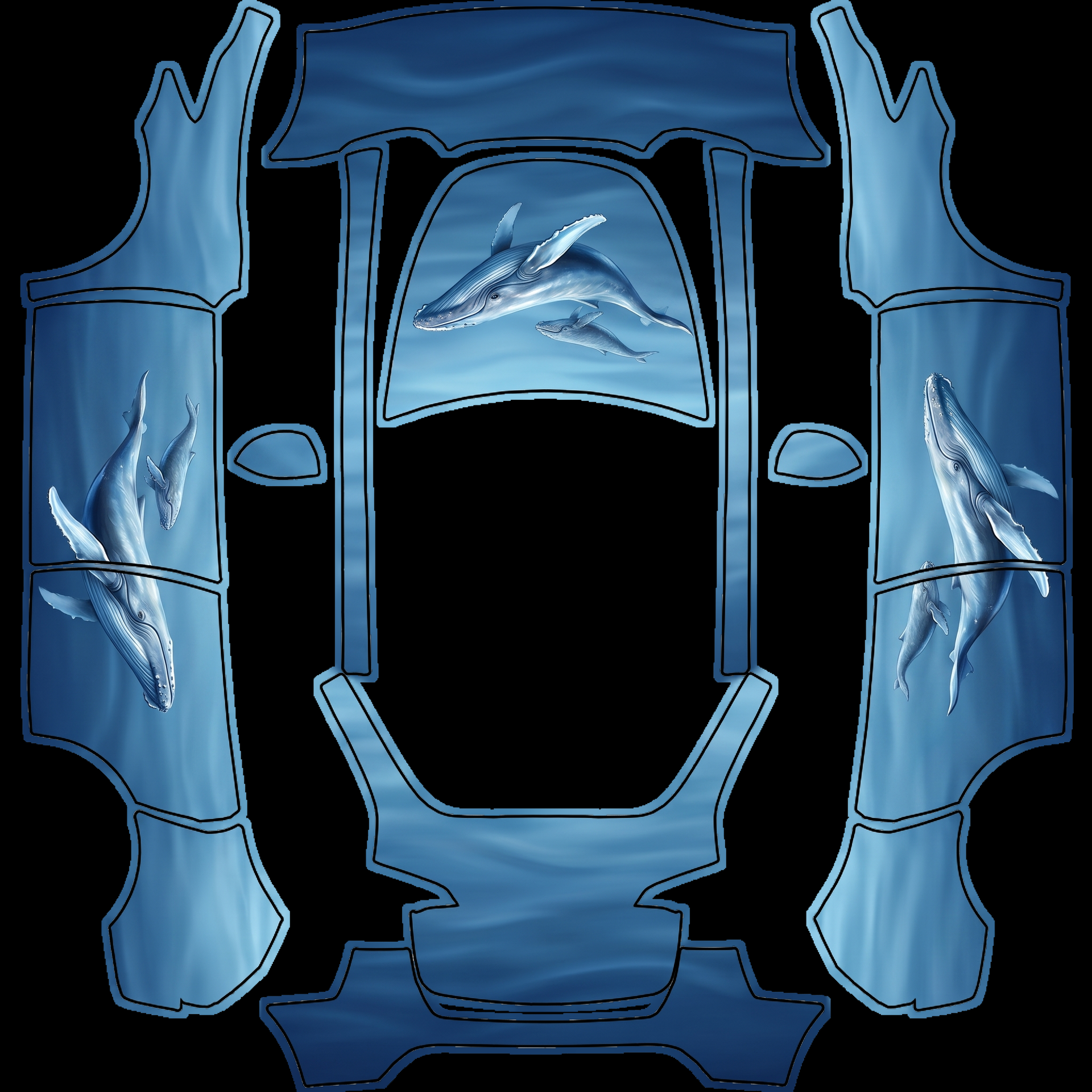
每側則飄浮著幾朵輕盈的白色雲朵,與大翅鯨形成對比,並且能夠感受到海水的涼爽,雲朵上的細節
by jjjjj
About this design
“每側則飄浮著幾朵輕盈的白色雲朵,與大翅鯨形成對比,並且能夠感受到海水的涼爽,雲朵上的細節” is an AI-generated wrap laid out on the Model Y template, so every panel, curve and cutout lines up with the real vehicle. It was generated from the prompt below — you can reuse that prompt as-is, or edit a word and get a completely different result.
The prompt behind it
“大翅鯨自由游泳的感覺展現了深藍和淺藍的漸變色調,象徵著無邊的海洋,底面有著輕柔的水波紋理,增添了動感和深度。Hood: 以一隻優雅的大翅鯨為中心,展現它在水中暢遊的姿態,流線型的身體和飄逸的鰭在光影中閃耀,讓人感受到自由而寧靜的氛圍。Sides: 每側則飄浮著幾朵輕盈的白色雲朵,與大翅鯨形成對比,並且能夠感受到海水的涼爽,雲朵上的細節清晰可見,保持正確的方向,增強整體的和諧感。”
- Likes
- 0
- Downloads
- 0
- Saves
- 0
Making your own? The first one is free: new accounts get a free credit.
Free · on your screen in ~30s
Put it on your car's screen
- 01Download the designFree, no account needed. You get a PNG mapped to your exact model's template.
- 02Send it from your phoneOn vehicle software 2026.26 and app 4.59.0 or newer, open Creations → Wrap in the vehicle app (Wraps on older cars), tap Upload and pick the image. It arrives over the air.
- 03Or use a USB driveOn older software, put the file in a folder named Wraps on a drive formatted exFAT or FAT32, plug it in and pick it from Toybox on the touchscreen. Your car now wears it on screen — and in the app.
Comments
Loading comments…
More like this
Other Model Y wraps
- Model Y
 View
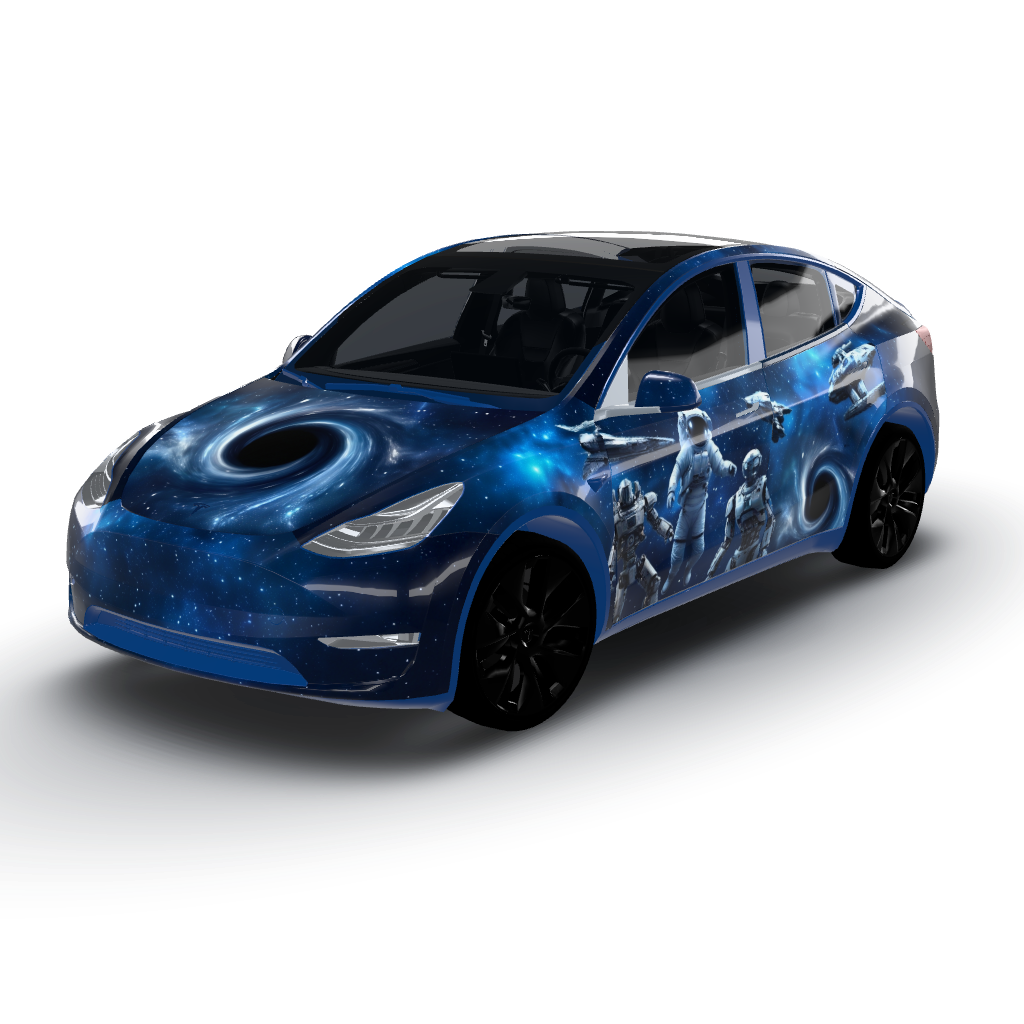
每側面則展現出宇航員漂浮在無重力中的形象,與星星和星系背景相呼應,這些角色以正確的方向和
by jjjjj
- Model Y
 View
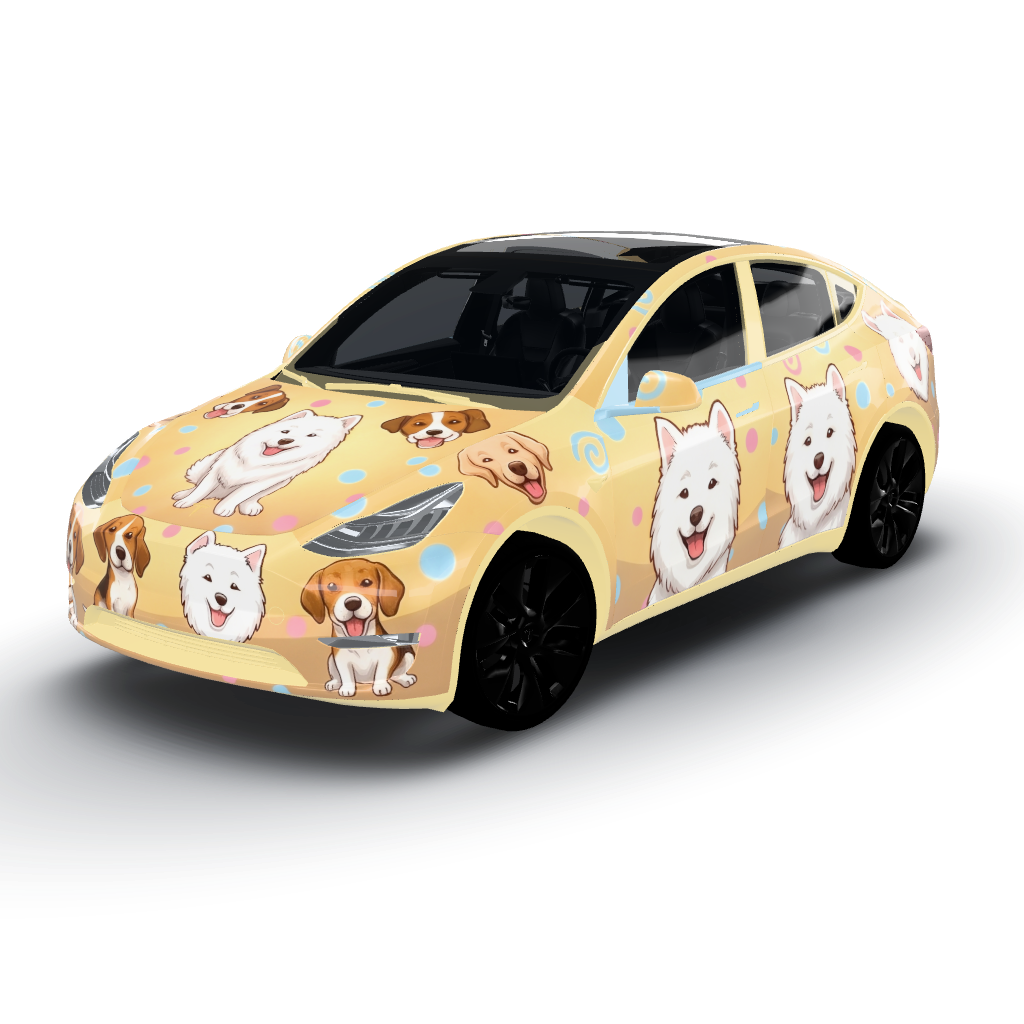
每側都有一隻柴犬的大頭,耳朵豎立,面帶微笑,正面朝向觀者,讓整體設計更加生動有趣。整體構
by jjjjj
- Model Y
 View
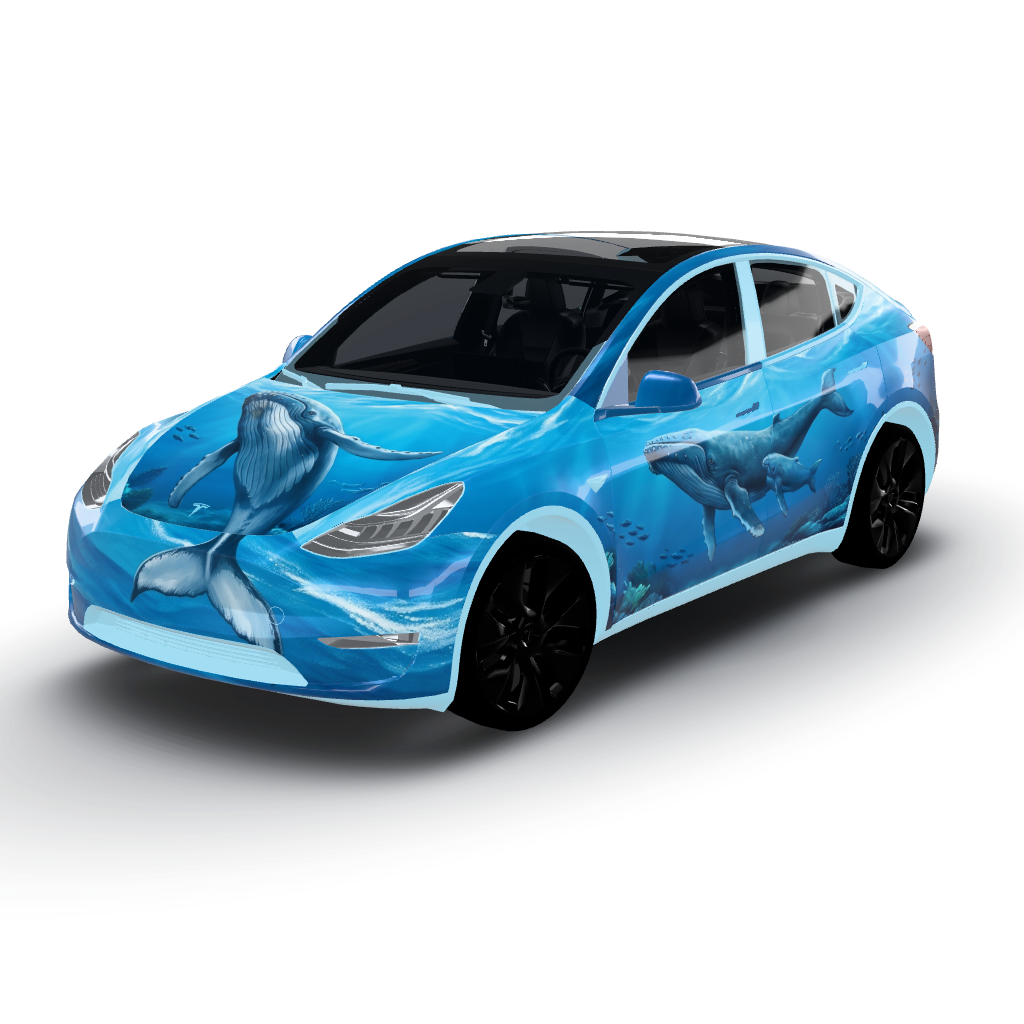
每側則是母鯨的幼鯨,身體較小,游泳時緊緊跟隨著母親,展現出母子間的親密關係,兩者的形象均
by jjjjj
- Model Y (2025+) Premium
 View
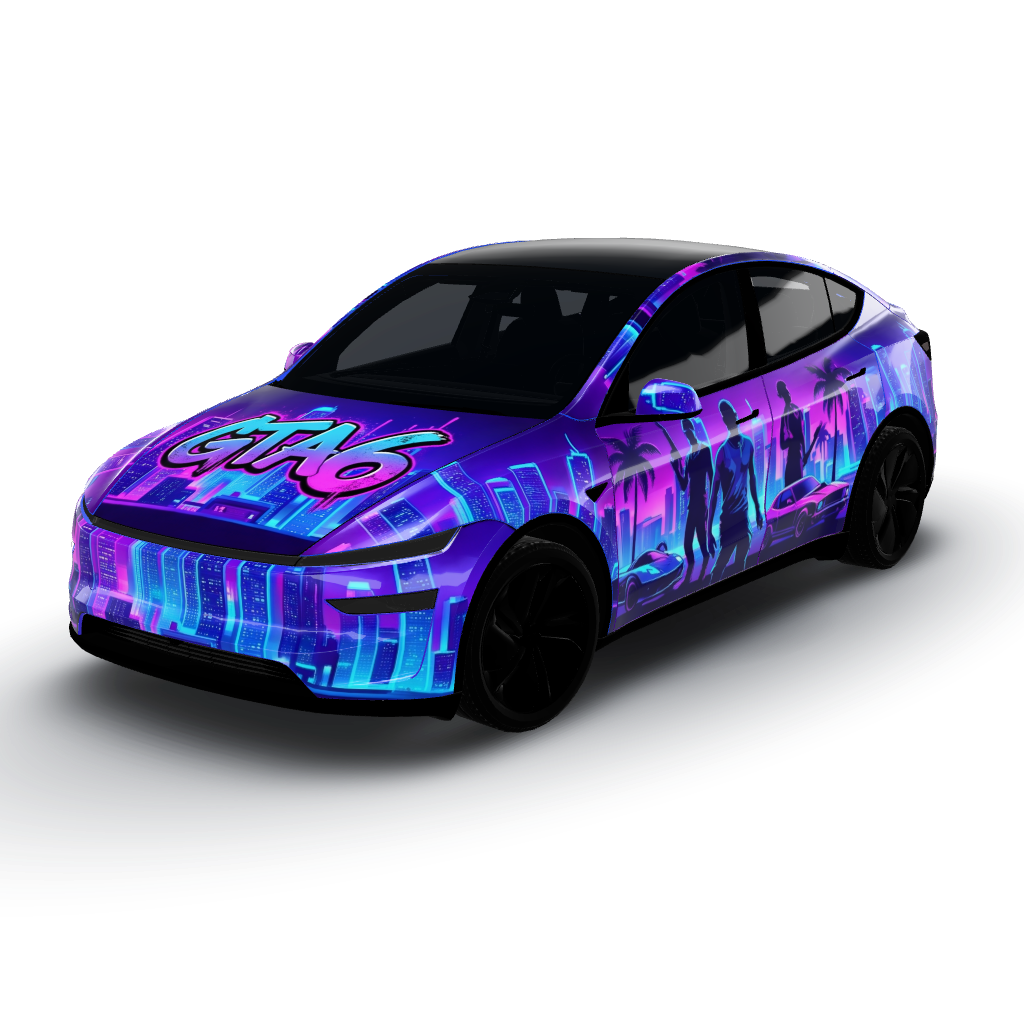
Vibrant color palette dominated by neon
by bjjjjk
- Model Y (2025+) Premium
 View
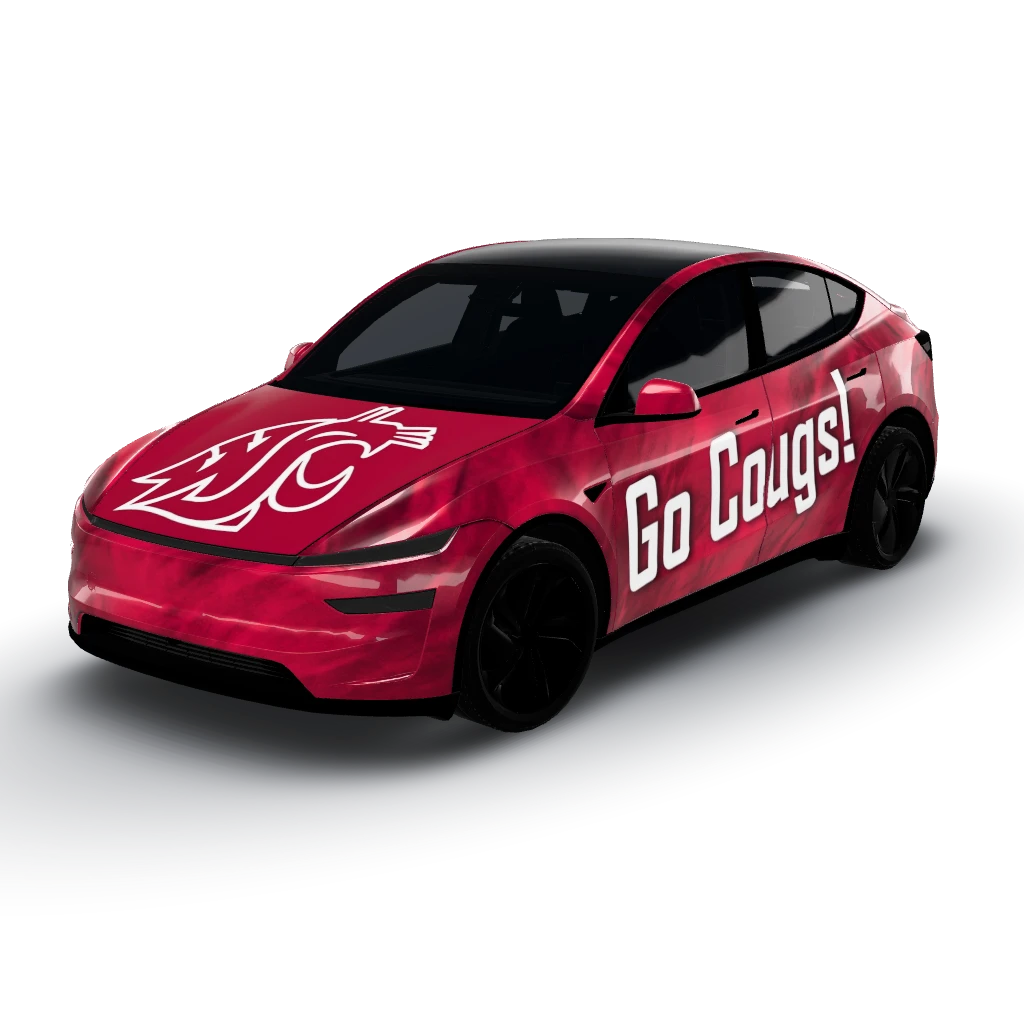
Vibrant crimson and gray color palette
by user_d8dfa703
- Model Y
 View
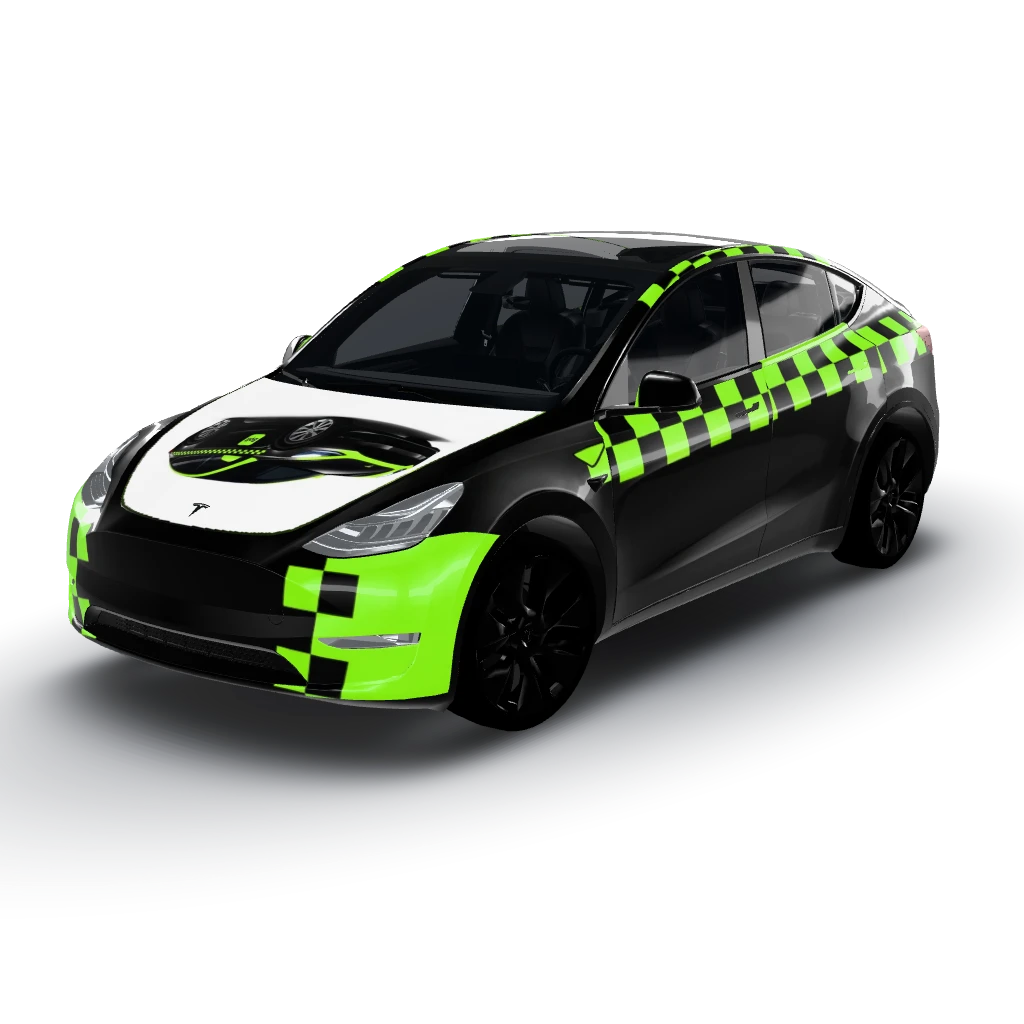
Vibrant color palette of black and bright
by user_ef9fd907