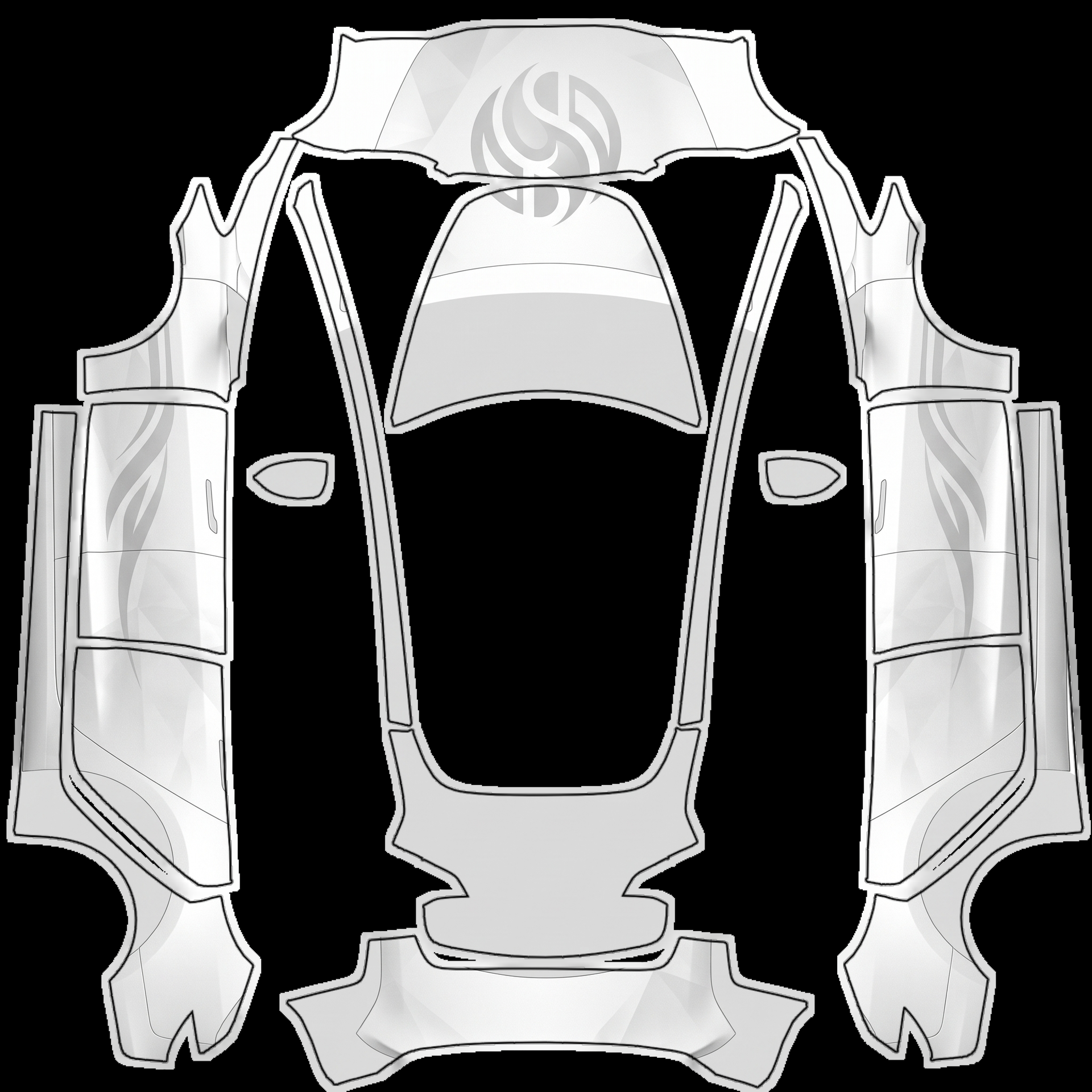
每側則裝飾著對稱的圖形元素,這些元素以優雅的方式向上延伸,增強了整體設計的動感與協調性。
by osisstickup
About this design
“每側則裝飾著對稱的圖形元素,這些元素以優雅的方式向上延伸,增強了整體設計的動感與協調性。” is an AI-generated wrap laid out on the Model 3 template, so every panel, curve and cutout lines up with the real vehicle. It was generated from the prompt below — you can reuse that prompt as-is, or edit a word and get a completely different result.
The prompt behind it
“很有質感的消光白風格以柔和的白色為基調,帶有細膩的金屬質感,整體呈現出一種現代而高雅的氛圍。在這個設計中,光滑的消光白表面上隱約可見精緻的幾何圖案,這些圖案如同細微的霧霭,增添了層次感與深度。Hood: 中央位置展現一個大面積的抽象藝術符號,流暢的曲線與幾何形狀融合,形成一個吸引目光的視覺焦點。Sides: 每側則裝飾著對稱的圖形元素,這些元素以優雅的方式向上延伸,增強了整體設計的動感與協調性。”
- Likes
- 0
- Downloads
- 0
- Saves
- 0
Making your own? The first one is free: new accounts get a free credit.
Free · on your screen in ~30s
Put it on your car's screen
- 01Download the designFree, no account needed. You get a PNG mapped to your exact model's template.
- 02Send it from your phoneOn vehicle software 2026.26 and app 4.59.0 or newer, open Creations → Wrap in the vehicle app (Wraps on older cars), tap Upload and pick the image. It arrives over the air.
- 03Or use a USB driveOn older software, put the file in a folder named Wraps on a drive formatted exFAT or FAT32, plug it in and pick it from Toybox on the touchscreen. Your car now wears it on screen — and in the app.
Comments
Loading comments…
More like this
Other Model 3 wraps
- Model 3
 View
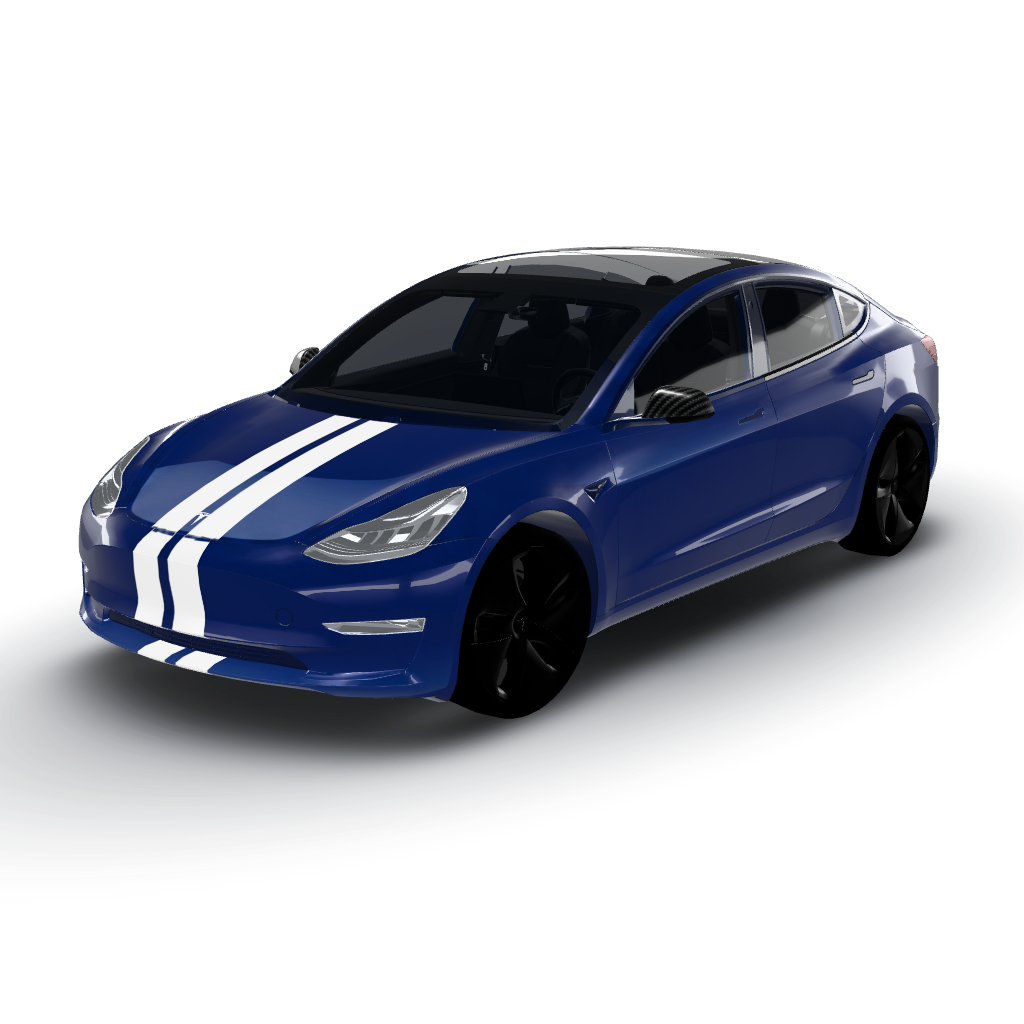
Gloss midnight blue with twin white racing
by smilyrapier4619
- Model 3 (2024+) Standard & Premium
 View
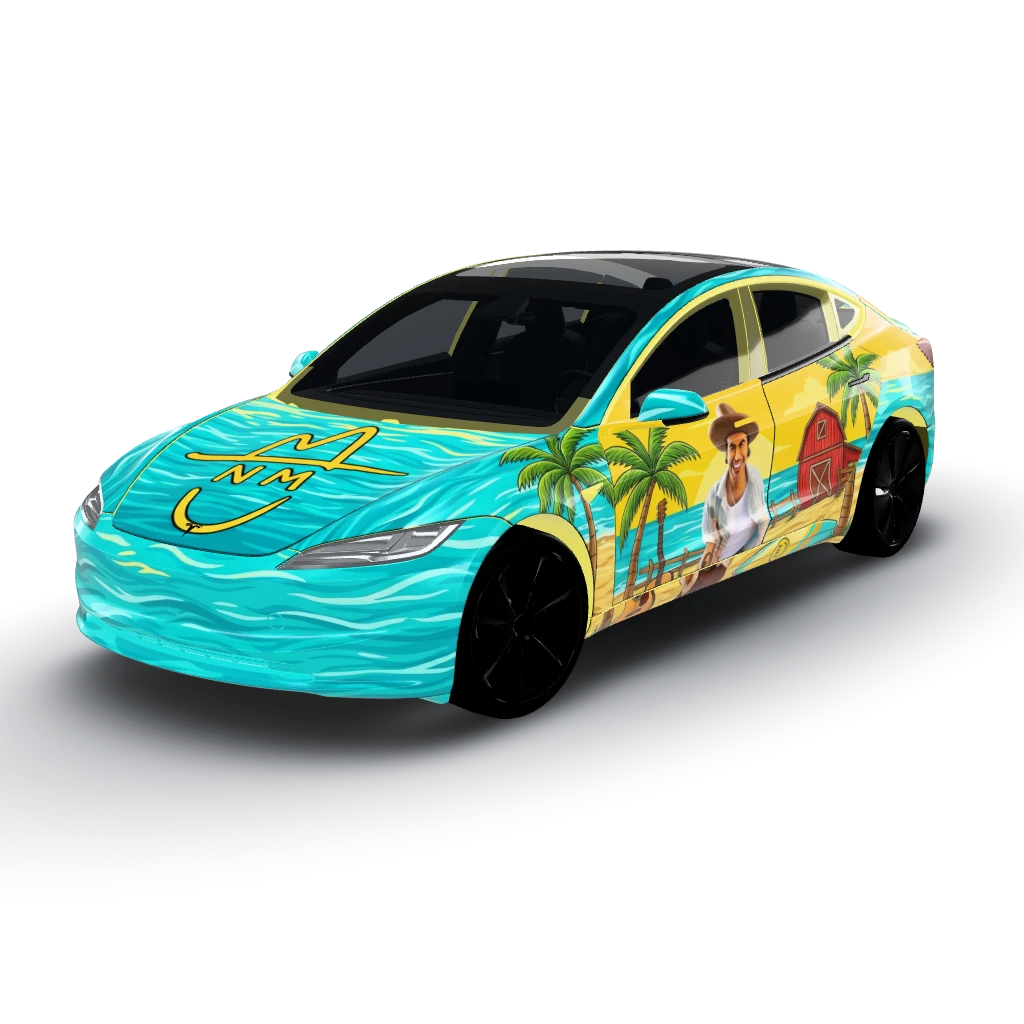
Vibrant wrap featuring turquoise ocean
by user_1432d1db
- Model 3
 View
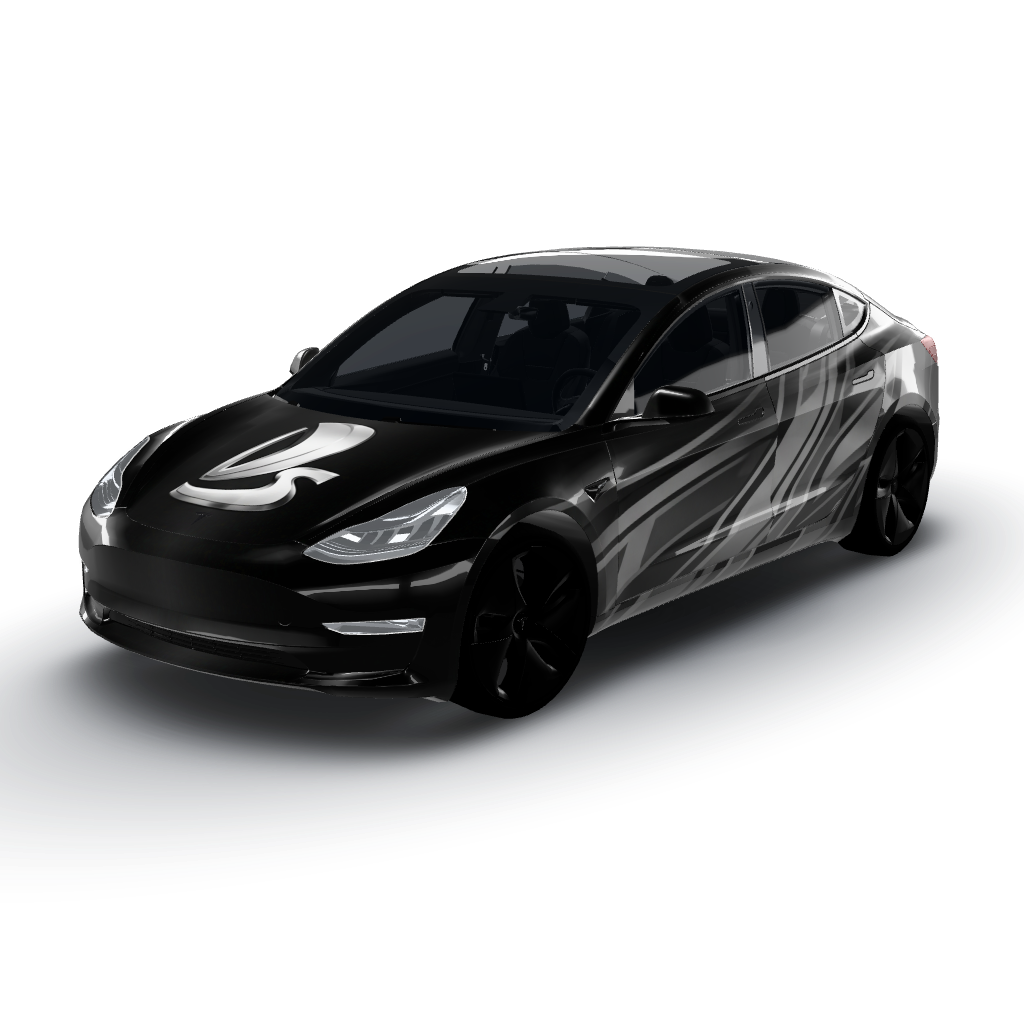
Black serves as the base color
by user_230ffd26
- Model 3 (2024+) Standard & Premium
 View
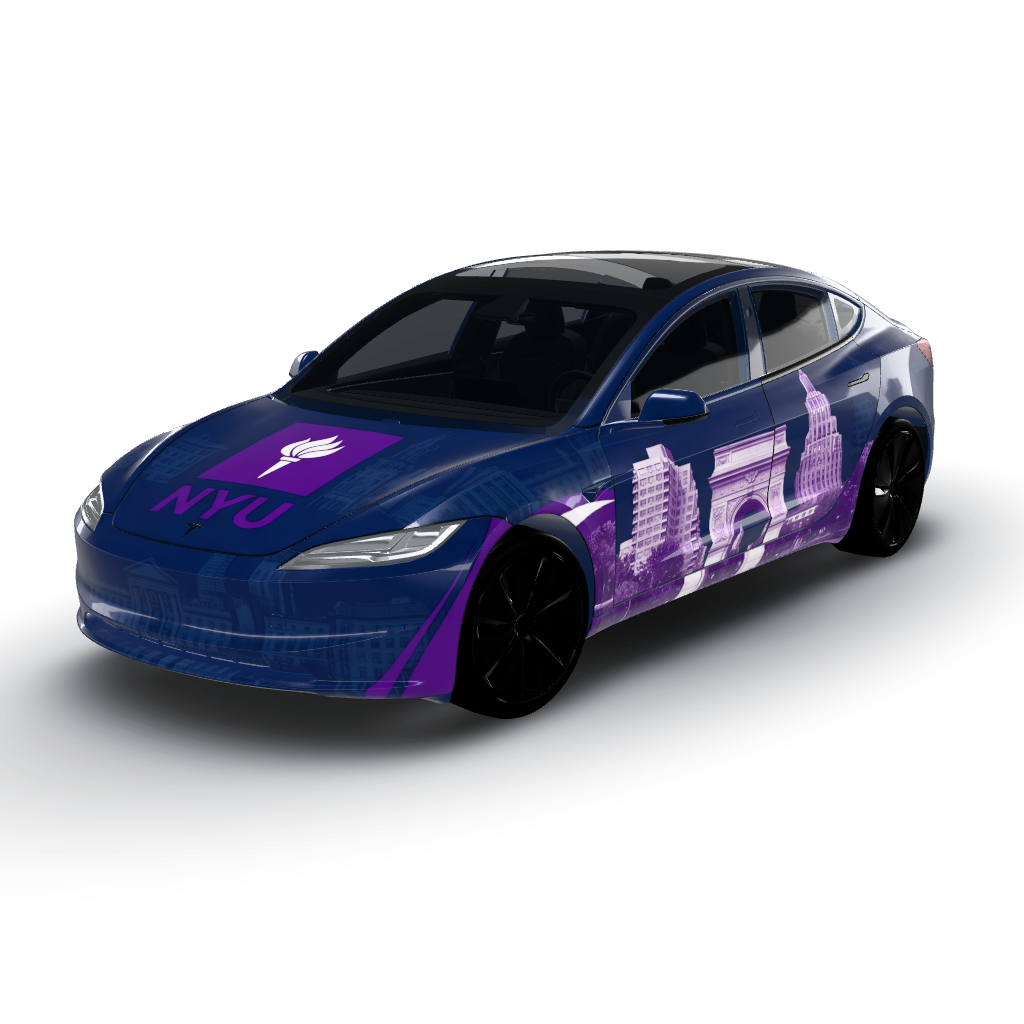
Deep navy blue base adorned with a subtle
by user_04994366
- Model 3
 View
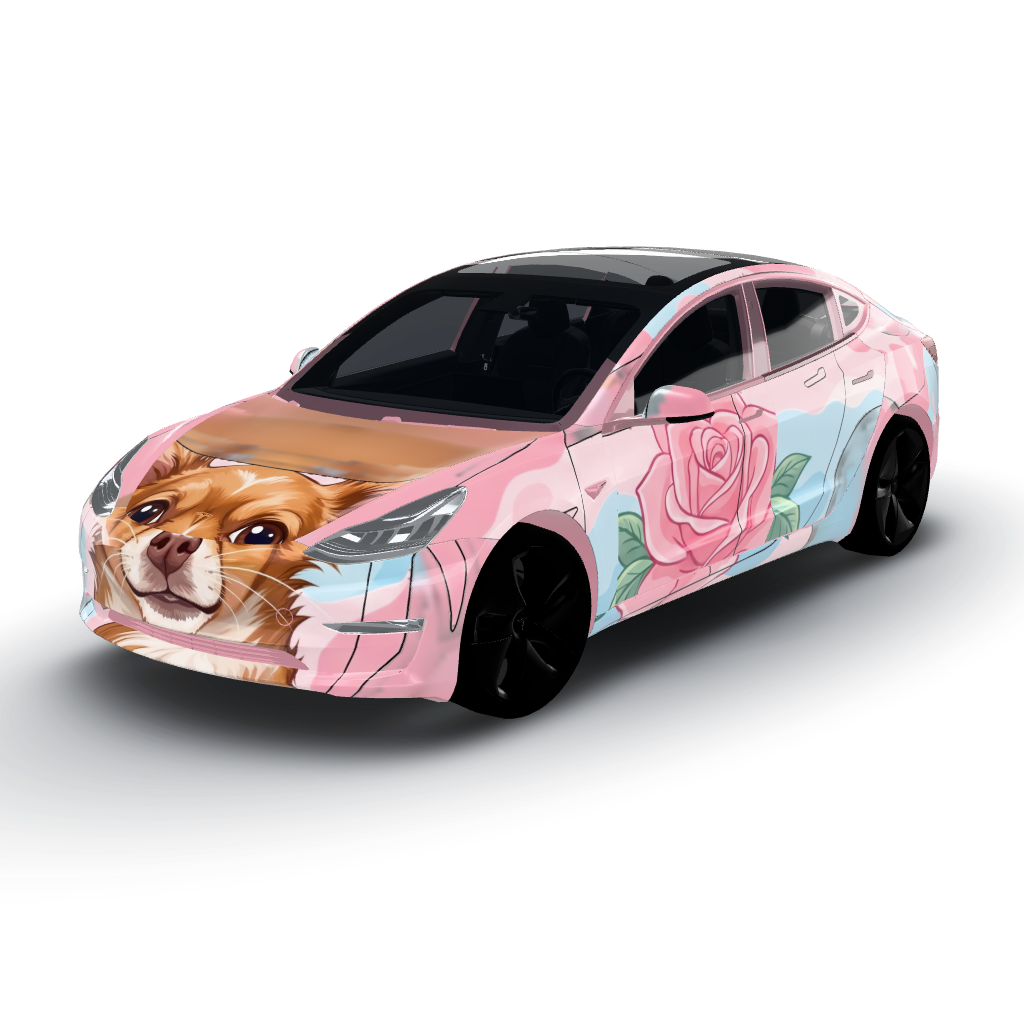
Rosa och hunden på huven är en livfull och
by hsbdnsllsla
- Model 3
 View
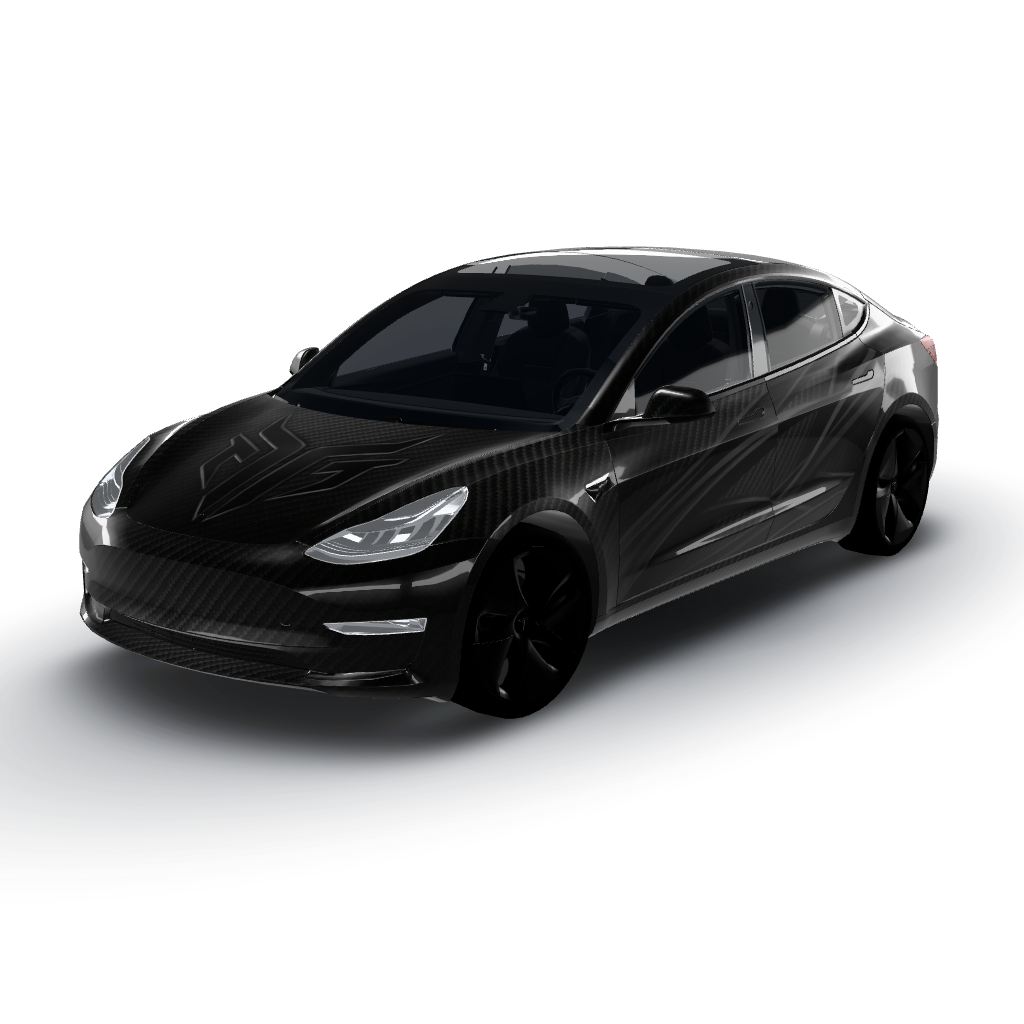
Matte black serves as the base color
by user_421792ee