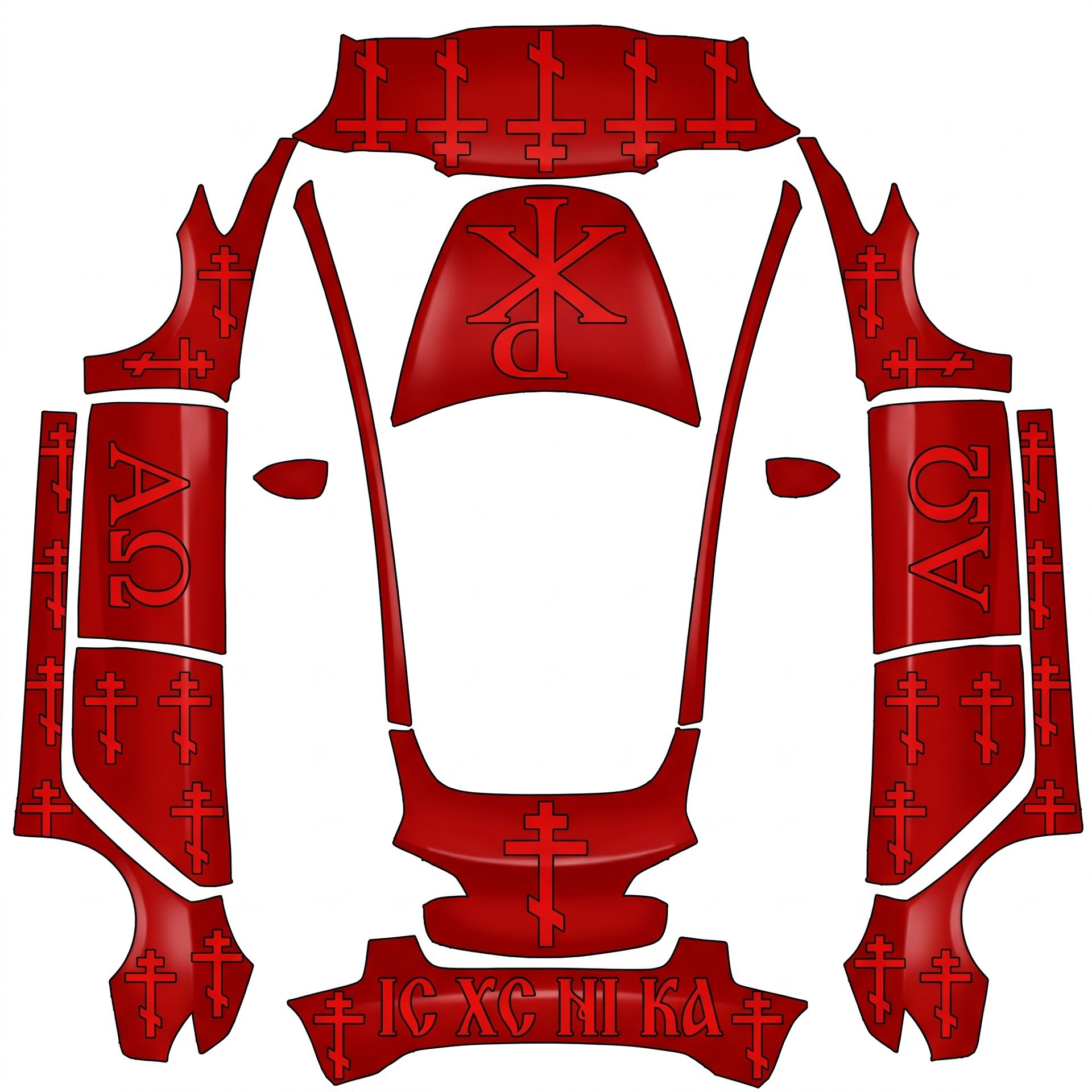
Eastern Orthodox wrap where there
About this design
“Eastern Orthodox wrap where there” is an AI-generated wrap laid out on the Model 3 template, so every panel, curve and cutout lines up with the real vehicle. It was generated from the prompt below — you can reuse that prompt as-is, or edit a word and get a completely different result.
The prompt behind it
“Create an Eastern Orthodox wrap where there are threebar crosses facing upright on the car, and the alpha omega symbol (one on each door side) facing upright. Also have the chi rho on the hood. Make sure it’s all visible on the parts of the car and facing the right way. Should be upright according to 3d model. Everything should be red and there should be a IC XC NI KA spelled out on the bumper fitted onto it well. White glossy background.. Create an Eastern Orthodox wrap where there are threebar crosses facing upright on the car, and the alpha omega symbol (one on each door side) facing upright. Also have the chi rho on the hood. Make sure it's all visible on the parts of the car and facing the right way. Should be upright according to 3d model. Everything should be red and there should be a IC XC NI KA spelled out on the bumper fitted onto it well. White glossy background.. Create an Eastern Orthodox wrap where there are threebar crosses facing upright on the car, and the alpha omega symbol (one on each door side) facing upright. Also have the chi rho on the hood. Make sure it's all visible on the parts of the car and facing the right way. Should be upright according to 3d model. Everything should be red and there should be a IC XC NI KA spelled out on the bumper fitted onto it well. White glossy background.. Background should be white though.”
- Likes
- 0
- Downloads
- 2
- Saves
- 1
Making your own? The first one is free: new accounts get a free credit.
Free · on your screen in ~30s
Put it on your car's screen
- 01Download the designFree, no account needed. You get a PNG mapped to your exact model's template.
- 02Send it from your phoneOn vehicle software 2026.26 and app 4.59.0 or newer, open Creations → Wrap in the vehicle app (Wraps on older cars), tap Upload and pick the image. It arrives over the air.
- 03Or use a USB driveOn older software, put the file in a folder named Wraps on a drive formatted exFAT or FAT32, plug it in and pick it from Toybox on the touchscreen. Your car now wears it on screen — and in the app.
Comments
Loading comments…
More like this
Other Model 3 wraps
- Model 3 (2024+) Standard & Premium
 View
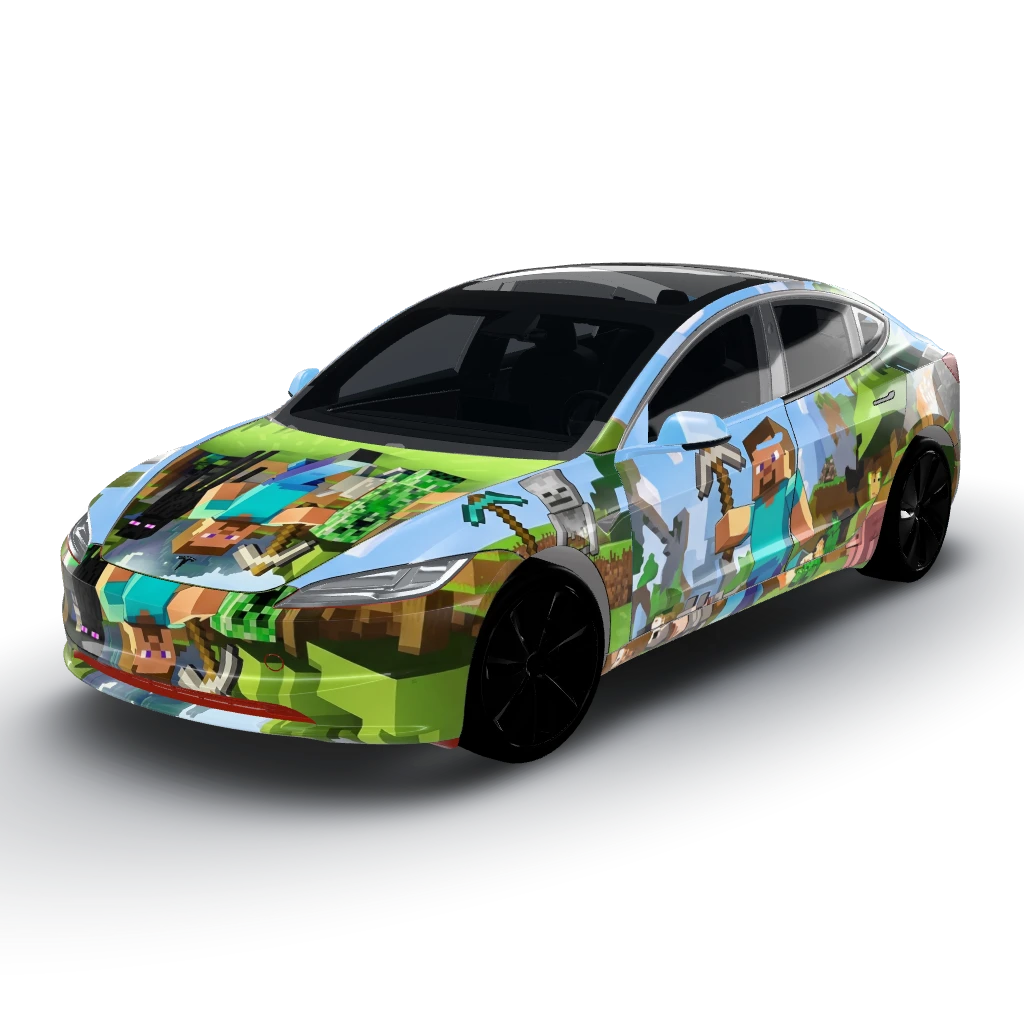
Minecraft Steve
by Josh
- Model 3 (2024+) Performance
 View
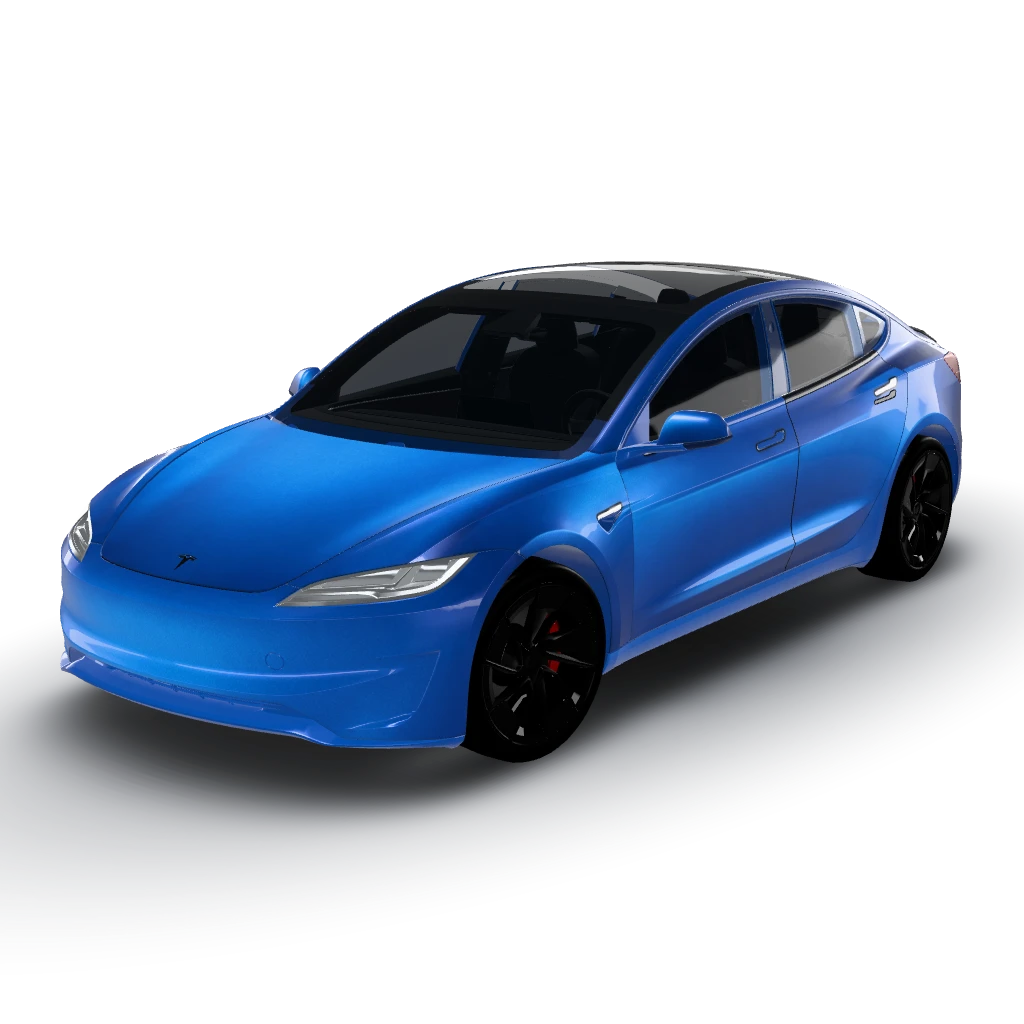
Blue metallic wrap to cover the entire
by Josh
- Model 3 (2024+) Standard & Premium
 View
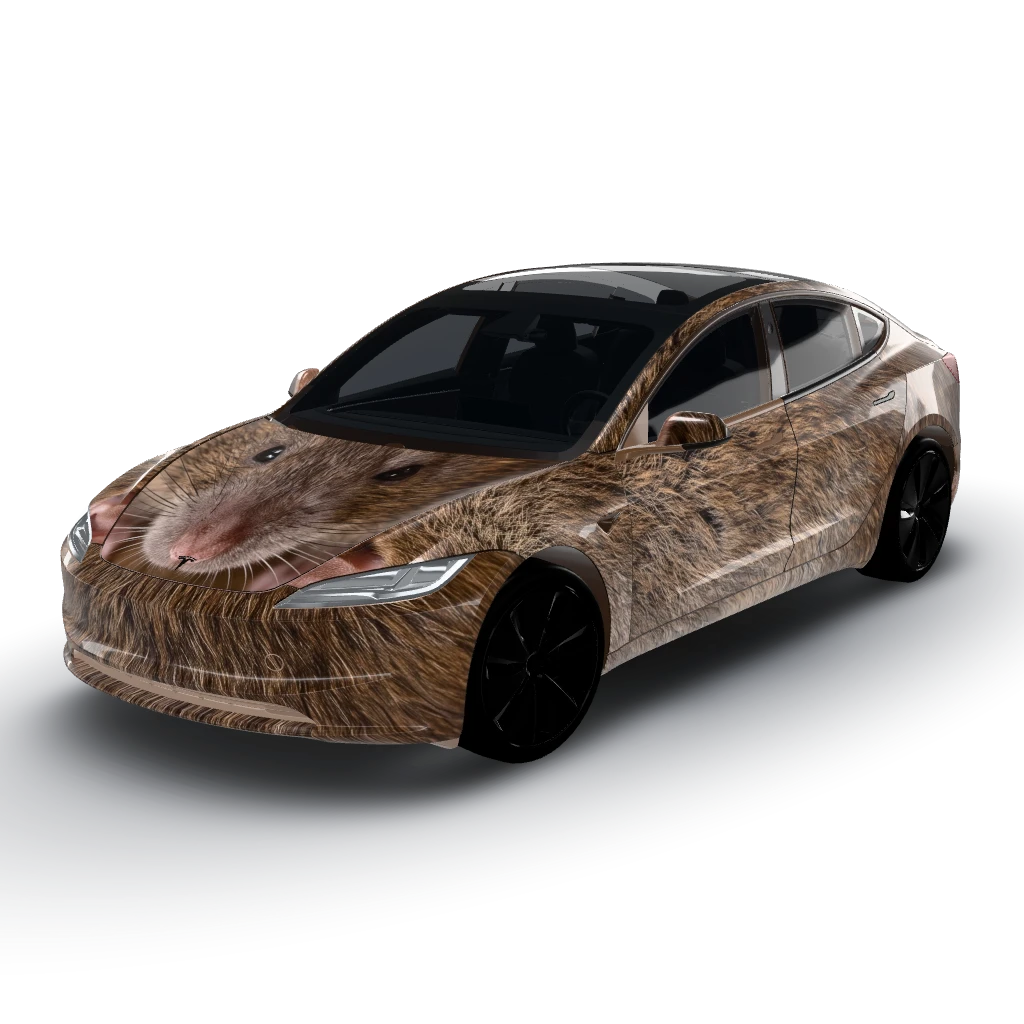
Rat wrap for my Tesla?
by Josh
- Model 3 (2024+) Standard & Premium
 View
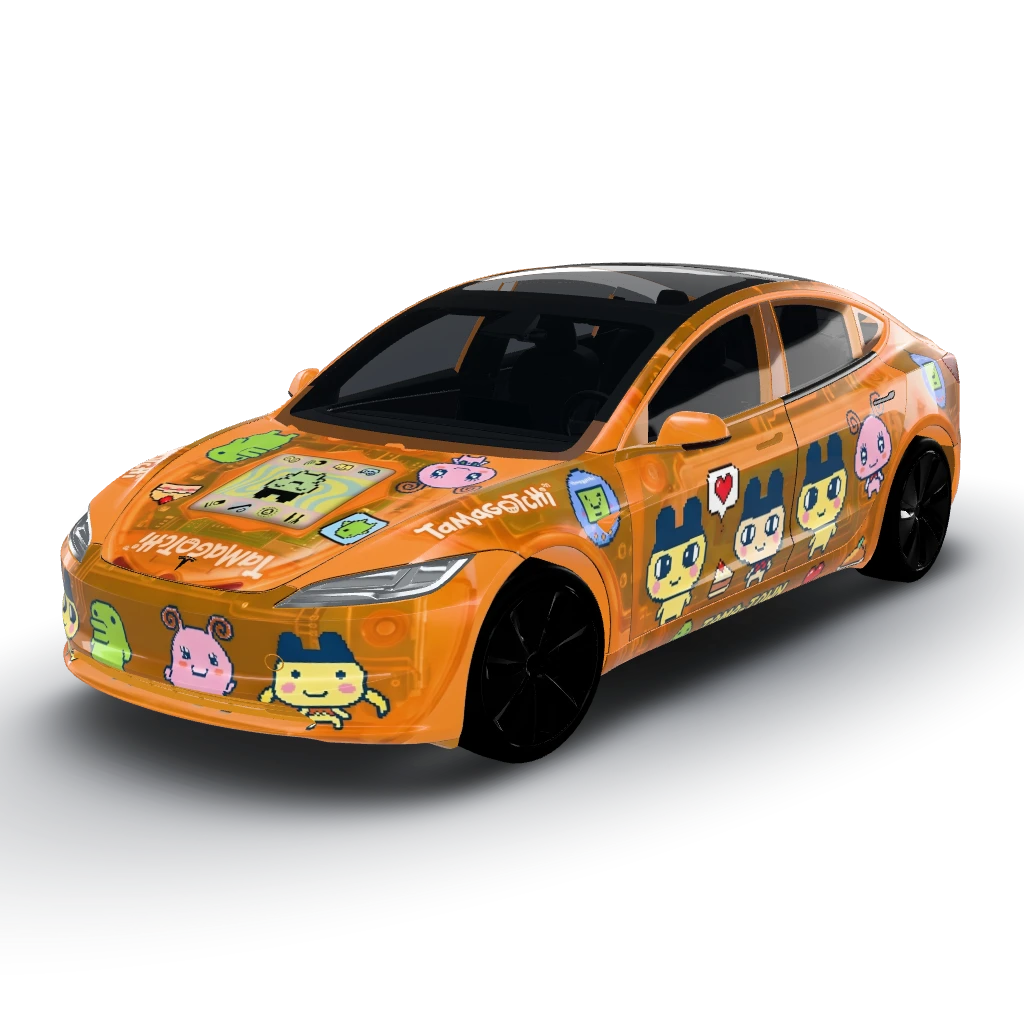
Tamagotchi with transparent orange shell
by Josh
- Model 3 (2024+) Performance
 View
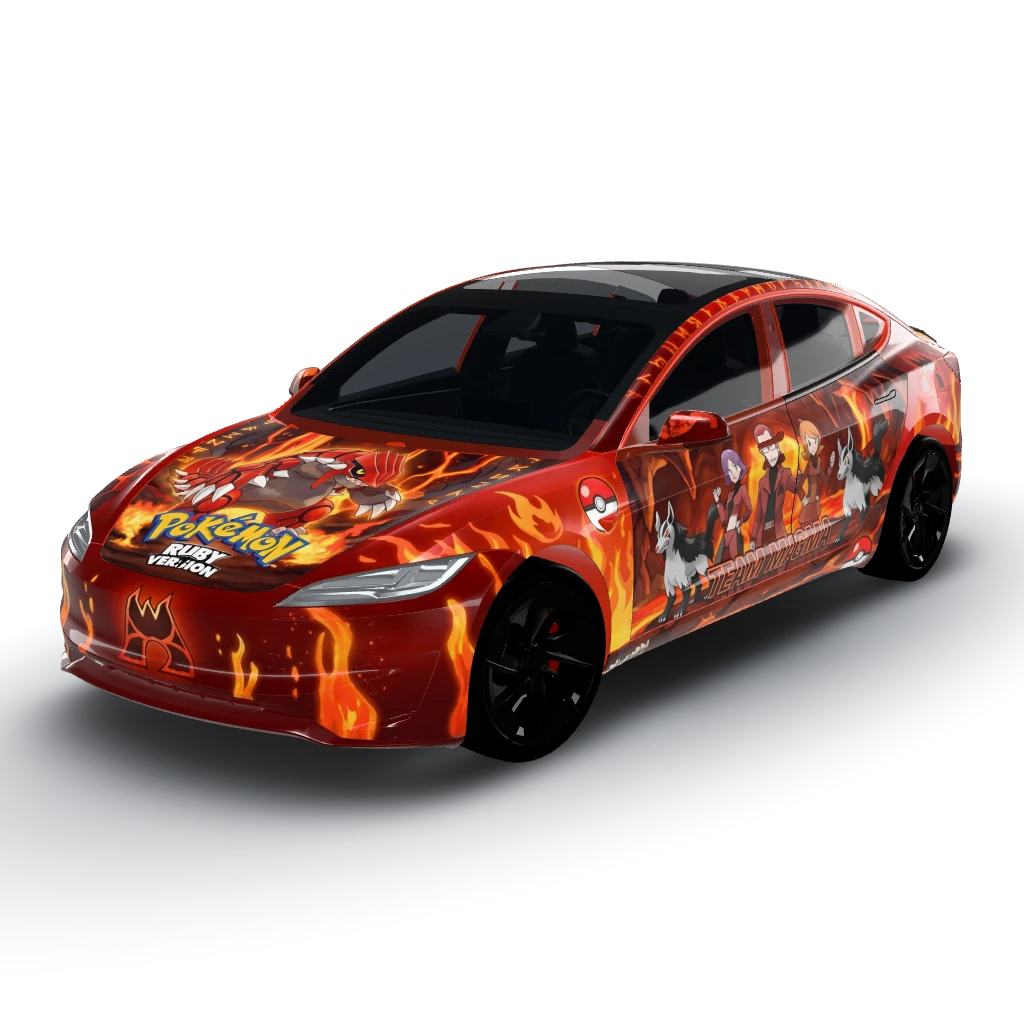
Pokemon ruby red theme
by Developer
- Model 3 (2024+) Standard & Premium
 View
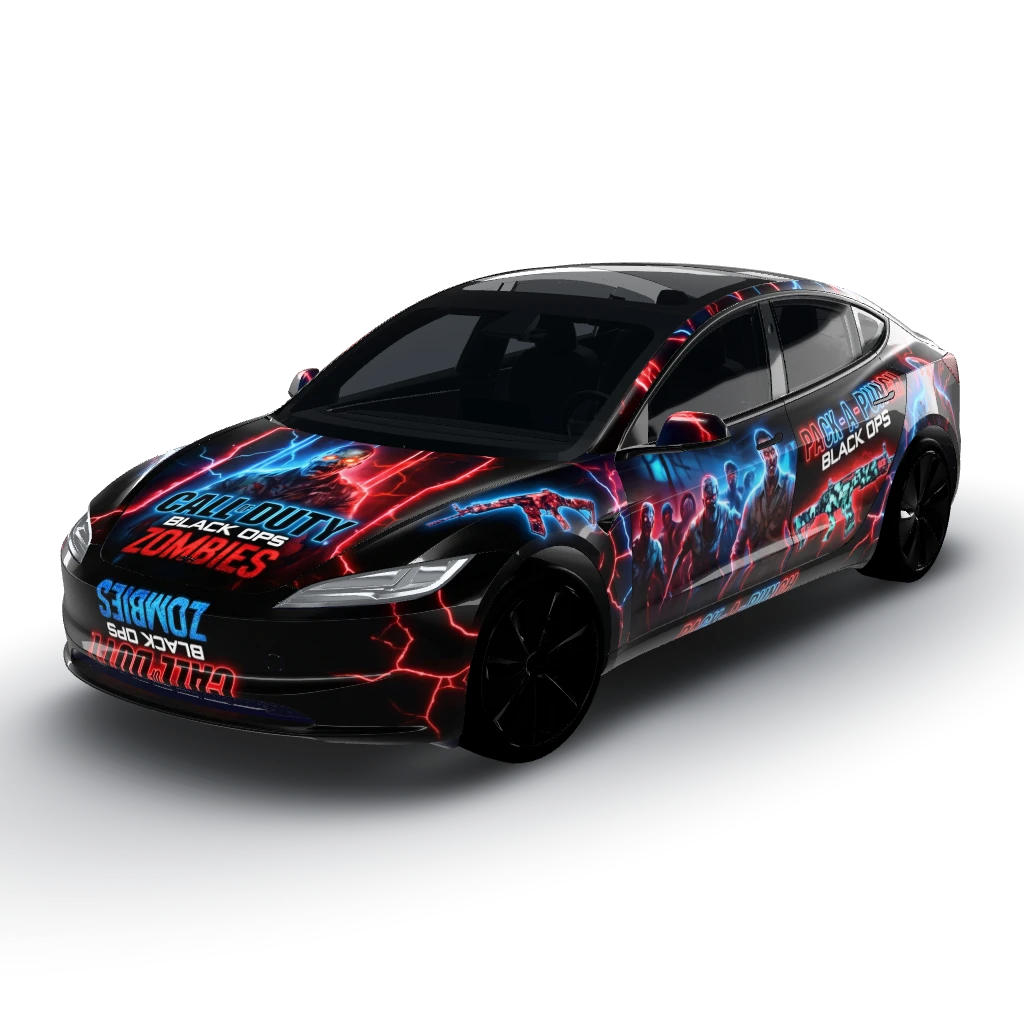
Call of duty black ops zombies themed
by Developer