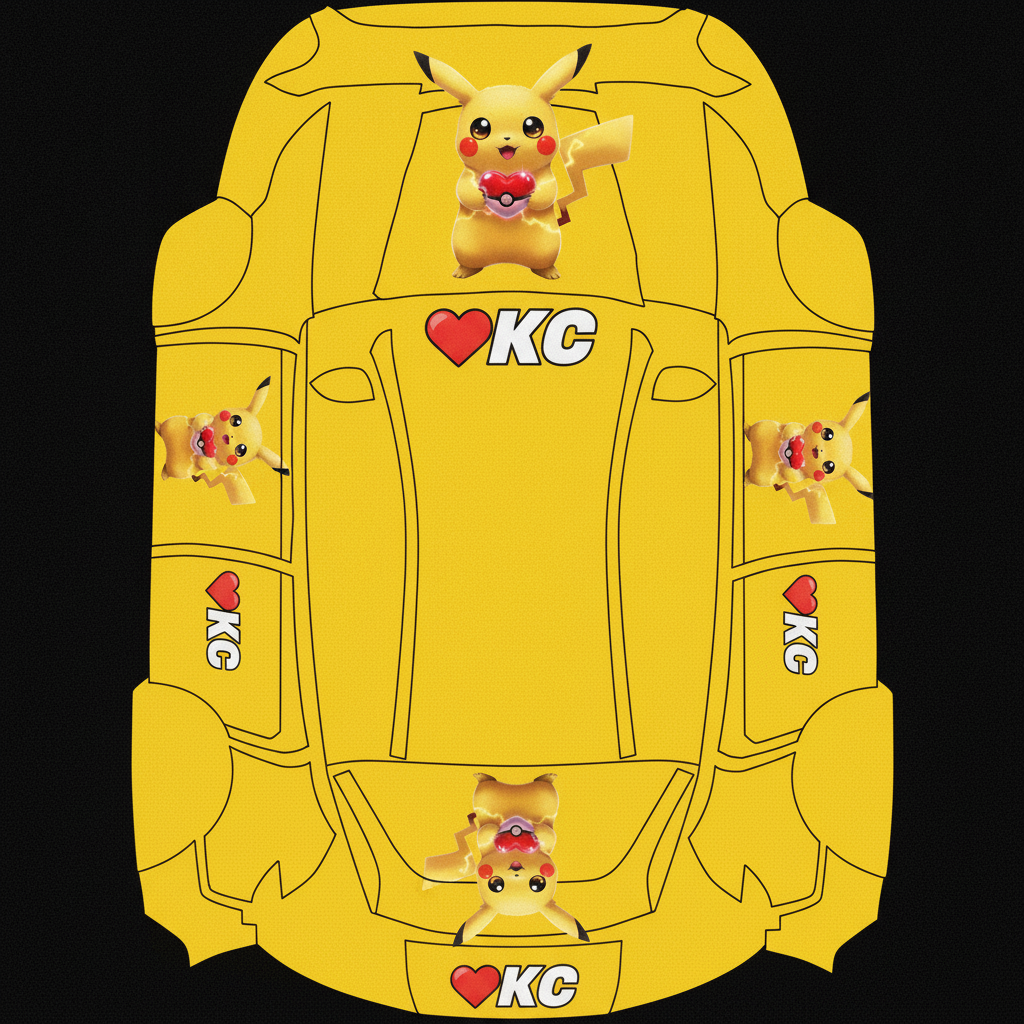
用我发给你的图片作为主图 分别放置在引擎盖 车身两侧及车尾 用皮卡丘黄色作为底色
About this design
“用我发给你的图片作为主图 分别放置在引擎盖 车身两侧及车尾 用皮卡丘黄色作为底色” is an AI-generated wrap laid out on the Model Y (2025+) Standard template, so every panel, curve and cutout lines up with the real vehicle. It was generated from the prompt below — you can reuse that prompt as-is, or edit a word and get a completely different result.
The prompt behind it
“用我发给你的图片作为主图 分别放置在引擎盖 车身两侧及车尾 用皮卡丘黄色作为底色 并在这些位置加上❤️KC 的字样 要求这些位置的图案在实装到车身上时是合适的 如引擎盖上的图案和❤️mc 的文字是人在车头看向引擎盖的视角,皮卡丘的脸和文字在这个视角的方向是正确的,车身两侧的图案和❤️kc 的文字是人站在车身两侧看向车门的视角即它们是垂直于地面的 人站在车旁是可以看到图案和文字是正常的位置 同时要求图案和车身底色过渡自然 重点位置如脸部和身体没有被遮挡 文字清晰可见”
- Likes
- 0
- Downloads
- 0
- Saves
- 0
Free · on your screen in ~60s
Put it on your car's screen
- 01Download the designFree, no account needed. You get a PNG mapped to your exact model's template.
- 02Copy it to a USB driveAny small drive works, formatted FAT32 or exFAT. Drop the file at the top level.
- 03Load it in the carPlug in, then open Toybox → Paint Shop on the touchscreen and pick your file. Your car now wears it on screen — and in the app.
Comments
Loading comments…
More like this
Other Model Y Standard wraps
- Model Y
 View
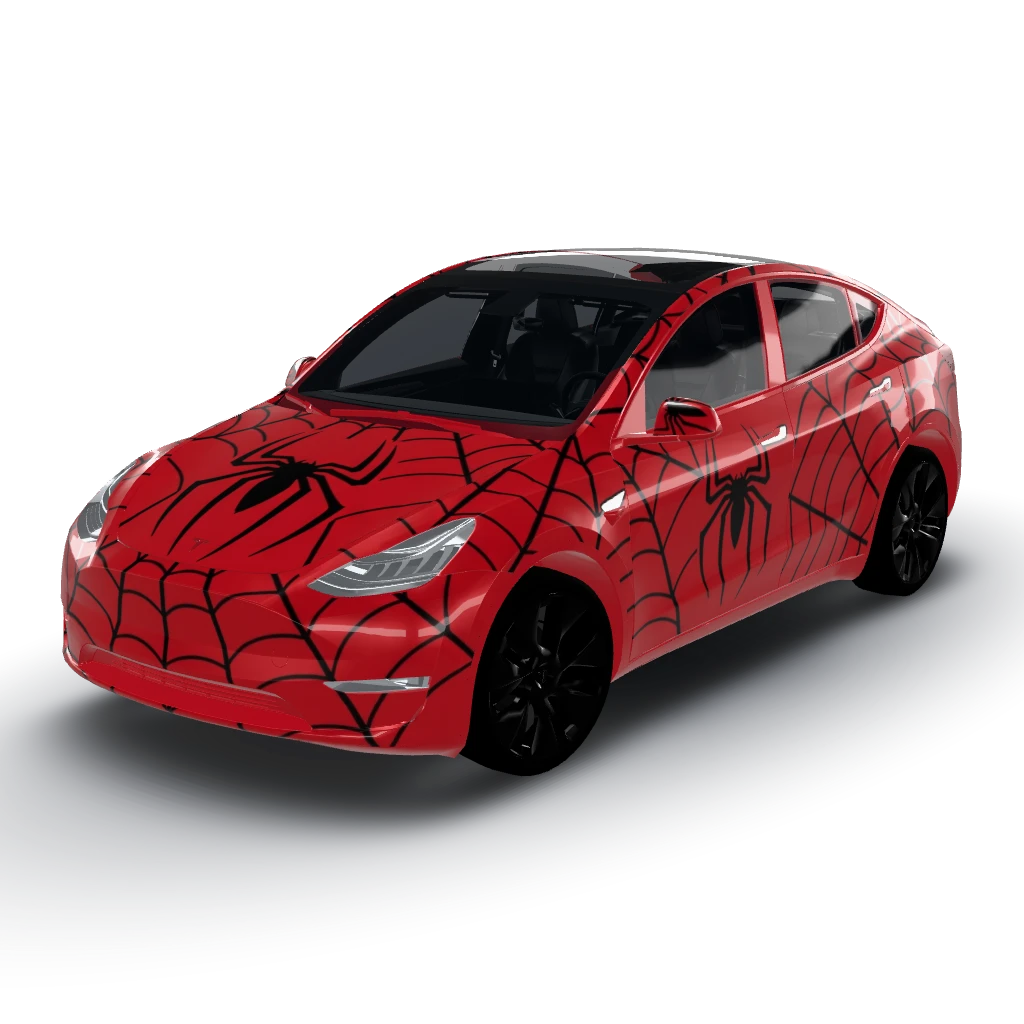
ViewSpider-Man themed
by user_c4adb6ca
- Model Y L
 View
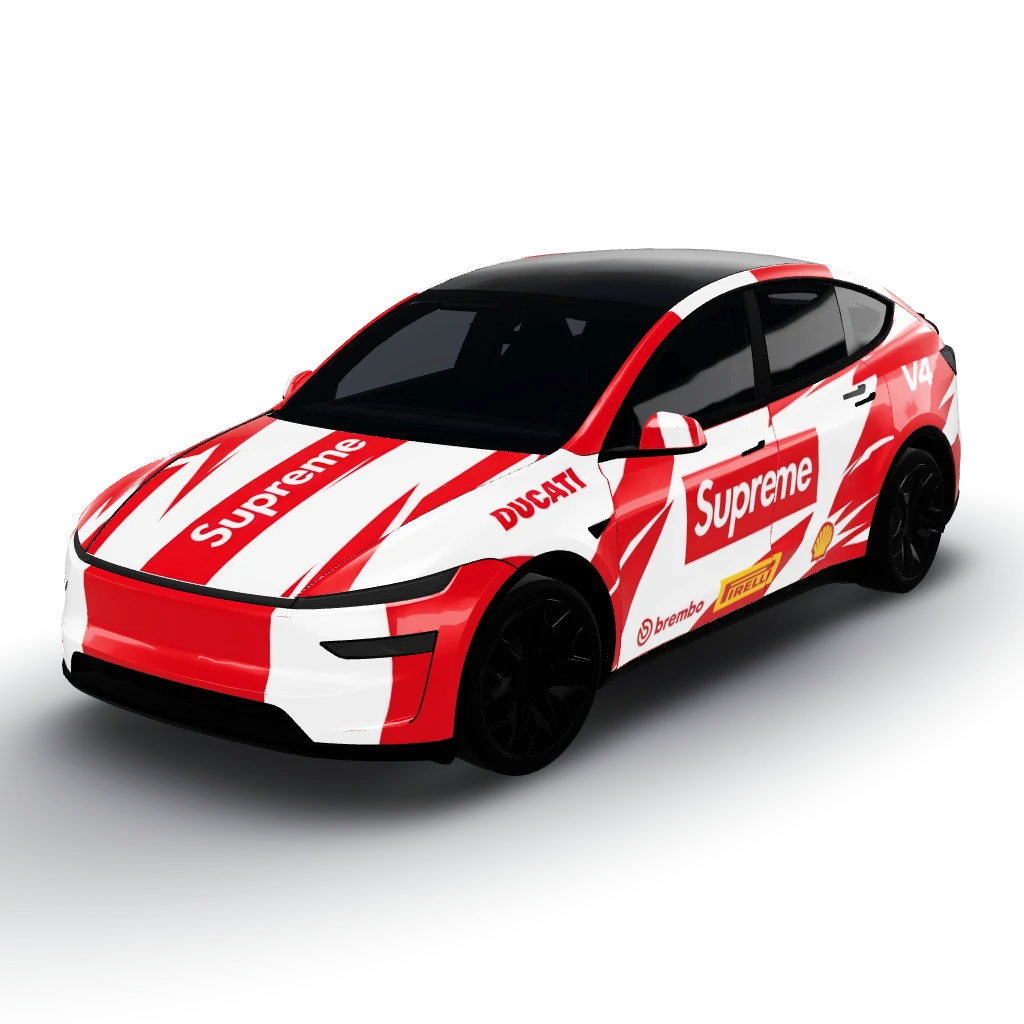
ViewDucati supreme
by user_5d886dc2
- Model Y (2025+) Premium
 View
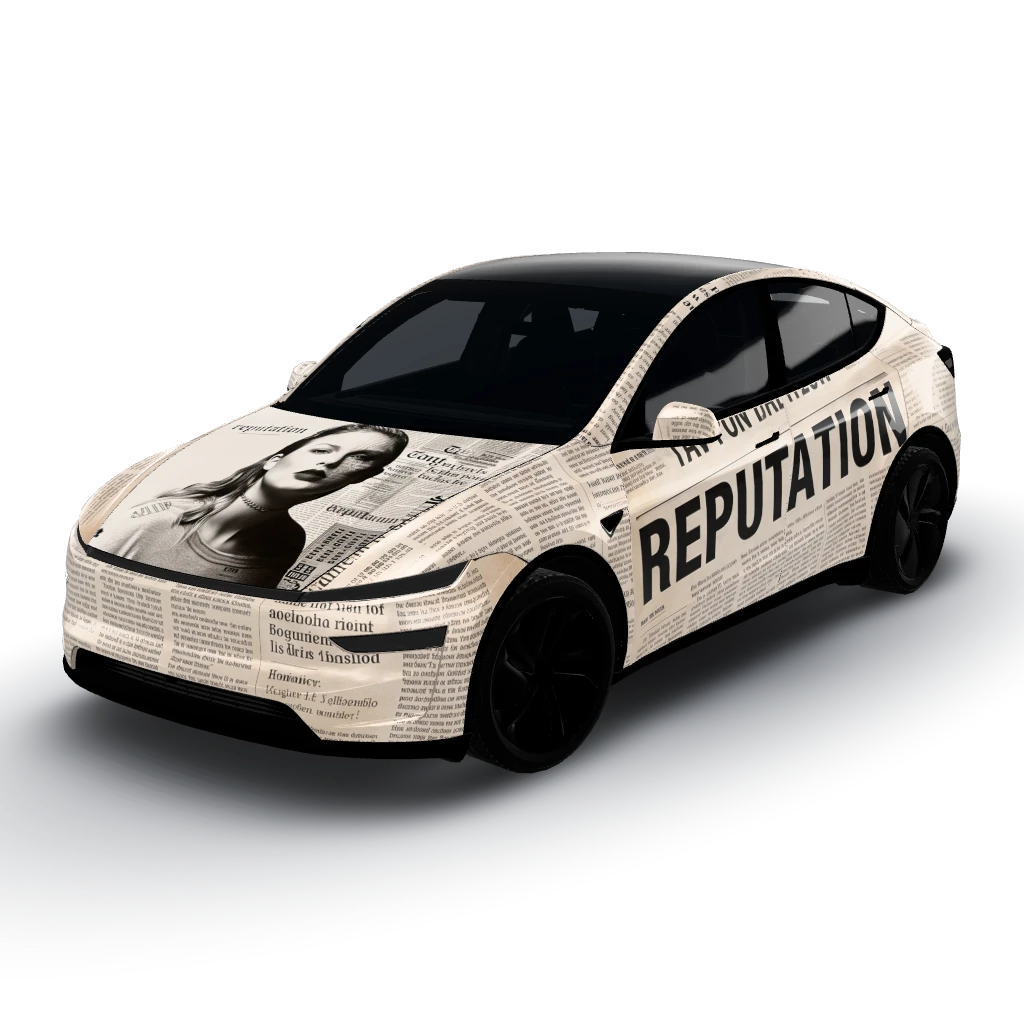
ViewLet’s clarify that!
by psyan
- Model Y (2025+) Standard
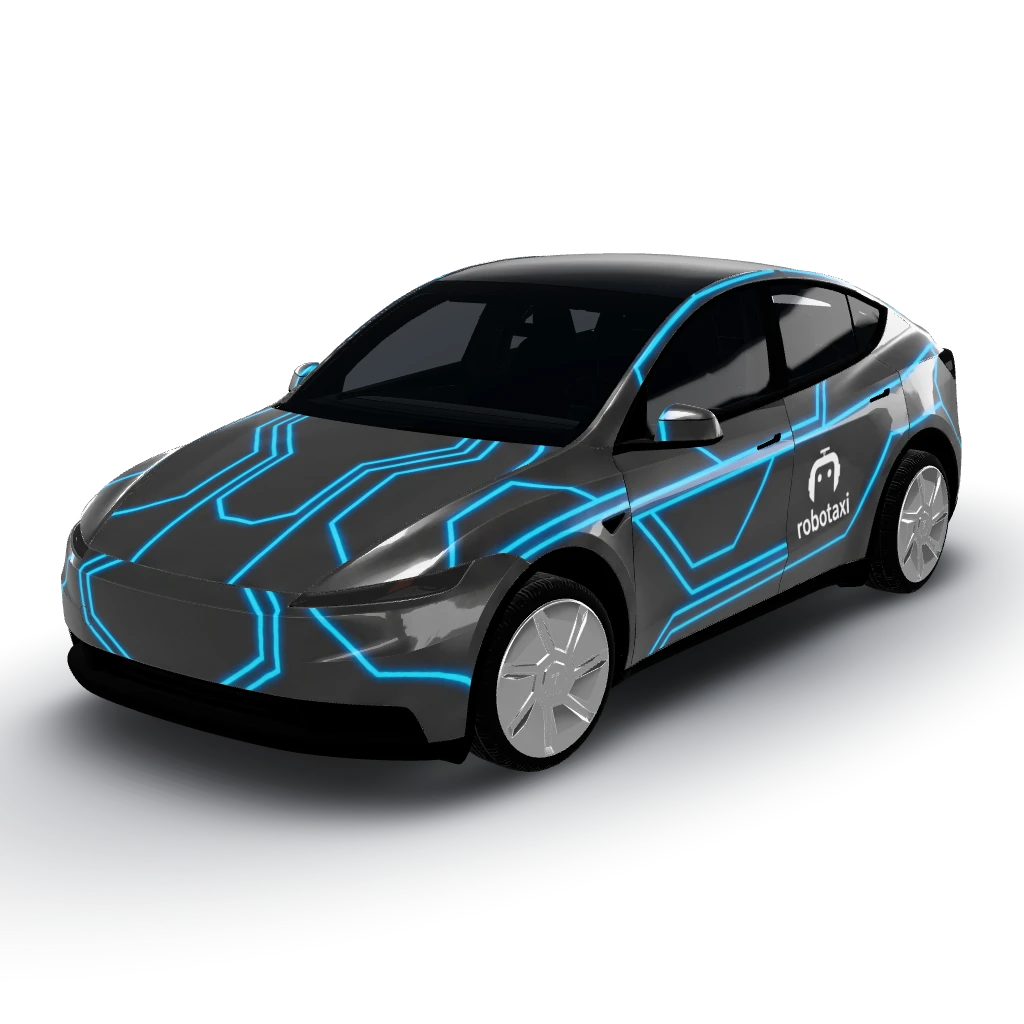 View
ViewBlue neon outlines on dark grey base colour
by gazarie
- Model Y (2025+) Standard
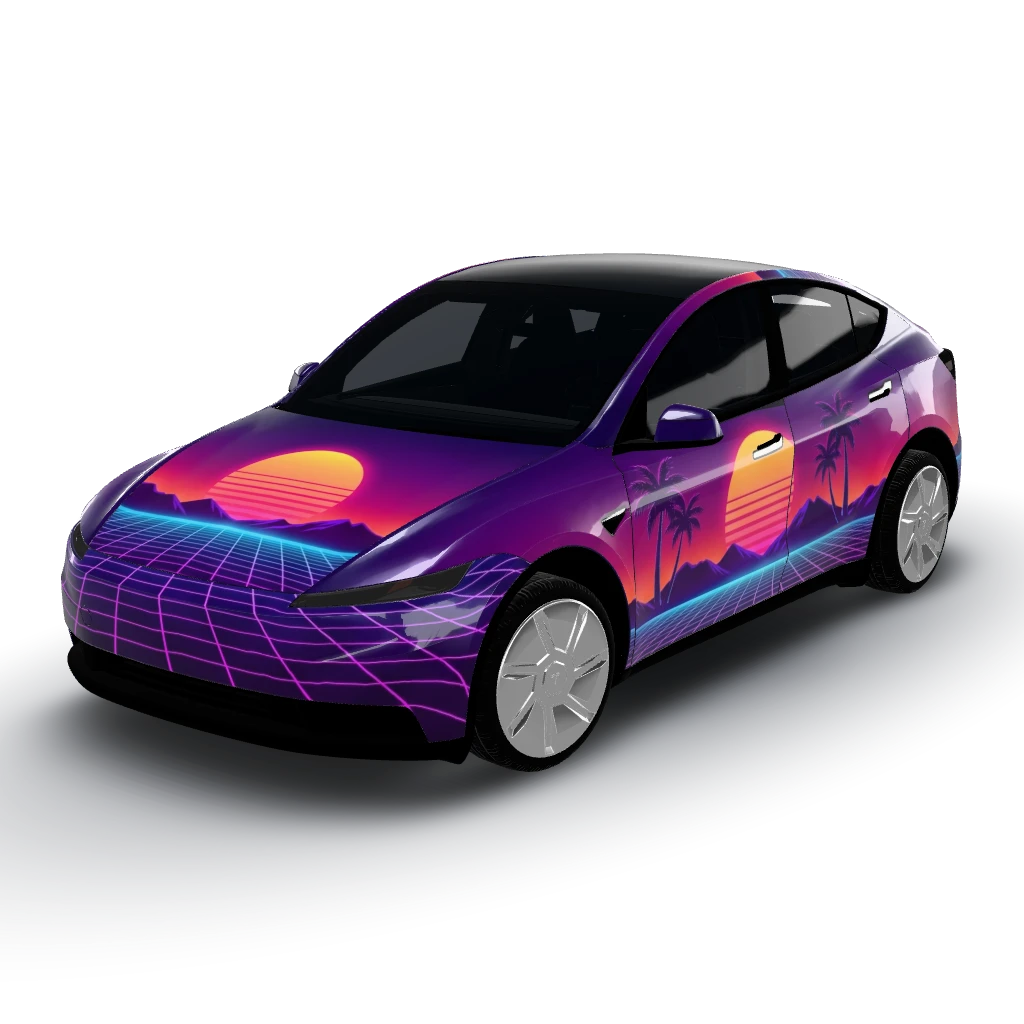 View
ViewSynthwave sunset horizon
by gazarie
- Model Y
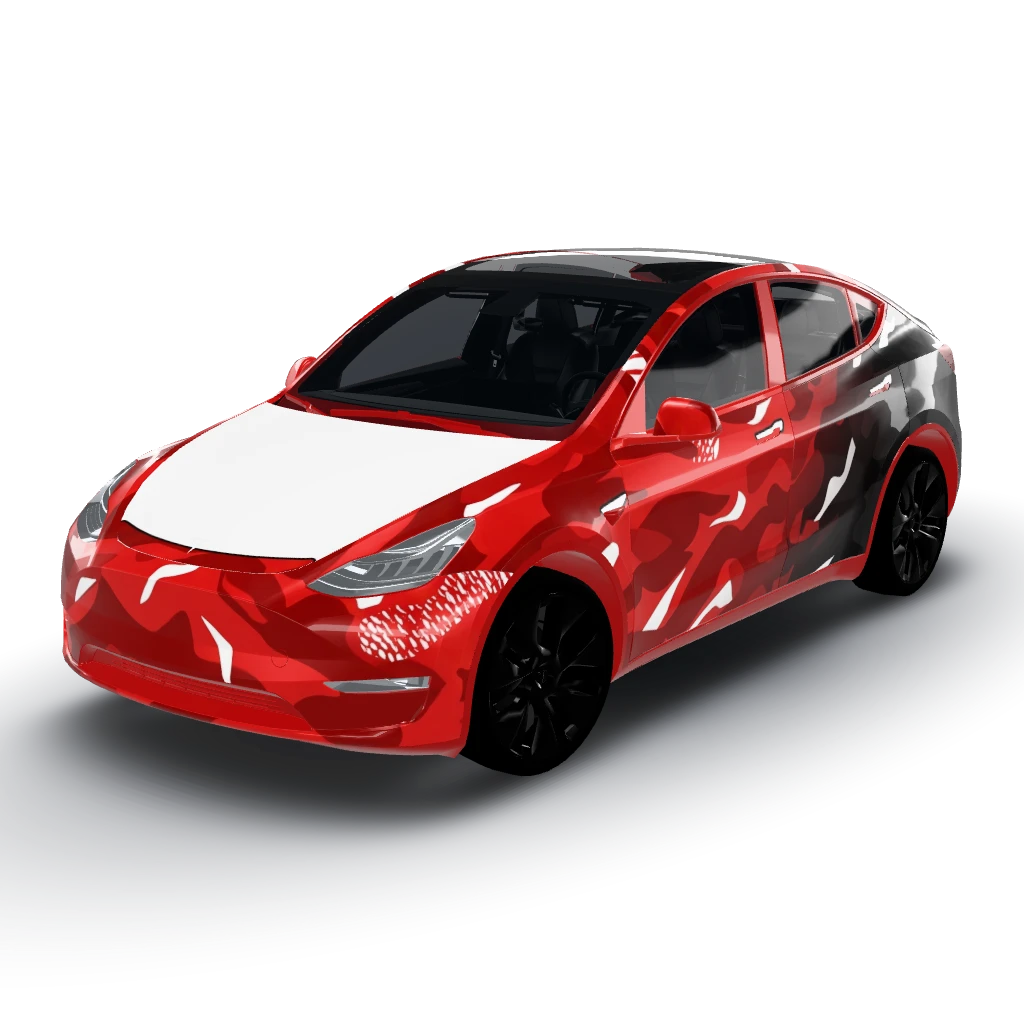 View
ViewRed camo fading to black from front to back
by user_c4adb6ca