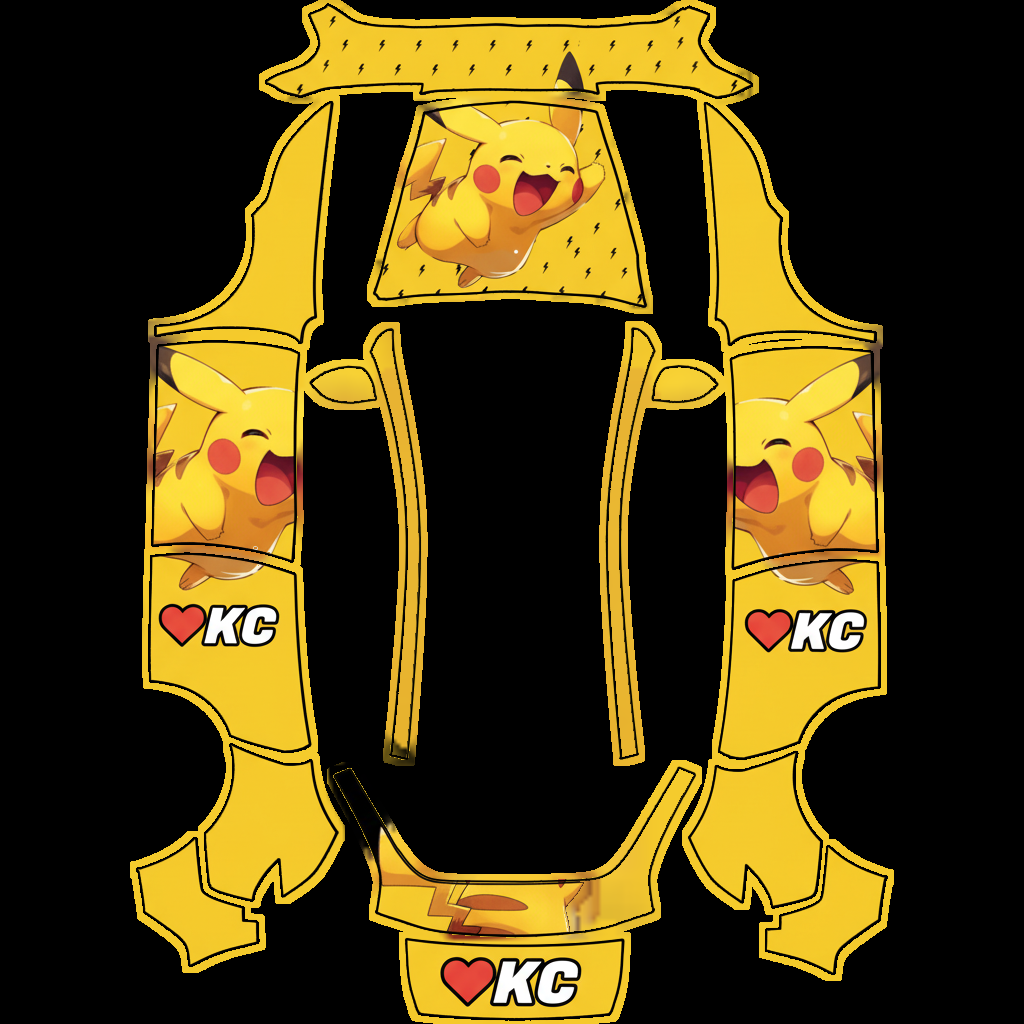
把我发给你的图片分别放在引擎盖,车身两侧合适的位置,用皮卡丘的黄色作为车身底色,并且在引
About this design
“把我发给你的图片分别放在引擎盖,车身两侧合适的位置,用皮卡丘的黄色作为车身底色,并且在引” is an AI-generated wrap laid out on the Model Y (2025+) Standard template, so every panel, curve and cutout lines up with the real vehicle. It was generated from the prompt below — you can reuse that prompt as-is, or edit a word and get a completely different result.
The prompt behind it
“把我发给你的图片分别放在引擎盖,车身两侧合适的位置,用皮卡丘的黄色作为车身底色,并且在引擎盖 车身两侧放置❤️KC 的字样 要求生成的图像符合特斯拉汽车皮肤的标准 重点部分如皮卡丘的脸不能被裁剪和遮挡 整体图片自然美观 看起来让人满意”
- Likes
- 1
- Downloads
- 0
- Saves
- 0
Making your own? The first one is free: new accounts get a free credit.
Free · on your screen in ~30s
Put it on your car's screen
- 01Download the designFree, no account needed. You get a PNG mapped to your exact model's template.
- 02Send it from your phoneOn vehicle software 2026.26 and app 4.59.0 or newer, open Creations → Wrap in the vehicle app (Wraps on older cars), tap Upload and pick the image. It arrives over the air.
- 03Or use a USB driveOn older software, put the file in a folder named Wraps on a drive formatted exFAT or FAT32, plug it in and pick it from Toybox on the touchscreen. Your car now wears it on screen — and in the app.
Comments
Loading comments…
More like this
Other Model Y Standard wraps
- Model Y (2025+) Standard
 View
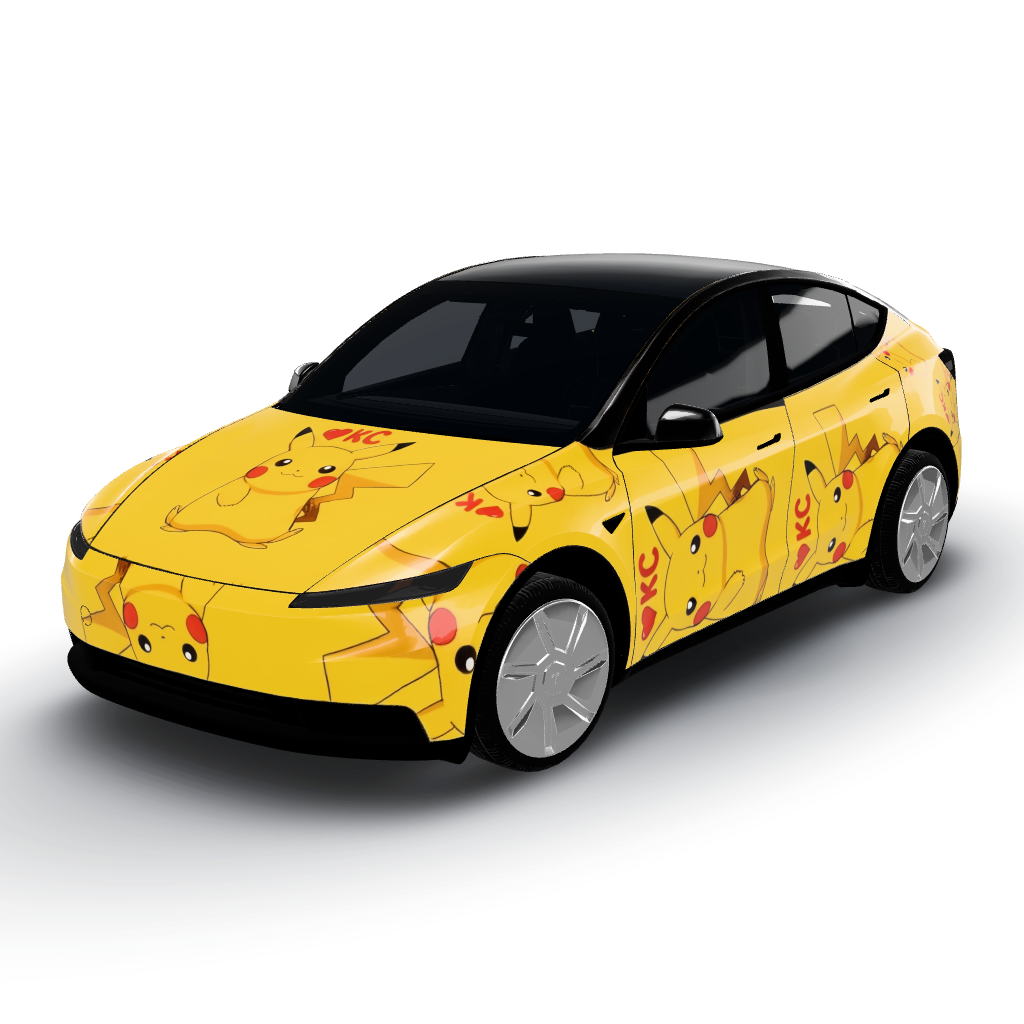
好的,设计将引擎盖上布满多个皮卡丘的图案,确保它们头朝上,且保持正立。每个图案旁边会添加
by user_ab950aba
- Model Y (2025+) Standard
 View
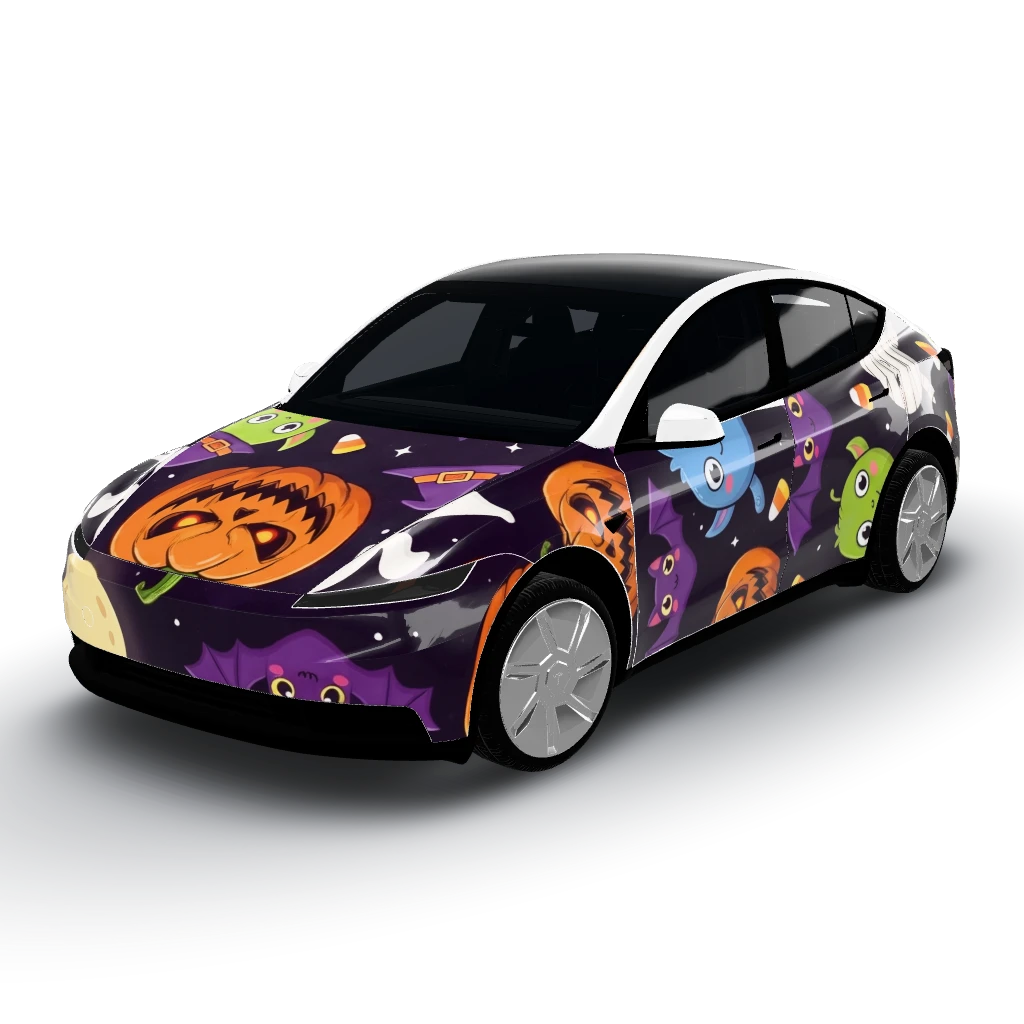
Halloween cute spooky
by kimmywood_
- Model Y (2025+) Standard
 View
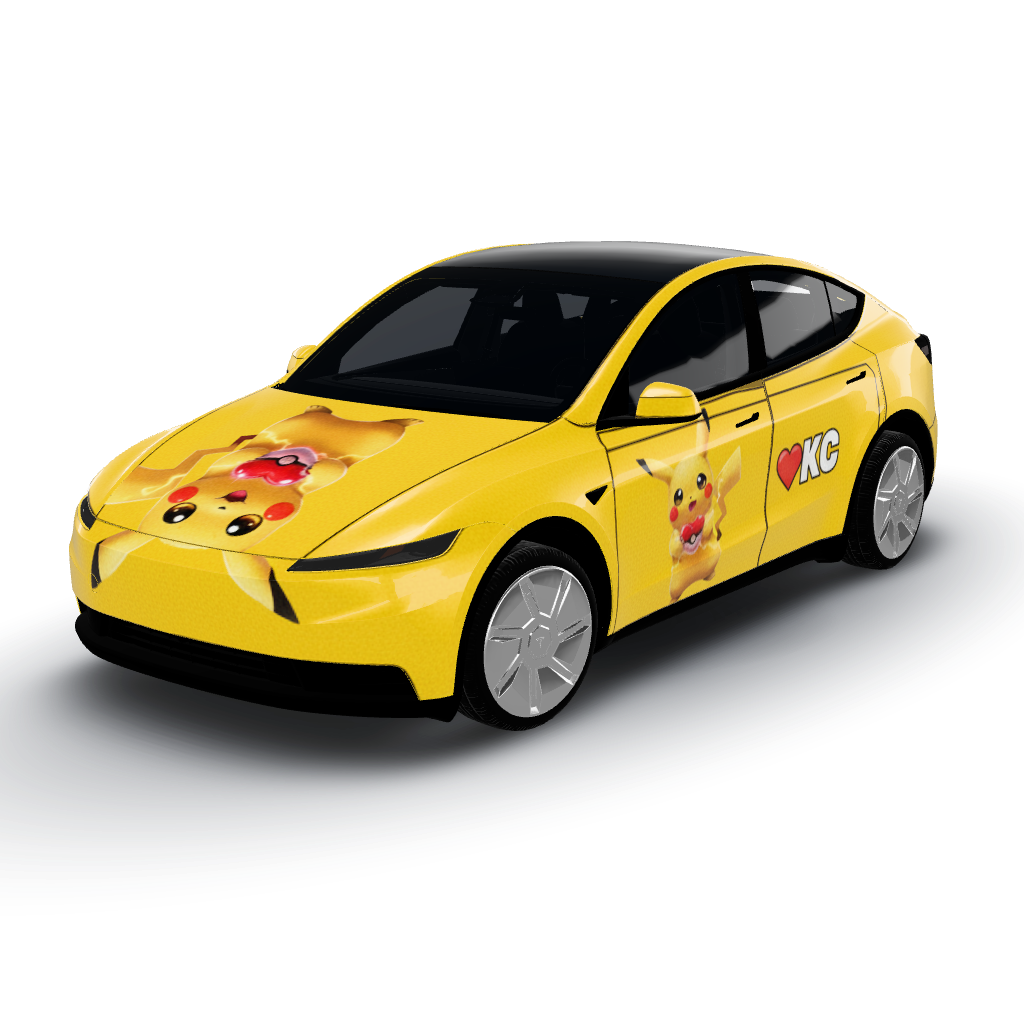
用我发给你的图片作为主图 分别放置在引擎盖 车身两侧及车尾 用皮卡丘黄色作为底色
by user_0be33c3a
- Model Y
 View
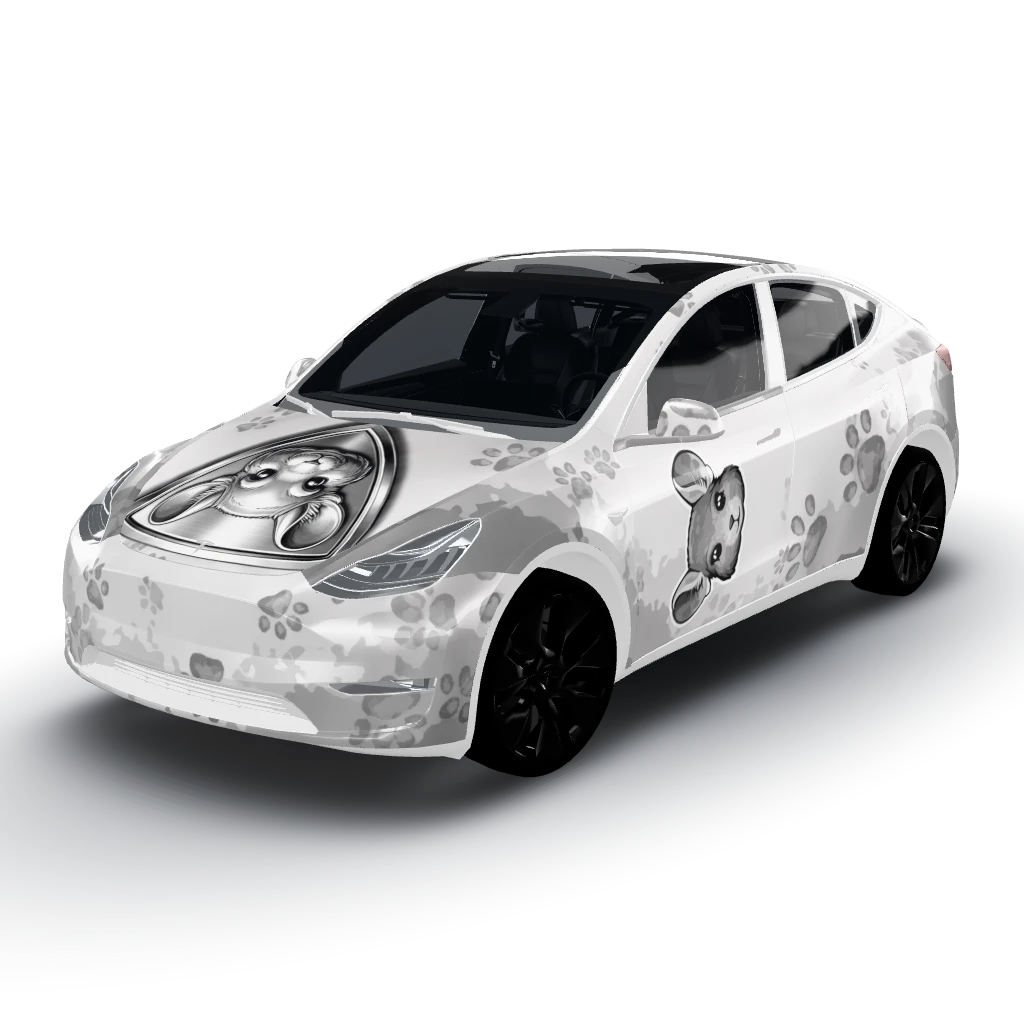
Gris standar chinchilla theme
by J
- Model Y (2025+) Premium
 View
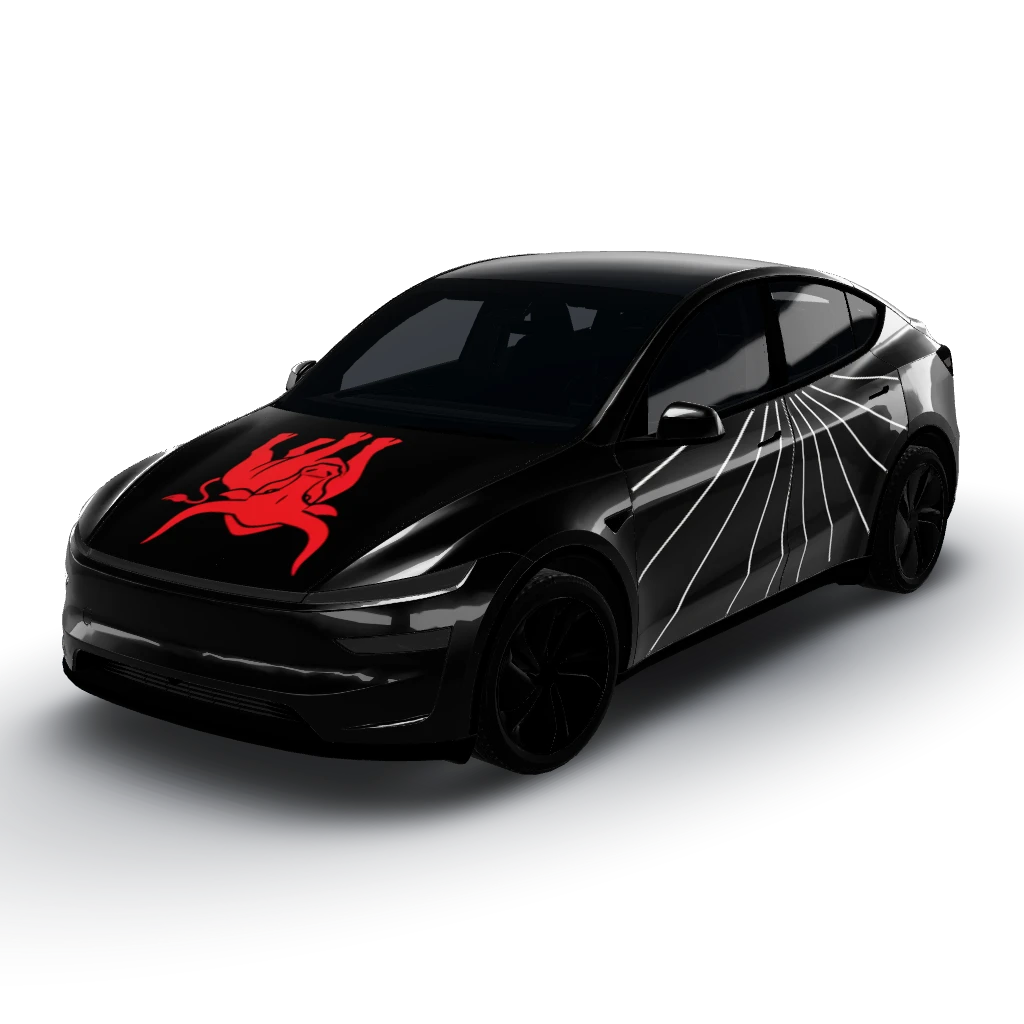
Centered and upright red Radiohead Minotaur
by user_f4a03abf
- Model Y (2025+) Premium
 View
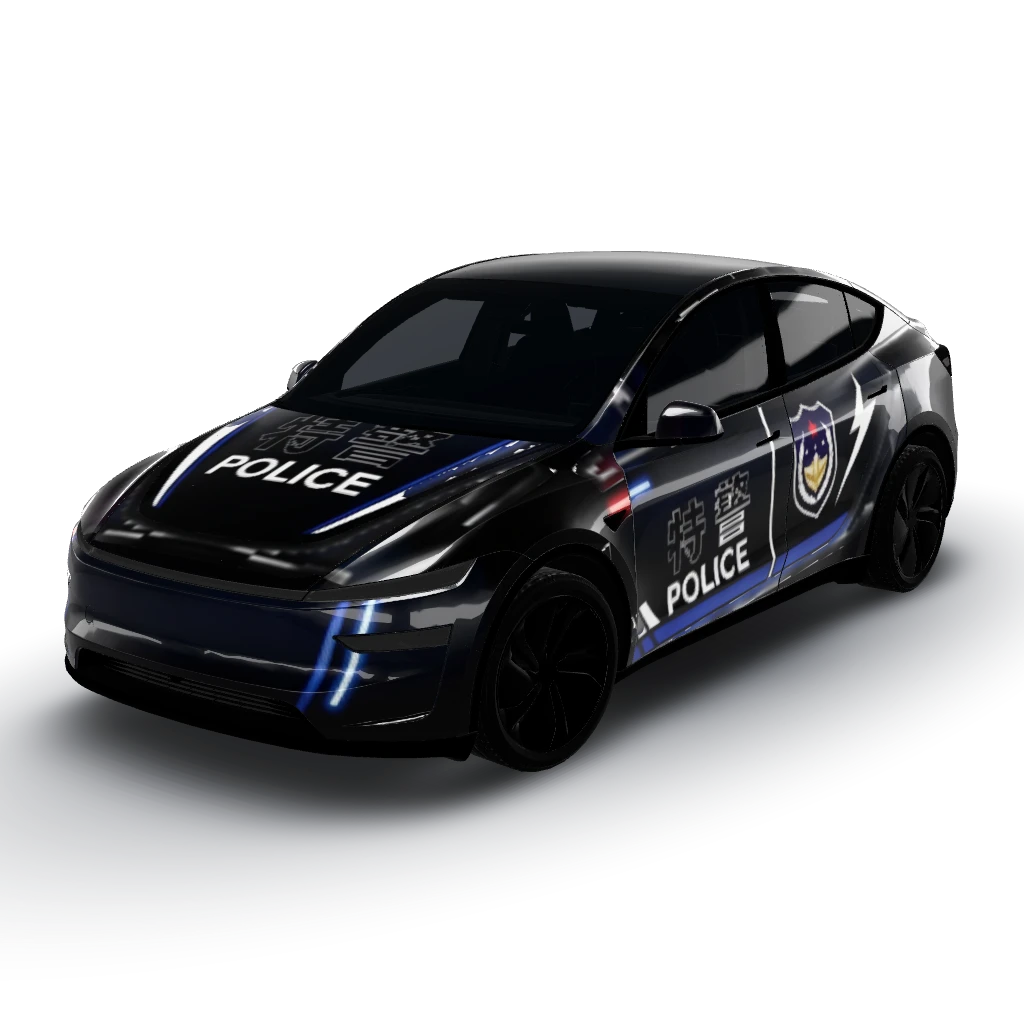
Apply the uploaded image as a custom car
by user_b29e3d6d