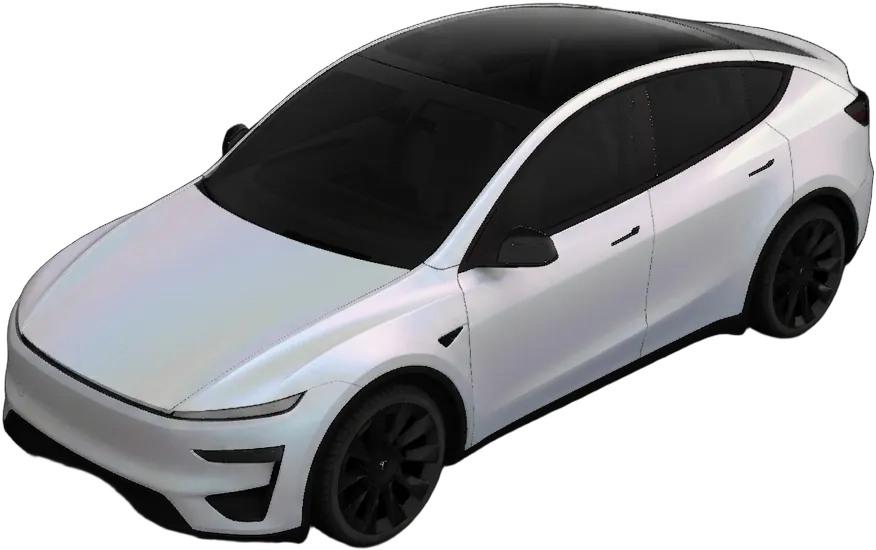
Short answer: a custom Tesla light show is two files with the same name, a sequence (.fseq) and a song (.wav or .mp3, 44.1 kHz), in a folder called LightShow at the top level of a USB drive. The drive must be exFAT, FAT 32, MS-DOS FAT, ext3 or ext4, with no TeslaCam folder on it. Plug it in, open Toybox → Light Show, and your show appears in the list. The hard part is making the .fseq: by hand in xLights, by downloading someone else's, or by letting our light show maker choreograph it from your song.
Everything below comes from Tesla's own light show guide on GitHub, which is the source of truth for these rules.
Which cars can play one
Tesla lists the Model S (2021+), Model 3, Model X (2021+), Model Y and Cybertruck, on vehicle software v11.0 (2021.44.25) or newer. A show isn't tied to one model: the same files run on any supported car, and each car simply skips lights it doesn't have.
What goes on the USB drive
| Requirement | Rule |
|---|---|
| Folder | LightShow at the top level of the drive. The name is case sensitive. |
| Files | A .fseq sequence plus a .wav or .mp3 song. Tesla recommends WAV. |
| Names | The sequence and the song must share a name: show1.fseq with show1.wav. |
| More than one show | Allowed on vehicle software 2023.44.25 or newer, each pair with its own name. |
| Drive format | exFAT, FAT 32, MS-DOS FAT, ext3 or ext4. NTFS isn't supported. |
| Must not contain | A TeslaCam folder at the top level, or map or firmware update files. |
That TeslaCam rule is the one that catches people out: the drive you already use for Dashcam and Sentry Mode won't load light shows. Use a second drive.
The audio
Use a song you own as a file. The song must be encoded at 44.1 kHz: Tesla notes that 48 kHz files won't sync properly with the lights. During the show, music plays only from the cabin speakers, which is why Tesla suggests not closing the windows during a show: the music stays audible outside.
The limits
- Length: up to four hours per show.
- Lights: the old cap on the number of light commands has been removed.
- Moving parts: each closure has its own budget of moves per show (Open, Close and Dance count, Stop and Idle don't):
| Closure | Moves per show |
|---|---|
| Mirrors | 20 |
| Door handles (Model S) | 20 |
| Liftgate (or the Cybertruck's frunk) | 6 |
| Windows | 6 |
| Front doors and falcon doors (Model X) | 6 each |
| Charge port | 3 |
Closures that "dance" heat up, and Tesla recommends keeping dancing to about 30 seconds per show; past their thermal limit they simply stop moving until they cool. The charge port door also closes on its own two minutes after opening.
Three ways to make the .fseq
1. Sequence it yourself in xLights. This is Tesla's own route. Install the free xLights app, download Tesla's project folder from the light show repository, and set File → Preferences → Sequences → FSEQ Version to V2 Uncompressed. Create a musical sequence from your song with a 20 ms frame interval (anything from 15 to 100 ms works), place light and closure effects along the timeline, and export. Tesla's validator.py script checks the finished file without a car. It's precise and slow: expect hours for a three-minute song.
2. Download someone else's. Tesla's guide points to community libraries such as xLightShows and TeslaLightShare. You get their song choice and their choreography, and you still need the matching audio file.
3. Let WrapStudio make it from your song. The light show maker does the sequencing for you:
- Pick your car and a song you own: MP3, WAV or M4A, between 10 seconds and 6 minutes. Tracks from Apple Music, Spotify and other streaming services are copy-protected and can't be read.
- Your browser analyses the song (tempo, beats, bars, drops and quiet parts). The song itself never leaves your device; only that beat map, a few kilobytes of numbers, is sent.
- Choose a style (Party, Hype or Elegant) and whether to move just the lights, the lights and mirrors, or the full set including windows and doors.
- Preview it on a car in your browser, in sync with the song, then download a ready-to-copy
LightShowfolder. Every show is checked against the car's rules before you get it.
It costs one credit per show, it's included with the Unlimited plan, and you're only charged if the show passes those checks.
Run it on the car
- Plug the drive into a front USB or USB-C port, or the one in the glovebox, and wait a few seconds.
- With the car parked, open Toybox → Light Show.
- If the files meet the rules, your show is in the drop-down list. Pick it and start or schedule it.
A full show opens doors and windows, so give the car clear space around it.
If the show doesn't appear
- The popup says "Light Show", not "Custom Light Show". Tesla's guide says this means the drive or files don't meet the requirements: check the folder name, the drive format, and that both files share a name.
- The folder is called
lightshoworLightshow. FAT drives ignore case when you copy, but the car wants exactlyLightShow. - It's the Dashcam drive. A top-level
TeslaCamfolder blocks light shows. Use a separate drive. - The lights drift out of time with the music. The song is probably 48 kHz. Re-export it at 44.1 kHz.
- An error mentions the sequence. The files were found but the
.fseqhas a problem. Re-export it as V2 Uncompressed, or run Tesla's validator on it.
Keeping more than one show
On 2023.44.25 or newer, one drive can hold several shows as long as each sequence and song pair has its own name. WrapStudio's download names its pair lightshow.fseq and lightshow.mp3 (or .wav), so copying a second download over the first replaces it. To keep both, rename each pair to something unique, such as carol.fseq with carol.mp3, before you copy the next one.
Make it a December thing
Light shows peak around the holidays, and they go well with a seasonal wrap and lock sound. The Christmas ideas post puts all three together, and 12 customisation features most owners miss covers the rest of Toybox.