Short answer: your Tesla can wear a custom wrap you send from your phone, show your own licence plate, play your own sound when it locks, run a light show you made yourself, and turn every road on the map into a rainbow. Most of it lives in Toybox on the touchscreen, and most owners have never opened half of it.
Here are 12 things you can personalise, what each one needs, and the details the release notes leave out. Everything below is current as of the summer 2026 software (2026.26) and Tesla app 4.61.
1. Send a custom wrap from your phone
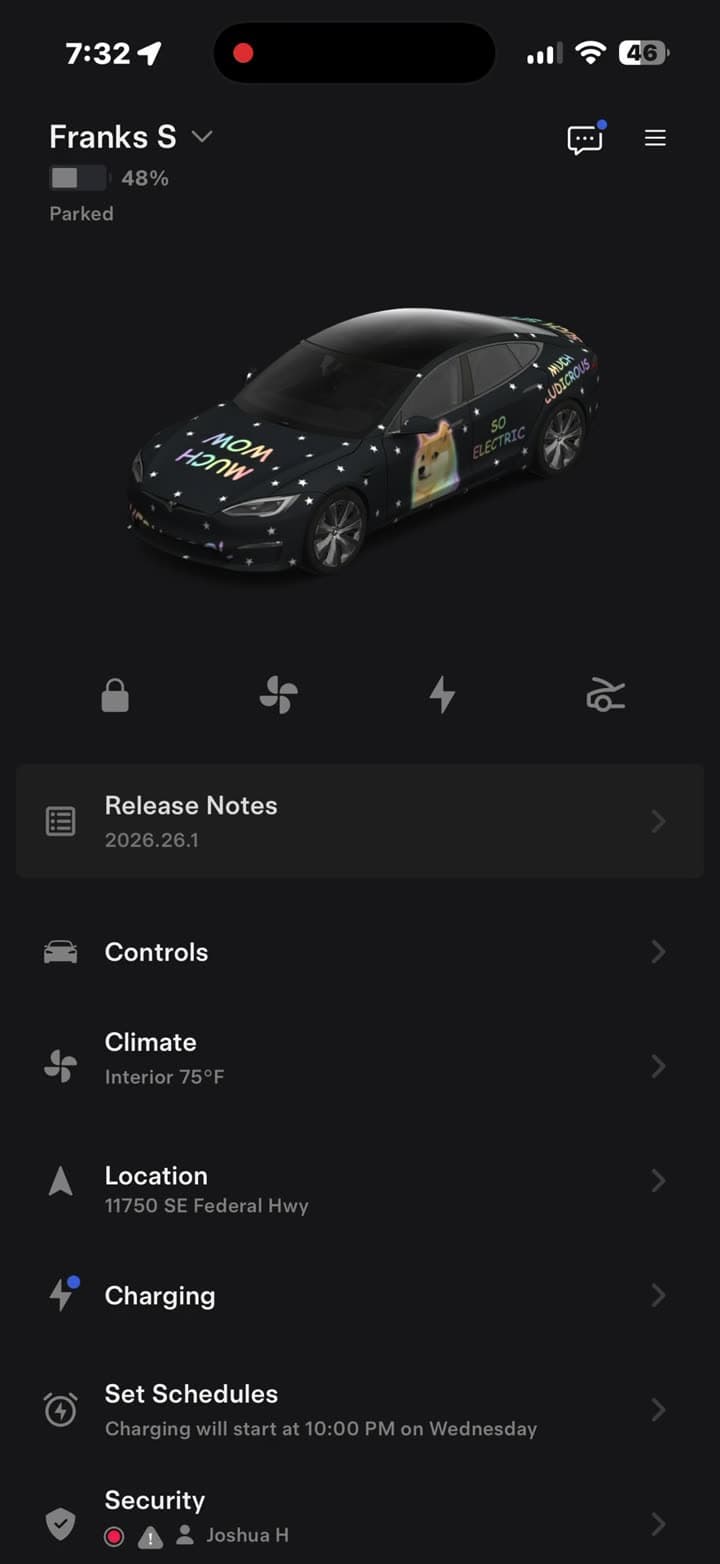
Since the summer 2026 update, you no longer need a USB drive to change how your car looks on screen. Save a design to your phone, open Creations → Wrap → Upload in the Tesla app, and the car receives it over the air in seconds. It works on every model, on both AMD and Intel cars.
A wrap going from phone to car in 35 seconds.
Needs: vehicle software 2026.26 and Tesla app 4.59.0 or newer. Full walkthrough.
2. Tesla publishes the wrap templates for free
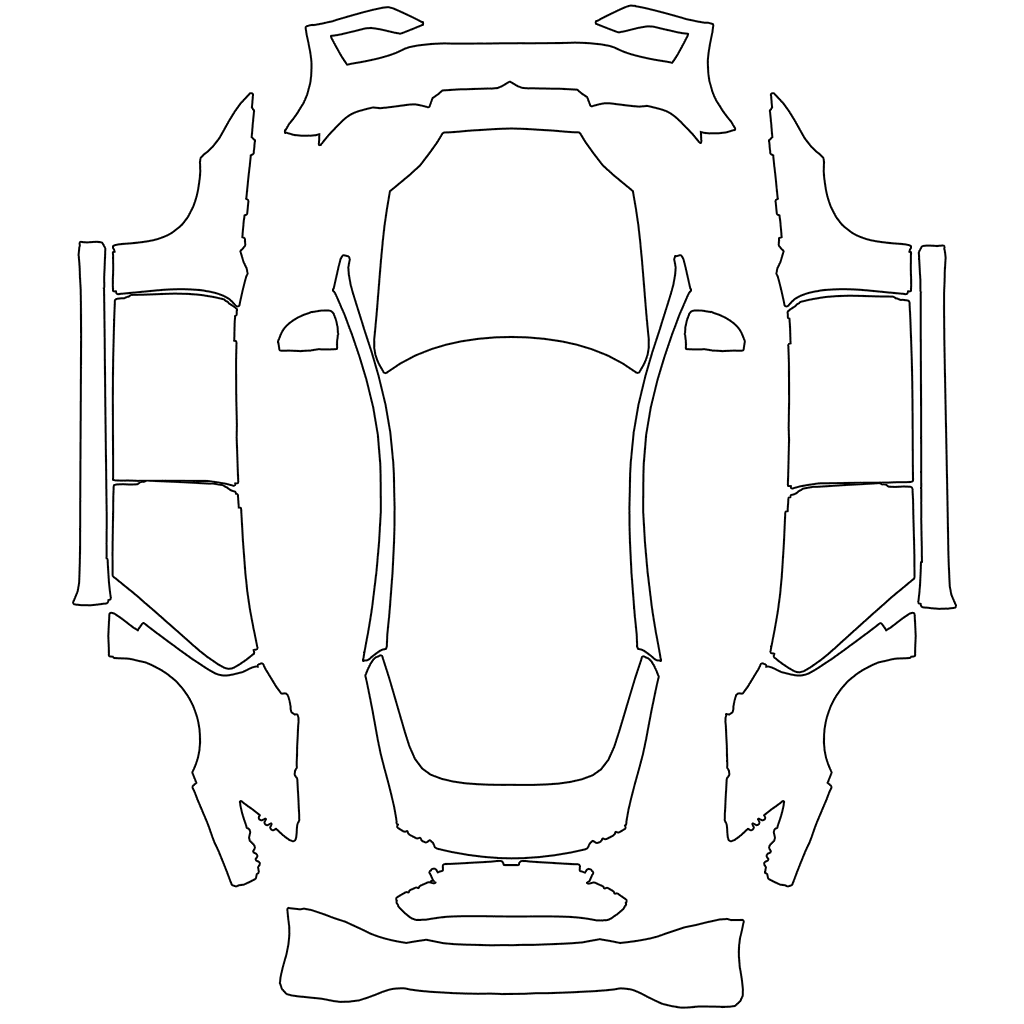
The blank template for every model sits in Tesla's own GitHub repository. There are 12, not one per model: the refreshed Model 3 and Model Y, the Performance versions, Model Y L and the 2025 Model S Plaid each have their own. Using the wrong one is the main reason a design comes out scrambled. Which one you need.
3. Custom licence plates
Paint Shop can also put your own plate image on the car on screen. According to Not a Tesla App's testing, it's a PNG in a folder called LicensePlate on the USB drive, under 500 KB, at 400×200 or 420×200 for North American plates or 420×100 for European ones. The car holds up to 10.
Needs: a USB drive. Unlike wraps, plates can't be sent from the phone yet.
4. Window tint on the on-screen car
The same 2025 holiday update that brought custom wraps to Model 3 and Model Y added window tint to Paint Shop. Tesla's release note puts it in one line: "window tints, custom wraps, and license plates." It's the quickest way to see how dark a tint you'd actually like before paying for film.
5. Your own lock sound
Put a file named LockChime.wav under 1 MB in the root of the USB drive, then choose Toybox → Boombox → Lock Sound → USB. The car plays it every time you walk away and lock it.
The little-known part: Tesla sets no length limit, only a 1 MB file size. That works out to about 5.7 seconds of stereo, or twice that in mono. The full lock sound guide covers the rest, and our library has 143 ready-made sounds.
6. A light show you made yourself
Every Tesla can run a synchronised light show, and you can make your own in the free xLights software. According to Tesla's light show guide, you need:
- A folder called
LightShowon the USB drive - A
.fseqsequence file, plus a.wavor.mp3with the same name - Audio at 44.1 kHz; 48 kHz files drift out of sync
- A Model S or Model X from 2021 or later, or any Model 3, Model Y or Cybertruck
The surprising part is the ceiling: Tesla's guide says a custom show can run for up to four hours. Start it from Toybox → Light Show. Several shows can live on one drive.
7. Start a light show from your phone
Since the 2025 holiday update, you can play a light show now or schedule it up to 10 minutes ahead, from the car or the Tesla app, on one car or synced with friends. That's how owners get a row of parked cars dancing together. The same update let custom shows control the interior lighting and add colour effects to the display.
8. Rainbow Road, now in the app too
Turn on Toybox → Rainbow Road and set it to Always Rainbows, and the driving visualisation turns the road into a rainbow. Since Tesla app 4.58.5, the FSD path shown in the phone app goes rainbow too. Cars with ambient light strips also get Gotta Have More Rainbows, which flashes the cabin lighting in a rainbow pattern in sync with the road.
9. Photobooth
Photobooth takes a selfie from inside the car with the cabin camera and lets you add filters, stickers and emoji. It arrived in the 2025 holiday update and only works in Park. Your saved photos now appear in the Tesla app under Creations → Photobooth on AMD Ryzen cars.
10. Sketchpad drawings on your phone
Sketchpad has been on the touchscreen for years. Since Tesla app 4.55.6 (April 2026), drawings can be sent to your phone, and Sketchpad gained Photobooth's stickers and emoji. They appear under Creations → Sketchpad on AMD Ryzen cars.
11. Caraoke with a score
The summer 2026 update added singing scores to Caraoke on AMD Ryzen cars, so a road trip singalong now has a winner.
12. Santa Mode
Every holiday update brings back Santa Mode, which swaps the on-screen car for a sleigh with festive effects. The 2025 version added snowmen, trees, snow and its own lock chime. Look for it under Toybox in December.
How we got here
Custom wraps went from one vehicle to every model, with phone upload, in about 19 months:
| When | What changed |
|---|---|
| Dec 2024 (2024.44.25) | Custom wraps on Cybertruck only, from USB |
| Dec 2025 (2025.44.25) | Colorizer renamed Paint Shop. Wraps, licence plates and window tint reach Model 3 and Model Y |
| Apr 2026 (Tesla app 4.55.6) | Wraps and plates extend to Model S and Model X |
| Jul 2026 (2026.26, app 4.59.0) | Send custom wraps from the phone app, on every model |
Where to start
If you've never touched any of this, start with a wrap. It's the most visible, and you can have one on the screen in about a minute:
- Browse free designs other owners made, sorted by model
- Describe your own and have it painted onto the right template
- See what 835 owners actually designed this year
Nothing here changes the physical car. It's all on the screen, free to try, and reversible in seconds. That's why it's worth a look.