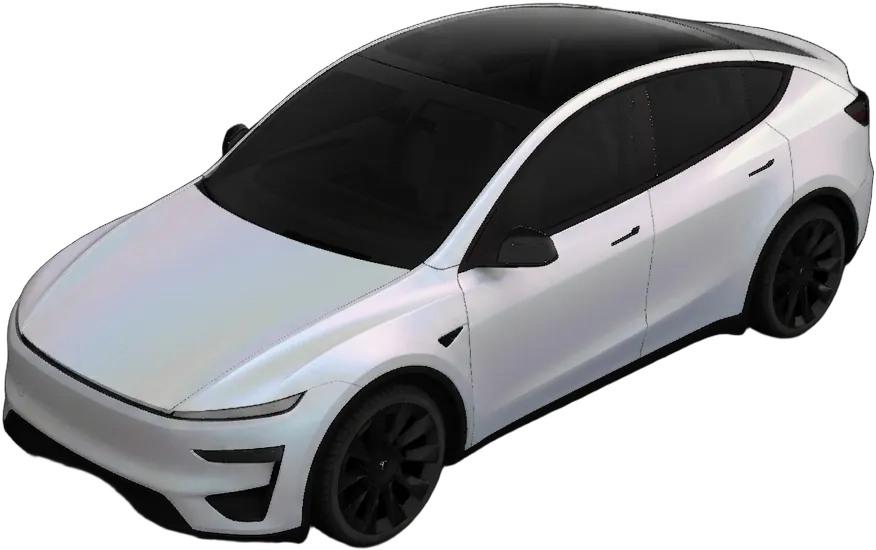
Short answer: WrapStudio's AI lock sound generator turns a short phrase into a custom Tesla lock sound, spoken in a voice you describe. Type what the car should say, describe the voice ("gruff pirate", "posh butler"), and you get a LockChime.wav that already meets the car's rules: five seconds or less, under 1 MB. It costs one credit with three free re-rolls, and the sound is private unless you choose to share it.
It's on the lock sounds page, next to the free library.
How it works
- Type the phrase. Up to 60 characters, such as "Locked. Try not to miss me." A meter estimates how long it will take to say in that voice and tells you if it won't fit in five seconds, before anything is charged.
- Describe the voice. Any character or accent you can put into words: a sleepy grandma, an Australian surfer, a grumpy wizard. Pick one of the base voices, or start from a preset.
- Create. The finished clip is checked against the car's rules on the server and again in your browser before you can save it.
- Re-roll if it isn't right. Each credit includes three free re-rolls, and a re-roll can change the phrase, the voice or the style.
- Save it as
LockChime.wavand put it on the car (below).
What it can and can't say
It speaks; it doesn't sing. A few things are refused before anything is generated, and nothing is charged when they are:
- Real people and named characters. Describe the voice instead: "a booming movie-trailer narrator", not an actor's name.
- Anything that sounds like an emergency, such as a siren or a call for help. A parked car shouting for help is a bad idea.
- Profanity, hate and sexual content.
- Styles that ask the voice to sing, repeat itself, spell things out or pause for a set time.
If a clip comes out longer than five seconds anyway, it isn't charged and doesn't use a re-roll.
What it costs
| What | Cost |
|---|---|
| One new sound | 1 credit |
| Re-rolls of that sound | 3 free |
| A failed or blocked generation | Free |
| On the Unlimited plan | Counts toward the monthly fair-use allowance instead of a credit |
Credit packs start at $2.99 and credits never expire, with no subscription needed. If you'd rather pay nothing, the free lock sound library has ready-made sounds in every style from funny to sci-fi.
Private unless you share it
People put their own names, their kids' names and in-jokes in these, so a new sound is private by default: only you get it. Tick Share on AI Voices before you create it, and it goes on the public AI Voices shelf, where anyone can find and download it, with your words as its title. Re-rolls keep whichever choice you made for that sound.
Put it on the car
Lock sounds still can't be sent from the Tesla app; they need a USB drive.
- Copy the file to the root of the drive (not into a folder) and make sure it's named exactly
LockChime.wav. - Plug the drive into the car.
- On the touchscreen, open Toybox → Boombox, turn on Lock Sound and choose USB.
The sound plays from the car's external pedestrian warning speaker, which Tesla started fitting around September 2019, so some older cars can't play lock sounds at all. Everything else that trips people up is in how to change your Tesla lock sound.
Ideas to start from
- A greeting that's yours. "Goodnight, Rosie" in a soft lullaby voice.
- Character, not caricature. "Arr, the ship be secured" as a gruff pirate.
- Seasonal. "Happy haunting" as a cackling witch for October, to go with the spooky shelf and a Halloween wrap. "Merry Christmas, see you soon!" as a jolly, booming old man for December; the Christmas ideas post has the wrap and light show to match.
Shorter is better. A two-second phrase plays the moment the car locks and doesn't get old by February.