Short answer: name a WAV file exactly LockChime.wav, keep it under 1 MB, and put it in the root of the USB drive in your car, not inside a folder. Then on the touchscreen go to Toybox → Boombox, turn on Lock Sound and choose USB. The next time you lock the car, it plays your sound instead of the chirp.
That's the whole feature. Below are the parts that trip people up, and a few things about it that most owners don't know.
Step by step
- Get a sound. Download one from our free lock sounds, which are already trimmed and converted, or make your own (see below).
- Name it
LockChime.wav. Exactly that. The car looks for one file with one name. - Copy it to the root of the USB drive. The drive that already holds your Dashcam and Sentry Mode footage works. Put the file at the top level, next to the
TeslaCamfolder, not inside it. - Plug the drive back in.
- On the touchscreen: open Toybox (you may need to look under the three-dot "All apps" menu in the dock), tap Boombox, turn on Lock Sound, and pick USB.
- Lock the car and listen.
Things most owners don't know
The length limit is really a size limit. Tesla doesn't publish a maximum length. It only says the file must be under 1 MB. A standard CD-quality stereo WAV uses about 176 KB per second, so it hits 1 MB at about 5.7 seconds. That's where the "five-second rule" everyone repeats comes from. Save it as mono and you get twice as long in the same size.
Your car needs a specific speaker. The sound plays through the external pedestrian warning speaker, which Tesla started fitting around September 2019. Older cars, and some built during the changeover, don't have one, and the Lock Sound option won't work without it.
You only get one at a time. Unlike custom wraps, where the car stores up to 20, there's no menu of lock sounds. To change it, replace the file on the drive.
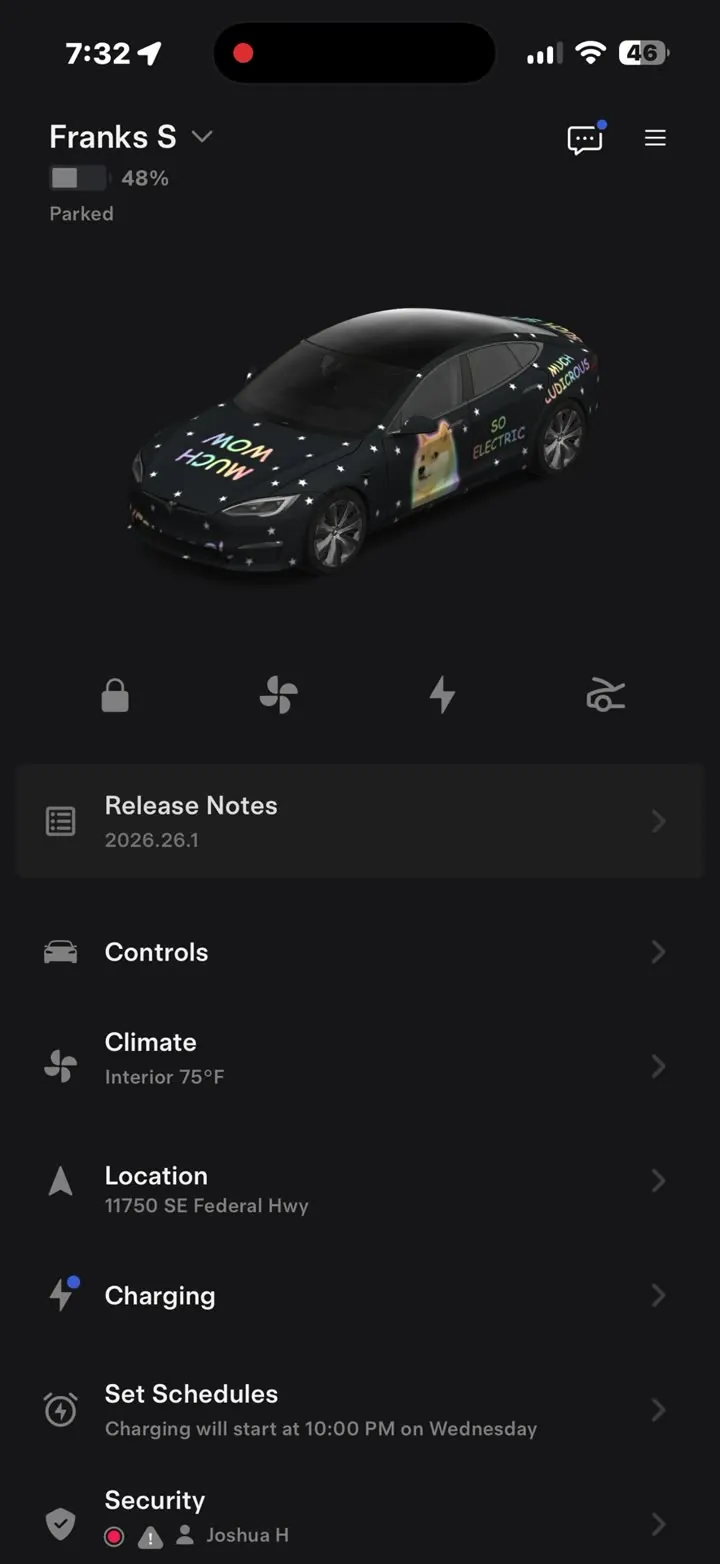
It still can't be sent from your phone. The summer 2026 update let you send custom wraps from the Tesla app, but lock sounds still need the USB drive and in-car setup.
Boombox is Park-only because of a recall. In February 2022 Tesla recalled 578,607 US cars and switched off Boombox while driving, because a sound played through the pedestrian warning speaker could drown out the warning that federal safety rules require at low speed. Lock sounds play when you walk away from a parked car, so they're unaffected.
Why your lock sound isn't working
In order of how often it's the cause:
- The file is in a folder. It has to be in the root of the drive, not inside
TeslaCamor a folder you made. - The name is off.
lockchime.wav,LockChime (1).wavorLockChime.wav.wav(a hidden extension on Windows) won't be found. - It's over 1 MB. Trim it, or re-save it as mono.
- It isn't really a WAV. Renaming an MP3 to
.wavchanges the name, not the format. The car needs an actual WAV file. - Lock Sound isn't set to USB. It's easy to turn the feature on and leave it on a built-in sound.
- The car has no pedestrian warning speaker. See above.
Make your own
Any short clip works: a voice note, a clip from a video, a sound effect. It just needs to be a WAV under 1 MB.
If you're comfortable with a terminal, the free tool ffmpeg does it in one line. This takes the first three seconds of any audio or video file and saves it as mono, CD-quality WAV:
ffmpeg -i input.mp3 -t 3 -ac 1 -ar 44100 -sample_fmt s16 LockChime.wav
That comes out at about 260 KB, well under the limit.
Two tips from building a library of 143 of these:
- Shorter works better. Our sounds average about 2.3 seconds. A long sound is still playing when you're halfway across the car park, and it gets old fast.
- Start on the sound. Trim any silence at the start so it plays the moment the car locks, not half a second later.
Where to find sounds
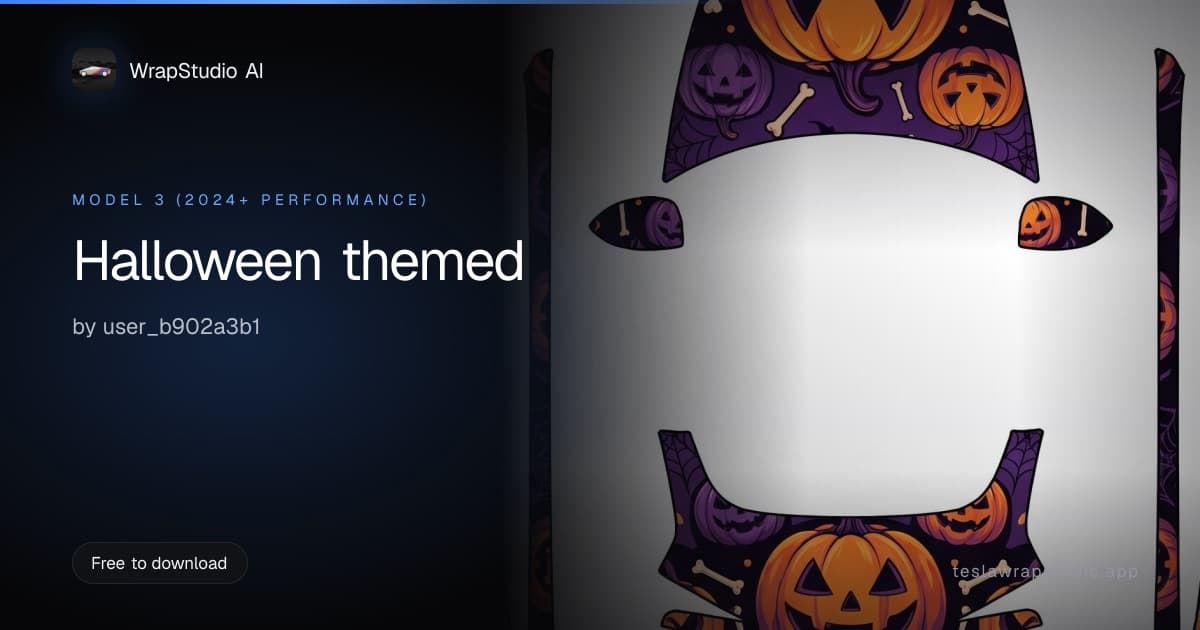
Our lock sound library has 143 free sounds in 12 collections, including funny, sci-fi, luxury, spooky and animals. Each one is already under the size limit and in the right format. Download it, rename it LockChime.wav, and you're done. For October, the spooky shelf pairs with a Halloween screen wrap.
While you're in Toybox, there's more you can change than most people realise. Here's the full list.