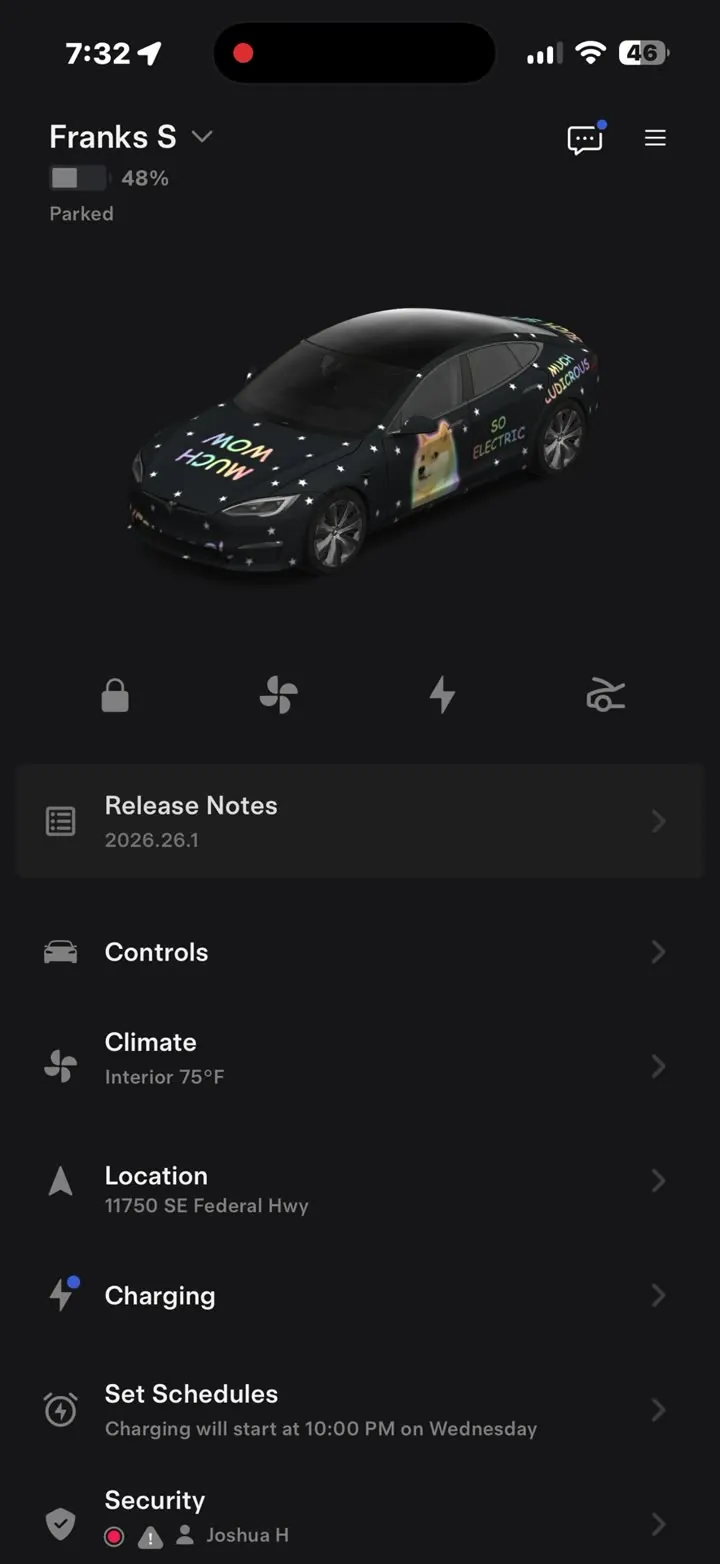
Short answer: the quickest Halloween upgrade for a Tesla is on the screen, not the paint. Download a spooky custom wrap, send it to the car from your phone, and pair it with a creaking-door or witch-cackle lock sound. It takes a few minutes, it costs nothing if you use a community design, and you can switch back on 1 November.
Here are Halloween designs you can download today, eight prompts for making your own, and the sounds to go with them.
Halloween wraps you can download now
Owners have already been making Halloween designs in the community gallery. Two good starting points:
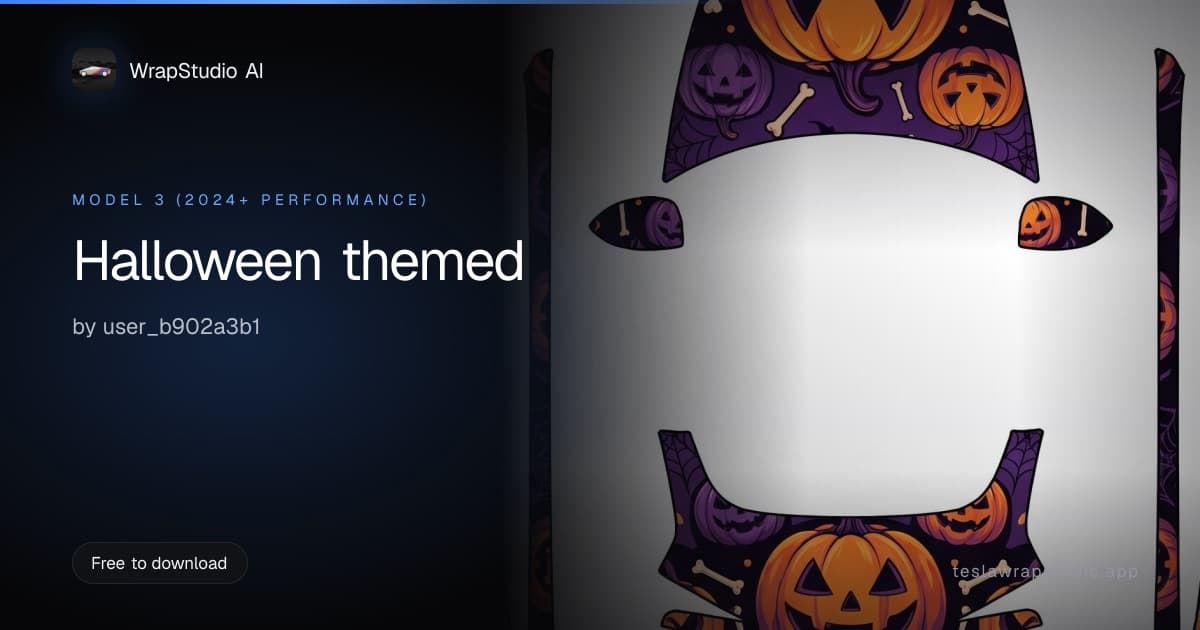
- Halloween themed: jack-o'-lanterns, bones and cobwebs on a deep purple base. Made for the 2024+ Model 3 Performance.
- Skull and crossbones: a big skull-and-bones motif on the hood and repeating skulls down the sides. Made for the 2025+ Model Y Performance.
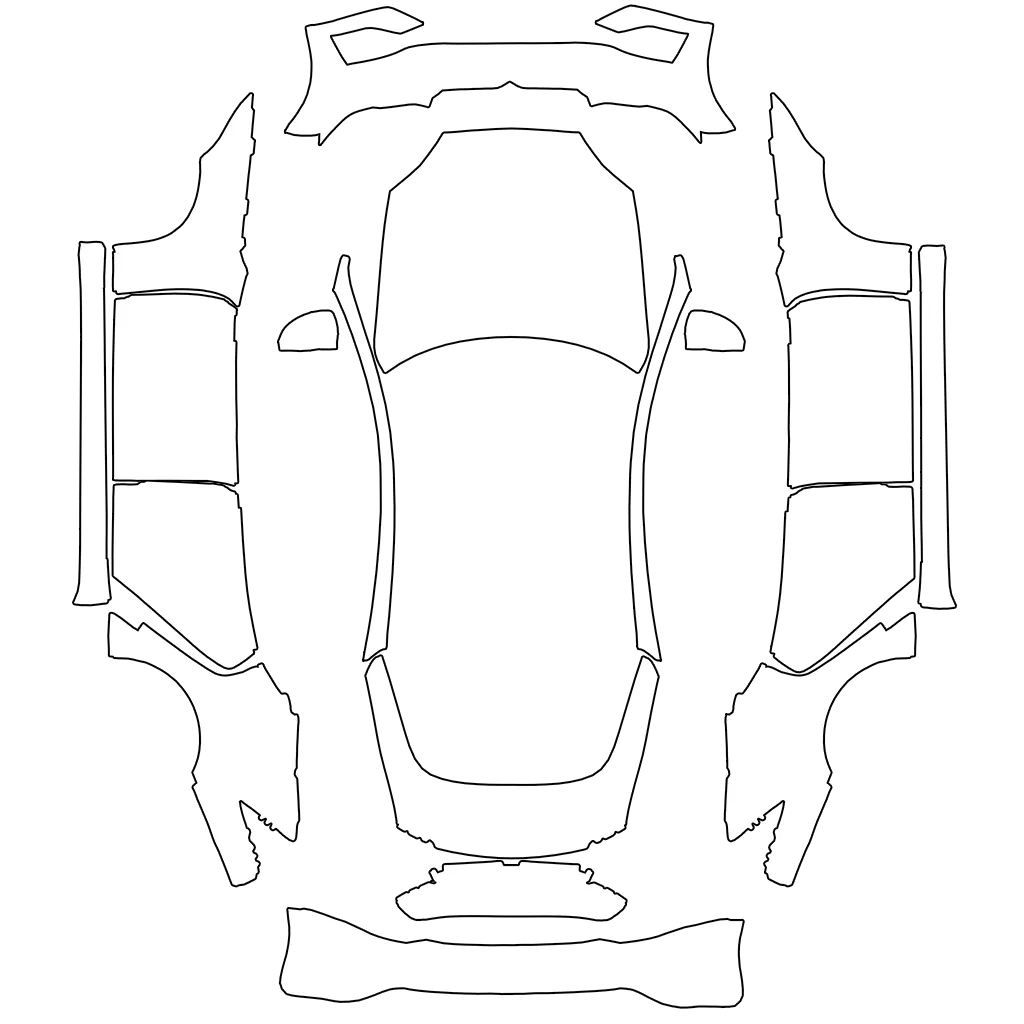
Every design is laid out on one model's template, so check the model named on the card before you download. A design made for a different car will land on the wrong panels. If the design you like was made for another model, open it and reuse its prompt on yours: every community page shows the prompt behind the design.
Downloading community designs is free. Search the gallery for "halloween", "pumpkin" or "skull" to see everything owners have shared so far.
Eight Halloween prompts to make your own
Describe a finish in the studio and it's painted straight onto your model's template. These prompts are written to be copied as they are, then tweaked:
| Look | Prompt to paste |
|---|---|
| Pumpkin patch | glossy deep purple base with scattered carved jack-o'-lanterns and tiny white bones, cobweb corners on the hood |
| Witch's night | matte black fading to acid green at the rear, flying witch silhouettes and a full moon on the hood |
| Subtle spooky | satin black with a thin orange pinstripe along the beltline and small bats near the mirrors |
| Haunted house | midnight blue gradient, a crooked haunted mansion silhouette across the doors, glowing yellow windows |
| Skeleton crew | matte charcoal with a white X-ray skeleton outline stretched along each side |
| Spider silk | gloss black with a silver spiderweb spreading from the centre of the hood across the fenders |
| Candy corn | bold horizontal bands of white, orange and yellow, glossy, like a candy corn sweet |
| Graveyard fog | dark teal to grey gradient with low drifting fog and faint tombstone silhouettes along the sills |
Original motifs (pumpkins, bats, fog, skeletons) come out more reliably than named film characters, and a design that's entirely yours is one you can share in the gallery. For more on writing prompts that work, see wrap design prompts that work.
Generating your own design uses credits. Credit packs start at $2.99 with no subscription, and credits never expire.
Put it on the car
On vehicle software 2026.26 or newer with the vehicle app 4.59.0 or newer, you can send a wrap from your phone: in the app, go to Creations → Wrap (or the Wraps tab on older vehicles), tap Upload, pick the image and choose Upload & Apply Wrap. The phone upload walkthrough shows the whole thing in 35 seconds.
On older software, the same file goes in a Wraps folder on a USB drive and loads from Toybox → Paint Shop → Wraps.
If it doesn't show up, it's almost always the file. The troubleshooting guide goes symptom by symptom.
The car keeps up to 10 wraps from the app, so your everyday design doesn't need deleting. Switch back to it from Paint Shop in November.
Add a spooky lock sound
A Halloween wrap is mostly seen by you. A lock sound is heard by everyone on the street.
The Spooky & Seasonal shelf has creaking doors, witch cackles and a ghostly whoosh, already trimmed and converted to the format the car needs. Save your pick as LockChime.wav in the root of the USB drive, then turn it on under Toybox → Boombox → Lock Sound → USB. The full rules, and why some cars can't play lock sounds at all, are in how to change your Tesla lock sound.
The same shelf has sleigh bells for December.
Want it on the real car?
A full Halloween vinyl wrap for one month is hard to justify. Two things people do instead:
- Go partial. A printed hood, roof or mirror caps can go on for the season and come off afterwards. Partial wraps covers which combinations look intentional.
- Live with it on screen first. If a design still makes you smile in November, it might be the look you want all year. The exported file is what an installer works from; see how to hand a design to an installer.
Either way, start with the screen. It's the cheapest full-size mockup you'll ever get.