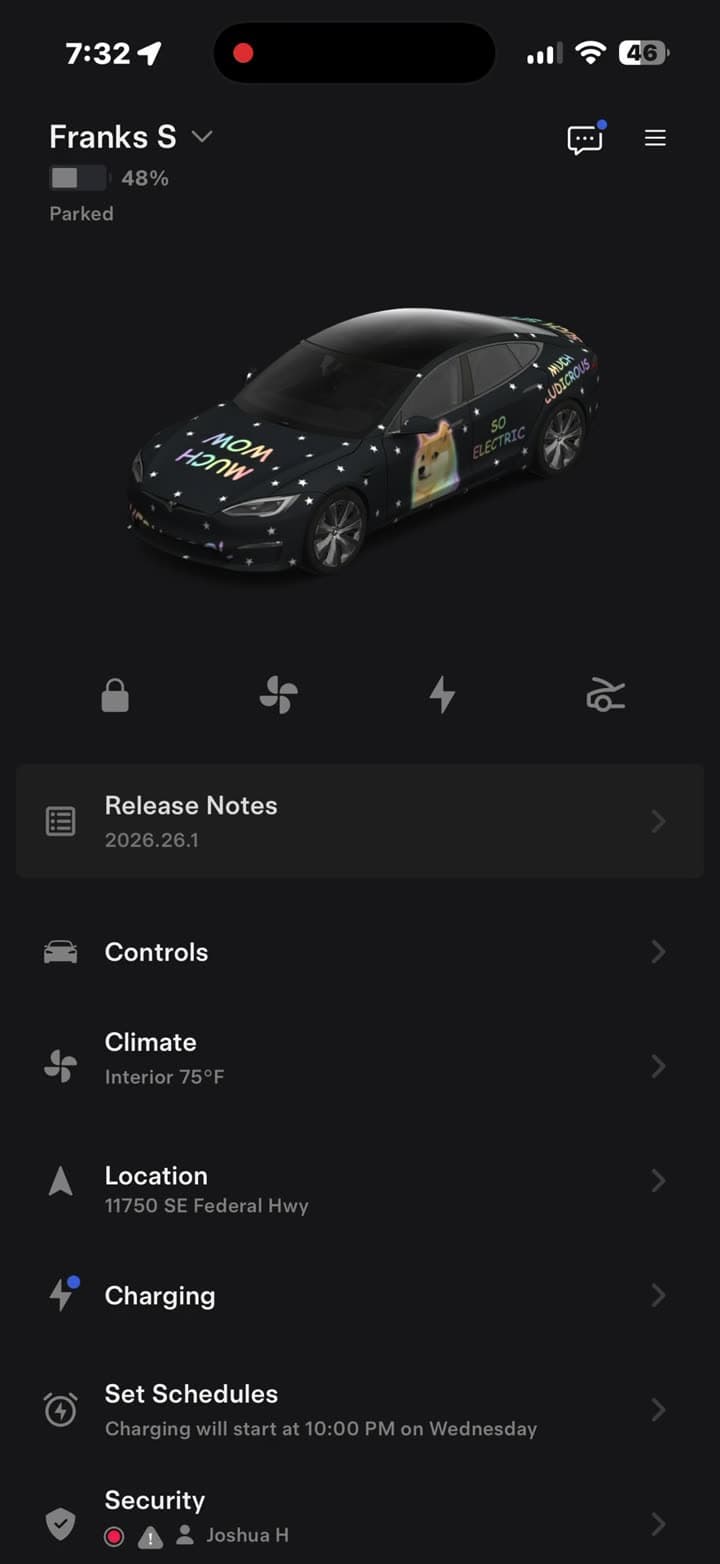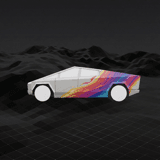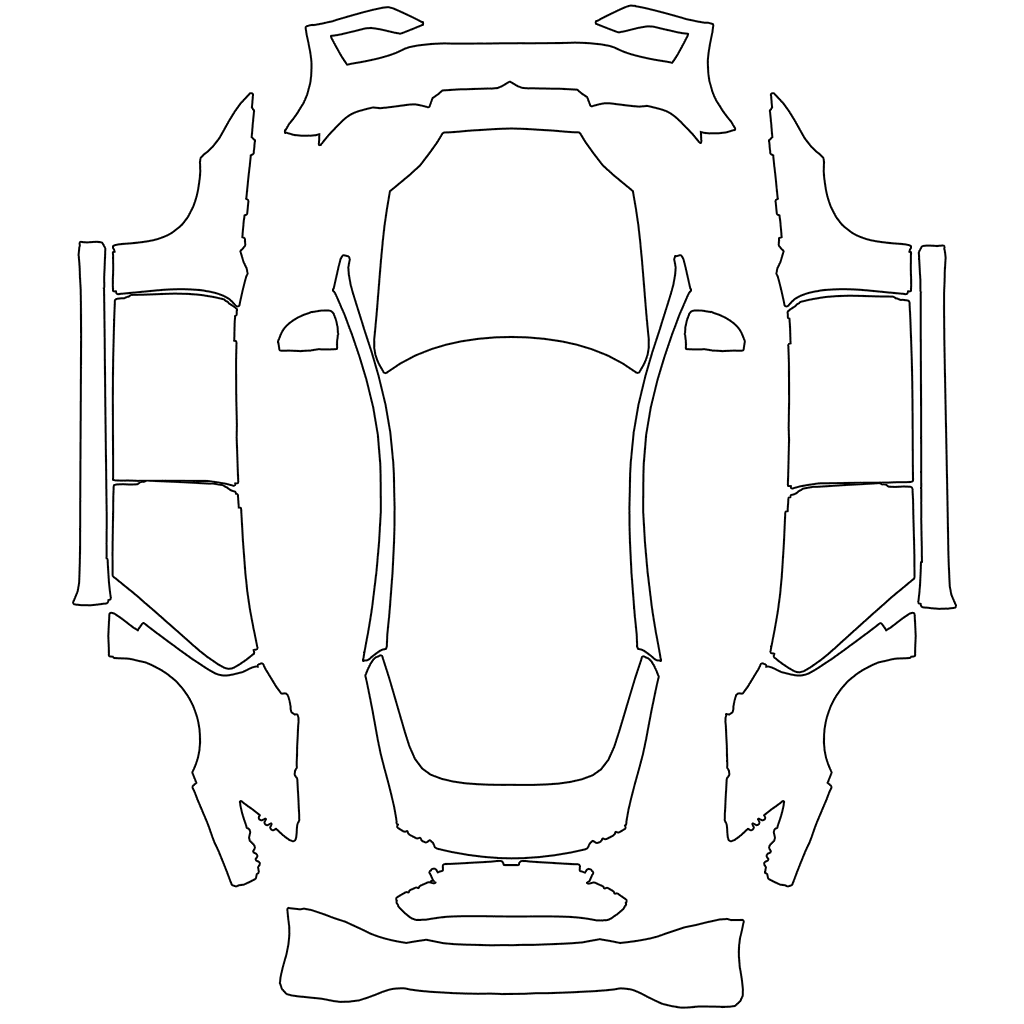
Short answer: Tesla publishes the official blank wrap template for every model on GitHub, free, and there are 12 of them, not one per model. Pick the one that matches your exact car, paint inside the white areas, save it as a PNG between 512×512 and 1024×1024 pixels under 1 MB, and send it to the car from the Tesla app or a USB drive.
Most people who say their wrap "came out scrambled" used the wrong one of those 12.
What a wrap template actually is
A template isn't a picture of your car. It's the car's body unfolded flat, like a paper model before you fold it. Each shape on the sheet is one panel: the hood, the roof, each door, the bumpers, the mirrors.
When you load a design, the car's 3D model wraps that flat image back around itself. Whatever you painted on the hood shape lands on the hood. Paint a stripe that crosses from the hood shape into empty space and it simply disappears, because nothing on the car maps to that space.
That's also why a photo of a wrapped car doesn't work as a wrap. It uploads fine and then renders as nonsense, because the car tries to fold a photo along panel lines that aren't there.
All 12 official templates
| Vehicle | Template to use |
|---|---|
| Model 3, before the 2024 refresh | Model 3 |
| Model 3 2024+, Standard and Premium | Model 3 (2024+) |
| Model 3 2024+ Performance | Model 3 (2024+) Performance |
| Model Y, before the 2025 refresh | Model Y |
| Model Y 2025+ Standard | Model Y (2025+) Standard |
| Model Y 2025+ Premium | Model Y (2025+) Premium |
| Model Y 2025+ Performance | Model Y (2025+) Performance |
| Model Y L | Model Y L |
| Model S 2021+ | Model S (2021+) |
| Model S 2025+ Plaid | Model S (2025+) Plaid |
| Model X 2021+ | Model X (2021+) |
| Cybertruck | Cybertruck |
Source: teslamotors/custom-wraps, Tesla's own repository.
The three mix-ups we see most
Refreshed vs original Model 3. The 2024 refresh (the car many owners call Highland) changed the front and rear bumpers, so its panels sit in different places on the sheet. An original-shape Model 3 design on a 2024+ car puts your bumper artwork in the wrong place.
Performance vs non-Performance. Performance versions of the 2024+ Model 3 and 2025+ Model Y have their own bumpers and trim, and their own templates. Same body, different sheet.
Which 2025+ Model Y. The refreshed Model Y (with the full-width light bar front and back) has three separate templates: Standard, Premium and Performance. If you're not sure which you have, each template folder on GitHub includes a picture of the car it fits: compare the bumpers and wheels with yours. Our Model Y refresh guide has more on what changed.
If a design renders with a door painted on the roof, or a logo cut in half at a panel gap, check the template before anything else.
How to use a template
- Download the template for your car from the table above. You'll get a PNG with white shapes on a transparent background.
- Paint inside the white areas. Anything outside a shape won't show on the car. Keep logos and text away from the edges of a shape, where panels meet.
- Save as PNG. Don't flatten it to JPEG, which drops the transparency.
- Check the file against the spec below.
- Send it to the car. In the Tesla app (4.59.0 or later), go to Creations → Wrap → Upload. Or use a USB drive with a folder called
Wrapsat the root. - Apply it on the car's touchscreen under Toybox → Paint Shop → Wraps.
The phone route has only existed since the summer 2026 update. Here's that flow in a 35-second video.
The file spec
| Requirement | Limit |
|---|---|
| Format | PNG |
| Size | 512×512 to 1024×1024 pixels |
| File size | 1 MB or less |
| Filename | Up to 30 characters: letters, numbers, underscores, dashes, spaces |
| How many | Up to 10 from the app, plus up to 10 from USB |
Tesla recommends keeping your file at the template's own size. Scaling a design up past 1024 pixels is the most common reason a file is rejected. The second most common is a long auto-generated filename with dates and colons in it.
For a USB drive, format it as exFAT, FAT32, MS-DOS FAT, ext3 or ext4 (not NTFS), and keep map and firmware update files off it.
Don't want to paint it yourself?
Painting a wrap by hand in an image editor takes a while, because you're drawing on a flattened car and can't see the result until it's on the screen. Two faster routes:
- Describe it. In the studio you type what you want ("matte black with a gold pinstripe down the rocker panels") and it's painted straight onto the right template for your model. It's placement-ready without you touching the sheet.
- Download one. The community gallery has hundreds of finished designs, sorted by model and free to download.
Either way you end up with the same kind of file: a template-mapped PNG the car accepts as-is. The same file is also what a vinyl installer needs if you decide to make it real.